Notepen: Notes & Planner
Handwriting, Sketch & Notebook
Designed for iPhone, iPad
Free
- Age rating4+
- CategoryProductivity
- DeveloperHamdi Tug
- LanguagesEnglish+ 24 more
- Size5.3 MB
Links to the official App Store page
Download.org hosts no file of Notepen: Notes & Planner. The button opens its official App Store page, published by Hamdi Tug. Listing last checked on Nov 24, 2026.
Screenshots

About
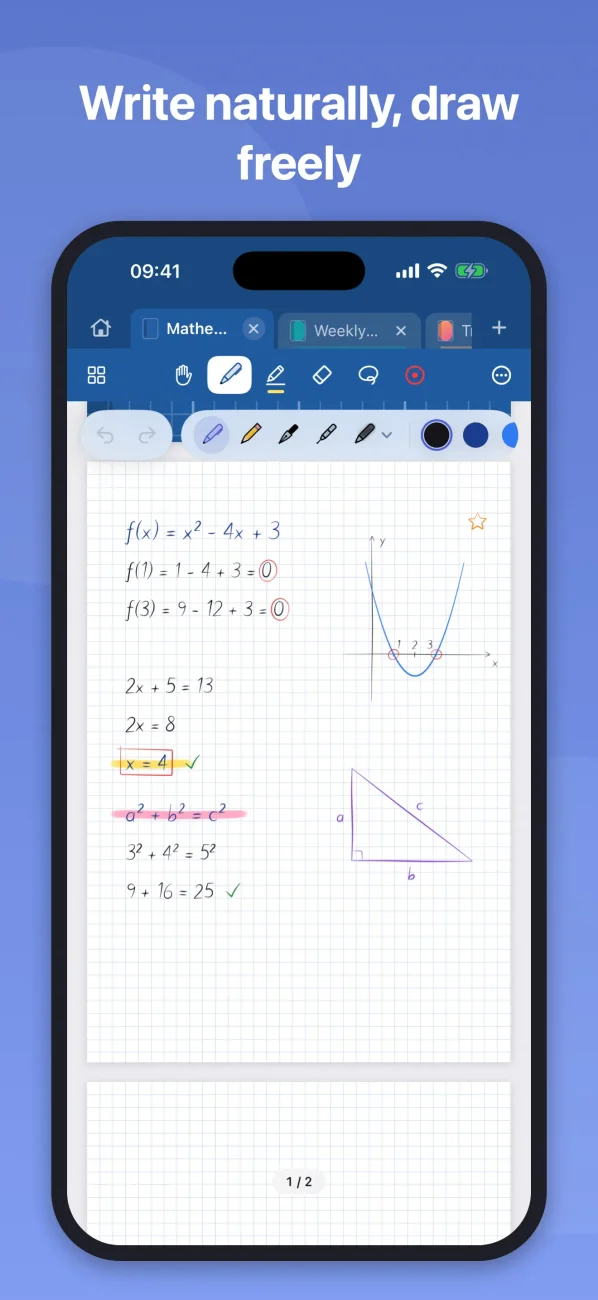
Notepen brings the feel of a paper notebook to your iPad and iPhone. Write, sketch and plan with Apple Pencil on pages that look like real paper.
NEW IN 1.2
• Sticky notes on the edge of any page: tap one to open it and write inside
• Import PDFs and write, highlight and draw on them
• Turn handwriting into text, right where you wrote it
• Text tool with 15 fonts
• Add photos and files of any kind anywhere on the page
• Lasso: move, duplicate or delete everything you circle at once
• Handwriting help: stabilizer, beautify and shape correction
• Save a page or a whole notebook to Files as a PDF or an image
• Voice notes for your notebooks
• Hand tool: scroll and browse without writing
SPECIAL PENS, READY-MADE NOTEBOOKS AND A LASER POINTER
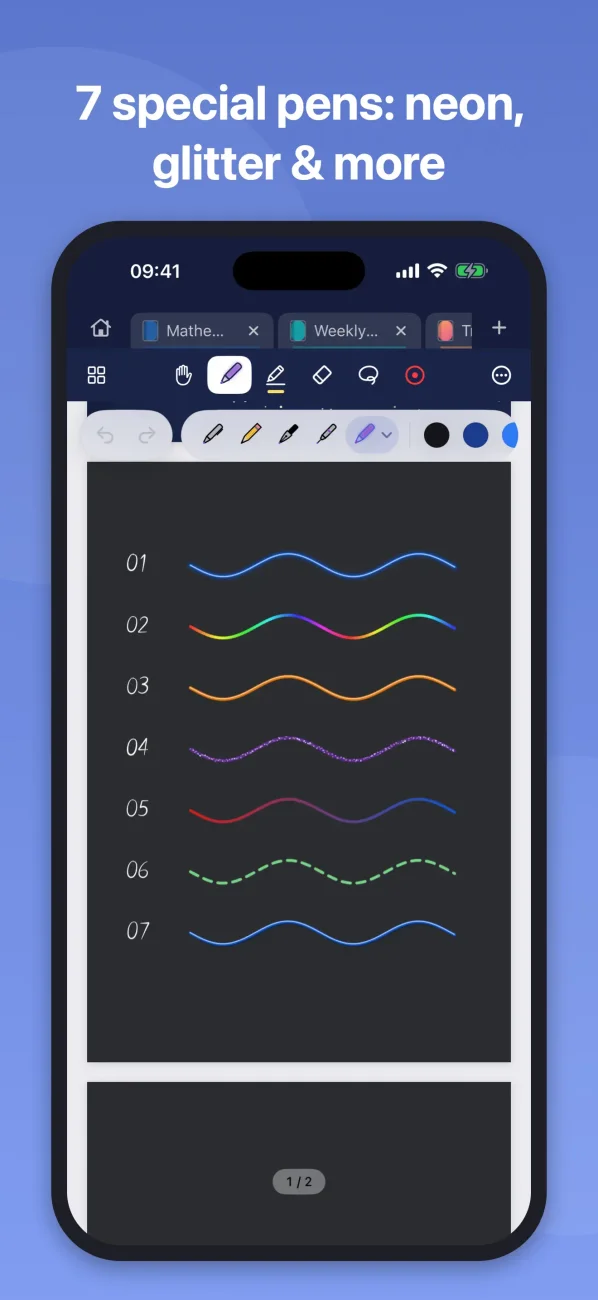
• 7 special pens: neon, rainbow, metallic, glitter, gradient, dashed and embossed
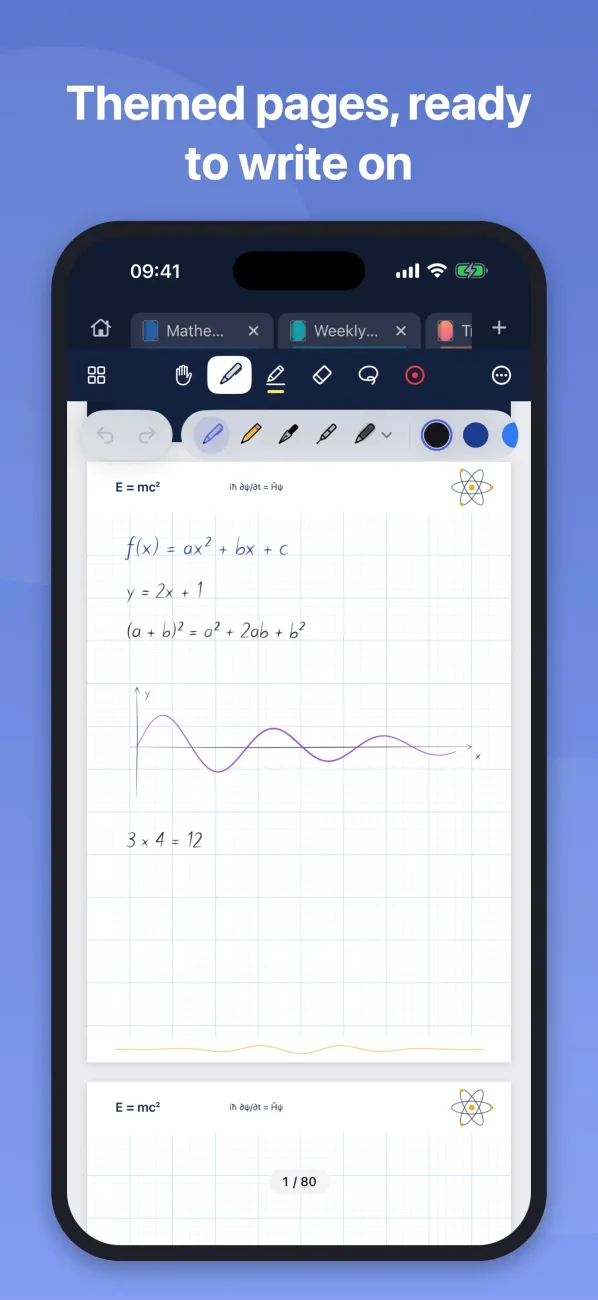
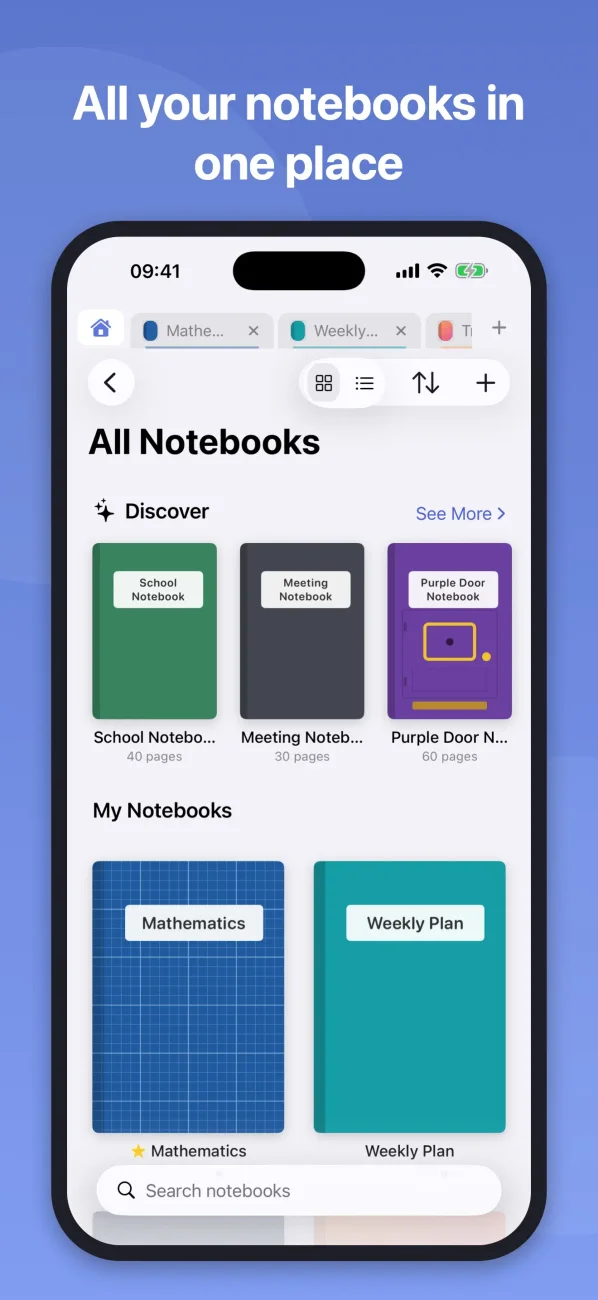
• Discover: ready-made themed notebooks, planners, calendars and journals — name them as you like
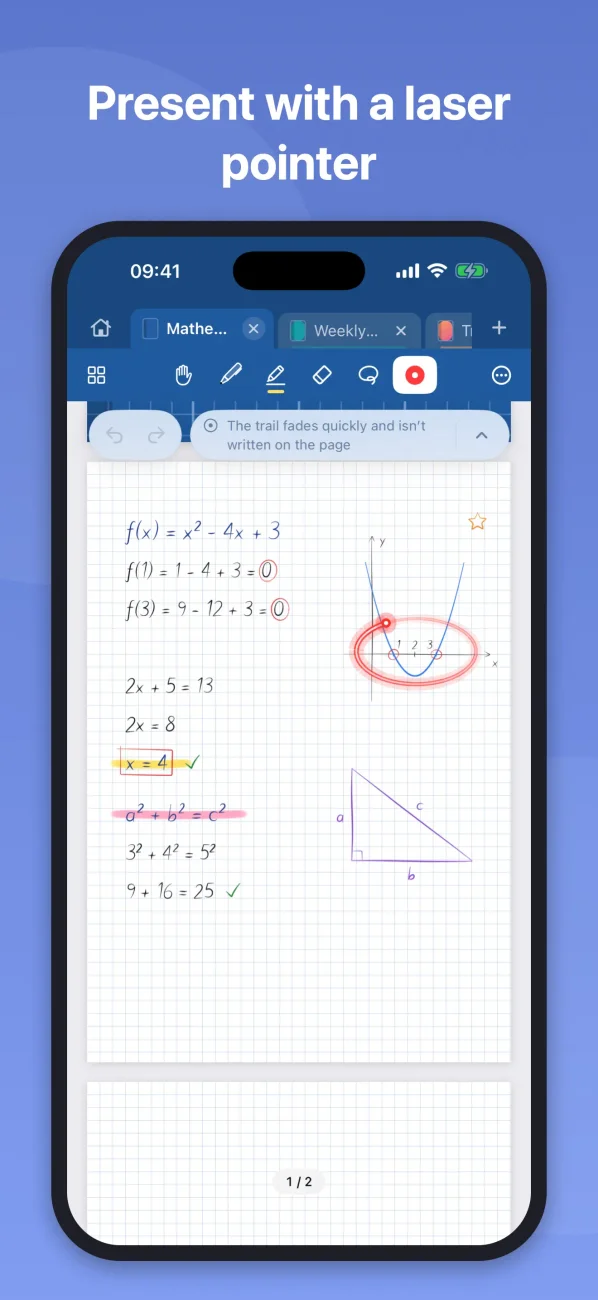
• Laser pointer: present your notes with a glowing trail that fades away
WRITE NATURALLY
• Ballpoint, pencil and fountain pen, highlighter, eraser, lasso and ruler
• Palm rejection: rest your hand on the screen while you write
• Fine control of width and opacity, custom colors
TEMPLATES FOR EVERYTHING
• Ruled, grid, dotted, Cornell and music staff pages
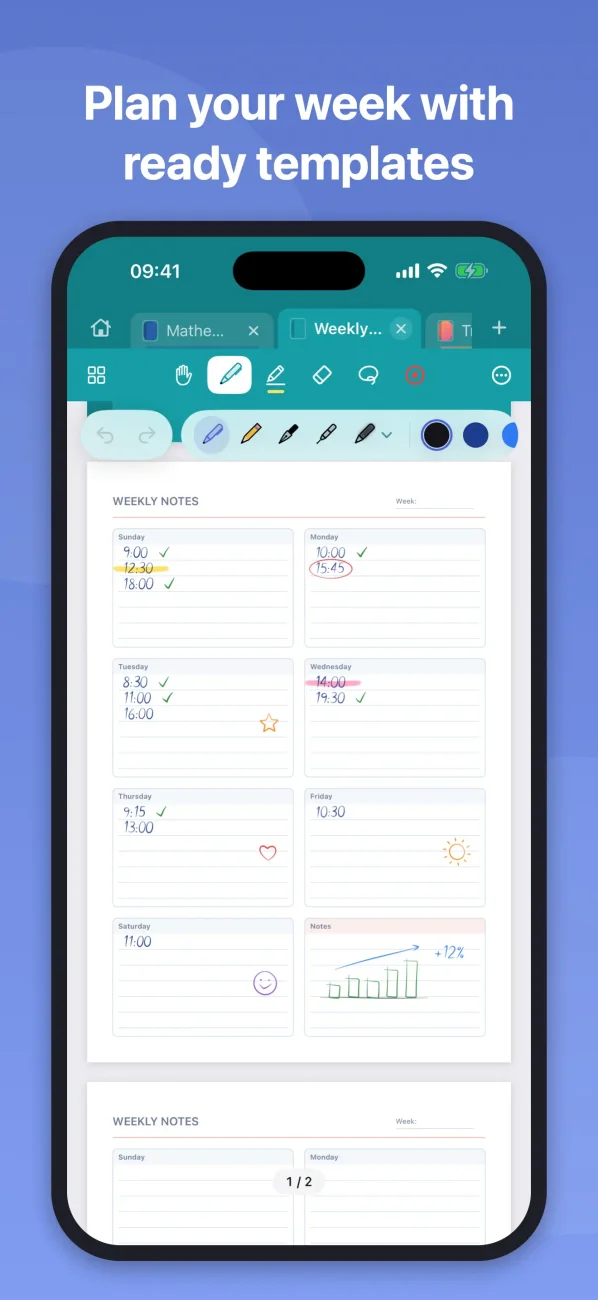
• Daily, weekly and monthly planners, sprint plan, meeting notes, habit tracker and priority matrix
• A4, A5 and A6 in portrait or landscape, shown at their real size
MAKE IT YOURS
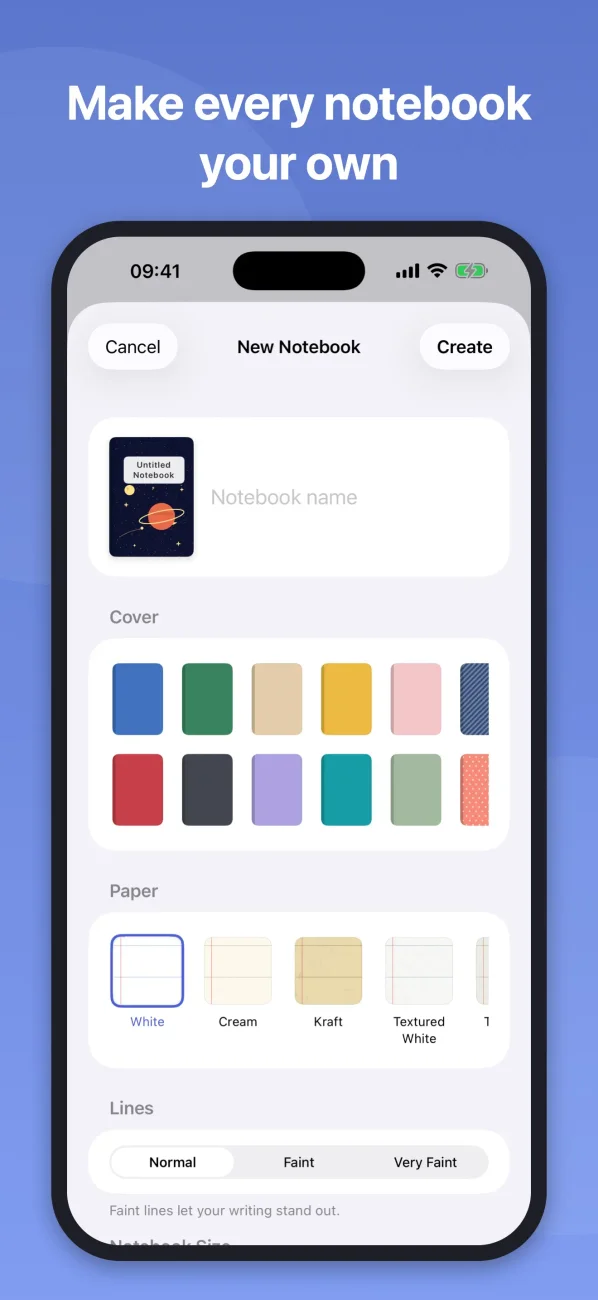
• 24 covers; white, cream, kraft, textured or dark paper
• Adjustable line intensity so your writing stands out
STAY ORGANIZED
• Open notebooks in tabs and switch with a tap
• Folders, favorites and search
• Add, duplicate and delete pages; lock the zoom
SHARE, STAY PRIVATE
• Export any notebook as a PDF
• Everything is stored on your device. No account, no ads, works offline.
Available in 25 languages.
What’s new
Version 1.2 · Nov 11, 2026
• Sticky notes on the edge of any page: tap one to open it and write inside
• Import PDFs and write, highlight and draw on them
• Turn handwriting into text, right where you wrote it
• Text tool with 15 fonts
• Add photos and files of any kind anywhere on the page
• Lasso: move, duplicate or delete everything you circle at once
• Handwriting help: stabilizer, beautify and shape correction
• Save a page or a whole notebook to Files as a PDF or an image
• Voice notes for your notebooks
• Hand tool: scroll and browse without writing
• PDFs with hundreds of pages now open and scroll without stuttering.
App privacy
What Hamdi Tug declares on the App Store about how this app handles data.
-
Data not linked to you
May be collected but is not linked to your identity.
- Usage data
Privacy practices may vary, for example with the features you use or your age.
Information
- Seller
- Hamdi Tug
- Category
- Productivity
- Version
- 1.2
- Updated
- Nov 11, 2026
- Released
- Oct 11, 2026
- Size
- 5.3 MB
- Requires
- iOS 17.0 or later
- Age rating
- 4+
- Price
- Free
- Languages
- English, Czech, Danish, Dutch, Finnish, French, German, Greek, Hindi, Indonesian, Italian, Japanese + 13 more
- Copyright
- © 2026 Hamdi Tug
You might also like
-
 Noteora - Notes & HandwritingWrite, Sketch & Export to PDF
-
 Simplify Notes: PDF NotebookHandwriting, Notes & Study
-
 Journal: Notes, PDF & PlannerDaily Diary & Digital Notebook
-
 AINotes: Note Taking & PDFHandwriting & Infinite Canvas
-
 NoteApp, Mindmap, PDF: InkNodeNote-taking & Handwriting App
-
 ScribblePad: Notes & PDFHandwriting notes & PDF markup
-
 Pentip: Notes, Sketch & PDFPro Notes, Sketch & PDF Markup
-
 Weekly Planner: ClassicDaily Agenda & Paper Journal
-
 OpenNotes: Notes & PDF MarkupHandwriting, PDFs, no account
-
 Pencil - PDF Notes with PencilHandwrite, Type, Draw, Mark Up