
- Age rating4+
- CategoryProductivity
- DeveloperASUSTek
- LanguagesEnglish+ 28 more
- Size128.3 MB
Links to the official App Store page
Download.org hosts no file of ASUS GlideX. The button opens its official App Store page, published by ASUSTek. Listing last checked on Nov 26, 2026.
Screenshots

About
It's so easy to improve your efficiency with this convenient tool. Enjoy the amazing experience on any screen, on any device, anywhere!
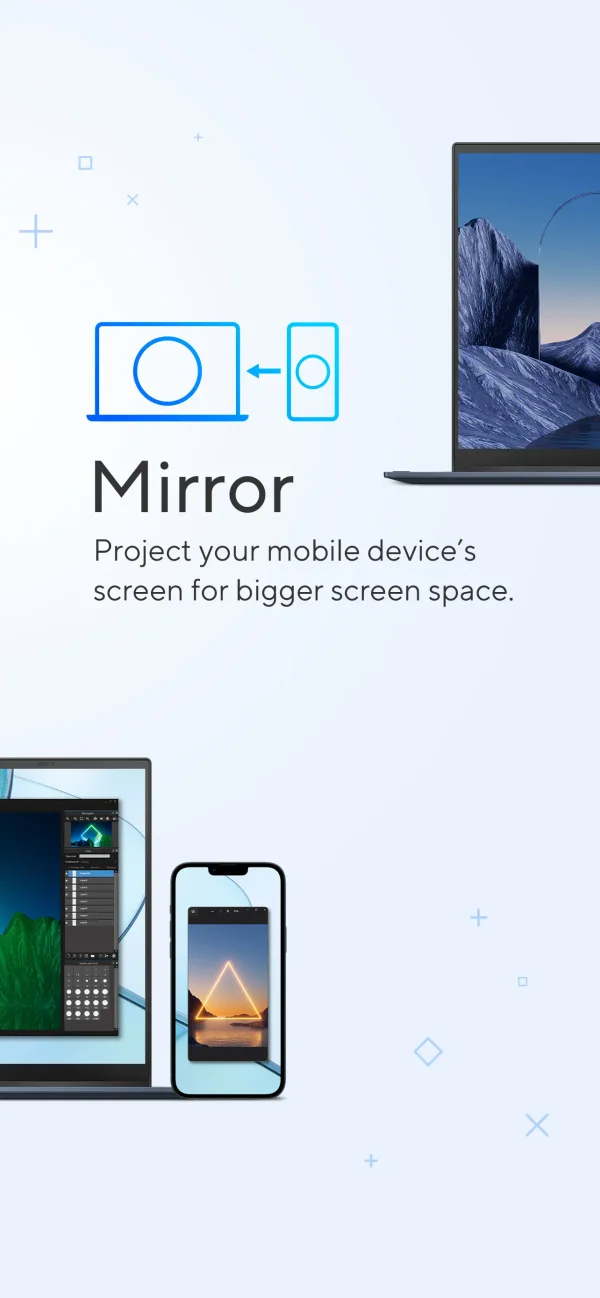
[Screen Mirror]
Mirror your phone’s screen on your PC so you can use your PC's keyboard and mouse to navigate and input text instead of relying your phone's small screen virtual keyboard. Not only will your productivity improve significantly, you will also have a richer and less constrained visual experience.
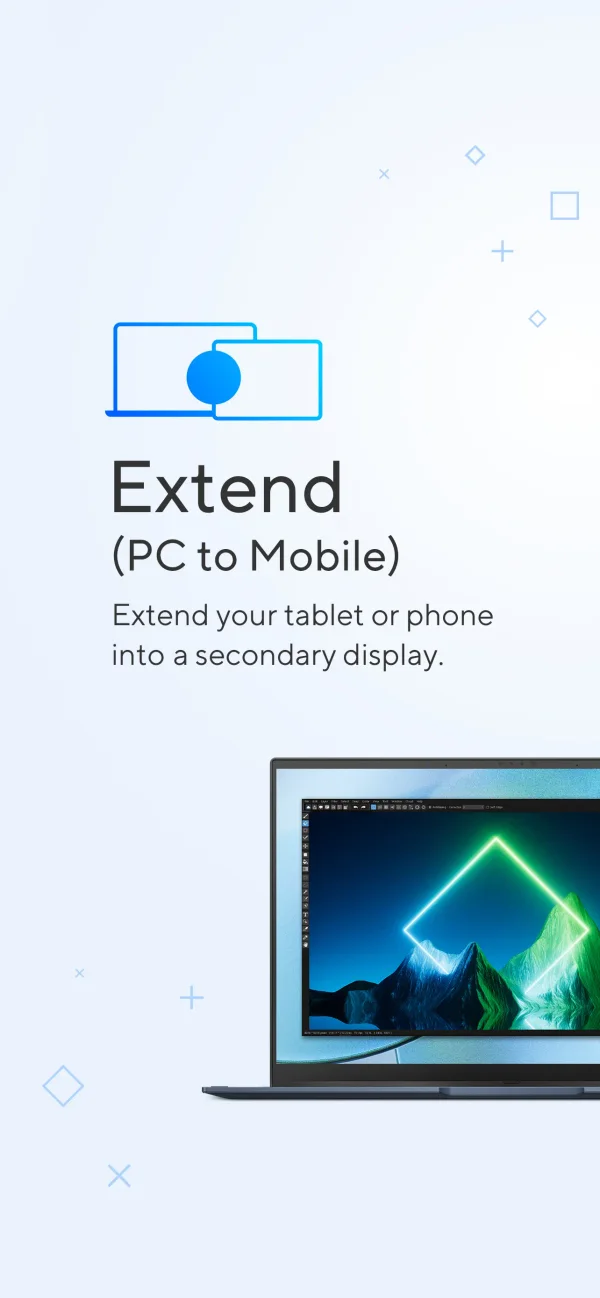
[Screen Extend]
Use your phone or tablet as a secondary display on-the-go for dual-display convenience. This feature expands your space and can be exceptionally useful when you need to cross-reference multiple documents or visuals. Multitasking has never been easier.
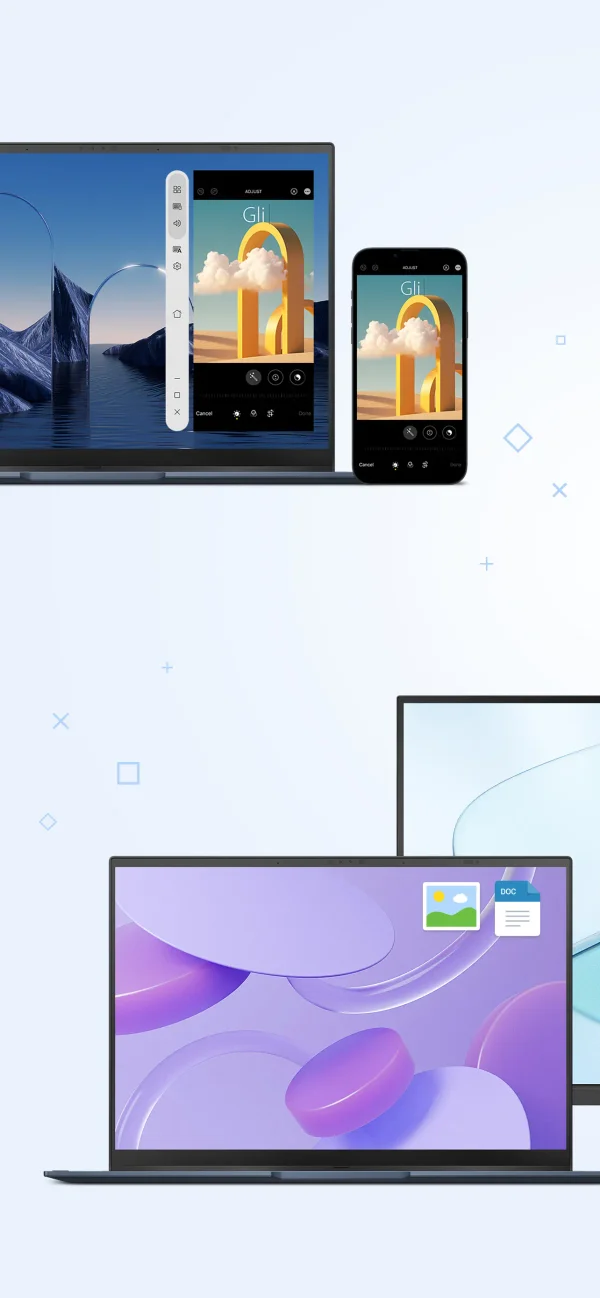
[Unify Control]
Unify Control lets you control different devices and transfer files from one PC with a single mouse and keyboard, across different OSes, so you don’t need to switch between devices.
* Support Wi-Fi and/or USB to connect mobile devices to the PC.
* GlideX mobile app must be used together with GlideX for Windows (Win 10/11)
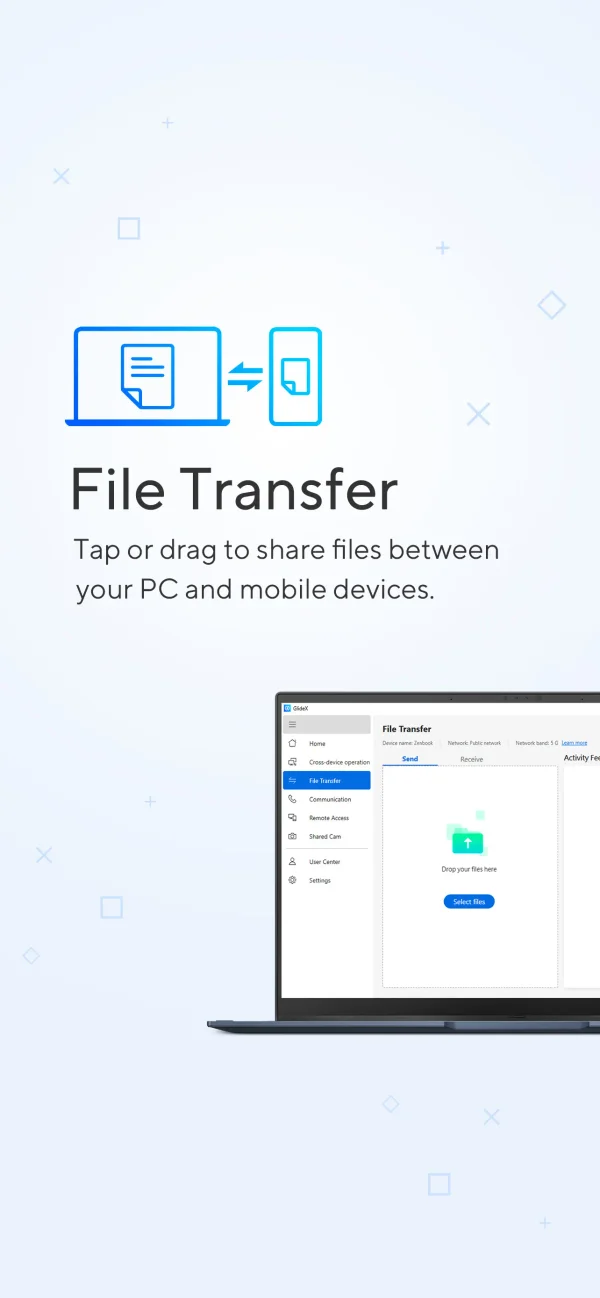
[File Transfer]
Simply drag and drop to send files to other PCs or mobile devices in the blink of an eye. It is many times faster than the traditional Bluetooth file transfer, with a user-friendly drag and drop experience to ensure seamless transfer among devices.
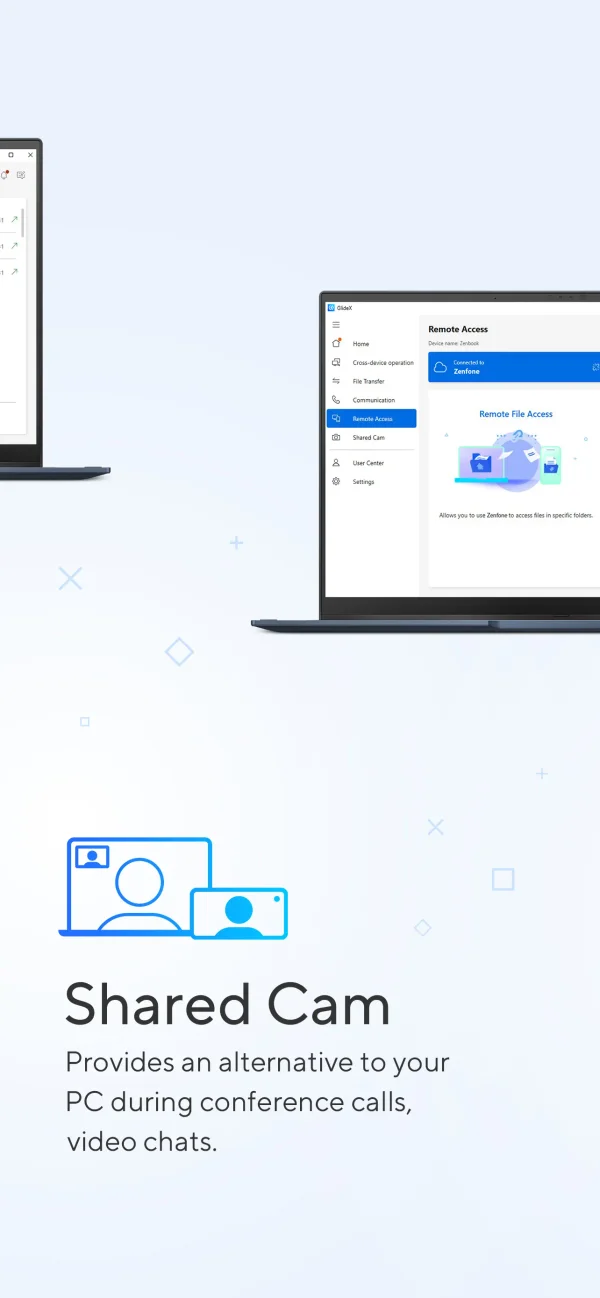
[Shared Cam]
Turn your mobile device camera into a webcam. Simply select “GlideX – Shared Cam” as the video source in your PC video conference app, then you can easily enjoy seamless webcam sharing.
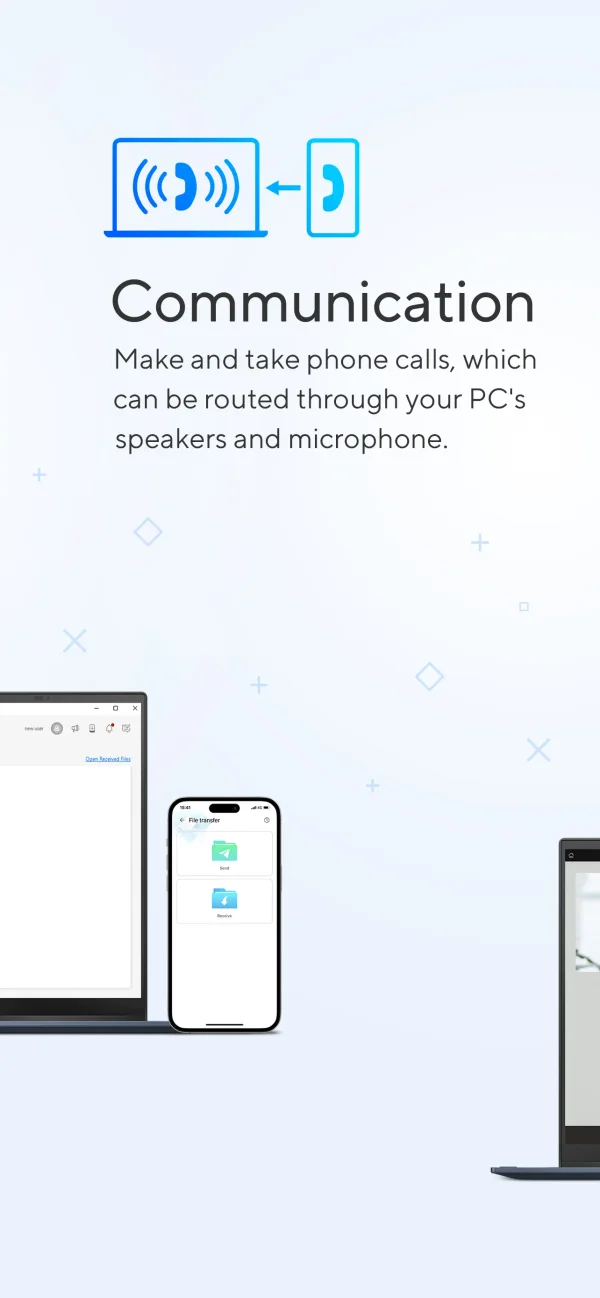
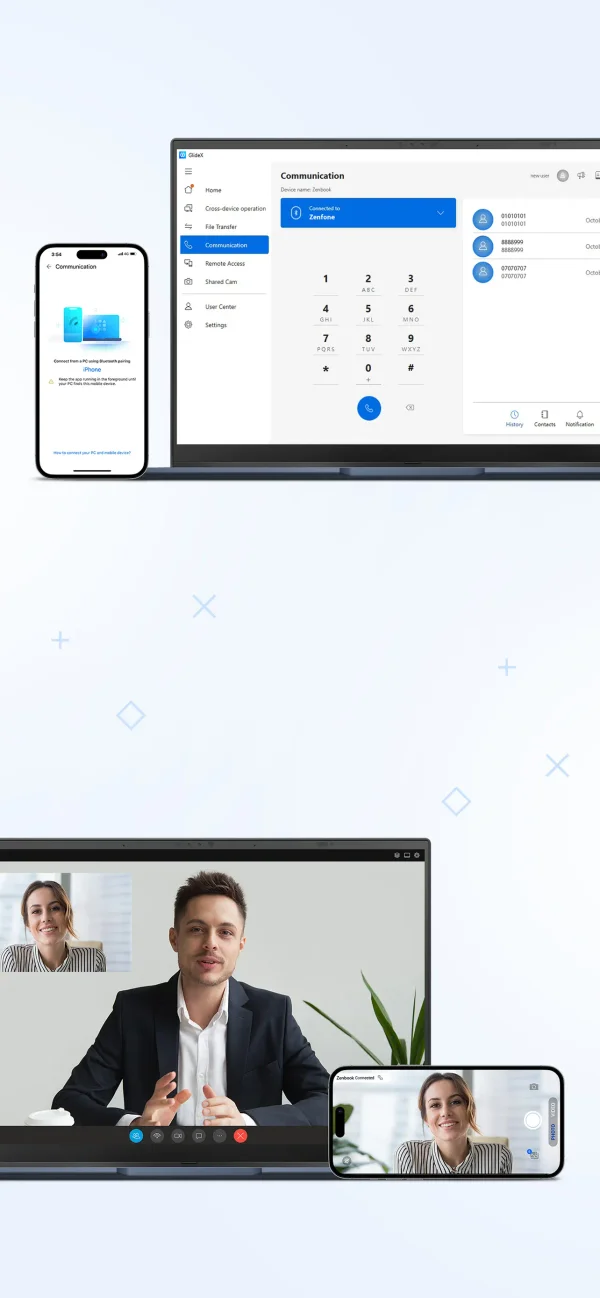
[Hands-Free Phone Calls]
Make and take phone calls, which can be routed through your PC’s speakers and microphone. You can also access your phone’s contacts on your PC, so you can search for contacts and call them directly. There's no need to dig out your phone from your bag or pocket!
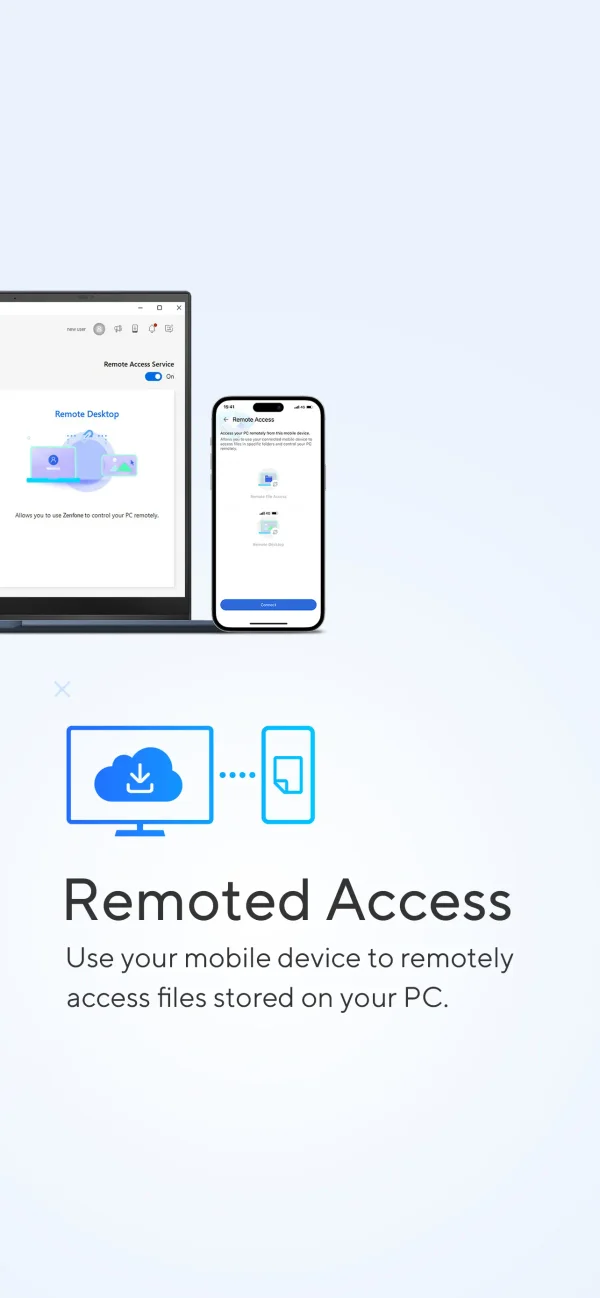
[Remote Access]
Use your mobile device to remotely access files stored on your ASUS PC and use your PC as a personal cloud replacement, which can be accessed from your mobile device, anywhere and anytime. Remote Access, including Remote File Access and Remote Desktop, can be extra beneficial for commercial users who need access to office files when on business trips or working from home.
* Remote Desktop is not supported on Windows 10 Home edition.
[URL Share]
Simply click the Share icon in your PC's browser, and then click GlideX. A link to the webpage currently displayed will be instantly sent to another PC or a connected mobile device — where it will open automatically for seamless on-the-go convenience.
GlideX for Windows link: https://www.microsoft.com/store/apps/9PLH2SV1DVK5
Learn more at ASUS Software Webpage: https://www.asus.com/content/GlideX/
What’s new
Version 4.3.1 · Nov 10, 2026
- UI improvements
- Bug fixes and stability enhancements
App privacy
What ASUSTek declares on the App Store about how this app handles data.
-
Data linked to you
May be collected and linked to your identity.
- User content
- Identifiers
-
Data not linked to you
May be collected but is not linked to your identity.
- User content
- Usage data
- Diagnostics
Privacy practices may vary, for example with the features you use or your age.
Information
- Seller
- ASUSTek
- Category
- Productivity
- Version
- 4.3.1
- Updated
- Nov 10, 2026
- Released
- Dec 14, 2021
- Size
- 128.3 MB
- Requires
- iOS 15.0 or later
- Age rating
- 4+
- Price
- Free
- Languages
- English, Arabic, Czech, Danish, Dutch, Finnish, French, German, Greek, Hebrew, Hungarian, Indonesian + 17 more
- Copyright
- © ASUSTeK COMPUTER INC. All rights reserved.
You might also like
-
 spacedesk - USB Display for PCPortable Multi Monitor Display
-
 Duet DisplayBe Twice As Productive
-
 KDE ConnectCommunication Between Devices
-
 Elgato Stream Deck MobileTap to control your desktop
-
 AirDisk: File ManagerWireless Photos & Documents
-
 EasyCanvas -Graphic tablet AppDigitizer app for iPad
-
 RealVNC Viewer: Remote DesktopProductivity
-
 UTM Remote Virtual MachinesRemote desktop for VMs
-
 DeskIn Remote DesktopAccess any device from mobile
-
 AirDroid - File Transfer&ShareYour cross - OS file transfer