
AirPlay Cast
Cast everything to big screen
Designed for iPhone, iPad, iPod touch
Free · In-app purchases
- Age rating4+
- CategoryPhoto & Video
- DeveloperTaro Aso
- LanguagesEnglish
- Size28.8 MB
Links to the official App Store page
Download.org hosts no file of AirPlay Cast. The button opens its official App Store page, published by Taro Aso. Listing last checked on Nov 27, 2026.
Screenshots



About
A Practical Way to Share Your Phone on Bigger Screens
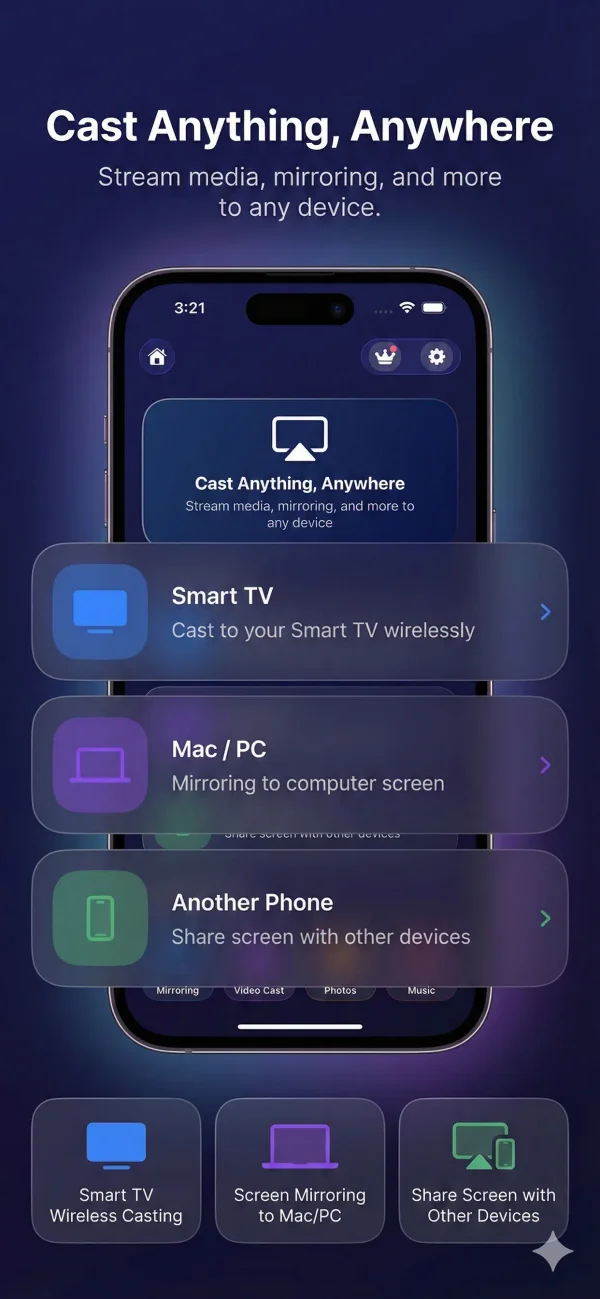
This app is designed for people who want a straightforward and stable way to display phone content on larger screens at home or at work. Instead of complex setups or unnecessary features, the app focuses on reliable casting, smooth screen mirroring, and simple control across everyday devices.
Whether you’re watching videos, sharing personal moments, or presenting content, the app helps you move what’s on your phone to the screen everyone can see.
What You Can Do with the App
Cast Personal & Online Content
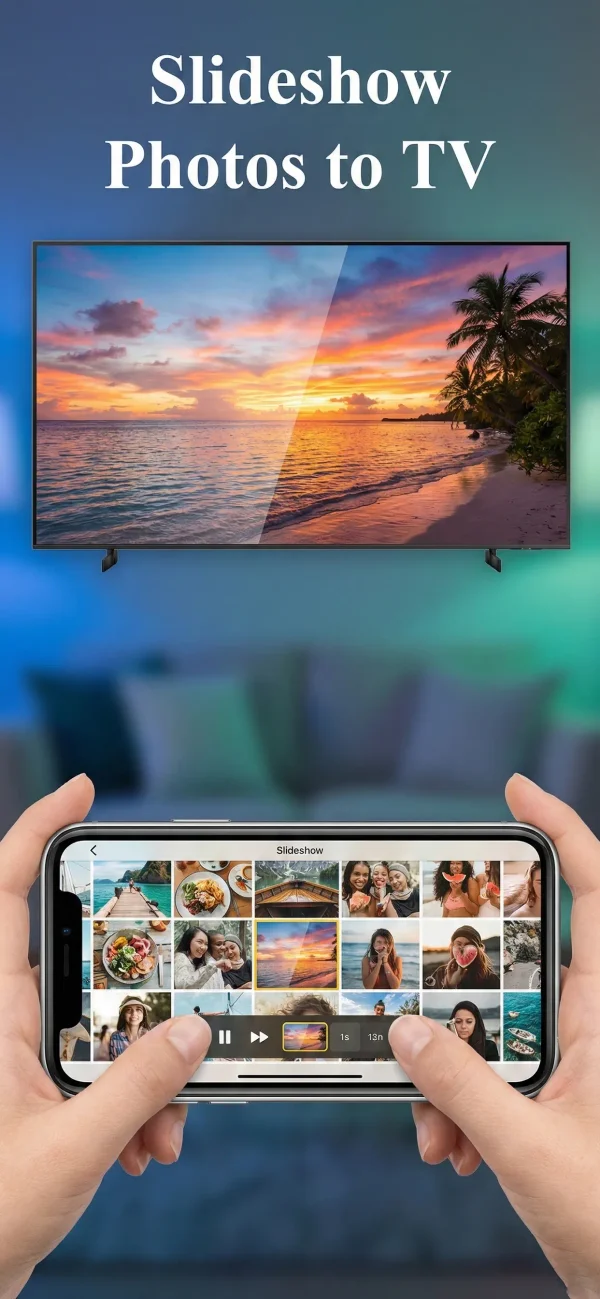
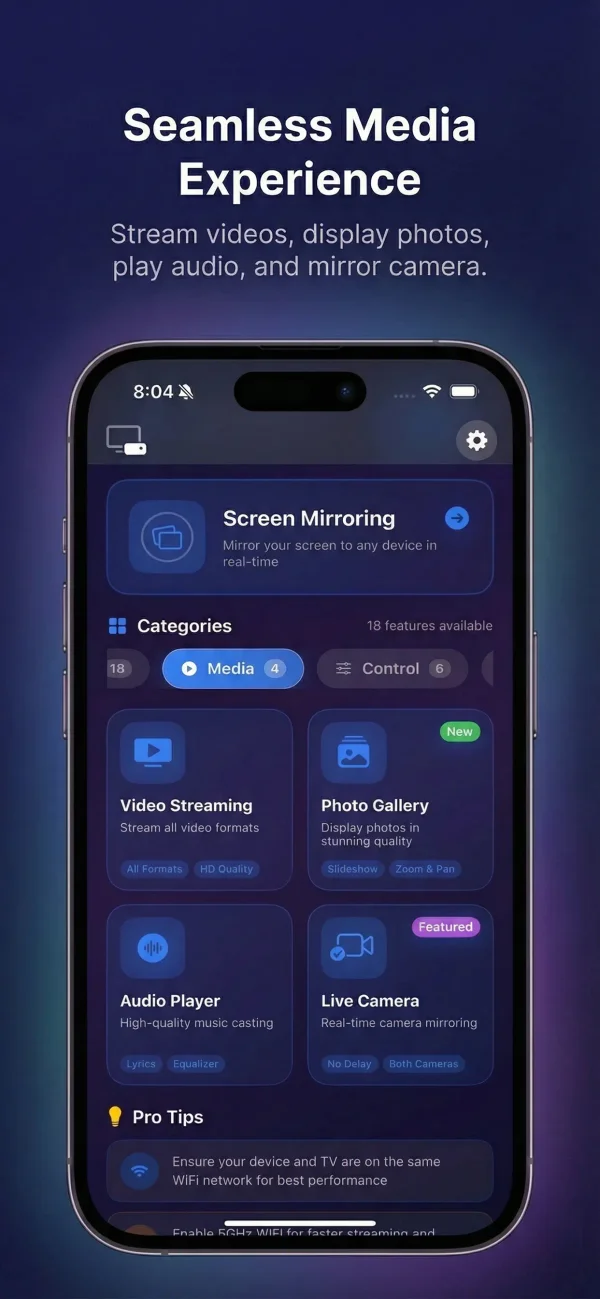
Easily display videos, photos, music, and web pages from your phone onto compatible TVs or computers. This is ideal for watching clips, browsing content, or enjoying personal media on a larger display.
Instant Screen Mirroring
Mirror your phone screen in real time with minimal delay. Useful for mobile games, presentations, video calls, tutorials, or app demonstrations—exactly as they appear on your phone.
Phone-Based TV Control
Use your phone as a convenient controller to manage playback, adjust volume, navigate apps, and switch content without relying on a physical remote.
Share Moments Together
Turn your TV into a shared viewing space for family photos, videos, and memories. Great for gatherings, holidays, or casual time at home.
Play Music Through TV Speakers
Send music directly from your phone to your TV for a fuller sound experience—perfect for background music, workouts, or relaxing evenings.
Designed for Everyday Use
• No cables required
• No extra hardware
• Works over the same Wi-Fi network
• Clean interface focused on core functionality
The app supports a wide range of modern TVs and streaming devices, making it adaptable to different home setups.
Who Is This App For?
• Users who want a simple and dependable casting solution
• Families sharing content on a single screen
• Gamers and presenters who need real-time mirroring
• Anyone who prefers control from their phone
Keep It Simple. Keep It Connected.
Share your screen. Show your content. Stay in control.
Download the app and use your TV the way you already use your phone.
Terms of Service: https://byvn.net/iseS
Privacy Policy: https://byvn.net/ORWS
What’s new
Version 1.6.4 · Nov 24, 2026
Enhance the user experience.
App privacy
What Taro Aso declares on the App Store about how this app handles data.
-
Data not collected
The developer does not collect any data from this app.
Privacy practices may vary, for example with the features you use or your age.
Information
- Seller
- Taro Aso
- Category
- Photo & Video
- Version
- 1.6.4
- Updated
- Nov 24, 2026
- Released
- Jun 20, 2022
- Size
- 28.8 MB
- Requires
- iOS 15 or later
- Age rating
- 4+
- Price
- Free
- In-app purchases
- Yes
- Languages
- English
- Copyright
- © QuickCast
You might also like
-
 Screen Mirroring AppSmart TV,PC,Web,Computer,Games
-
 Screen Mirroring for Fire TVNo Subscriptions, All Features
-
 TV Cast for Chromecast ‣Stream Movies & Videos at Home
-
 TV Cast for Roku AppTap Get to Stream Web Movies
-
 TV Cast for Samsung TV AppBest Movie Stream Browser App
-
 TV Cast for LG webOSBest Movie Stream Browser App
-
 Miracast Screen Mirroring .Web Chrome Video Caster on TV
-
 Smart View - Screen MirroringAir Mirror: Share & Cast to TV
-
 Screen Mirroring Samsung TVSmart View Mirror Cast Things
-
 EasyCast ProMirror screen to PC/TV/Pad