Screen Mirroring App
Smart TV,PC,Web,Computer,Games
Designed for iPhone, iPad, Mac, iPod touch
Free · In-app purchases
- Age rating4+
- CategoryPhoto & Video
- DeveloperKraus und Karnath GbR 2Kit Consulting
- LanguagesEnglish
- Size43.2 MB
Links to the official App Store page
Download.org hosts no file of Screen Mirroring App. The button opens its official App Store page, published by Kraus und Karnath GbR 2Kit Consulting. Listing last checked on Nov 27, 2026.
Screenshots
About
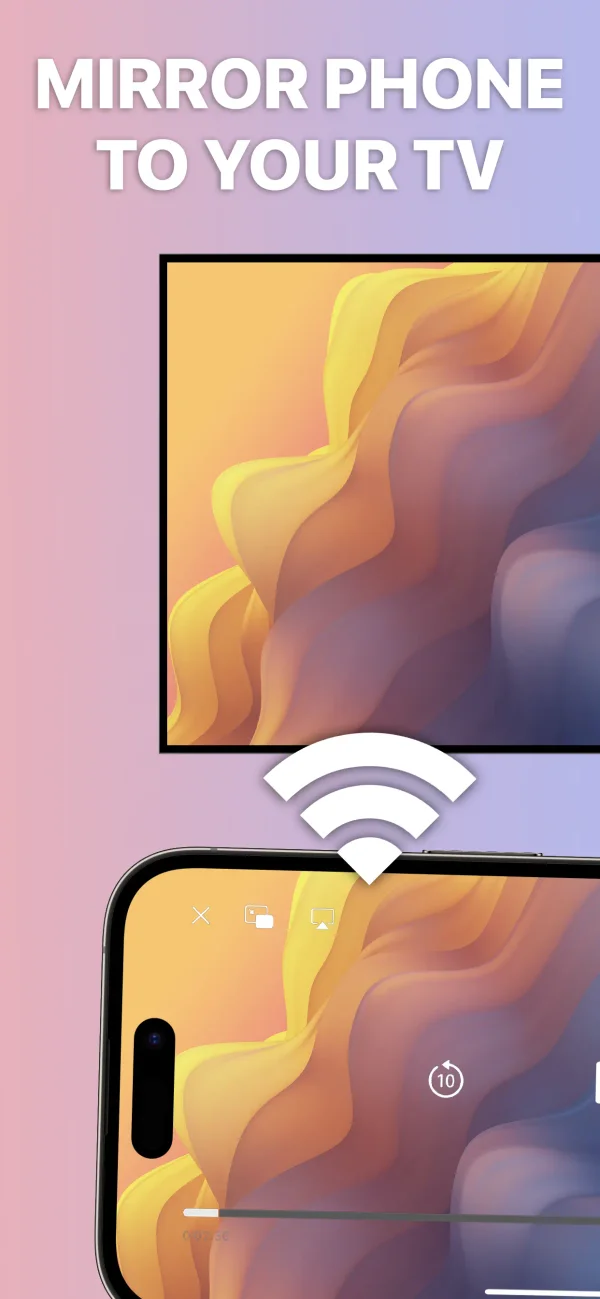
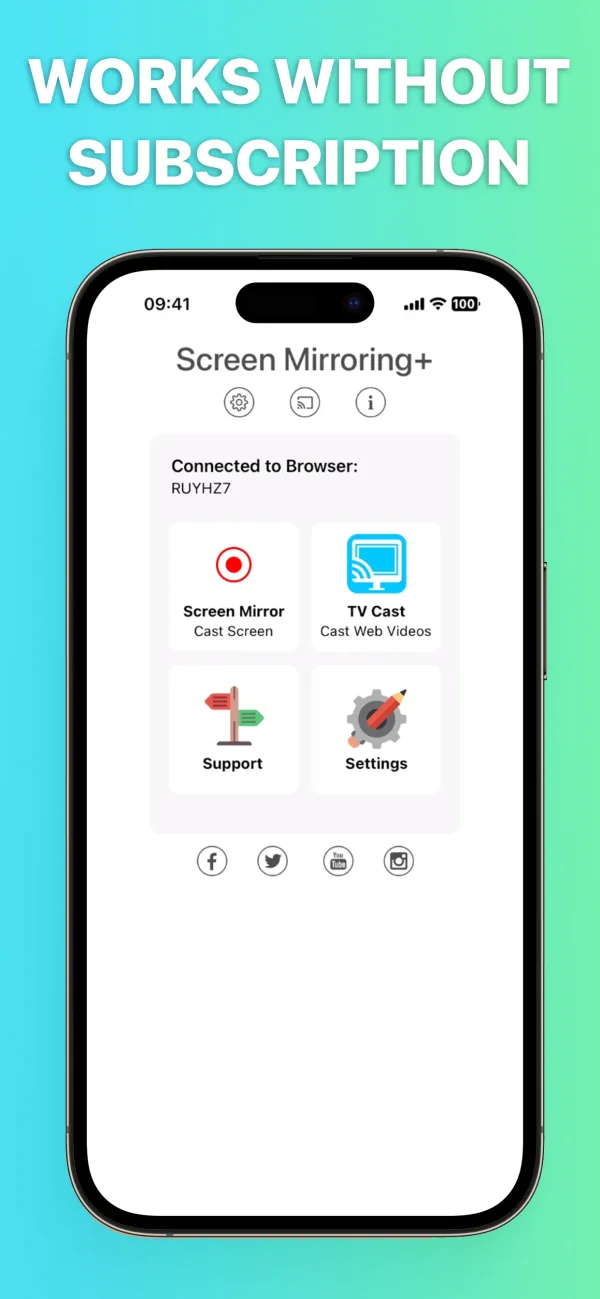
Mirror your iPhone or iPad screen to any device in your local Wi-Fi or remote via Internet. Share your screen on a Smart TV, Mac, PC, Laptop, Gaming Console, Smartphone or Tablet.
The Screen Mirroring App can connect to any Web Browser and cast your screen with zero delay in HD quality. Screen Mirroring over DLS / Cable / Internet is supported by Safari, Chrome, Firefox, Opera, Edge and the newest Smart TVs.
This is the easiest and most powerful screen sharing tool. Share your photos, videos, games, websites, apps, presentations and documents with your friends and family, even to remote places.
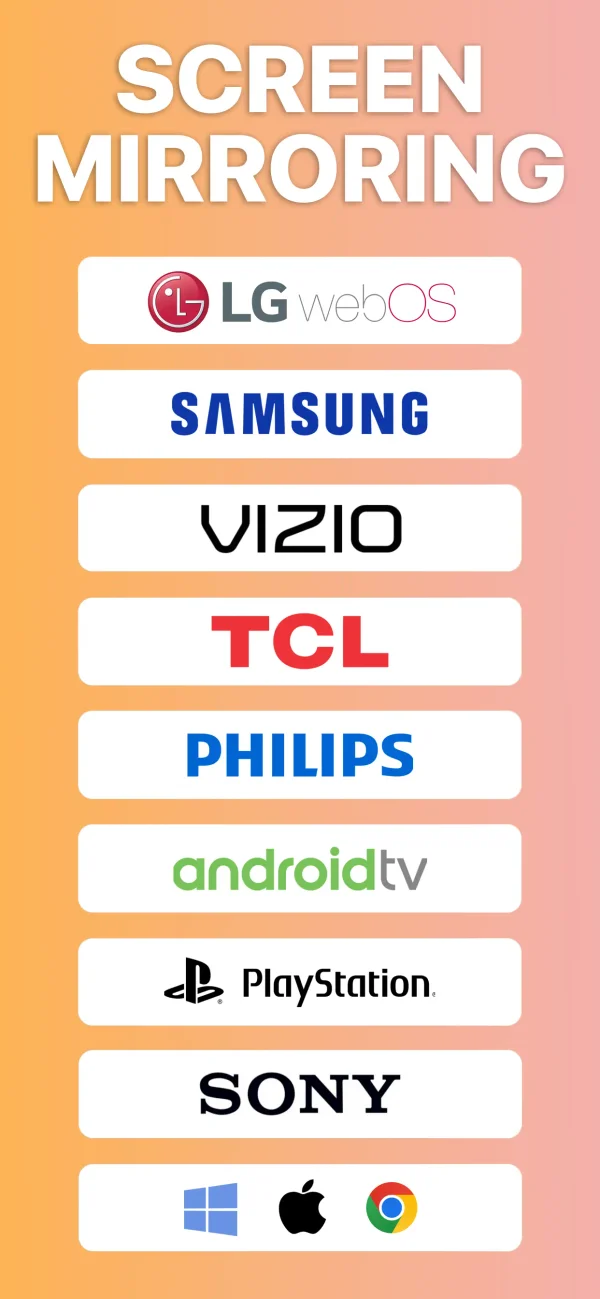
* Supported devices: Any device with an integrated Web Browser, e.g. Samsung TV, LG TV, Panasonic TV, Hisense TV, Philips TV, Hitachi TV, Grundig TV, TCL TV.
* Local mirroring on Wi-Fi: Your iPhone/iPad and your web browser device must be connected to the same Wi-Fi. Please do not use VPN, Proxy, VLANS and Subnets.
* Remote mirroring is limited to DSL / Cable / Internet. Connections over cellular/mobile networks (LTE/5G) are not yet supported.
* Latency is supreme (0 seconds) when you have good Wi-Fi network conditions.
* You don't need a companion App on your TV or receiving device.
* No hidden subscriptions or costs.
* Black screen issues: Some third party apps prevent screen mirroring. When you try to mirror them, you will just see a black screen on your TV, for example with Netflix and Disney+. This is a restriction chosen by Netflix and others, so we cannot fix it at the moment.
This app is brought to you by the developers of Video & TV Cast, the #1 video casting app in the world with more than 100.000.000 downloads across all platforms and devices.
Disclaimer: This app is not affiliated with any of the trademarks mentioned here.
What’s new
Version 3.0 · Jul 8, 2026
- Bug fixes
App privacy
What Kraus und Karnath GbR 2Kit Consulting declares on the App Store about how this app handles data.
-
Data used to track you
May be used to track you across apps and websites owned by other companies.
- Identifiers
- Usage data
-
Data not linked to you
May be collected but is not linked to your identity.
- User content
- Identifiers
- Usage data
- Diagnostics
Privacy practices may vary, for example with the features you use or your age.
Information
- Seller
- Kraus und Karnath GbR 2Kit Consulting
- Category
- Photo & Video
- Version
- 3.0
- Updated
- Jul 8, 2026
- Released
- Jan 20, 2020
- Size
- 43.2 MB
- Requires
- iOS 12.0 or later
- Age rating
- 4+
- Price
- Free
- In-app purchases
- Yes
- Languages
- English
- Copyright
- © 2kit consulting
You might also like
-
 Screen Mirroring Samsung TVSmart View Mirror Cast Things
-
 LG TV Screen Mirroring CastSmart Share Plus Thinq Webos
-
 Screen Mirroring MirrorMeisterCast to TV, AirPlay & Miracast
-
 Smart Mirror | TV & DeviceScreen Mirroring to Any Device
-
 Smart View - Screen MirroringAir Mirror: Share & Cast to TV
-
 AirPlay CastCast everything to big screen
-
 EasyCast ProMirror screen to PC/TV/Pad
-
 Cast Web Videos to TV - iWebTVFor Roku Samsung FireTV & more
-
 Web Video Cast | Browser to TVCast videos from browser to TV
-
 Screen Mirroring: Mac,PC & TVAirPlay Miracast Cast to TV