Annotate: Screenshot Markup
Blur, Arrows, Crop & Draw Fast
Designed for iPhone, iPad
Free · In-app purchases
- Age rating12+
- CategoryProductivity
- DeveloperTimo Josten
- LanguagesEnglish+ 32 more
- Size44.3 MB
Links to the official App Store page
Download.org hosts no file of Annotate: Screenshot Markup. The button opens its official App Store page, published by Timo Josten. Listing last checked on Nov 23, 2026.
Screenshots

About
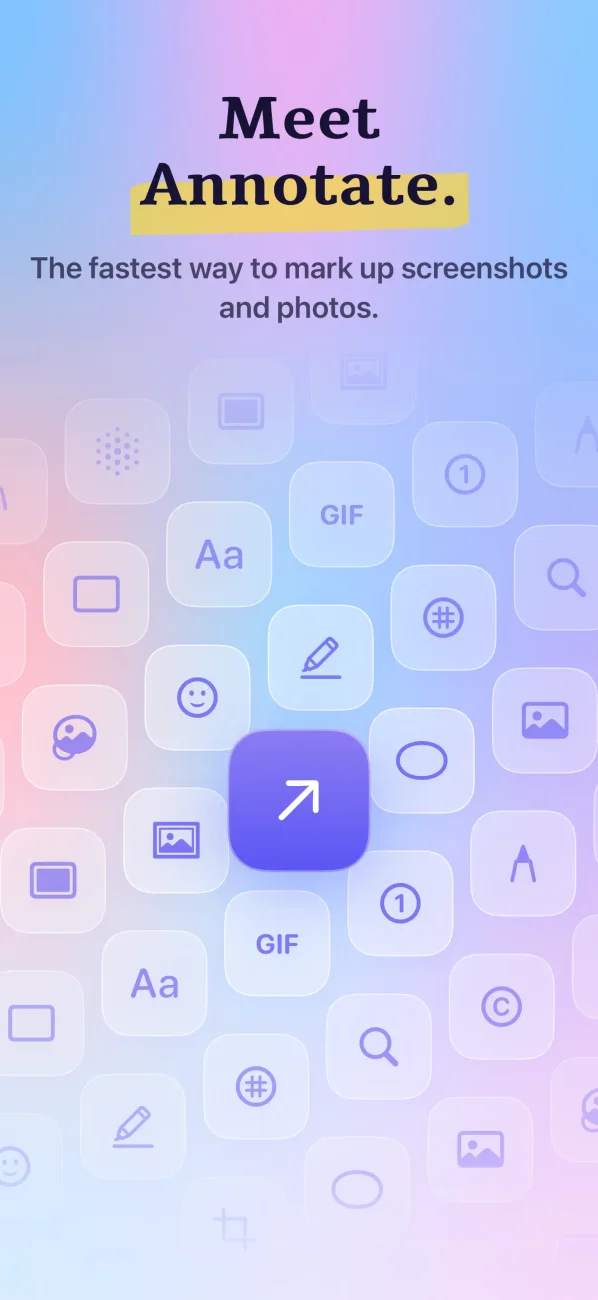
Annotate helps you quickly mark up screenshots and images with clean, readable shapes and text - built for fast, polished results on iPhone and iPad.
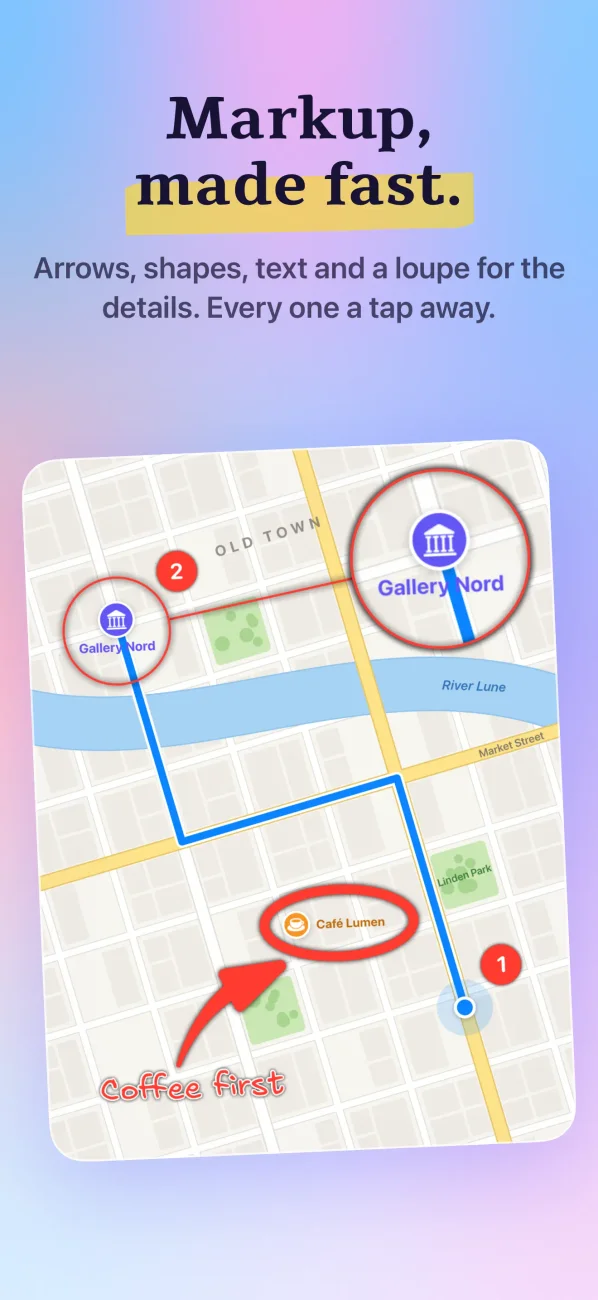
• 17 tools: Crop, Blur, Pixelate, Text, Number, Stamp, Rect, Oval, Arrow, Pen, Marker, Highlight, Loupe, Backdrop, Image, GIF, Watermark
• Clean shapes and highlights, plus freehand pen and marker
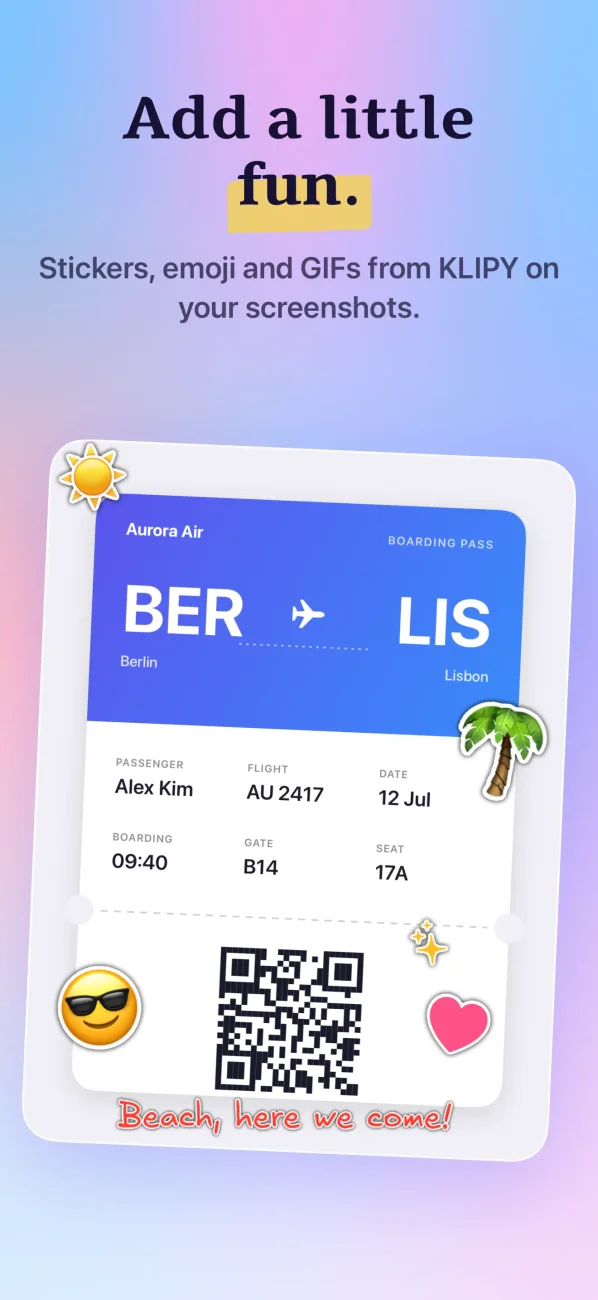
• Animated GIFs - bring your screenshots to life: search KLIPY right in the editor, drop a GIF on the canvas, and your export turns into a video. Powered by KLIPY
• Text with font, size, alignment, and optional background
• Number badges and SF Symbols stamps (with search)
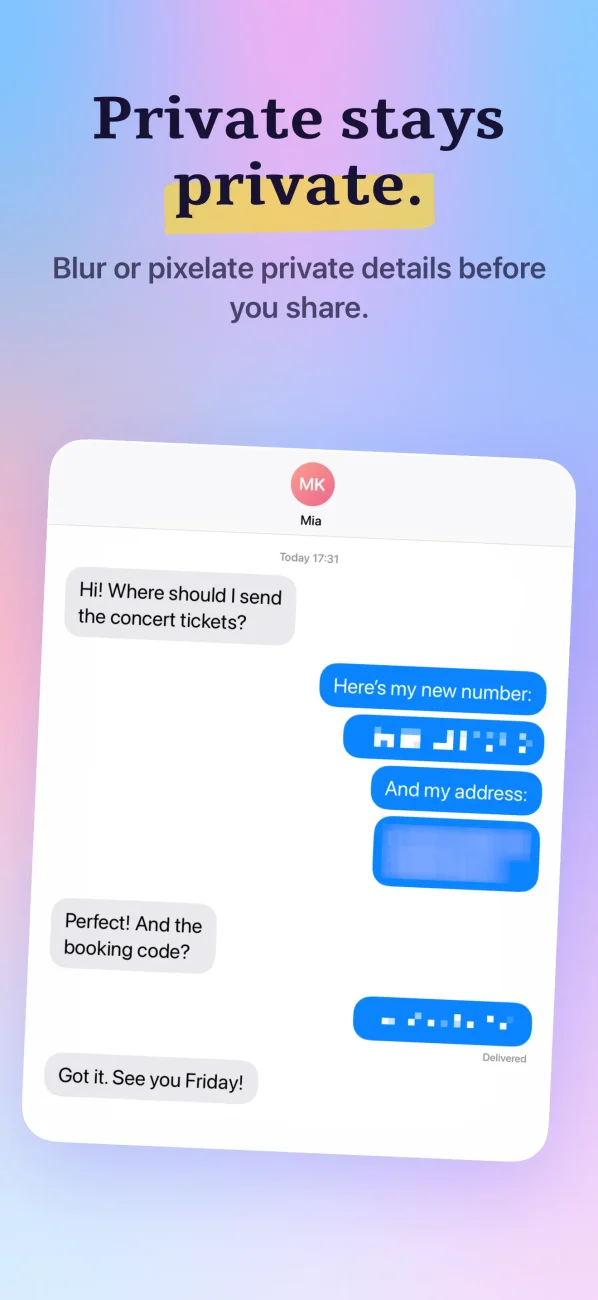
• Blur or pixelate areas, and use a loupe to magnify details
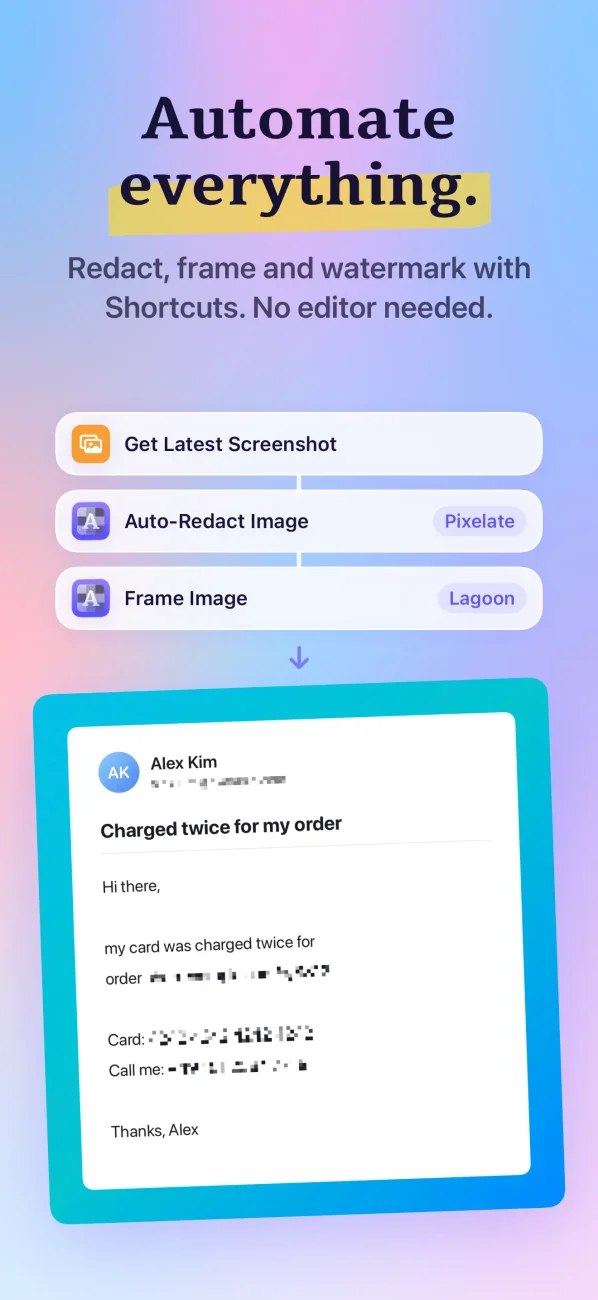
• Auto-Redact: detect and hide sensitive info in one tap - credit cards, phone numbers, emails, license plates, and faces
• Full control over style: stroke width, fill, outlines, shadow, opacity, configurable arrowheads, and more
• Free rotation - turn shapes, text, stamps, images, GIFs, and more to any angle with a precision dial
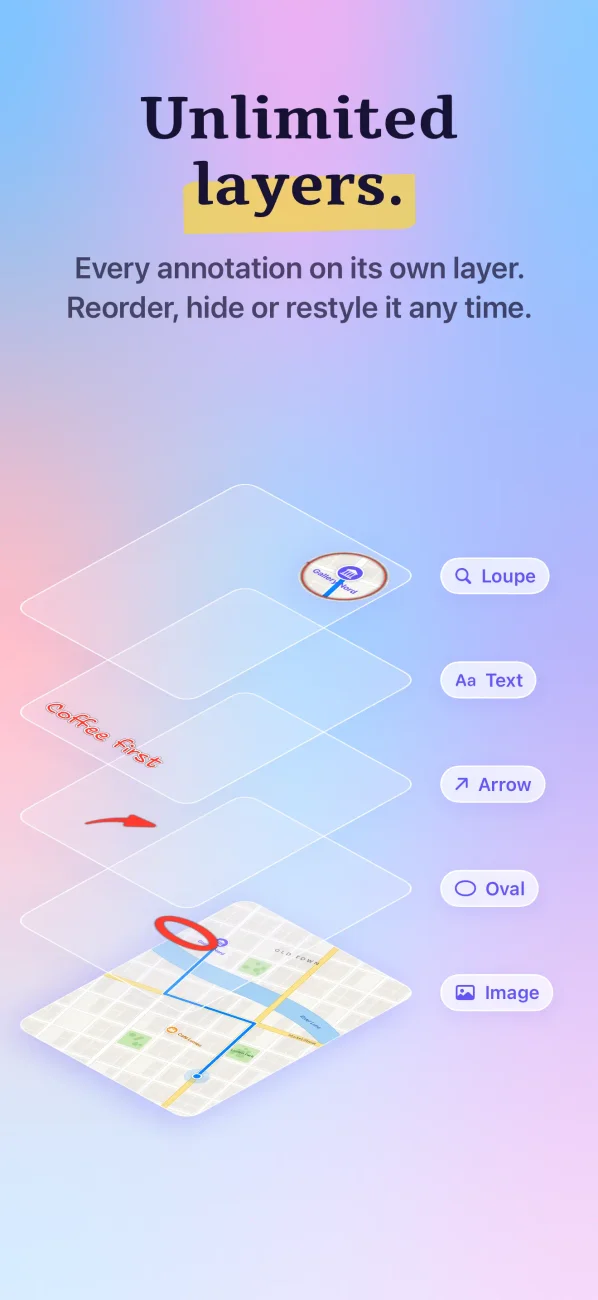
• ∞ Layers: one layer per annotation - select, reorder, and delete
• Helpful extras: snapping for neat alignment, undo/redo, zoom to fit/100%
• Apple Pencil ready - palm rejection kicks in automatically so the Pencil draws while your fingers still pan and pinch
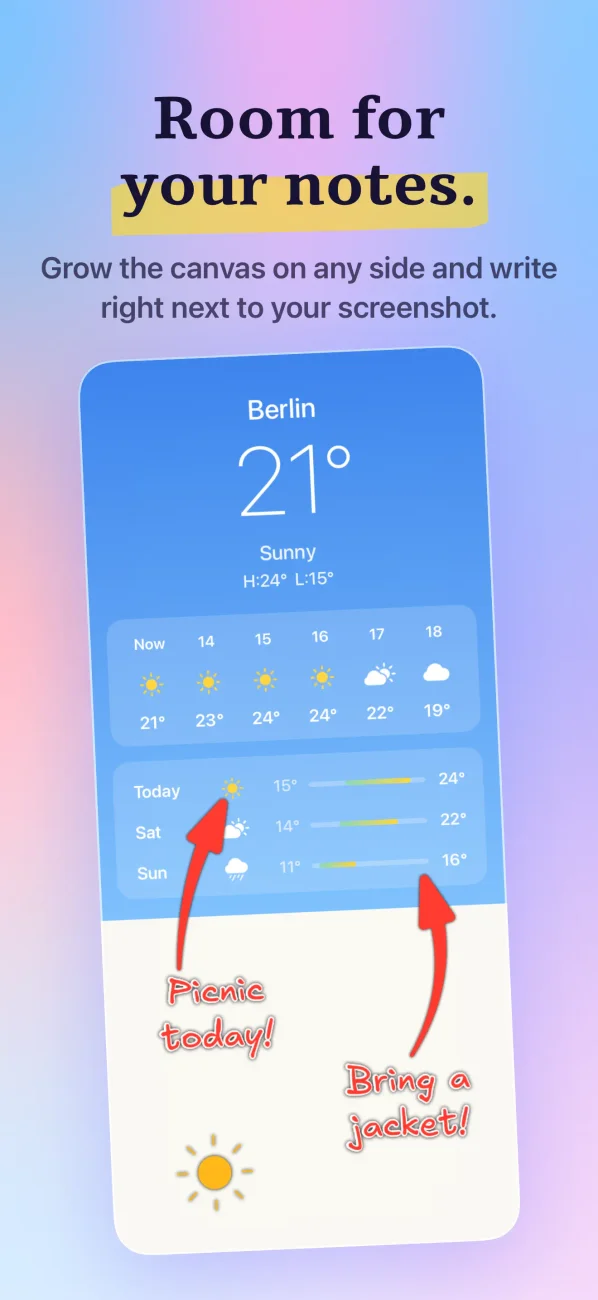
• Grow the canvas - add space on any edge to make room for callouts and shapes
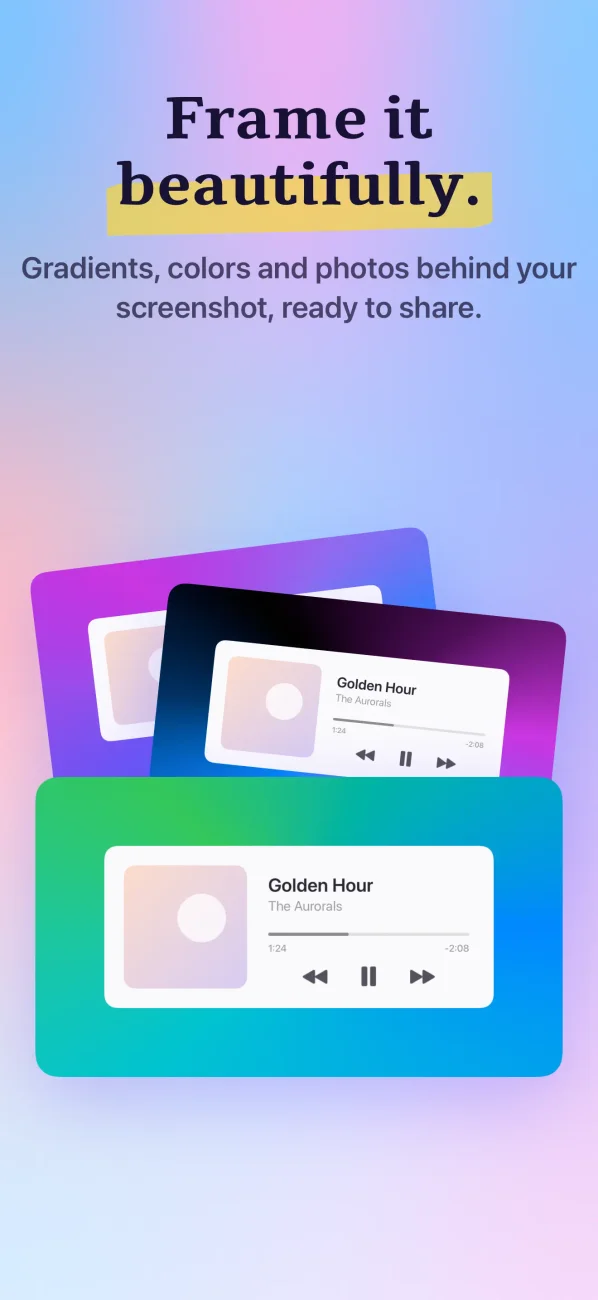
• Backdrop styles - frame your screenshot with gradients or solid colors, and choose whether the backdrop pads the canvas or fits inside it
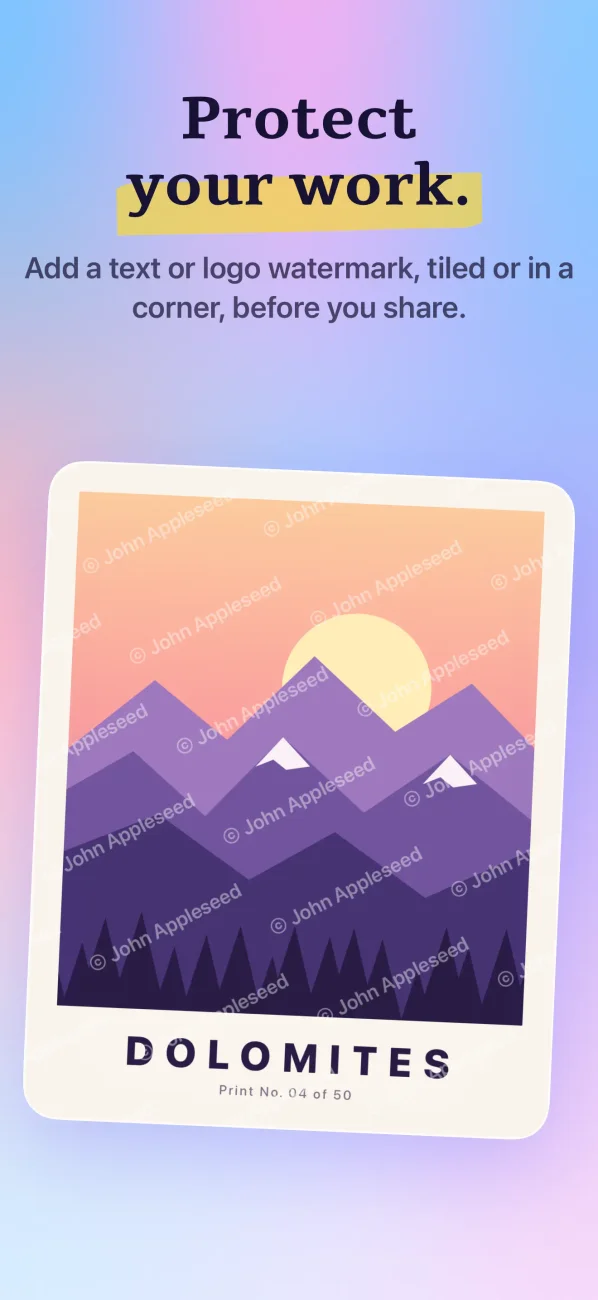
• Watermark - add text or a logo across the whole image (tiled) or in a corner to brand and protect your work
• Templates - save a set of annotations, backdrop, and watermark, then reapply them to any image; positions adapt to the new aspect ratio
• Start from Photos, Files, clipboard, or a blank canvas - or pick an iOS device preset (iPhone 17, iPad Pro, etc.)
• Export and share fast (PNG, JPEG, or HEIC)
• Shortcuts - run Auto-Redact and Framing from the Shortcuts app, Spotlight, and Siri
Test free for the first 5 annotated images.
Annotate is brought to you by the developer of Dropshare - the file sharing app for macOS and iOS.
What’s new
Version 1.13 · Nov 23, 2026
• Custom shadows: besides Off, Soft and Strong, the new Custom option lets you set blur, offset, opacity and shadow color
• Flip horizontal and Flip vertical in the ••• menu mirror stamps, images, GIFs, arrows, strokes and more
• Straight lines with the pen and marker: hold still at the end of a stroke and it turns into a straight line. Keep dragging to adjust it, then lift your finger
App privacy
What Timo Josten declares on the App Store about how this app handles data.
-
Data not linked to you
May be collected but is not linked to your identity.
- Usage data
- Diagnostics
Privacy practices may vary, for example with the features you use or your age.
Information
- Seller
- Timo Josten
- Category
- Productivity
- Version
- 1.13
- Updated
- Nov 23, 2026
- Released
- May 14, 2026
- Size
- 44.3 MB
- Requires
- iOS 18.2 or later
- Age rating
- 12+
- Price
- Free
- In-app purchases
- Yes
- Languages
- English, Arabic, Catalan, Croatian, Czech, Danish, Dutch, Finnish, French, German, Greek, Hebrew + 21 more
- Copyright
- © 2026 Timo Josten
You might also like
-
 Notes Me: Minimal NotesPrivate Notes, Memo & Writing
-
 Hansson VaultSecure Cloud Storage
-
 Screenshot Search: CaptureMindFind Text, Links & Ideas
-
 Handwritten Quick Notes: JotSketch, Drawing, Whiteboard
-
 Papyrus: Research LibraryNative research workspace
-
 Dpart - Time to Leave AlertsSmart location-based reminders
-
 ZenNotes: Markdown NotesProductivity
-
 Pulse Calendar: Daily PlannerAppointments & Smart Reminders
-
 Whizzler: AI Video SummarizerAsk Audio Voice memos & Clips
-
 Remarkable AIAI Keyboard • 38+ Languages