
- Age rating4+
- CategoryUtilities
- DeveloperCLIFF RUBIO
- LanguagesEnglish+ 46 more
- Size11.3 MB
Links to the official App Store page
Download.org hosts no file of Antivol. The button opens its official App Store page, published by CLIFF RUBIO. Listing last checked on Nov 20, 2026.
Screenshots

About
**The companion app for Antivol on Mac.**
When your armed MacBook triggers an alarm, Antivol on iPhone or iPad sends you a push notification with what happened, which Mac triggered it, and a photo when one was captured. Arm or disarm your Mac from anywhere, and keep a complete alert history on your devices.
**REAL-TIME ALERTS**
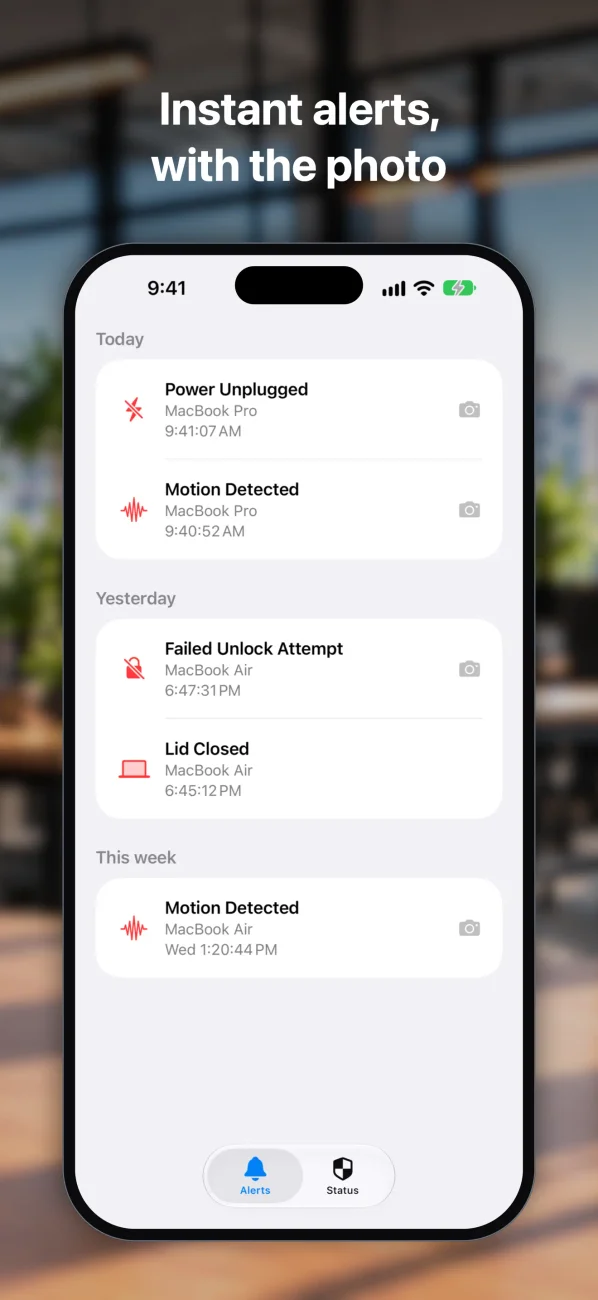
• Receive push notifications the moment your Mac triggers an alarm
• See the trigger type, device name, and captured photo
• Tap a notification to jump straight to that alert
• Multiple alerts arriving at once are grouped into a single summary notification
• Your alert history stays in sync through iCloud and loads quickly from the local cache
**REMOTE CONTROL**
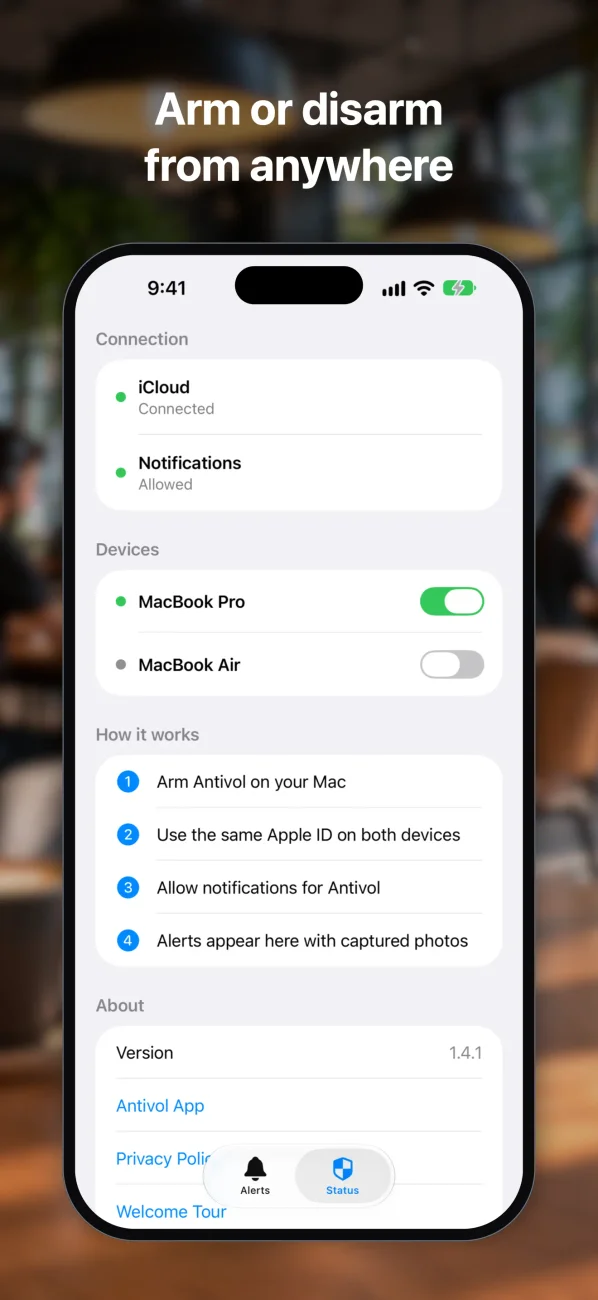
• See which of your MacBooks are online
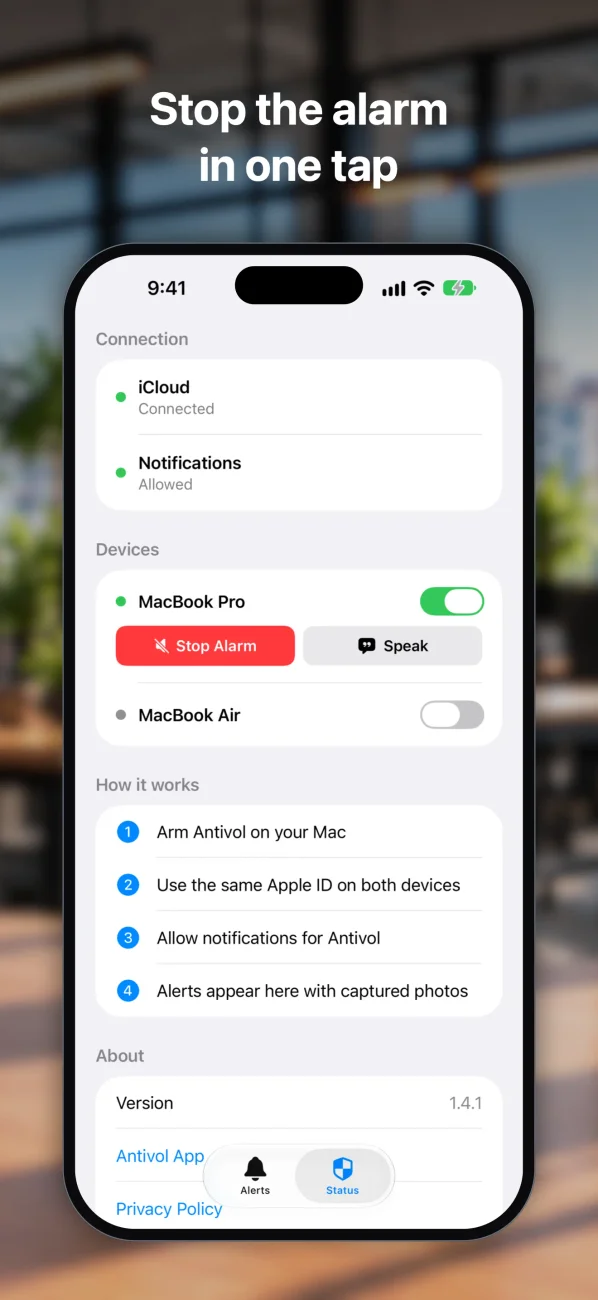
• Arm or disarm any compatible Mac from the Status tab
• Silence a sounding alarm — your Mac stays armed and keeps watching
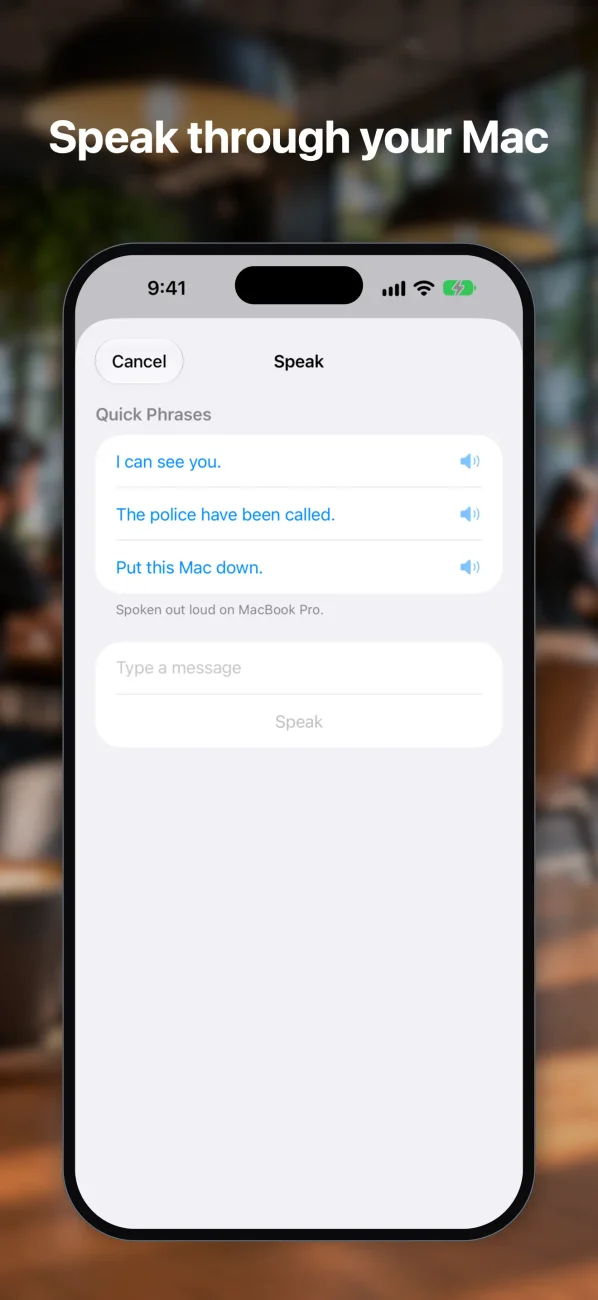
• Speak through your Mac: tap a ready-made phrase or type your own, and it says it out loud
• Check your iCloud and notification status at a glance
**ALERT HISTORY**
• Browse alerts grouped by Today, Yesterday, This Week, and more
• Open any alert to view its details and full-size photo
• Save alert photos to your photo library
• Swipe to delete alerts (deletions automatically sync through iCloud)
**ON YOUR APPLE WATCH**
• View recent alerts with photos right on your wrist
• Check Mac connection and device status
• Arm or disarm your Mac, silence its alarm, or speak through it from the Watch
**SET UP IN MINUTES**
1. Install Antivol on your MacBook and on your iPhone or iPad.
2. Sign in to iCloud with the same Apple ID on both devices.
3. Arm Antivol on your Mac.
4. Allow notifications on your iPhone or iPad.
What’s new
Version 1.4.1 · Nov 5, 2026
iPhone Duo support.
A photo opened from an alert now closes with the close button or a swipe down.
App privacy
What CLIFF RUBIO declares on the App Store about how this app handles data.
-
Data not collected
The developer does not collect any data from this app.
Privacy practices may vary, for example with the features you use or your age.
Information
- Seller
- CLIFF RUBIO
- Category
- Utilities
- Version
- 1.4.1
- Updated
- Nov 5, 2026
- Released
- Jul 30, 2026
- Size
- 11.3 MB
- Requires
- iOS 18 or later
- Age rating
- 4+
- Price
- $4.99
- Languages
- English, Arabic, Bengali, Bulgarian, Catalan, Croatian, Czech, Danish, Dutch, Finnish, French, German + 35 more
- Copyright
- © 2026 Cliff Dev
You might also like
-
 Unplug Alarm ClientUtilities
-
 MileageMate: Fuel TrackerTrack Fuel, EV & Mileage
-
 Data Widget: remaining dataagainst your own plan date
-
 Atomic Clock (Gorgy Timing)The classic par excellence
-
 AC Shadows - Map & CompanionYour samurai epic game guide
-
 Tesla Smart ChoiceControl Tesla Smart devices
-
 Today is the Day !Motivational Quotes 2025
-
 ÖKO CounterUtilities