Atomic Clock (Gorgy Timing)
The classic par excellence
Designed for iPhone, iPad, iPod touch
$1.99 · In-app purchases
- Age rating4+
- CategoryUtilities
- DeveloperCompuLab, Markus Gömmel
- LanguagesEnglish+ 7 more
- Size15.1 MB
Links to the official App Store page
Download.org hosts no file of Atomic Clock (Gorgy Timing). The button opens its official App Store page, published by CompuLab, Markus Gömmel. Listing last checked on Nov 25, 2026.
Screenshots
About
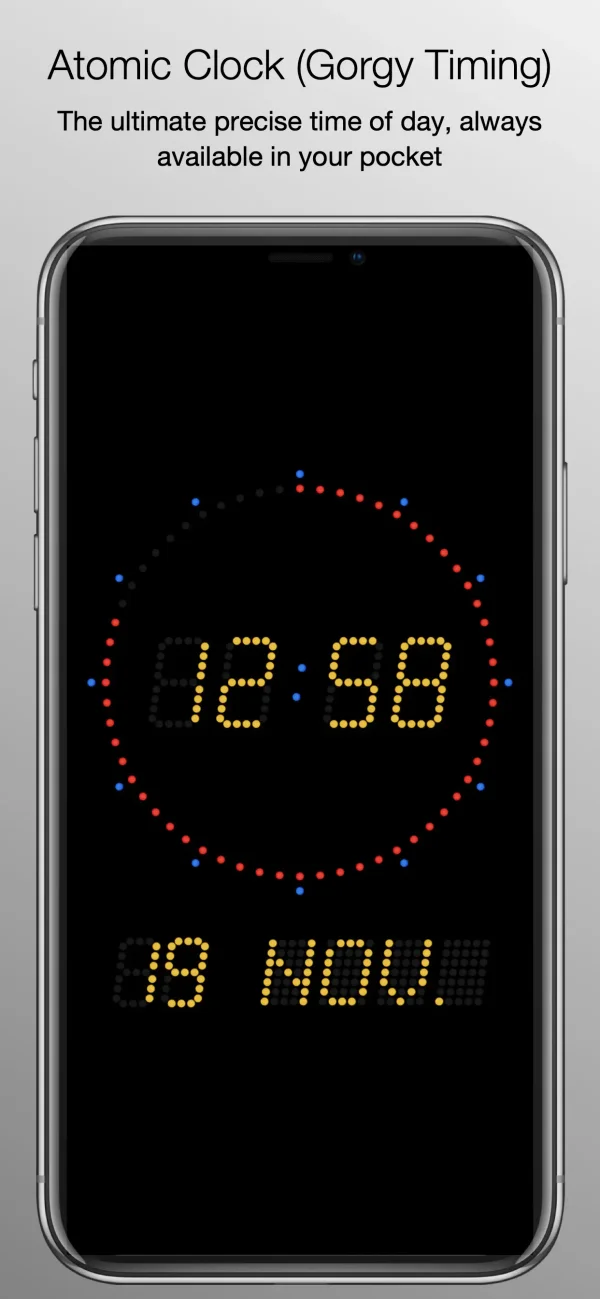
This tool shows you the ultimate precise time of day. To achieve this, it uses a special internet time protocol to fetch the time from an atomic time server.
We are proud to offer version 6 of the Gorgy Timing Atomic Clock. The program is one of the classic applications since the early days of the Apple App Store and has been continually improved based on user feedback.
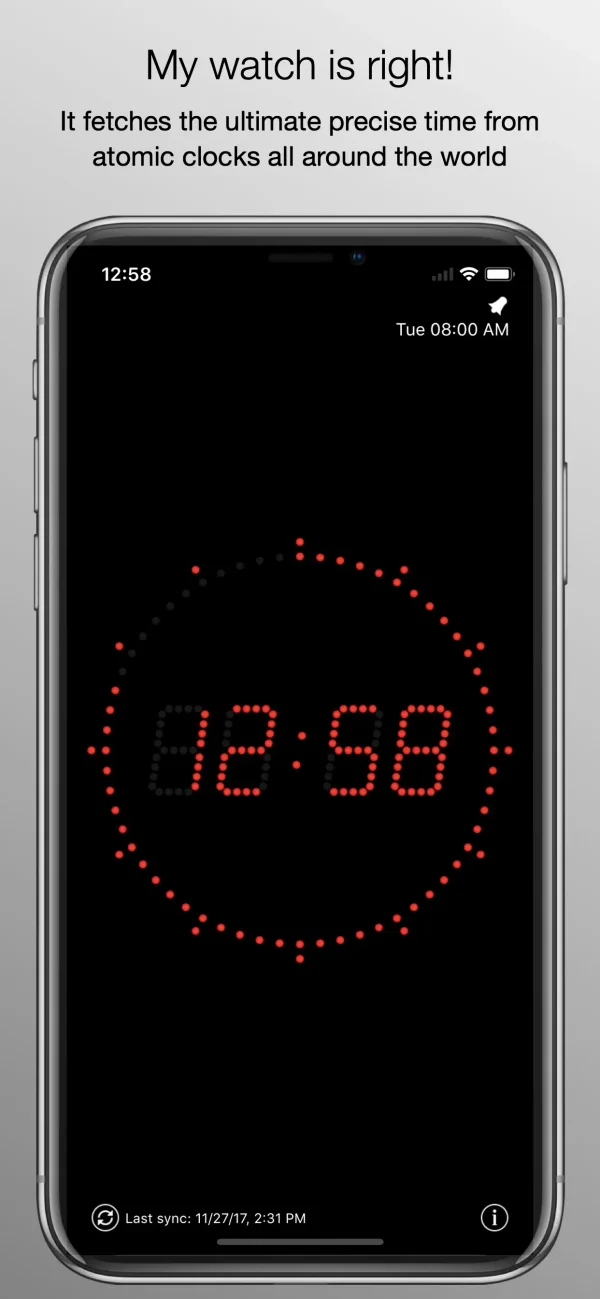
The Gorgy Timing Atomic Clock shows the precise time of day. To achieve this, it uses a special internet time protocol to fetch the ultimate precise time from cesium atomic clocks available on the internet, or any other time server you like.
The graphical display mimics the clock display of the legendary Gorgy Timing clocks, which are used in professional radio and television studios, and we spent much effort to bring the original feeling of these wickedly expensive clocks to your iPhone. This app is used by BBC studios, astronomers, concert promoters, etc.
Version 5 contains the following functions:
* Universal support for all iPhone, iPad and Apple Watch devices running iOS 15, iPadOS 15, watchOS 9 or higher
* Optimized for the latest iOS, iPadOS and watchOS
* Alarm function with snooze (touch anywhere on the screen), volume fade-in, based on weekdays
* Alarm time based on seconds (not minutes)
* Local time / UTC time mode
* Alarm notification window instead of normal alarm sound, if app is not running or in the background
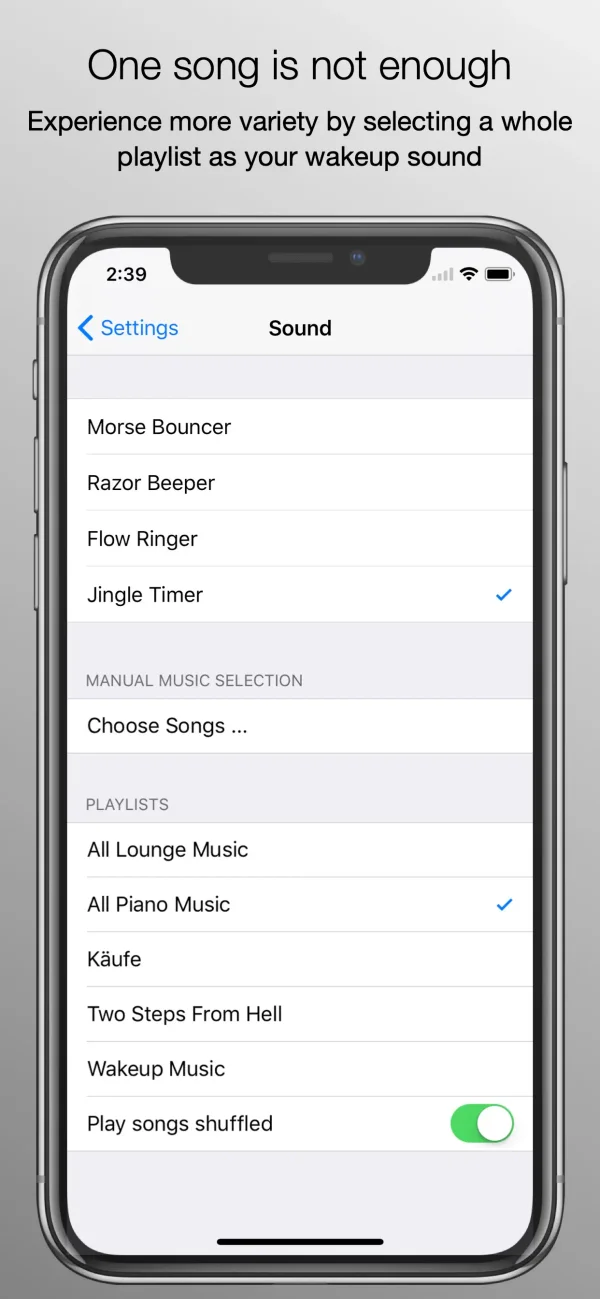
* Use playlists or a manual picker selection from your own music library as alarm sounds
* The alarm sound is also playing when the device is muted, or the display is switched off, and also works in AirPlay environments
* Customizable time server sources
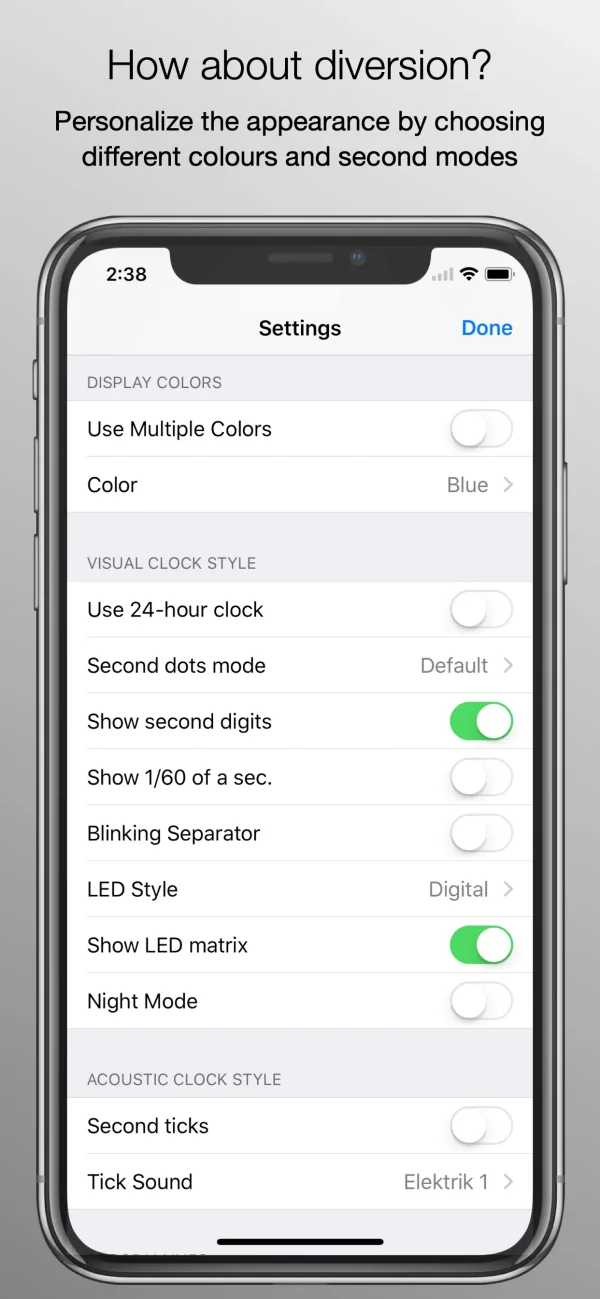
* Colors: green, red, blue, yellow, white, dark green, violet, pink, orange, turquoise and hidden, with a separate color option for digits, seconds and segments
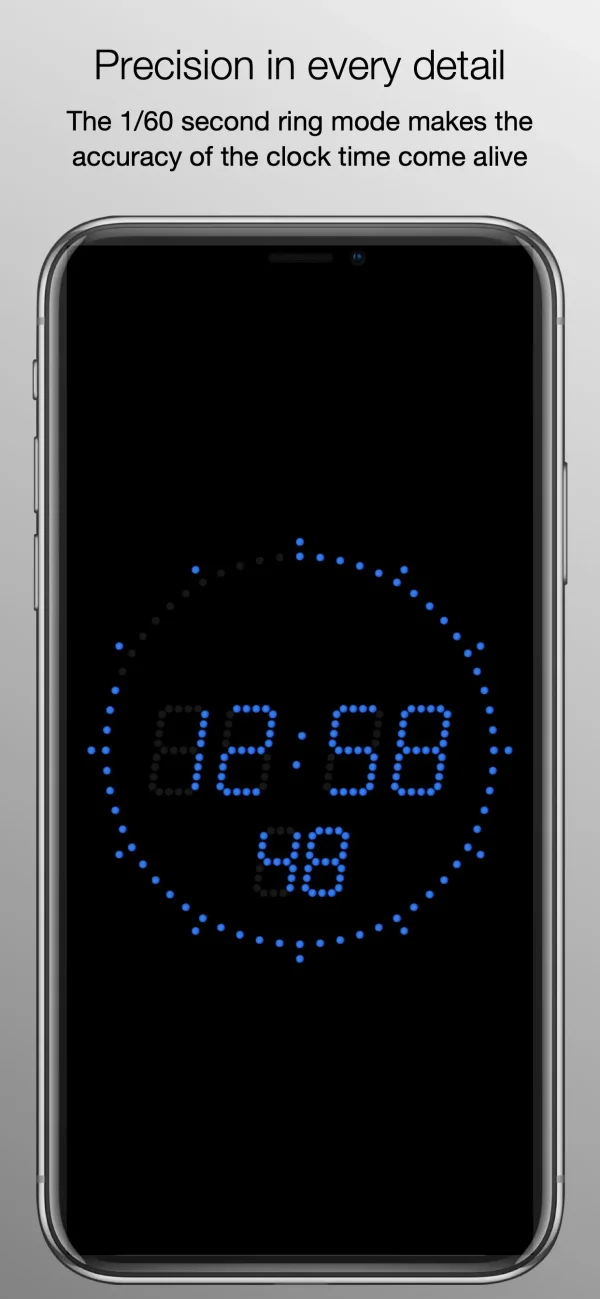
* Alternative visual display of fractional seconds (1/60th sec. resolution)
* 12/24 hours display
* Optional second tick sound
* Full landscape support (including settings dialog)
* Touching the display lets the buttons and status bar fade out
* Touching the display again will add the current date (in all orientations)
* Disabled screen auto-lock
* Options "sync at startup", "hourly", "daily", or a sync button for manual syncing
* The last known time delta is used when started without sync
* "Night mode", which dims the display using a slider, shows the seconds with only one dot (to prevent a hard brightness switch between second 59 and second 0), switches off the tick sound, and reduces screen updates to save battery
* To minimize burn-in effects (especially on the iPhone X OLED display), the clock is doing micro movements when running longer than 5 minutes
* VoiceOver support
Answers to common questions:
* An application can not set your device's system time, so a time sync between the atomic time and the device time is not possible.
* If you want to wakeup with music, please do not exit the app before going to sleep (which would result in a local notification dialog without music in the morning), and do not lock your device. Be aware that running an application all the time, even without display, consumes battery, so please make sure that your iPhone is fully charged before you go to bed, connect it to your charger, or use the app's Night mode, which is much more energy-saving.
What’s new
Version 6.02 · Nov 22, 2026
* Italian localization added
* Optimized for iOS 27.2 and watchOS 27.2
Can you believe, that this is the 66th update of the Atomic Clock app since it started with V1.00? If you like the app, you can send me a small tip through the app. Thank you!
App privacy
What CompuLab, Markus Gömmel declares on the App Store about how this app handles data.
-
Data not collected
The developer does not collect any data from this app.
Privacy practices may vary, for example with the features you use or your age.
Information
- Seller
- CompuLab
- Category
- Utilities
- Version
- 6.02
- Updated
- Nov 22, 2026
- Released
- Nov 7, 2008
- Size
- 15.1 MB
- Requires
- iOS 15.0 or later
- Age rating
- 4+
- Price
- $1.99
- In-app purchases
- Yes
- Languages
- English, Dutch, French, German, Italian, Japanese, Polish, Spanish
- Copyright
- © 2008-2026, CompuLab
You might also like
-
 AtomicClock: NTP TimePrecision Clock, UTC Reference
-
 Flip Clock Pro - time widgetsDigital clock display seconds
-
 Atomic Clock: Exact TimeExact time with atomic clocks
-
 LCD Clock - Clock & CalendarClock & Calendar
-
 Atomic Clock PROExact Time Digital and Analog
-
 Alarm Clock Pro - Music, SleepMorning wake up by loud sounds
-
 TrueOffsetPrecision NTP Clock
-
 Studio Clock - Studio UhrUtilities
-
 Watch TrackerUtilities
-
 Super Clock: Desk & FocusAnalog Faces & Pomodoro Timer