
AnyTap Accessible Camera
Full Screen Shutter & Timer
Designed for iPhone, iPad, Mac
Free · In-app purchases
- Age rating4+
- CategoryPhoto & Video
- DeveloperAidaluu Inc.
- LanguagesEnglish+ 12 more
- Size29.7 MB
Links to the official App Store page
Download.org hosts no file of AnyTap Accessible Camera. The button opens its official App Store page, published by Aidaluu Inc. Listing last checked on Nov 14, 2026.
Screenshots
About
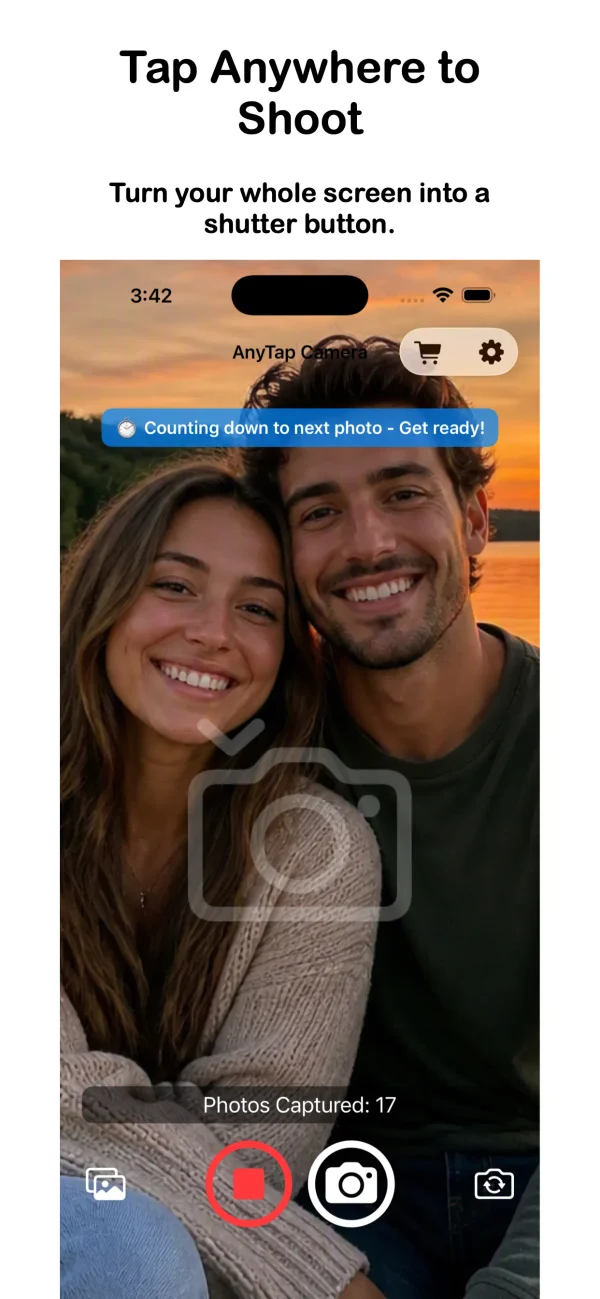
AnyTap Accessible Camera makes taking photos feel easy, comfortable, and intuitive for everyone. Most camera apps expect you to reach for a tiny shutter button tucked at the bottom of the screen. AnyTap Accessible Camera removes that barrier — your entire display becomes the shutter, so capturing a moment is as simple as touching your screen.
Full‑Screen Capture
Tap anywhere to take a photo instantly. No precise aiming, no stretching your thumb, no pressure needed. It’s great for one‑handed use, keeping a secure grip on your phone, or taking photos comfortably with limited mobility. And if you ever prefer a traditional shutter button, you can turn one on anytime.
Hands‑Free Auto Capture
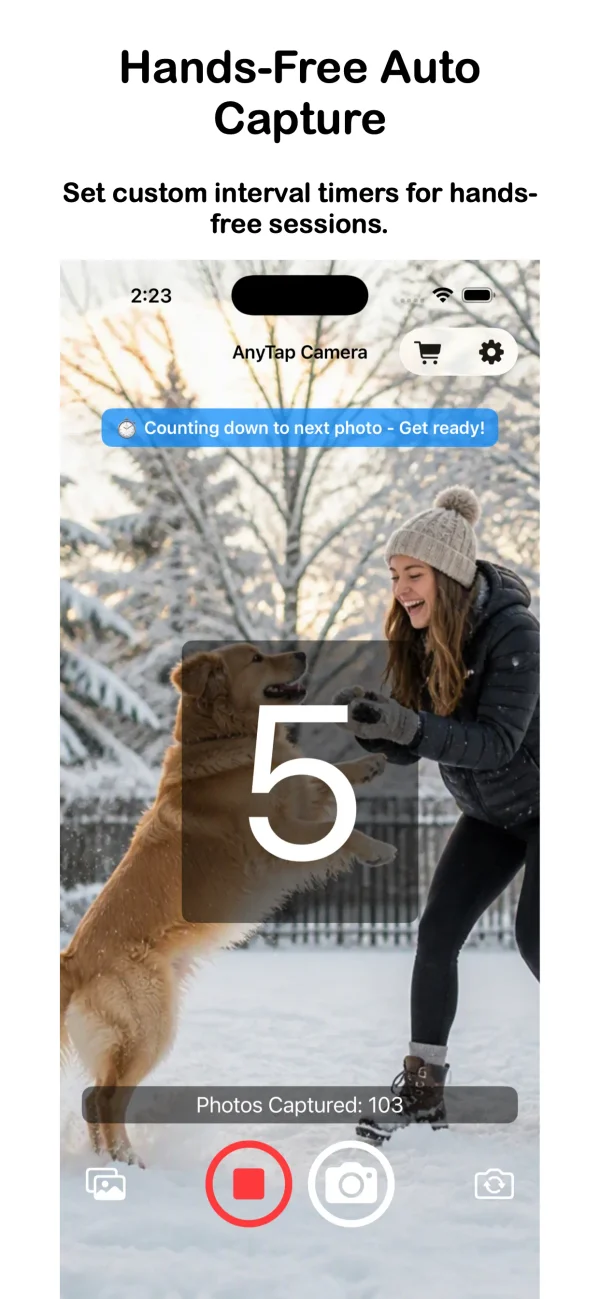
When you want to step away from your phone, just set an automatic interval.
Choose a preset or create your own timing
Watch a clear visual countdown before each shot
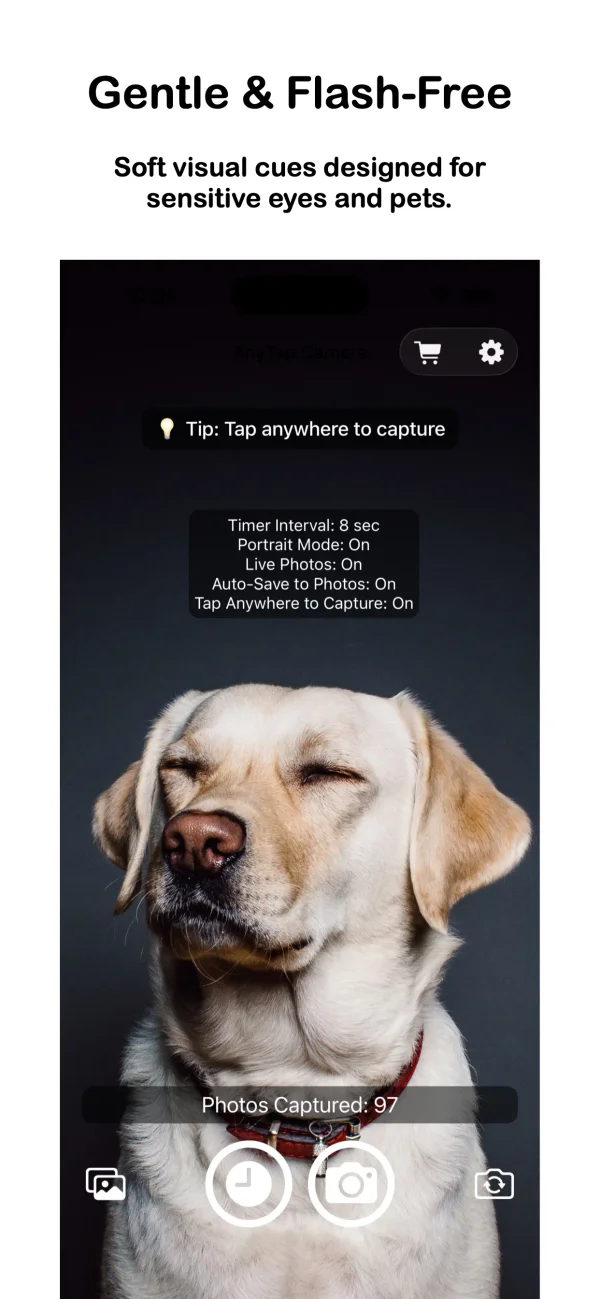
Enjoy gentle visual cues instead of bright flashes
Move a floating info box anywhere on the screen so it’s easy to see
It’s a simple way to take hands‑free photos without fuss.
Flexible Camera Controls & Built‑In Gallery
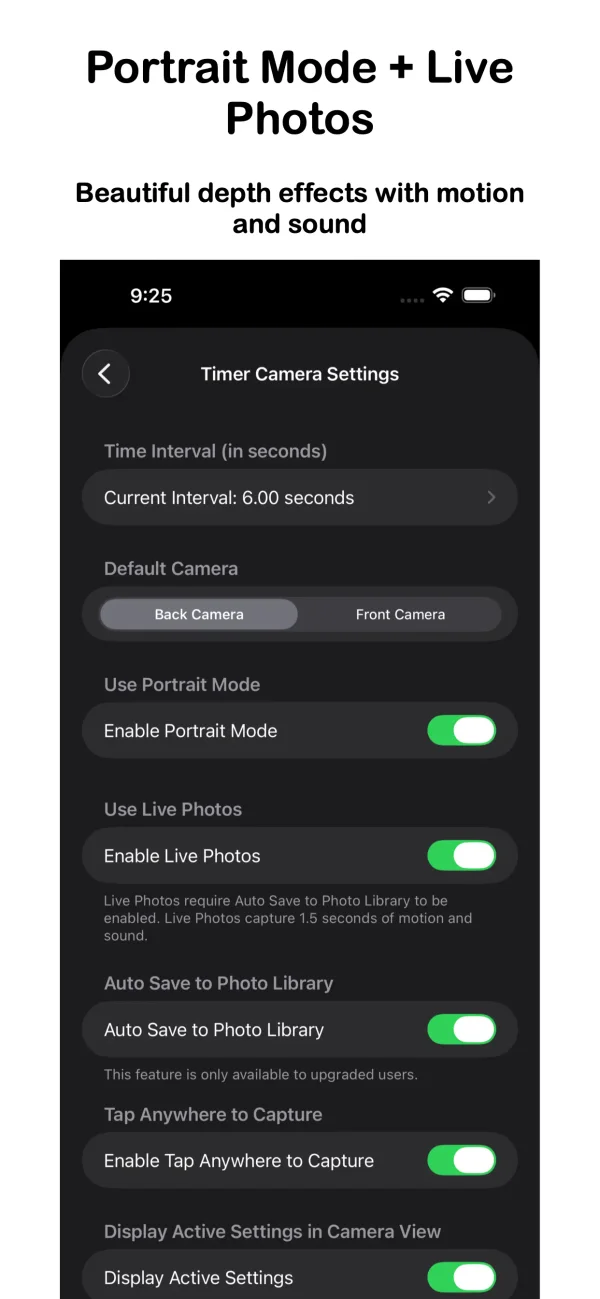
Switch between your front and rear cameras with ease, and use portrait mode when you want extra focus. A simple built‑in gallery lets you review your shots, save your favorites, or turn on auto‑save so everything is stored automatically.
Apple Watch Companion App
AnyTap Accessible Camera now works from your wrist too.
Use your Apple Watch as a quick, lightweight remote — perfect for group photos, hands‑free setups, or moments when your phone is just out of reach. Start a capture, trigger interval mode, or check your countdown right from your watch, all without touching your phone.
Note: Some features require an upgrade. The free mode has limits on the number of auto captures and applies watermarks.
When you purchase a subscription, payment will be charged to your Apple ID Account upon confirmation of purchase. The subscription will renew automatically unless you cancel it at least 24 hours prior to the end of the current subscription period. You can manage and cancel your subscriptions by going to your account settings on the App Store after purchase.
Privacy Policy
https://www.aidaluu.com/privacy/DailySeconds.html
Terms of Use
https://www.aidaluu.com/tos/DailySeconds.html
What’s new
Version 3.8 · Aug 22, 2026
Apple Watch companion app
Bug fixes and performance improvements
We would love to hear your feedback and suggestions for new features, reach out to us at aidaluu.com
App privacy
What Aidaluu Inc. declares on the App Store about how this app handles data.
-
Data not collected
The developer does not collect any data from this app.
Privacy practices may vary, for example with the features you use or your age.
Information
- Seller
- Aidaluu Inc.
- Category
- Photo & Video
- Version
- 3.8
- Updated
- Aug 22, 2026
- Released
- Feb 27, 2024
- Size
- 29.7 MB
- Requires
- iOS 18.6 or later
- Age rating
- 4+
- Price
- Free
- In-app purchases
- Yes
- Languages
- English, Danish, Dutch, Finnish, French, German, Italian, Japanese, Korean, Polish, Portuguese, Simplified Chinese + 1 more
- Copyright
- © Aidaluu Inc.
You might also like
-
 XAP Time LapsePhoto & Video
-
 DragSelfie: Self Timer CameraHands-free timer camera
-
 Seam: Screenshot StitcherStitch Screenshots & Videos
-
 REC LOOP – CameraTimed takes, repeated
-
 MultiRoll: Shared Camera RollEasily create shared albums.
-
 TuttiCam - Multi-Camera SyncInterval Shots & Camera Remote
-
 ProCamera+: Manual RAW CameraNight, Log Video & Film Looks
-
 349: Golden Hour CamYour Camera for Golden Hour
-
 BurstWizardSelf-timer that keeps firing
-
 Fast ShutterAlways opens ready to shoot