Musiv: Music Link Converter
Open shared songs in your app
Designed for iPhone, iPad
Free
- Age rating4+
- CategoryUtilities
- Developerharuto nomura
- LanguagesEnglish+ 43 more
- Size7.8 MB
Links to the official App Store page
Download.org hosts no file of Musiv: Music Link Converter. The button opens its official App Store page, published by haruto nomura. Listing last checked on Nov 23, 2026.
Screenshots

About
A friend sends you a song link. It opens in the wrong app—or not at all.
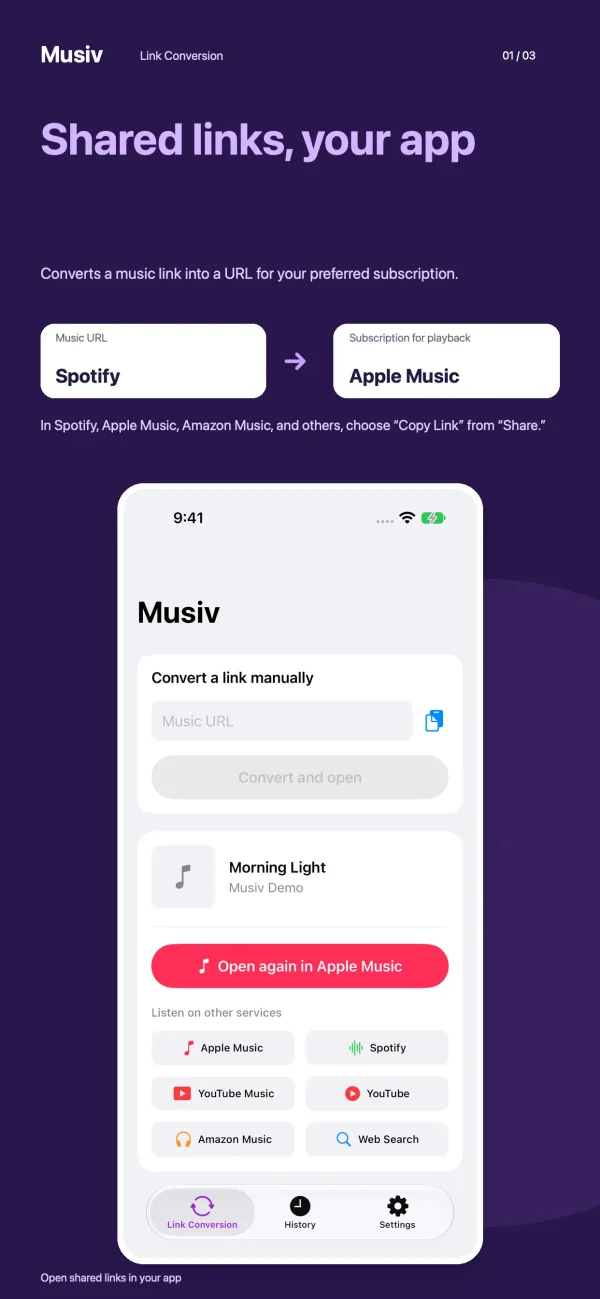
Musiv reads shared music links and opens the track page or search results in the service you actually use.
Works with links from Apple Music, Spotify, YouTube, YouTube Music, and Amazon Music. No account, no sign-in. Musiv does not play, stream, or download music.
WHAT YOU CAN DO
• Share a link to Musiv from any app
• Let Musiv detect a copied link when you open the app (you can turn this off)
• Use the Safari extension, bookmarklet, or Shortcuts/Siri
• Pick one preferred service and open links there
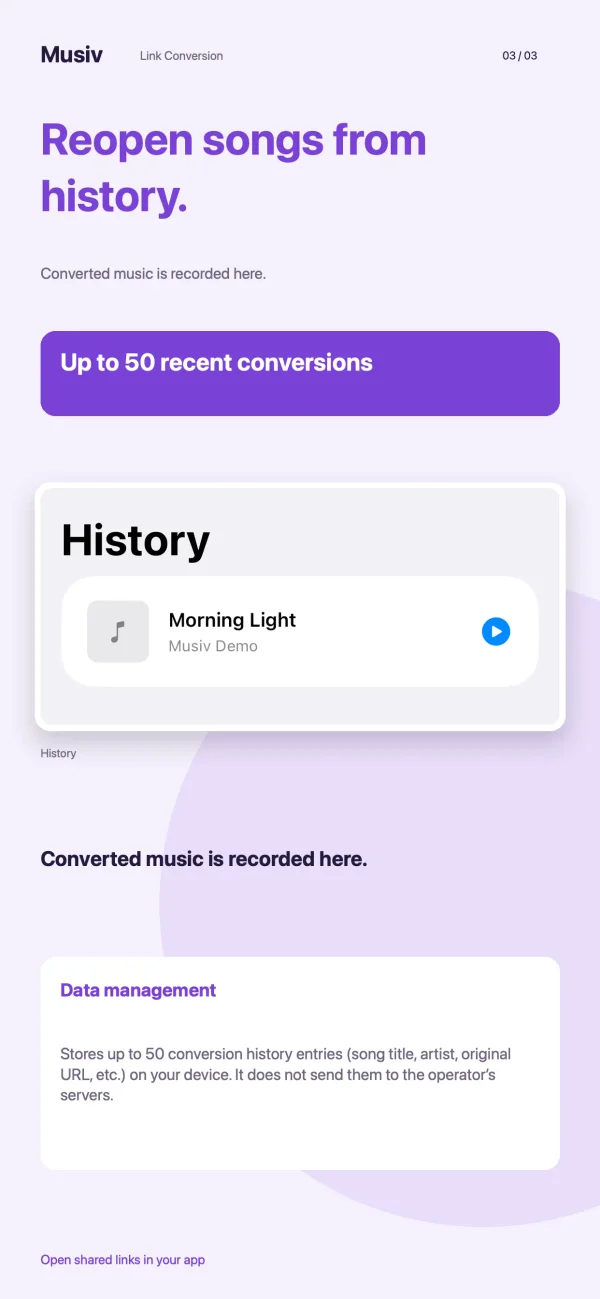
• Keep up to 50 recent conversions on your device and open them again
• Choose Web Search as a target when you want to search the web
HOW IT WORKS
1. In your music app, tap Share → Copy Link.
2. Open Musiv, or choose Musiv in the share sheet.
3. Musiv opens the track page or search results in your preferred service.
PRIVACY
No account. History and settings stay on your device and are not sent to the developer's servers. No ad tracking. Musiv reads the clipboard only to check for a music link; turn off automatic conversion to stop clipboard checks on launch. To resolve links, Musiv contacts third-party music services and public APIs.
LIMITATIONS
• Musiv does not guarantee the same track or version. Search results can be wrong, and catalogues vary by country.
• Musiv does not migrate playlists. Playlist links open as search links.
• Service changes or outages can break conversion.
• Apple Music, Spotify, YouTube, YouTube Music, and Amazon Music are trademarks of their owners. Musiv is not affiliated with, endorsed by, or an official app of these services.
What’s new
Version 20261118 · Nov 18, 2026
Safari extension auto-redirect is now enabled by default, and Spotify links in Safari can open directly in Apple Music when Apple Music is your preferred service. Also improved Safari extension setup guidance.
App privacy
What haruto nomura declares on the App Store about how this app handles data.
-
Data not collected
The developer does not collect any data from this app.
Privacy practices may vary, for example with the features you use or your age.
Information
- Seller
- haruto nomura
- Category
- Utilities
- Version
- 20261118
- Updated
- Nov 18, 2026
- Released
- May 22, 2026
- Size
- 7.8 MB
- Requires
- iOS 16.0 or later
- Age rating
- 4+
- Price
- Free
- Languages
- English, Arabic, Bengali, Catalan, Croatian, Czech, Danish, Dutch, Finnish, French, German, Greek + 32 more
- Copyright
- © 2026 porarrirr
You might also like
-
 QR Quick ScanUtilities
-
 賞味期限スキャナUtilities
-
 Kakuremi - KeePass ManagerKeePass vault · free YubiKey
-
 Autofill Forms: Address & NameFill web forms in one tap
-
 TenjiScan - Braille OCR ReaderLearn, Scan & Convert Braille
-
 My Collection BookPhotos, notes, maps & counters
-
 Item Manager with HistoryUniversal Inventory List
-
 PhotoUnlockedPortrait, Styles & Texture
-
 MemoKata: Photo CleanerSwipe to sort screenshots
-
 Human Profile NoteBookBest Personal CRM.Just record.