
- Age rating4+
- CategoryPhoto & Video
- Developer梦若 徐
- LanguagesSimplified Chinese
- Size6.8 MB
Links to the official App Store page
Download.org hosts no file of PicBoard - 朋友圈排版工具,批量长图拼接. The button opens its official App Store page, published by 梦若 徐. Listing last checked on Nov 20, 2026.
Screenshots

About
The developer has not provided this text in your language.
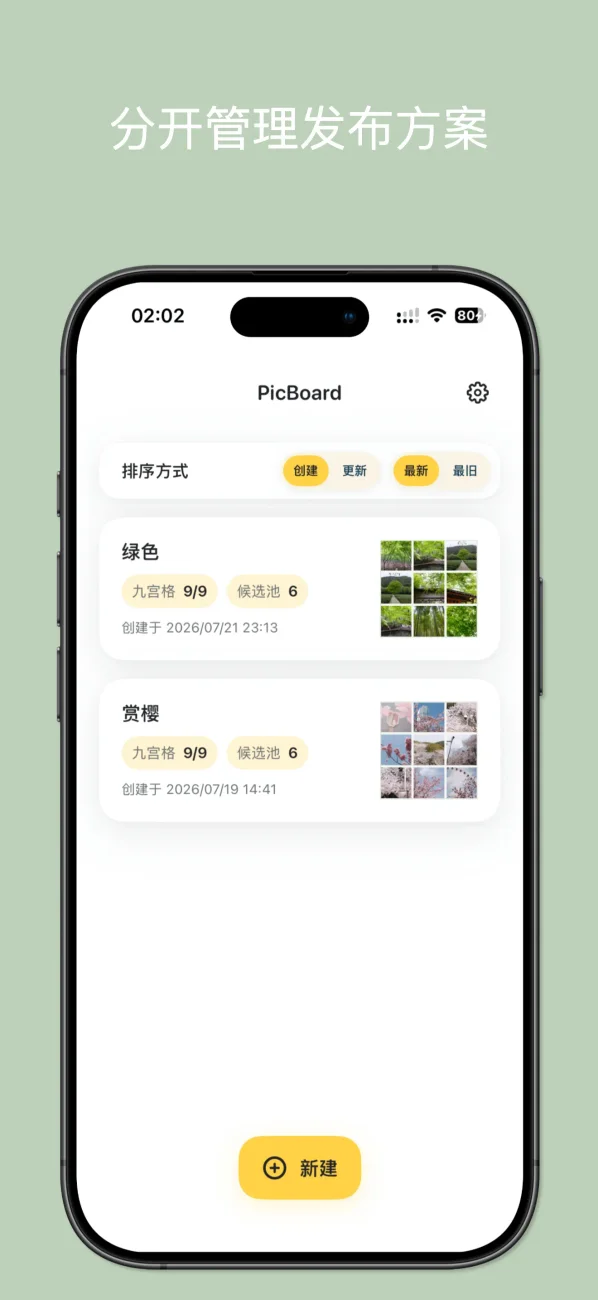
PicBoard 是一款以拖拽排版为核心的九宫格长图拼接工具,支持同时编辑和管理多个长图。将选图、排序、拼接、文案与导出集中在一个清晰的工作区,让多图整理更加直观高效。
主要功能:
- 候选池
从系统相册批量导入照片,集中放入候选池,方便随时筛选、分组和排版。
- 拖拽生成长图
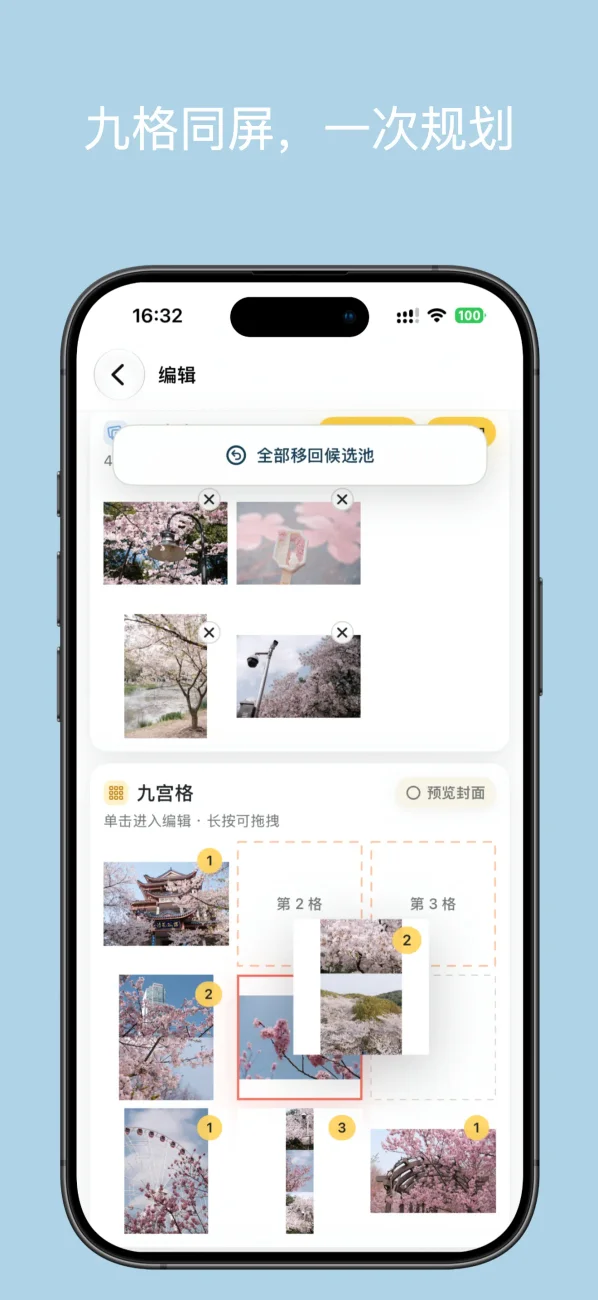
将候选池中的照片拖入指定格子,每个格子可以放入多张照片,自动拼接为长图。
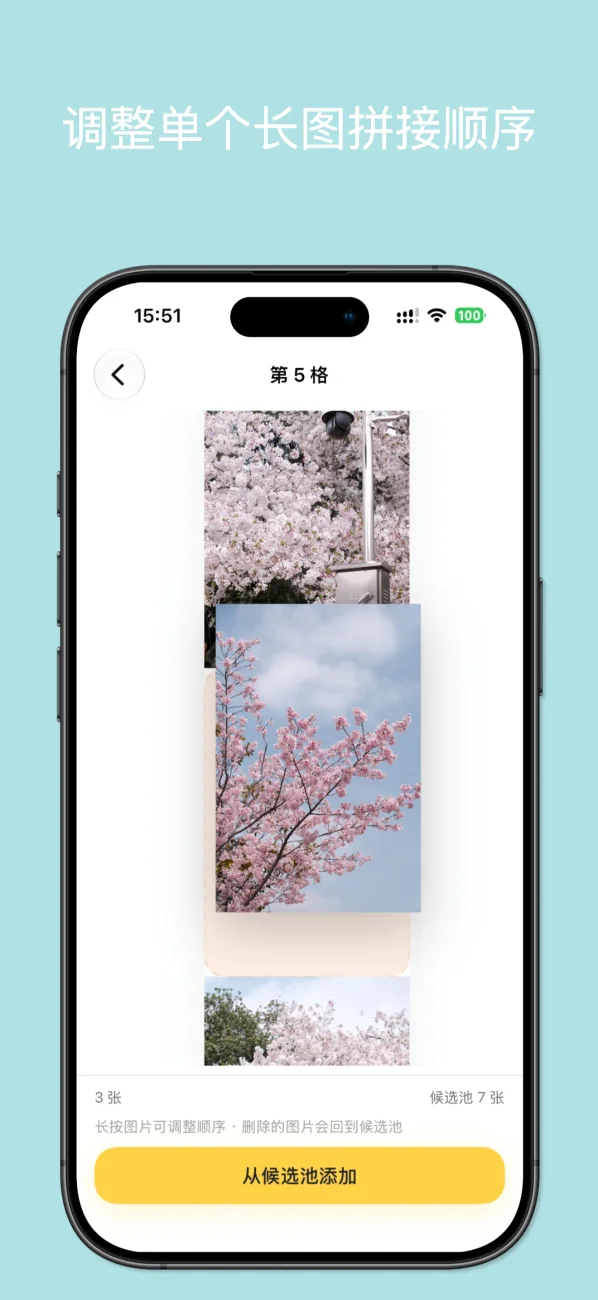
- 调整拼接顺序
进入单格编辑器,通过长按拖拽自由调整照片的拼接顺序。还可以继续从候选池添加照片,或将暂时不需要的照片移回候选池。
- 九宫格拖拽排版
长按九宫格中的整组内容,即可在不同位置之间移动。也可以将两格内容合并,快速重新组织图片。
- 连续编辑
左右滑动可切换不同格子,连续编辑多张长图。
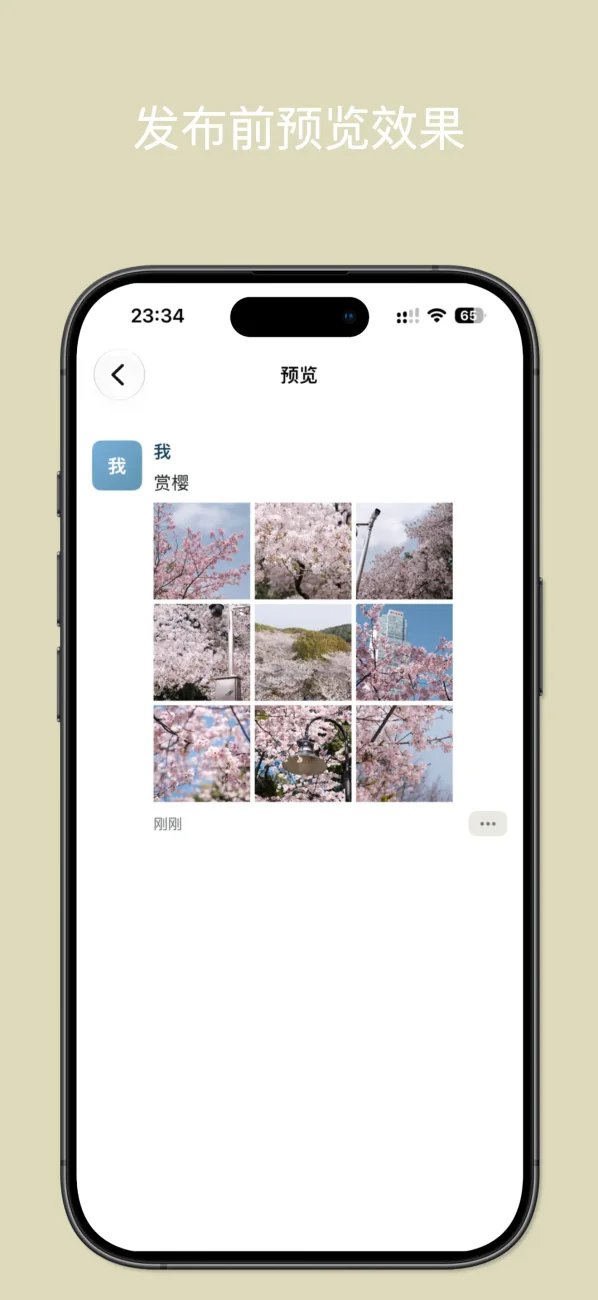
- 排版预览
随时查看照片封面预览。PicBoard Pro 还支持九宫格页面预览,可在导出前查看图片顺序、封面、文字排版,预览整体效果。
- 草稿保存
九宫格位置、格内顺序、候选照片和文案都会自动保存在草稿中,随时继续编辑。
- 一键批量导出
完成排版后,将多张长图一键导出到系统相册。填写文案后,导出时会自动复制,方便前往其他应用直接发布。
PicBoard 尤其适合朋友圈、旅行记录和社交平台多图发布前的照片整理,以及任何需要同时制作和管理多个长图的场景。
What’s new
Version 1.3 · Oct 19, 2026
- 支持在 App 内编辑裁剪照片
- 添加单张的长图导出功能
- 文案区交互优化,支持全屏编辑
- 照片浏览支持缩放
- 候选池样式优化
App privacy
What 梦若 徐 declares on the App Store about how this app handles data.
-
Data not collected
The developer does not collect any data from this app.
Privacy practices may vary, for example with the features you use or your age.
Information
- Seller
- 梦若 徐
- Category
- Photo & Video
- Version
- 1.3
- Updated
- Oct 19, 2026
- Released
- Jul 16, 2026
- Size
- 6.8 MB
- Requires
- iOS 17.0 or later
- Age rating
- 4+
- Price
- Free
- In-app purchases
- Yes
- Languages
- Simplified Chinese
- Copyright
- © 2026 MENGRUO XU
You might also like
-
 PinPhoto: Fit to PagePhoto Fit on Page
-
 Tangram拼图Photo & Video
-
 猫猫拍Photo & Video
-
 批量色彩还原Photo & Video
-
 Immersive CollageCollages, shaped by touch
-
 拼格 - 九宫格切图拼图Photo & Video
-
 PhotoBooks by GraphicMeatBeautiful photo books, fast
-
 Always9PicsTurn photos into 9 long images
-
 PrintoraSmart Photo Layouts for Print
-
 白泽 AI - 让创作不再等灵感Photo & Video