- Age rating4+
- CategoryPhoto & Video
- DeveloperCROWSON FARMS, INC.
- LanguagesSimplified Chinese
- Size3.4 MB
Links to the official App Store page
Download.org hosts no file of 酷黑屏相机-每个人都是主角. The button opens its official App Store page, published by CROWSON FARMS, INC. Listing last checked on Nov 15, 2026.
Screenshots



About
Protagonist brings teleprompter practice, video recording, audio recording, photography, on-device privacy controls, and optional encrypted cloud backup together in one iPhone app.
【FOCUSED TELEPROMPTER PRACTICE】
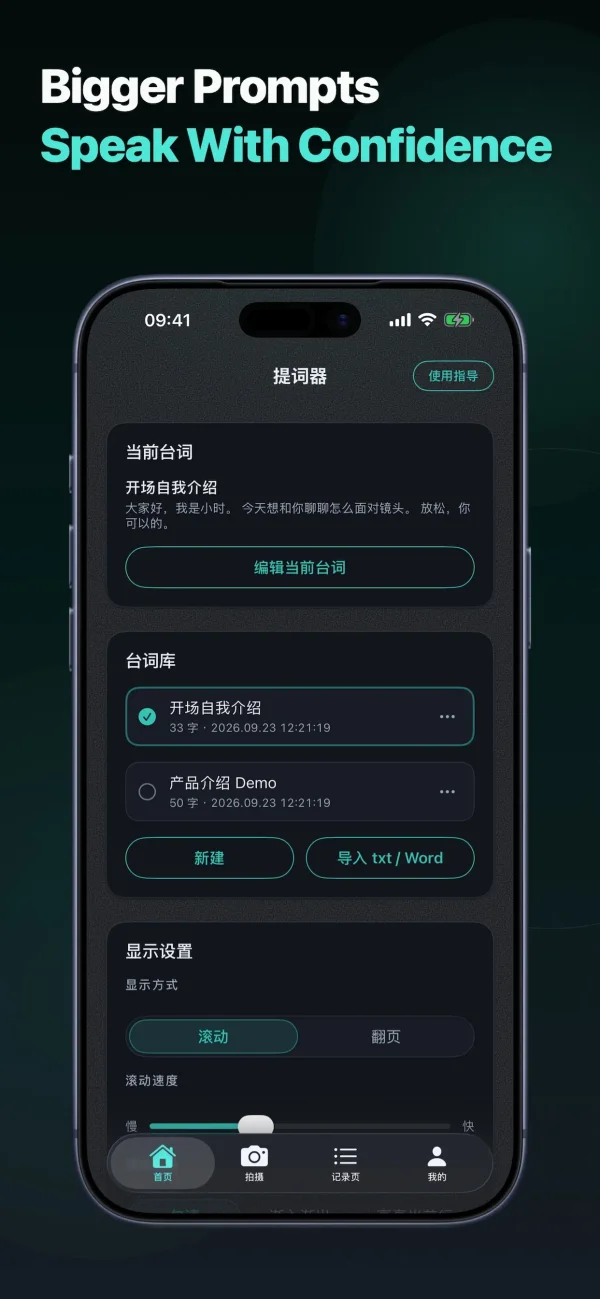
• Create, edit, select, and manage multiple scripts
• Import TXT and Word (DOCX) files
• Choose between continuous scrolling and automatic page mode
• Adjust scrolling speed, page interval, and text size
• Select linear scrolling, eased motion, or current-line highlighting
• Choose fade, slide-up, or scale page transitions
• Use the front or rear camera
• Preview the camera before entering the teleprompter
• Enable mirrored text for selfies or teleprompter glass
• Record your practice while reading and review it afterward
【VIDEO, AUDIO, AND PHOTOS】
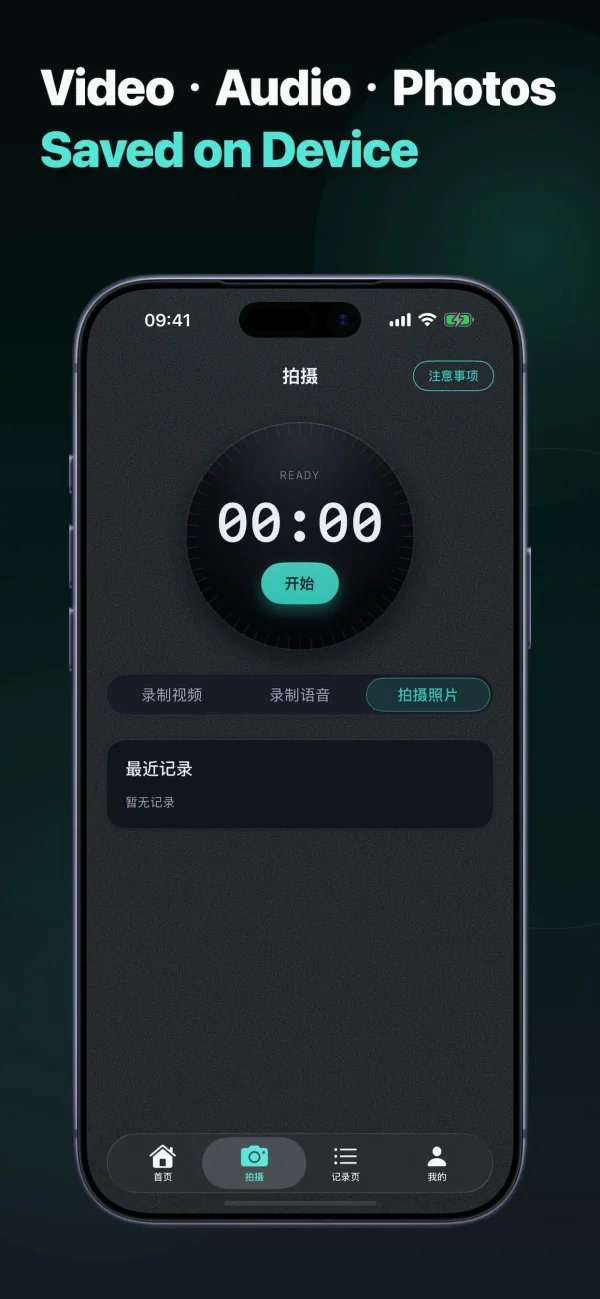
• Switch quickly between video, audio, and photo capture
• Choose the front or rear camera
• Use the 1x wide camera or 0.5x ultra-wide camera on supported devices
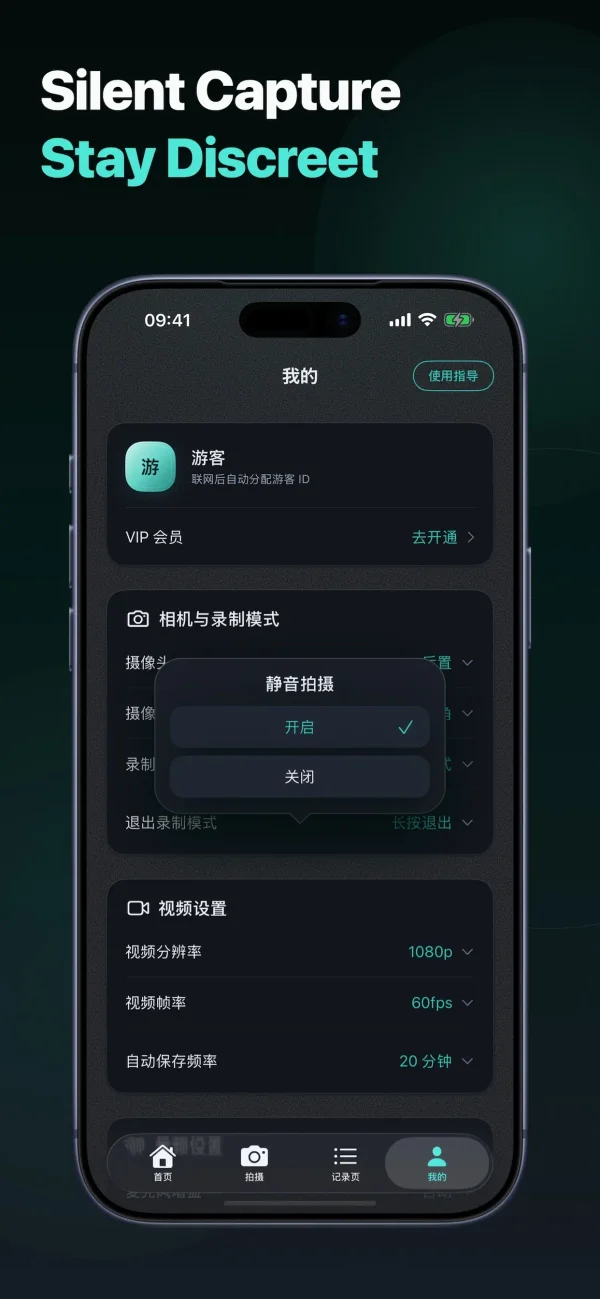
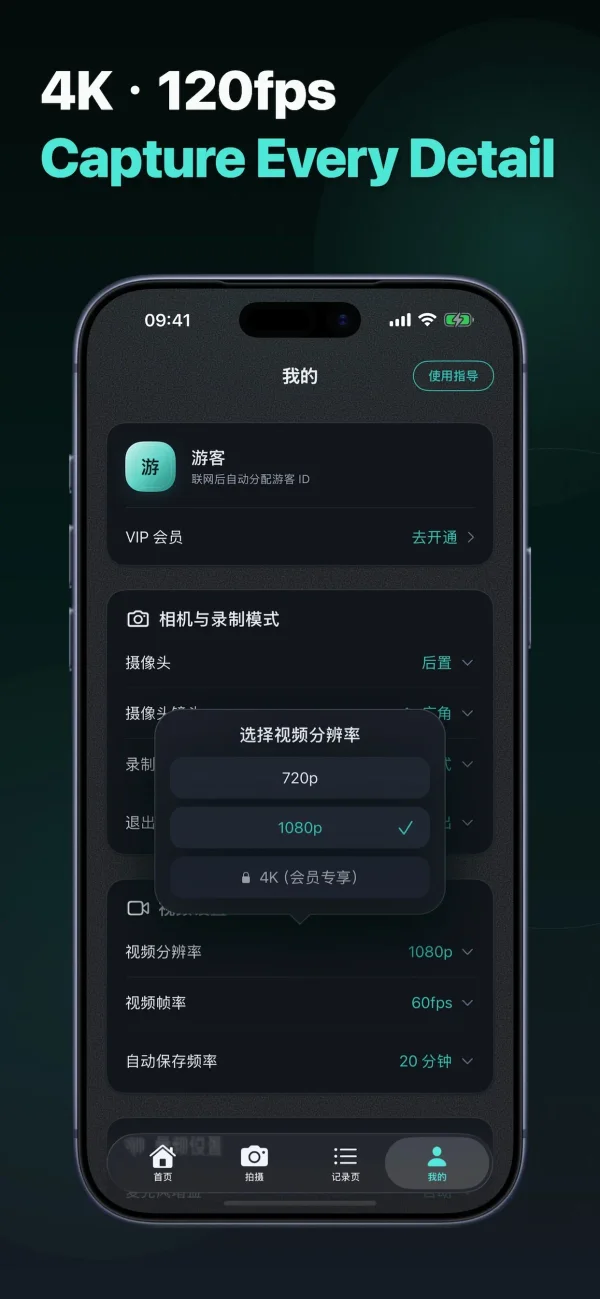
• Record in 720p, 1080p, or 4K
• Choose 24fps, 30fps, 60fps, or 120fps
• Adjust microphone gain and audio sample rate
• Configure capture delay, interval, and burst count
• Split long recordings into automatically saved segments
• Request silent photo capture where supported by the device and regional system rules
【FLEXIBLE RECORDING SCREENS】
After video or audio recording begins, you can choose how the screen appears:
• Keep the standard preview
• Switch to a black screen
• Display a simple clock
• Show a custom image selected from your photo library
• Exit the recording screen with a hold or swipe gesture
Recording remains under your control, and you can return to the active recording interface after leaving a cover screen.
【RECORD LIBRARY】
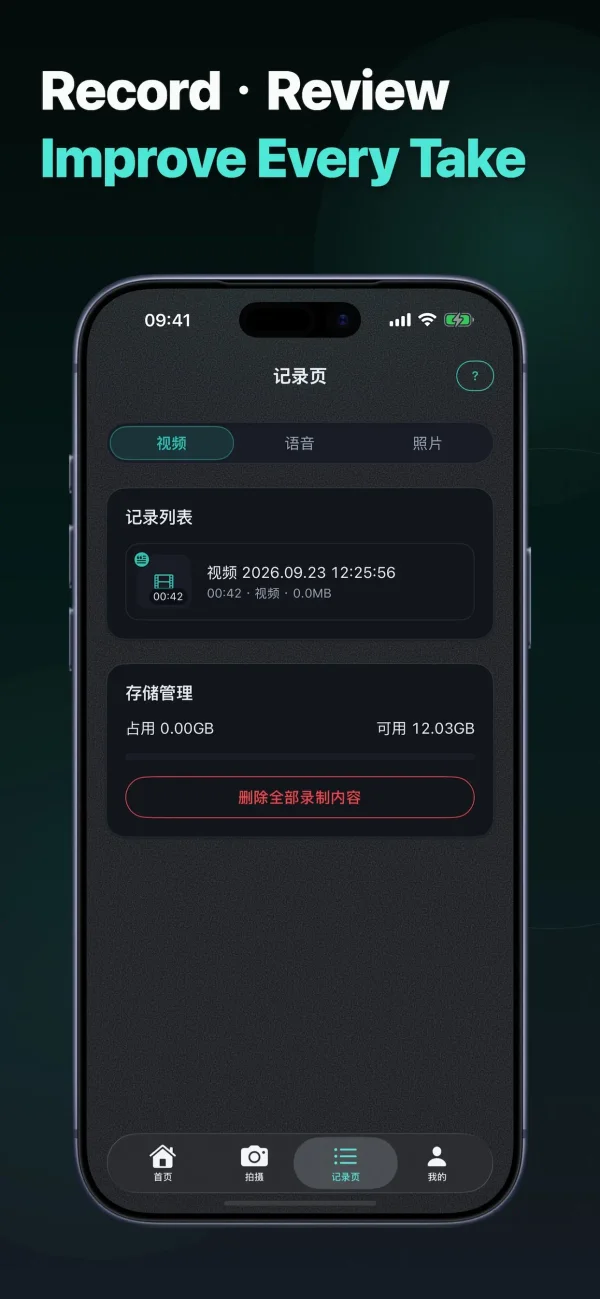
• Organize videos, audio recordings, and photos by category
• View thumbnails, names, durations, file sizes, and creation times
• Play videos and audio or view photos
• Rename, share, export, and delete individual files
• Review used and available device storage
• Delete all local recordings when needed
• Teleprompter practice videos automatically appear in the record library
【PRIVACY AND ON-DEVICE SECURITY】
• Recordings stay on your device by default and are never uploaded automatically
• Local files are protected using iOS Data Protection
• Local features and membership purchases do not require an account
• Scripts and recordings are kept separate between accounts
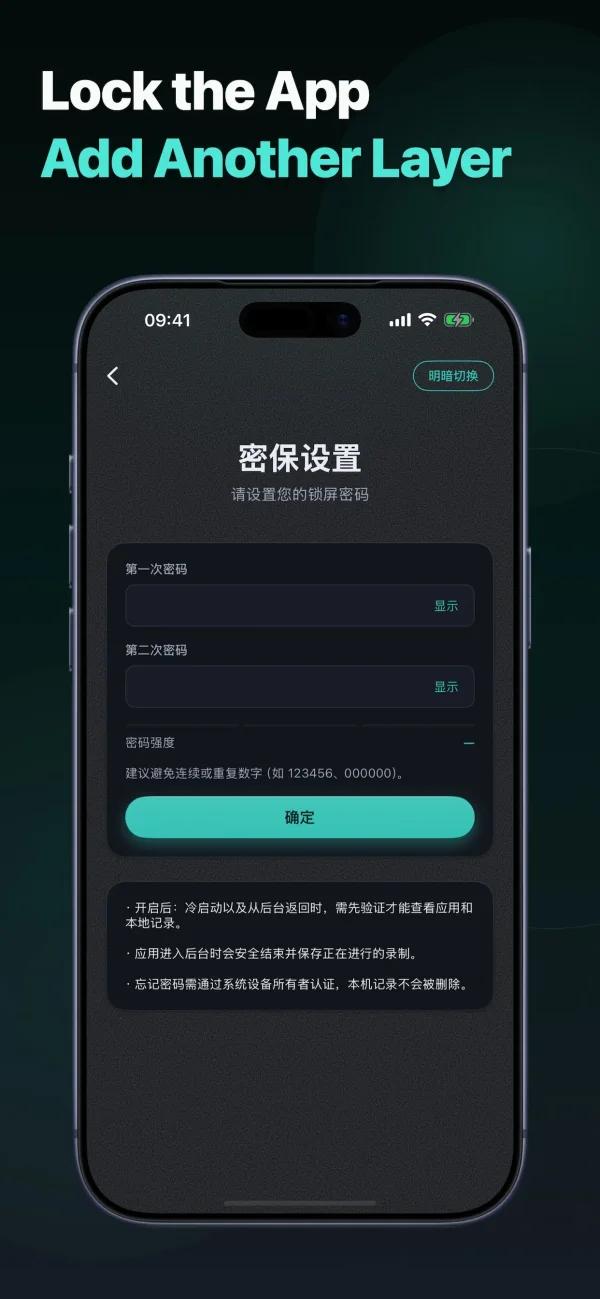
• Protect the app with a six-digit passcode
• Use Face ID or Touch ID for faster access when supported
• Require authentication after launching the app or returning from the background
• Reset a forgotten passcode only after device-owner authentication
• When the app enters the background, active recording is safely ended and saved, and the app snapshot is concealed
【OPTIONAL SIGN-IN AND ENCRYPTED CLOUD BACKUP】
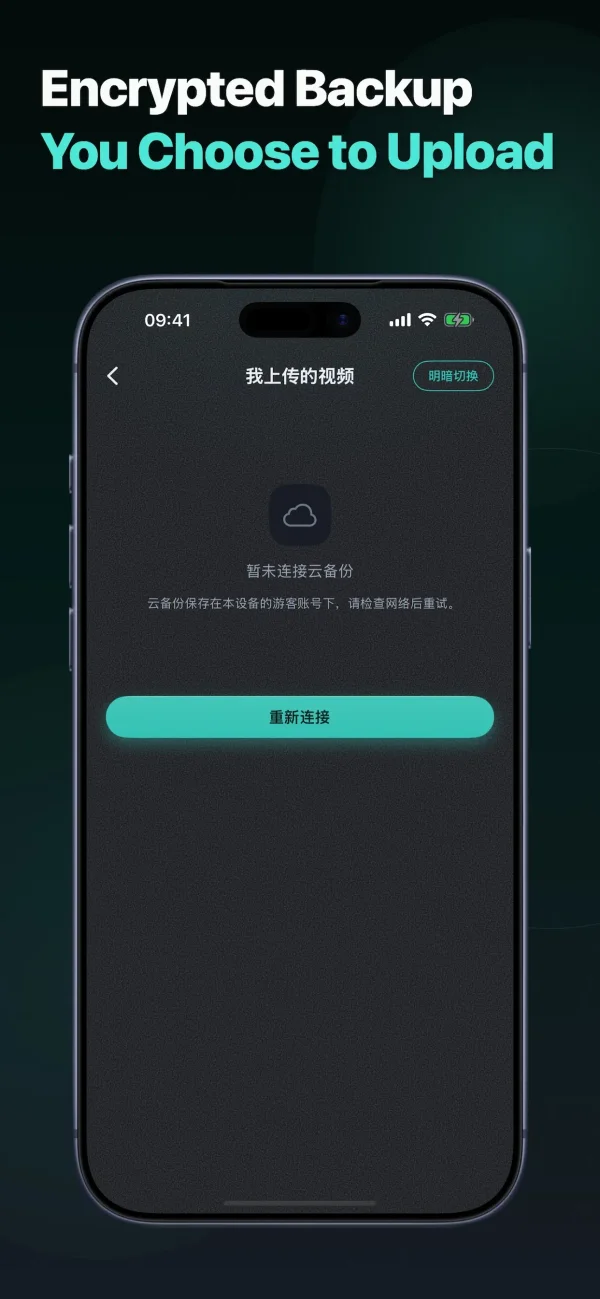
Sign in with Apple is optional. After signing in, members can continue using purchased membership benefits on their other devices and access encrypted cloud backup.
Cloud backup is never enabled automatically. Files are uploaded only after you select them. Backed-up recordings can be restored to the device or deleted from the cloud at any time.
Encrypted cloud backup requires Sign in with Apple and an active membership.
【MEMBERSHIP FEATURES】
Some advanced features require an in-app purchase:
• 4K video recording
• 120fps high-frame-rate recording
• 96kHz audio sample rate
• High microphone gain
• Custom automatic-save intervals
• Custom burst-photo counts
• Encrypted cloud backup after signing in
Record only with the informed consent of everyone involved and in accordance with applicable laws and regulations. Silent photo capture requires iOS 18 or later and remains subject to device capabilities and regional system rules. Camera and microphone features require the corresponding system permissions.
What’s new
Version 1.0.6 · Oct 24, 2026
• Added a weekly membership option with 7 days of member benefits.
• Added a buy-one-year, get-lifetime membership promotion.
• Fixed an issue where the large clock could stop updating during recording.
• Fixed an issue that could cause the app to freeze at launch on iPadOS 27.
App privacy
What CROWSON FARMS, INC. declares on the App Store about how this app handles data.
-
Data linked to you
May be collected and linked to your identity.
- Contact info
-
Data not linked to you
May be collected but is not linked to your identity.
- User content
Privacy practices may vary, for example with the features you use or your age.
Information
- Seller
- CROWSON FARMS, INC.
- Category
- Photo & Video
- Version
- 1.0.6
- Updated
- Oct 24, 2026
- Released
- Aug 20, 2026
- Size
- 3.4 MB
- Requires
- iOS 17.0 or later
- Age rating
- 4+
- Price
- Free
- In-app purchases
- Yes
- Languages
- Simplified Chinese
- Copyright
- © CROWSON FARMS, INC.
You might also like
-
 Dark Camera: Evidence RecorderScreenOff Photo Video Recorder
-
 DimCamPhoto & Video
-
 Black Screen Camera QuietCamSilent Screen Off Recorder
-
 Kemra - Black Screen CameraDiscreet Pro Photo Camera
-
 BlackOut: Black Screen CameraSilent Discreet Video Recorder
-
 DarkCam:安全专业的隐私相机Photo & Video
-
 Screet - Black Screen CameraSilent Photos & Discreet Video
-
 Blackout Camera: Black ScreenNight video & astrophotography
-
 取证相机-安全专业的录像机Photo & Video
-
 Screen Off RecorderRecord with screen dimmed