SafeInput: Chinese Keyboard
Offline Pinyin, phrases & keys
Designed for iPhone, iPad, iPod touch
Free · In-app purchases
- Age rating12+
- CategoryUtilities
- DeveloperLI XING HUA
- LanguagesEnglish+ 1 more
- Size205.6 MB
Links to the official App Store page
Download.org hosts no file of SafeInput: Chinese Keyboard. The button opens its official App Store page, published by LI XING HUA. Listing last checked on Nov 26, 2026.
Screenshots

About
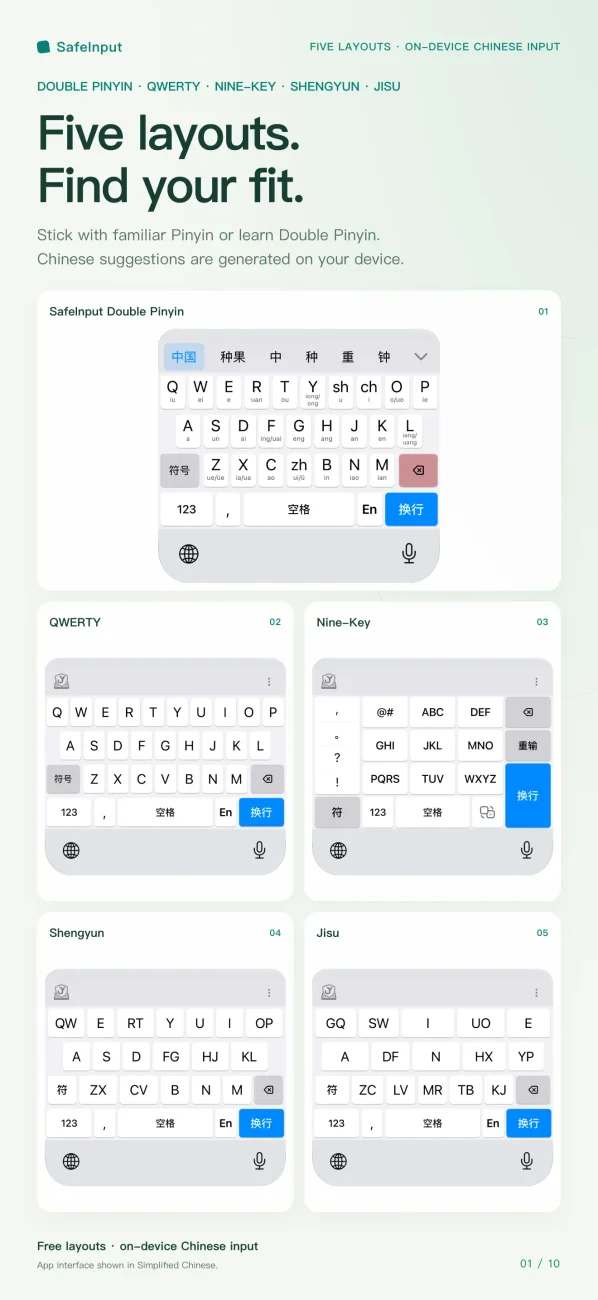
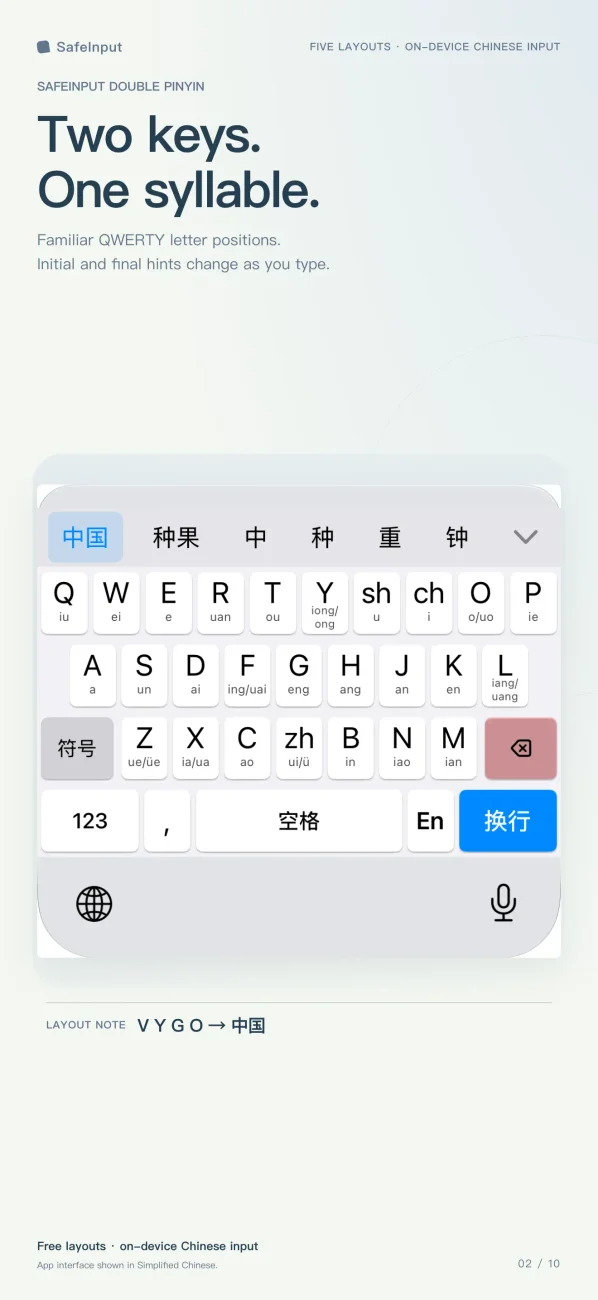
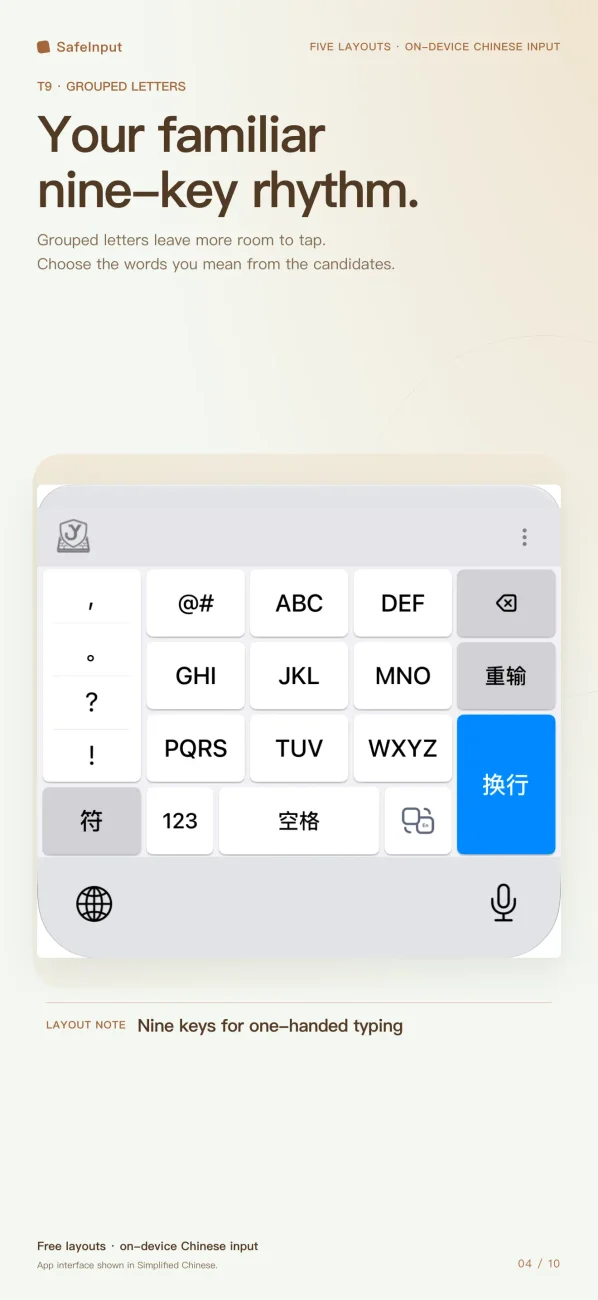
Type Chinese the way your fingers know. Choose familiar QWERTY or nine-key Pinyin, or enter a syllable in two taps with SafeInput Double Pinyin. All five basic layouts work offline, without an account.
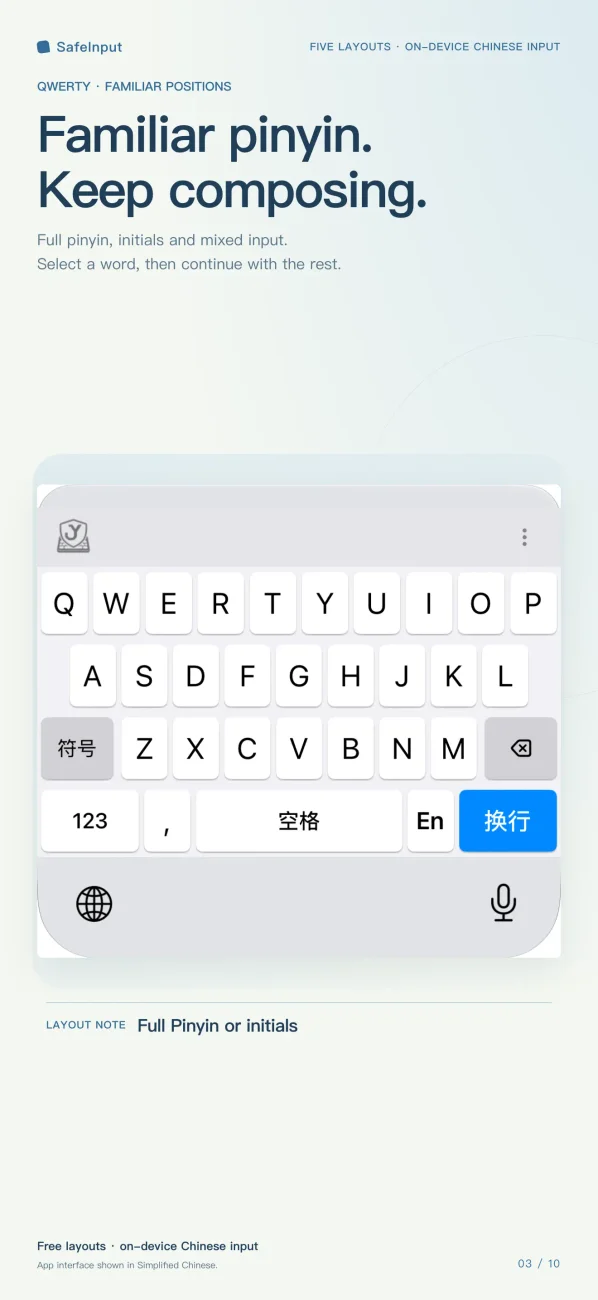
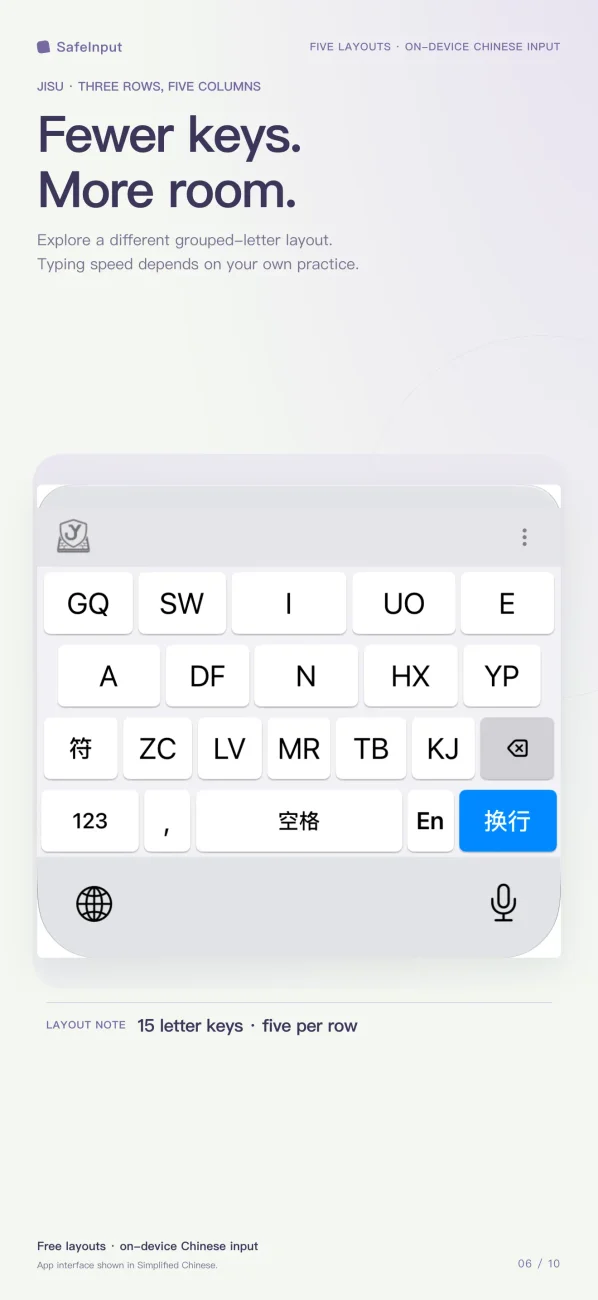
Find your rhythm. QWERTY supports full and abbreviated Pinyin. Pick the first word of a long phrase and keep composing the rest. Double Pinyin shows different hints for initials and finals. Prefer wider keys? Try the Shengyun layout or Jisu’s five keys per row. Switch from the menu on the keyboard.
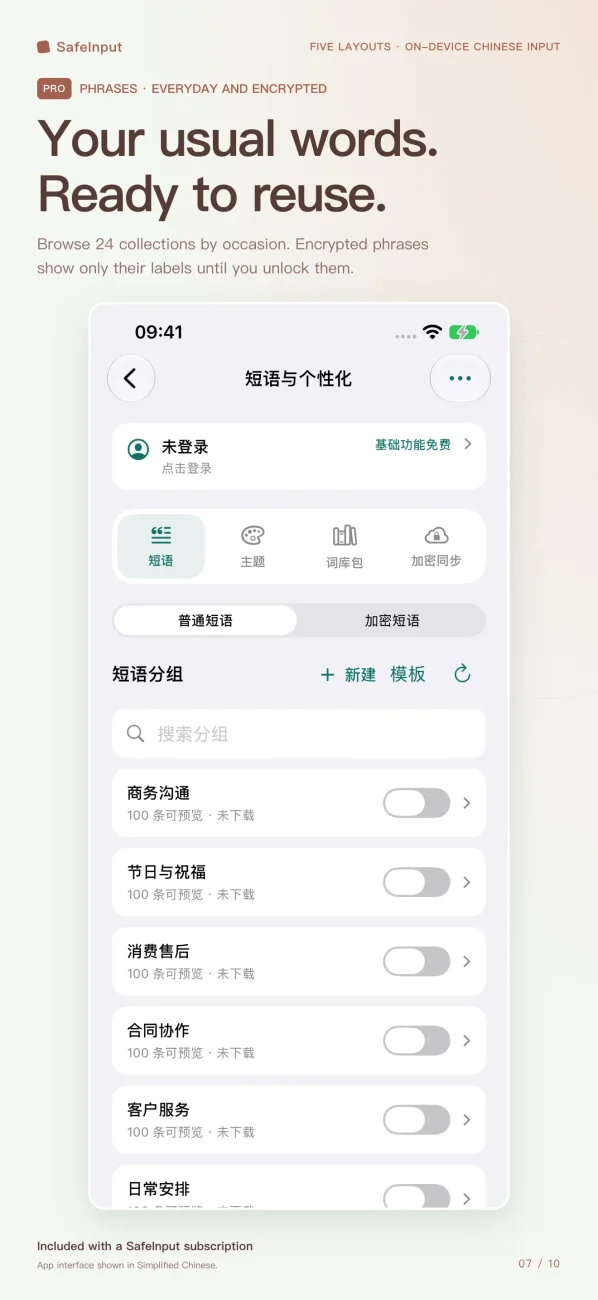
Keep frequent replies within reach. Tap the logo on the keyboard to open phrases. Organize your own replies, build templates or preview public phrases across 24 categories. Encrypted phrases show only the label you choose until you authenticate to insert one.
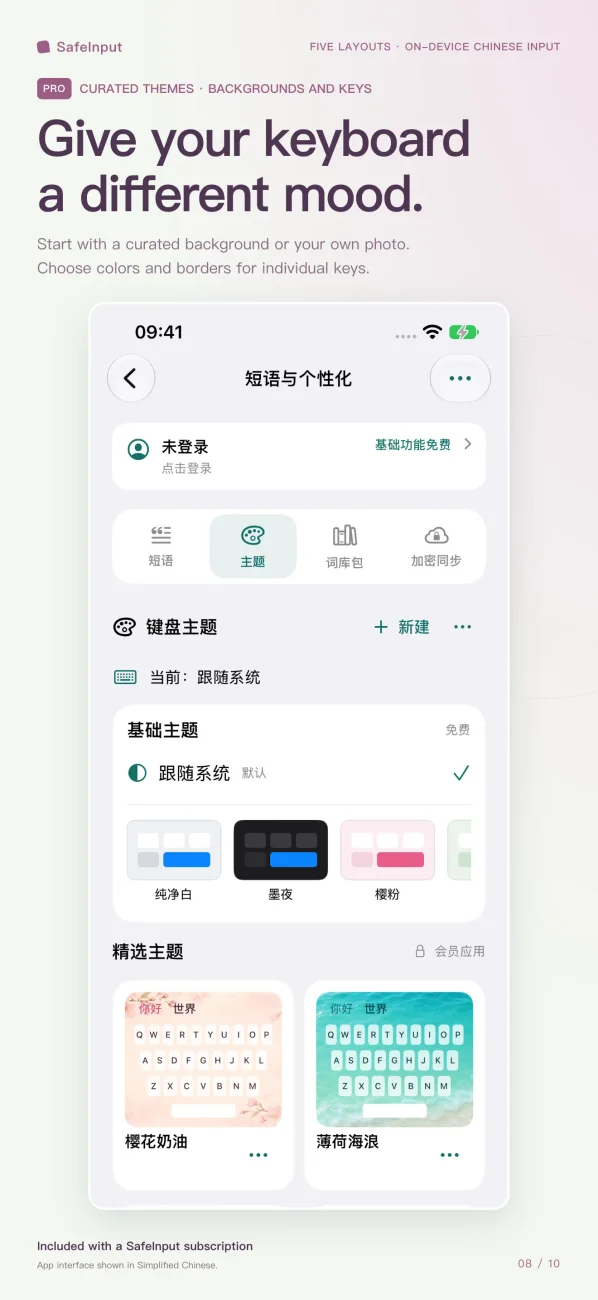
Make the keyboard yours. Follow the system appearance or use a photo as the background. Change colors and borders one key at a time, then export your theme or import another.
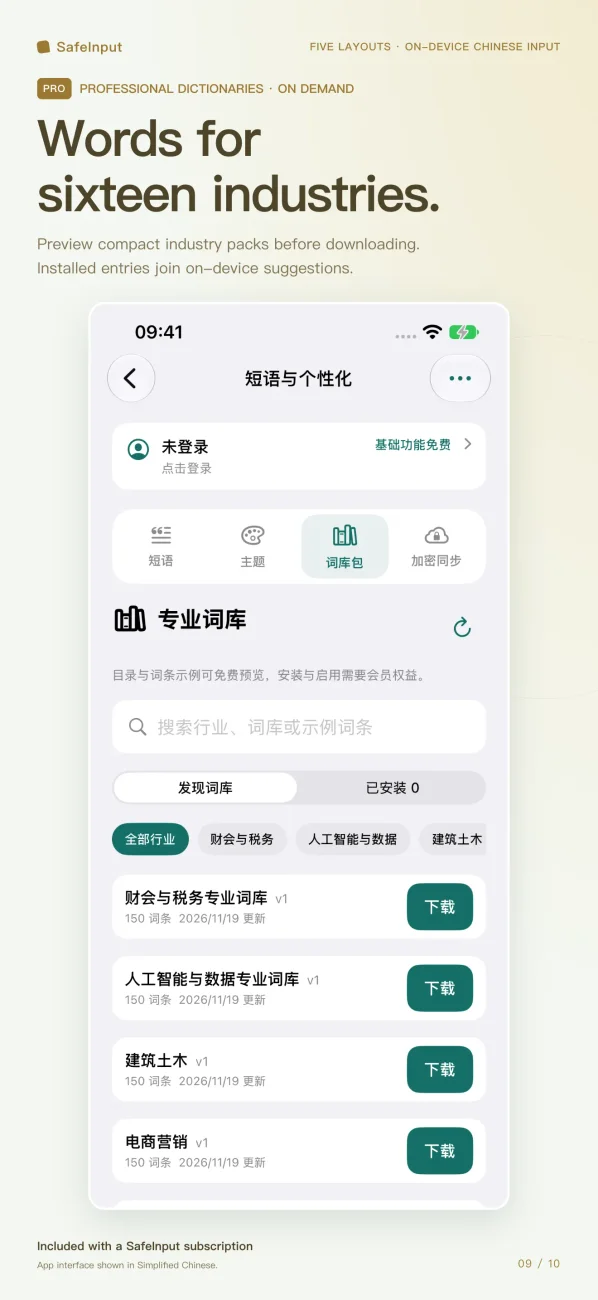
Use the right word offline. Browse entries from 16 industry dictionaries before downloading. Installed entries appear in local candidate searches.
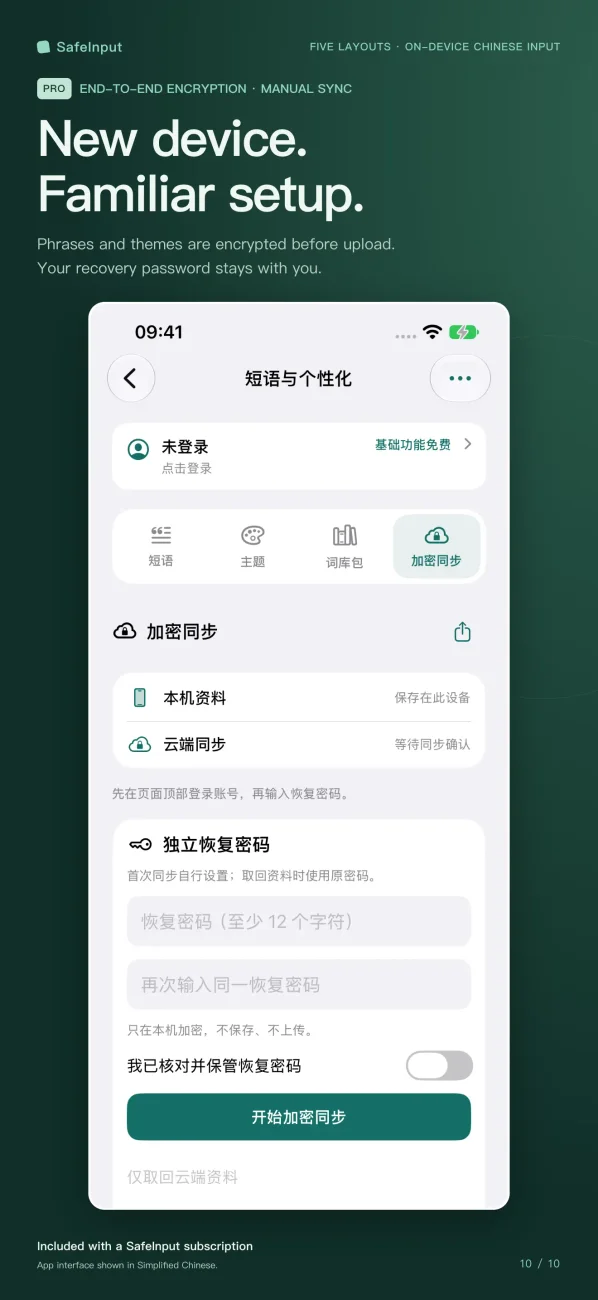
Typing stays on your device. Keystrokes, Pinyin and candidates are not sent as you type. The companion app connects for sign-in, resource downloads and subscription verification. You can manually sync encrypted phrases and themes; you keep the recovery password. You can also preview diagnostics before choosing to upload them.
Membership: Basic input, layouts and basic appearance are free. Creating and inserting phrases, member themes, industry dictionary installation and encrypted backup uploads require the Phrases & Personalization annual subscription. Eligible users can start a 14-day free trial. The subscription renews annually unless canceled. Your local price and trial eligibility appear in Apple's purchase sheet. Manage or cancel in your Apple Account. You can still retrieve existing personal data after your subscription expires.
To enable SafeInput, add it under Settings > General > Keyboard > Keyboards. Hold the globe key to switch. The app interface is primarily in Simplified Chinese.
Privacy policy: https://ime.janyee.com/privacy/
Terms of Use: https://www.apple.com/legal/internet-services/itunes/dev/stdeula/
What’s new
Version 1.1.21 · Nov 26, 2026
• Keep common replies close while using Double Pinyin. Tap the keyboard logo to pick a phrase, or unlock an encrypted phrase to insert it.
• Preview 24 phrase collections and 16 industry dictionaries. Download the dictionaries you need for offline suggestions.
• Use a photo as your keyboard background, change individual key colors and borders, then export your theme or switch back to the system appearance.
• Encrypted sync is available with the annual membership. Eligible new subscribers can start a 14-day free trial directly in the app. Basic typing stays free.
App privacy
What LI XING HUA declares on the App Store about how this app handles data.
-
Data linked to you
May be collected and linked to your identity.
- Purchases
- Contact info
- User content
- Identifiers
-
Data not linked to you
May be collected but is not linked to your identity.
- Diagnostics
Privacy practices may vary, for example with the features you use or your age.
Information
- Seller
- LI XING HUA
- Category
- Utilities
- Version
- 1.1.21
- Updated
- Nov 26, 2026
- Released
- Oct 5, 2026
- Size
- 205.6 MB
- Requires
- iOS 15.0 or later
- Age rating
- 12+
- Price
- Free
- In-app purchases
- Yes
- Languages
- English, Simplified Chinese
- Copyright
- © 2026 LI XING HUA