Apperture: Remote Desktop Apps
Big apps on small screens
Designed for iPhone, iPad
Free · In-app purchases
- Age rating4+
- CategoryDeveloper Tools
- DeveloperLAND MK 1
- LanguagesEnglish+ 8 more
- Size12.8 MB
Links to the official App Store page
Download.org hosts no file of Apperture: Remote Desktop Apps. The button opens its official App Store page, published by LAND MK 1. Listing last checked on Nov 16, 2026.
Screenshots

About
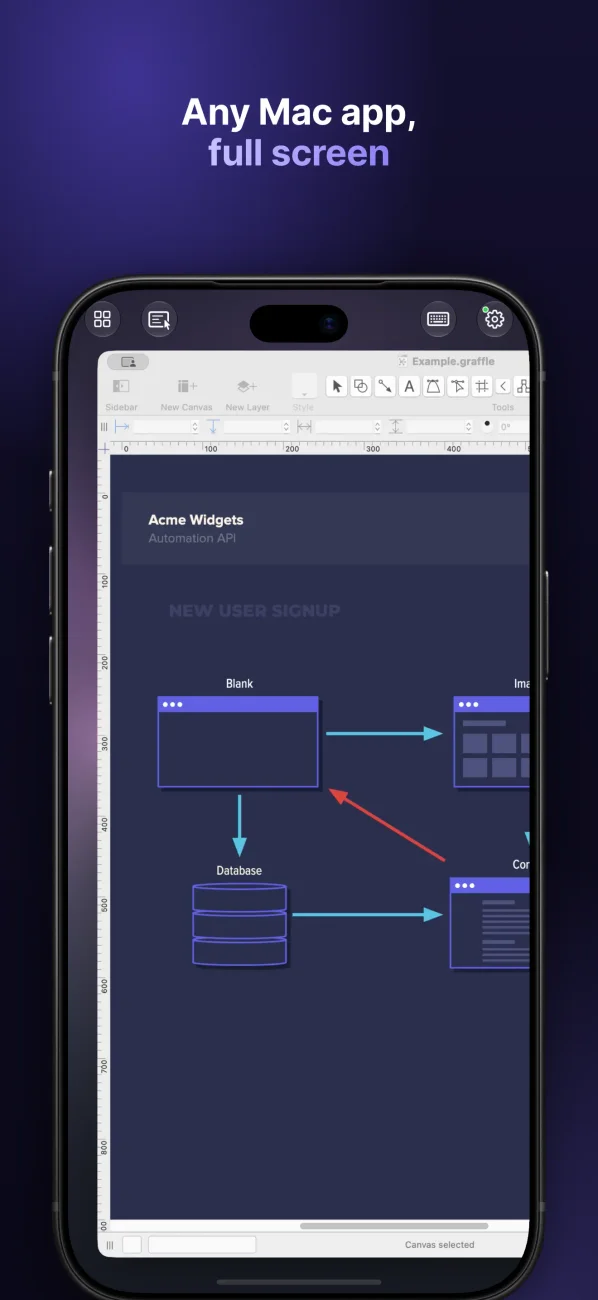
Apperture lets you see and control one Mac app right from your iPhone — not your whole desktop. Apperture mirrors just the app that matters, full-screen on your phone, so it feels like the app is running in your hand.
Traditional screen sharing puts a 27-inch desktop on a 6-inch screen and makes you pan, zoom, and hunt for windows. Apperture takes the opposite approach: pick a single running Mac app and it fills your iPhone with a sharp,
low-latency live view sized for the screen you're actually holding.
BUILT FOR DEVELOPERS
• Mirror the iOS Simulator and it feels native: touches map directly, and rotating your phone rotates the simulated app.
• Keep working while your Mac builds and runs. Perfect for agent-assisted coding — let Claude Code or your favorite agent build and launch the app on your Mac, then review and interact with the result from anywhere in the
house.
• Stream any Xcode-launched Mac app with its real window chrome intact.
FULL CONTROL, NOT JUST A VIEW
• Tap, drag, long-press for right-click, two-finger scroll — touch input translated naturally to the Mac.
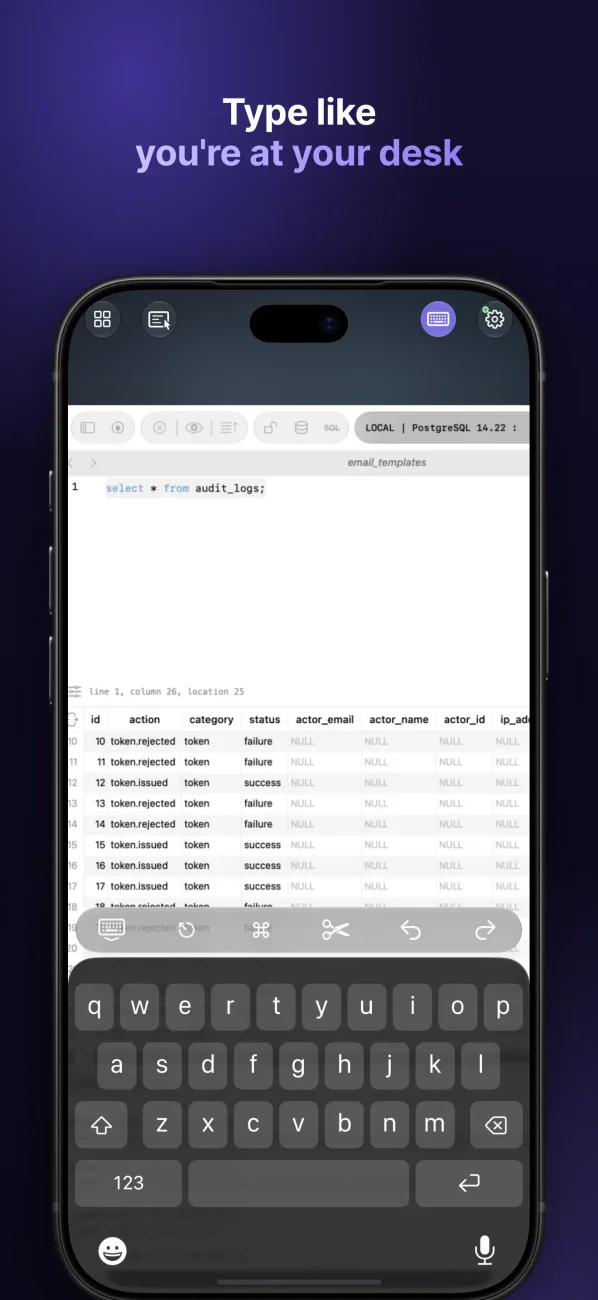
• Type with the iPhone keyboard, including full Unicode text entry.
• Browse and run the Mac app's real menu bar commands from a searchable, touch-friendly palette.
• Send clipboard text securely between devices.
• Fit-width, fit-height, and readable-zoom layout modes in portrait and landscape.
PRIVATE BY DESIGN
• No accounts. No cloud relay. Your screen never touches our servers.
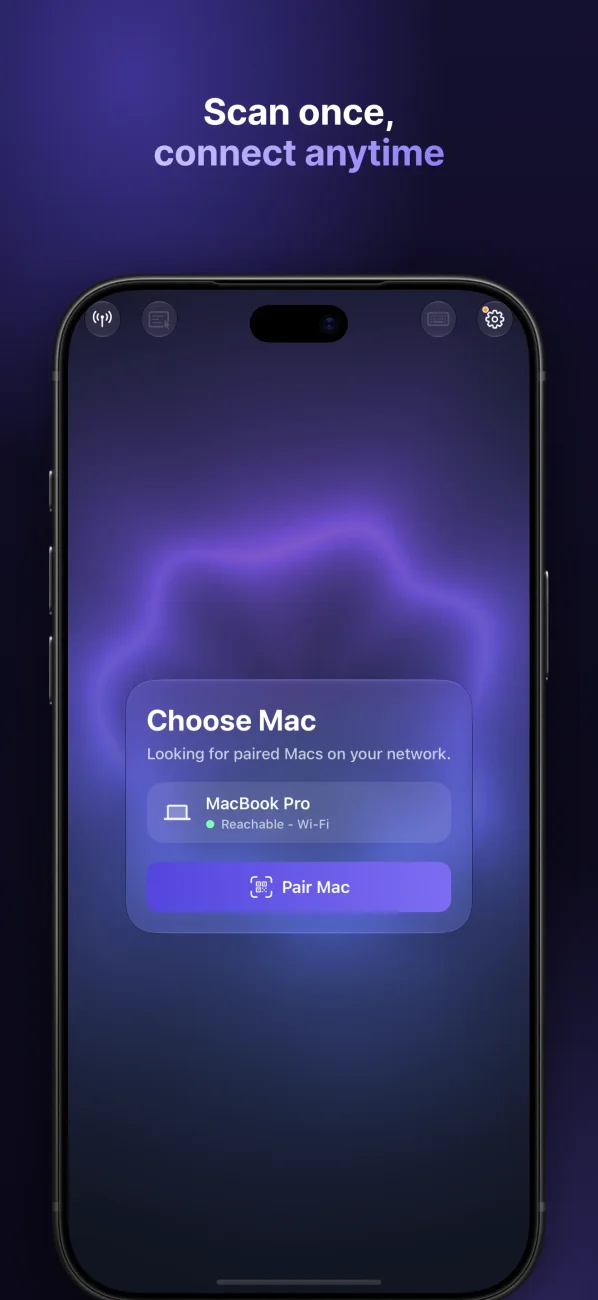
• Pairing starts with a short-lived QR code on your Mac, and the Mac owner must explicitly approve every phone.
• Connections work only over private networks — your Wi-Fi or your own VPN such as Tailscale. Public endpoints are rejected by design.
• Every session is encrypted. Pairing trust is stored in the device Keychain and never synced to the cloud.
• Review or revoke paired devices anytime. The Mac keeps a local 30-day session history — device, time, and app names only, never keystrokes or screen contents.
GOOD TO KNOW
• Apperture requires the free companion Mac app from runapperture.com. It's notarized by Apple and distributed directly because it uses Screen Recording and Accessibility permissions the Mac App Store doesn't allow.
• Away from home, you'll need a VPN to reach your Mac — Tailscale takes about five minutes to set up, works beautifully, and is free for personal use.
• Your Mac does all the work, so it needs to be on, awake, and logged in. Apperture is a viewer and controller for your own Mac, not a way to run Mac apps on iPhone.
• Apperture streams one selected window at a time — that focus is the point.
Terms of Use: https://www.apple.com/legal/internet-services/itunes/dev/stdeula/
What’s new
Version 1.2.0 · Oct 20, 2026
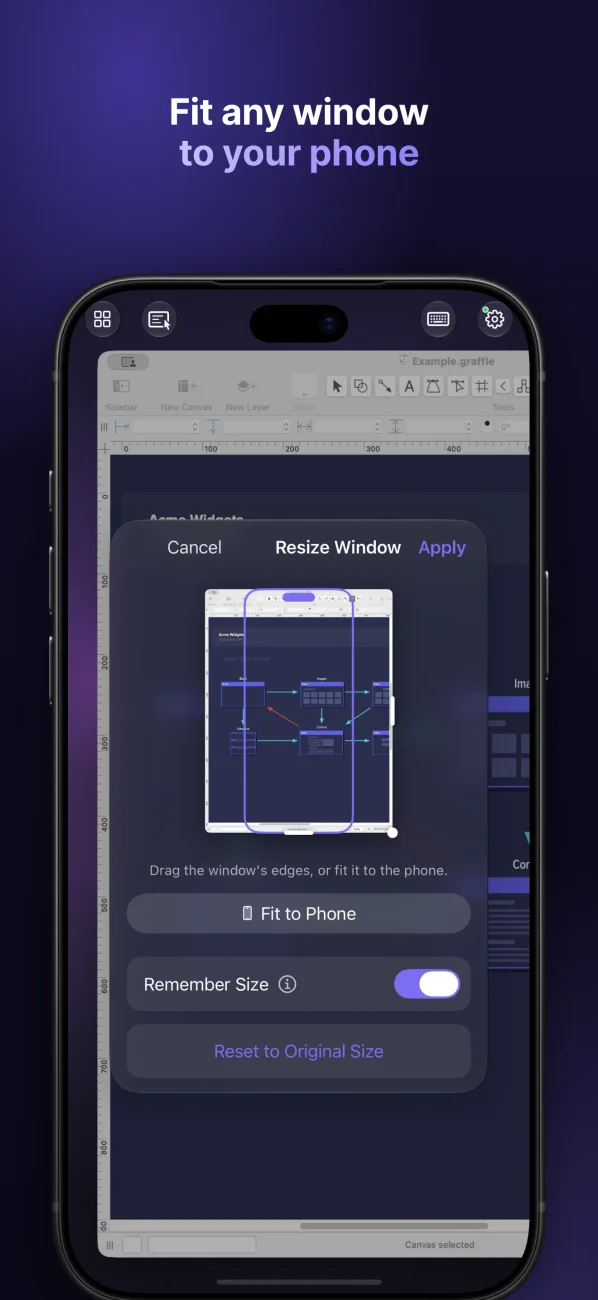
Apperture 1.2 makes getting to the right app faster and gives you control over how it fits your phone. Type to find any app, open one that isn't running yet, and resize the Mac window from your phone so it fills the screen you're holding.
New:
- Hand off from your Mac: press ⌃⌥⌘H as you step away and your iPhone gets a notification. Tap it to keep working in the same window
- Search the app switcher: type a few letters and the running apps filter as you go
- Open apps that aren't running: installed apps appear in a Not Running section and launch with a tap
- Resize the Mac window from your phone, with a live silhouette of how it will fit; Fit to Phone does it in one tap and Apperture remembers it for each session.
- Pair by pasting the Mac's code when you can't scan the QR
Improved:
- Improved support for Xcode 27's Device Hub.
- Better support for Liquid Glass on iOS 26 and higher.
- Smoother, spring-based transitions between the switcher and the stream
- iPhone Duo support
Fixed:
- Taps in the app switcher were sometimes ignored
- Terminal apps stay put while you type instead of recentering on every keypress
- The expanded keyboard row no longer covers the bottom of the window
- The connection status in the gear menu wrapped to two lines
- Log headers now line up with their rows
The Mac companion is now called Apperture Host.
App privacy
What LAND MK 1 declares on the App Store about how this app handles data.
-
Data not linked to you
May be collected but is not linked to your identity.
- Usage data
- Diagnostics
Privacy practices may vary, for example with the features you use or your age.
Information
- Seller
- LAND MK 1, LLC
- Category
- Developer Tools
- Version
- 1.2.0
- Updated
- Oct 20, 2026
- Released
- Jun 18, 2026
- Size
- 12.8 MB
- Requires
- iOS 18.0 or later
- Age rating
- 4+
- Price
- Free
- In-app purchases
- Yes
- Languages
- English, French, German, Italian, Japanese, Korean, Portuguese, Simplified Chinese, Spanish
- Copyright
- © LAND MK 1, LLC
You might also like
-
 Teletype: SSH & Remote DesktopTerminal, VNC & Screen Sharing
-
 Cuevello Remote Menu & ScreenControl your computer
-
 a+TerminalSSH terminal for AI agents
-
 OSH - Zero Trust SSHDeveloper Tools
-
 TermoireSSH & Mosh terminal
-
 Octodoge GitHub CompanionBrowse repos, commits & feed
-
 TermCOW - Stable SSH TerminalDesktop SSH, Jump Host, SFTP
-
 SiteGlance - Umami AnalyticsWebsite stats & live visitors
-
 PostHog Analytics: mobHogPost Hog Mobile Client
-
 RegExpPowerful Regex Testing Tool