
Cuevello Remote Menu & Screen
Control your computer
Designed for iPhone, iPad
In-app purchases
- Age rating4+
- CategoryDeveloper Tools
- DeveloperHOsy - intelligent software.
- LanguagesGerman+ 5 more
- Size48.1 MB
Links to the official App Store page
Download.org hosts no file of Cuevello Remote Menu & Screen. The button opens its official App Store page, published by HOsy - intelligent software. Listing last checked on Nov 22, 2026.
Screenshots

About
Cuevello turns your device into a fast local control surface for the Mac you already use.
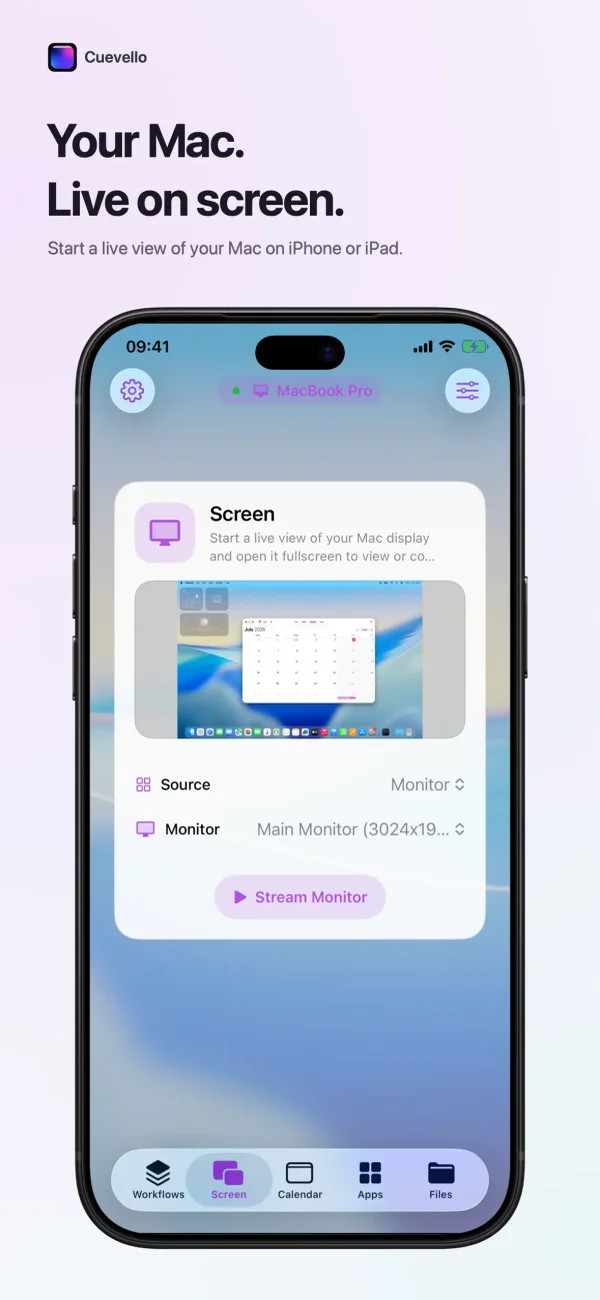
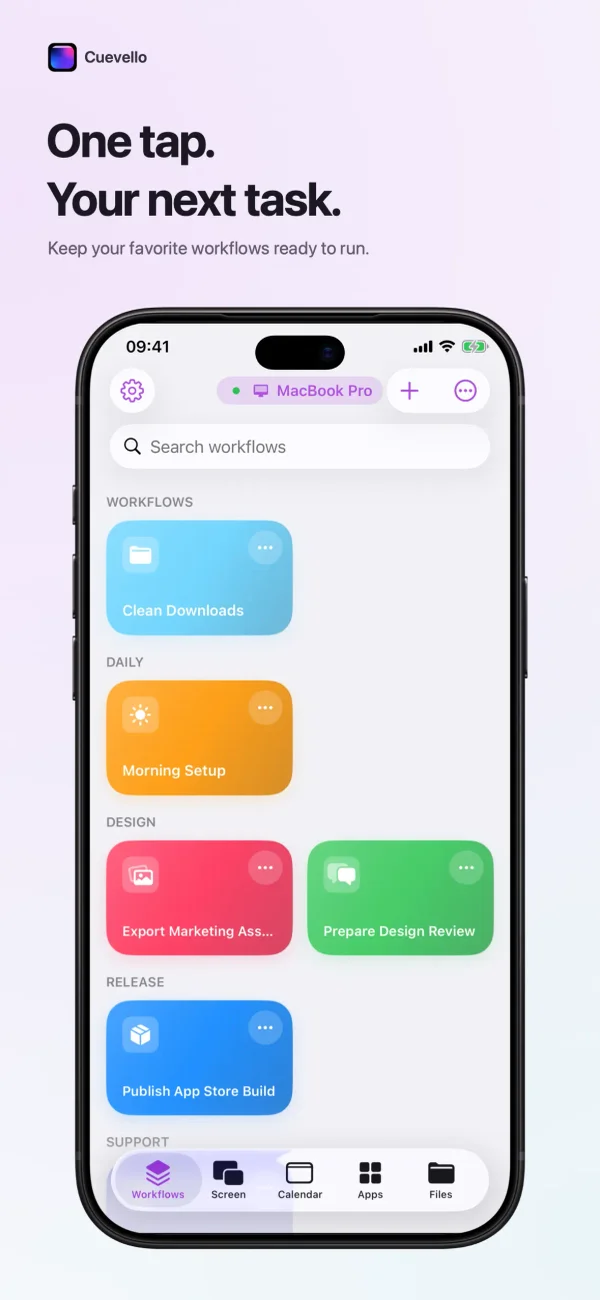
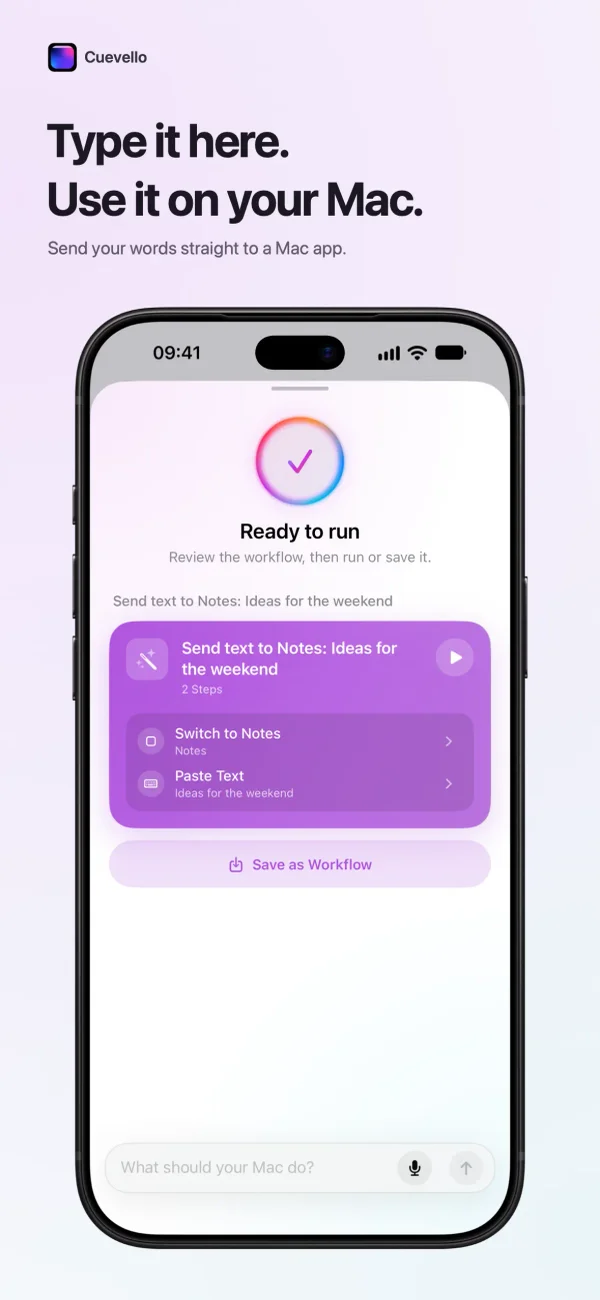
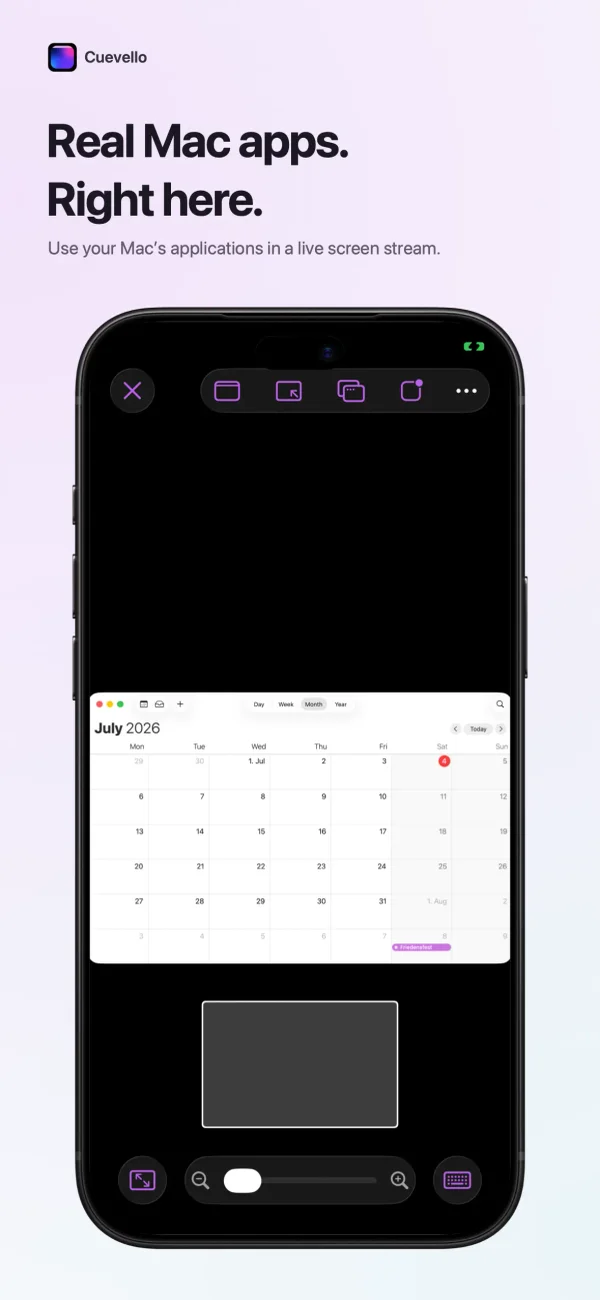
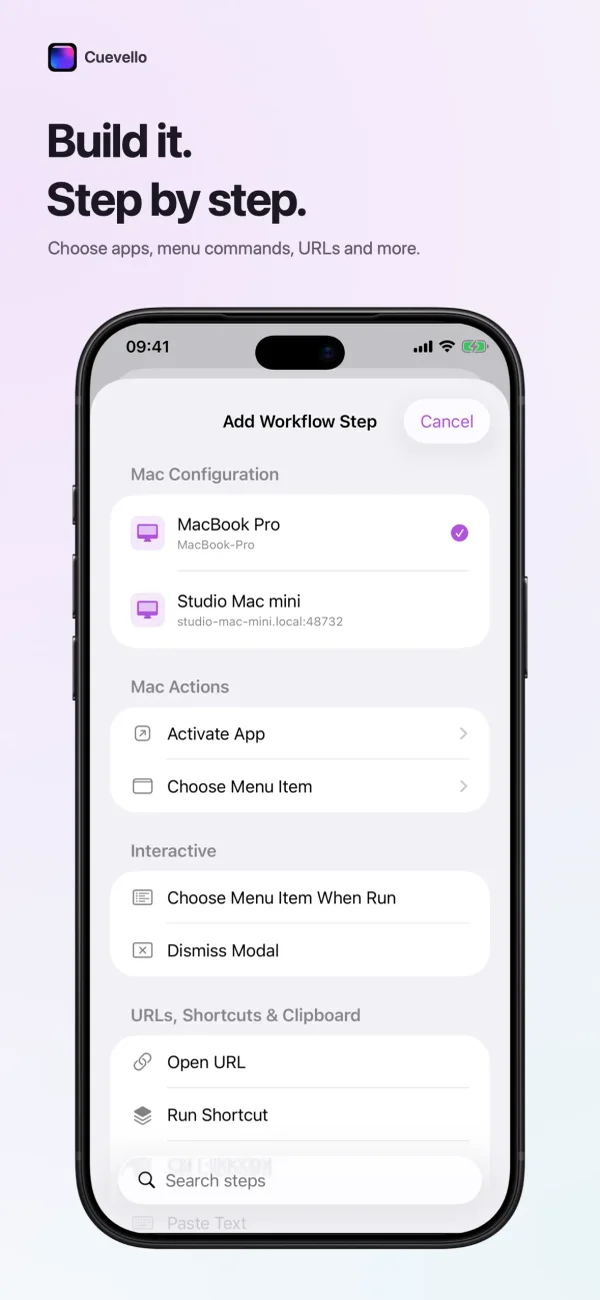
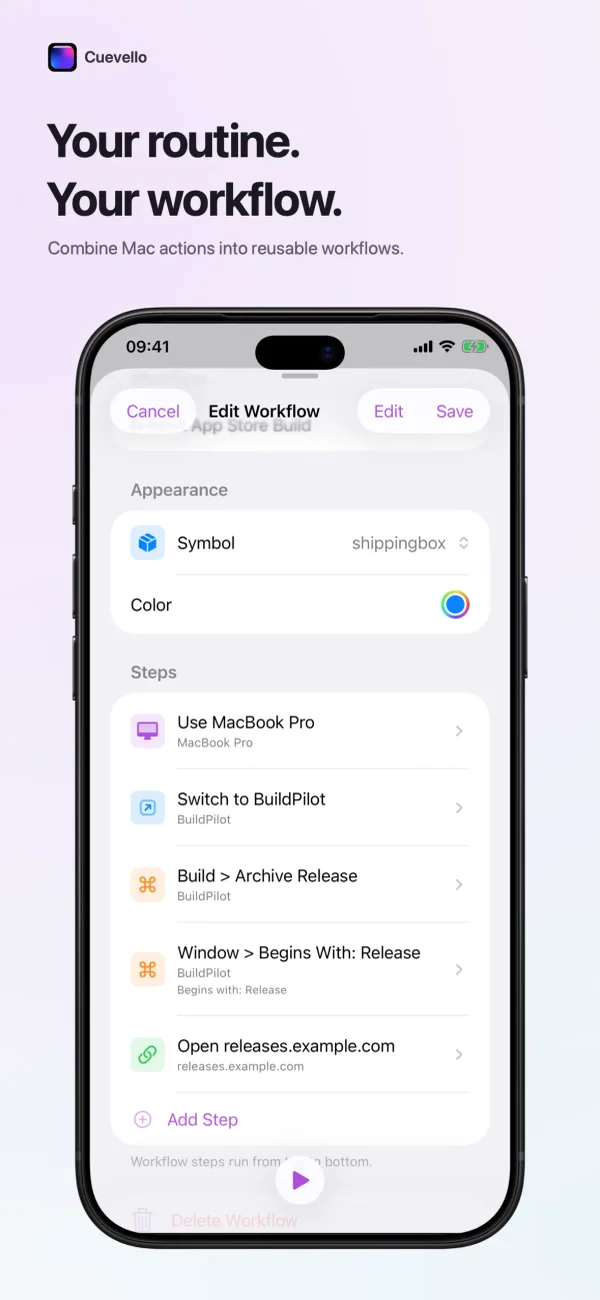
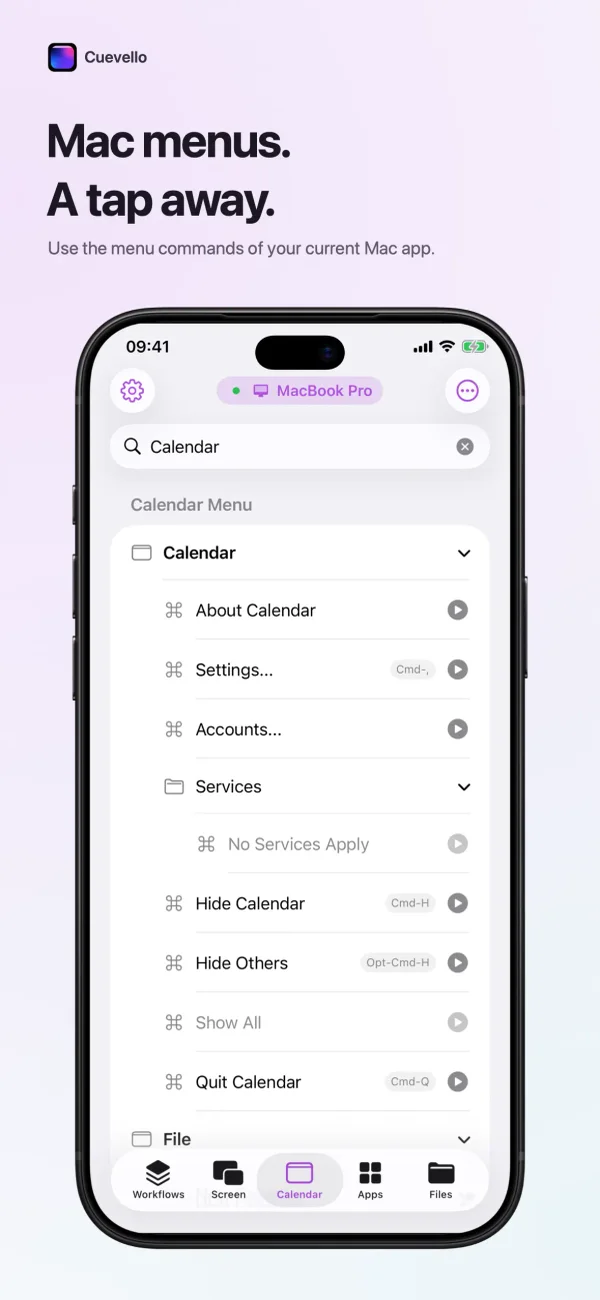
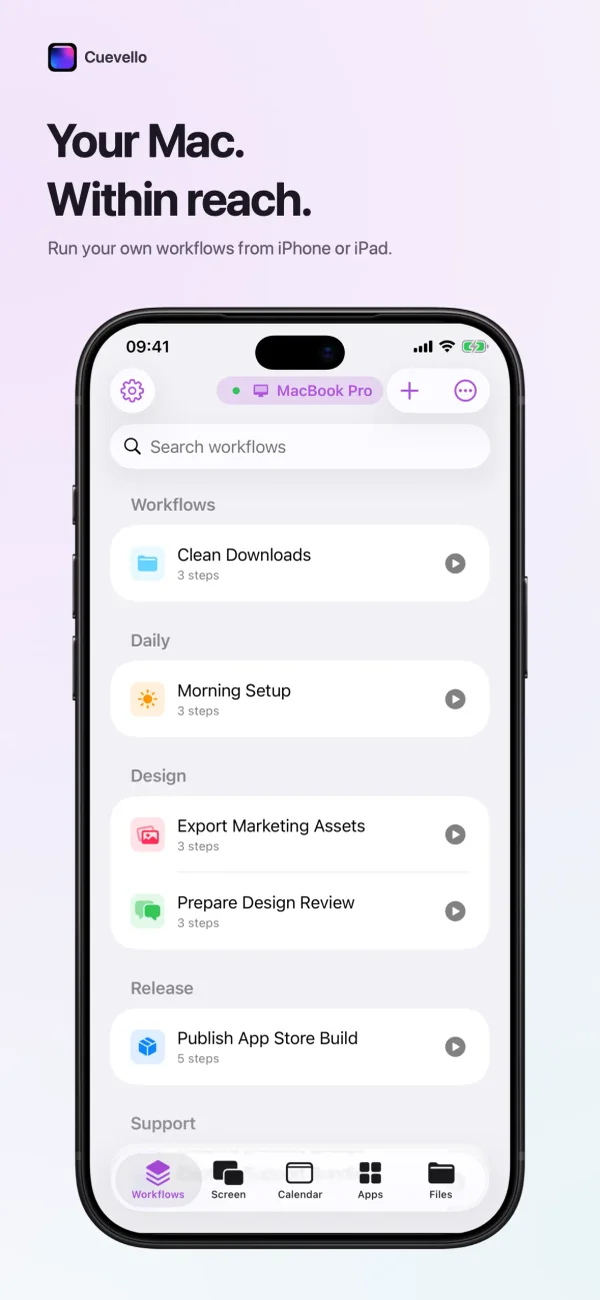
Pair your Mac locally, stream a monitor or app window, browse the menu of the active app, run menu commands, trigger keyboard shortcuts, open URLs, send text to the Mac clipboard, switch apps, and save repeatable routines as workflows.
Cuevello is made for the small Mac actions that interrupt your flow: checking a build, watching the iOS Simulator from iPad, opening a project URL, exporting a file, pasting text into a Mac app, dismissing a blocking dialog, or starting a prepared automation from across the room.
What Cuevello does:
- Stream and control a paired Mac screen
- View a monitor, app window, or selected app
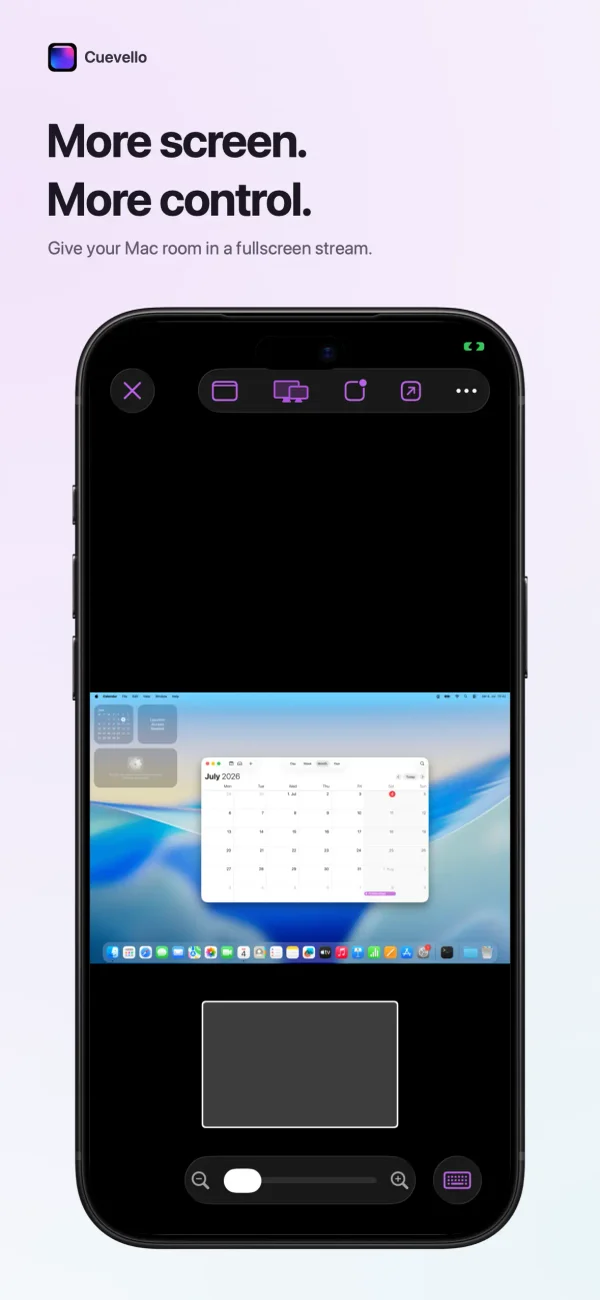
- Use fullscreen or Picture in Picture for live streams
- Run Mac menu commands from your device
- Browse the active app's menus and submenus
- Trigger keyboard shortcuts from the app menu
- Build workflows with screen streams, menu commands, app actions, URLs, dynamic menu choices, clipboard text, and prompts
- Launch saved workflows from shortcuts and widgets
- Sync workflows between your devices
- Open URLs on the paired Mac
- Send text to the Mac clipboard
- Switch, open, or quit Mac apps
- Keep separate setups for multiple Macs
- Detect modal windows that block automation
Cuevello works locally. The Mac app publishes a local service, and your device connects on the same local network or through your VPN.
Use it for:
- Following up after AI-assisted work
- Checking local builds away from the desk
- Running saved shortcuts and Cuevello widgets from your device
- Sending text snippets to the macOS Clipboard before pasting
- Sending files to the Mac or downloading local Mac files
- Checking monitor screenshots before the next remote step
- Driving demos without breaking presentation focus
- Repeating export, share, archive, or render workflows
- Controlling a desk Mac, build Mac, or media Mac from one device
Requirements:
- Cuevello Mac app running on the Mac
- Device on the same local network as the Mac
- Accessibility permission on macOS so Cuevello can read and trigger menu items
- Local Network permission on the device for discovery and pairing
- Secure pairing for end-to-end encrypted transfers between paired devices
What’s new
Version 1.8 · Nov 19, 2026
Cuevello 1.8 makes Mac streaming more responsive and gives you more control over how you work with it.
• With Cuevello Server 1.9, stream frame rates follow the selected quality profile and device, reaching up to 120 fps on compatible devices. Adaptive quality responds to the connection. The Mac pointer updates separately from the picture, scales with it, and responds immediately to your movements. Mac audio starts with less delay.
• Choose between the navigation bar and a movable Action Wheel for full-screen stream controls. You can change your choice later in Screen Settings. The wheel opens on tap and closes when you tap outside. It brings apps, monitors, windows, the keyboard, audio, workflows, and the AI Assistant together. Quick Actions include Spotlight, the Dock where available, clipboard and file transfers, and pinned workflows.
• Pinch to zoom and move the picture even in Control mode. Hardware keyboard shortcuts can also zoom and pan. Two-finger touchpad scrolling is faster, dragging is more reliable, and a long press on the stream can trigger a right-click.
• On iPad, open an app stream directly in a new window. When several streams are open, mouse, keyboard, and touchpad input follows the active stream. You can also switch between windows of the same Mac app while streaming.
• With Cuevello Pro, send files from another app to a paired Mac through the share sheet and choose the destination folder.
• Continue a workflow or menu action after handling a blocking Mac dialog without repeating completed steps. The workflow editor shows steps and details side by side on wider screens and uses a compact sheet on iPhone.
• Window lists now refresh without shifting the view; a small loading indicator shows when new results are arriving.
App privacy
What HOsy - intelligent software. declares on the App Store about how this app handles data.
-
Data not linked to you
May be collected but is not linked to your identity.
- Usage data
Privacy practices may vary, for example with the features you use or your age.
Information
- Seller
- HOsy - intelligent software.
- Category
- Developer Tools
- Version
- 1.8
- Updated
- Nov 19, 2026
- Released
- Jun 15, 2026
- Size
- 48.1 MB
- Requires
- iOS 18.0 or later
- Age rating
- 4+
- In-app purchases
- Yes
- Languages
- German, English, French, Italian, Spanish, Simplified Chinese
- Copyright
- © Matthias Hühne
You might also like
-
 Apperture: Remote Desktop AppsBig apps on small screens
-
 You Get A CodeHand Out Your App Codes
-
 Wolf MonitorSSH Server Monitor
-
 Voxa CodeVoice coding that calls back
-
 Patchbay VoiceTalk to your codebase
-
 Handsfree Voice CodingRemote control your AI agents
-
 Jockey OSC & MIDIBuild UI on a grid
-
 WebPilotAI-Powered Web Editor
-
 pseudocoderdev workflow from your phone
-
 AspectizerImage converter and resizer