
Aria – Music Notation Editor
Score Editor with MSCZ Support
Designed for iPhone, iPad
Free · In-app purchases
- Age rating4+
- CategoryMusic
- DeveloperJack Gruber
- LanguagesEnglish
- Size359.6 MB
Links to the official App Store page
Download.org hosts no file of Aria – Music Notation Editor. The button opens its official App Store page, published by Jack Gruber. Listing last checked on Nov 23, 2026.
Screenshots

About
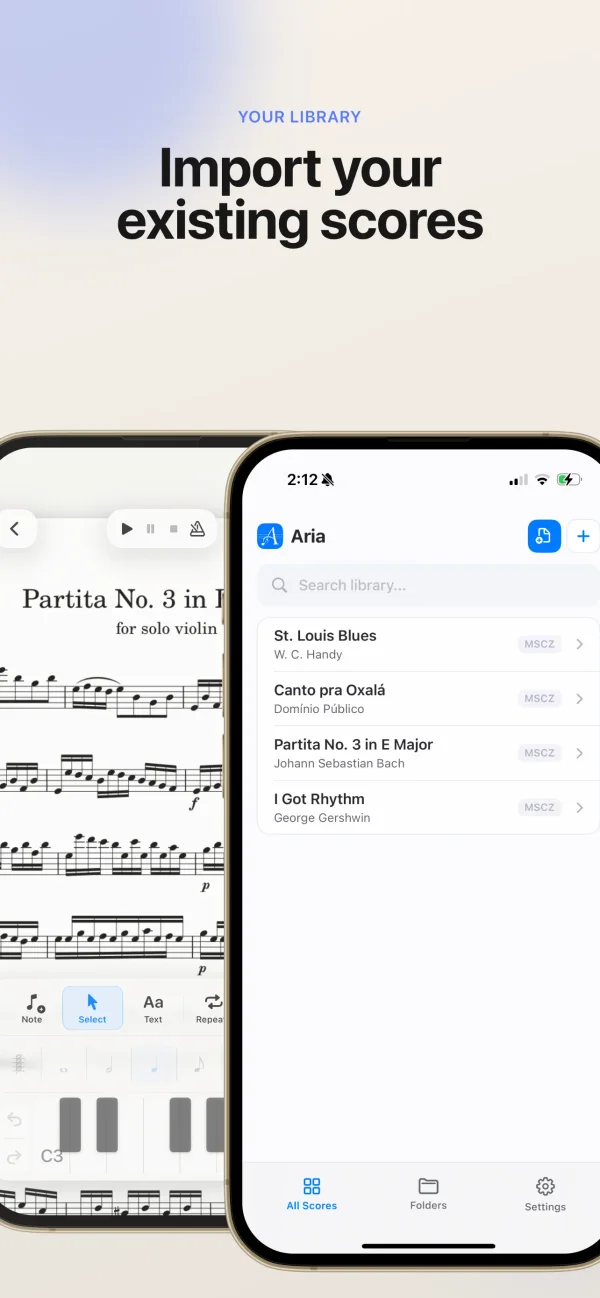
Aria is a notation editor for iPhone and iPad that lets you create, edit, and play back MuseScore files on the go.
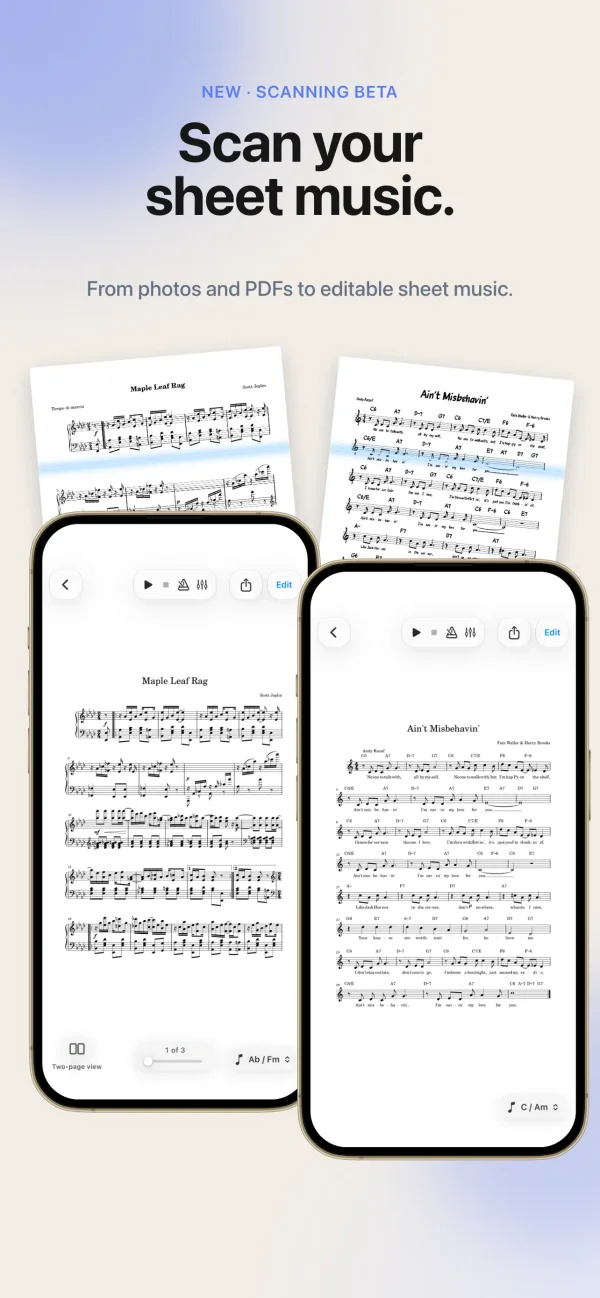
Scan printed sheet music from a PDF, image, photo, or your camera into a score you can play, transpose, and edit. Multi-page PDFs become one score. Scanning is in beta and runs entirely on your device, with no upload or account required. Review and fine-tune the result in the editor after scanning.
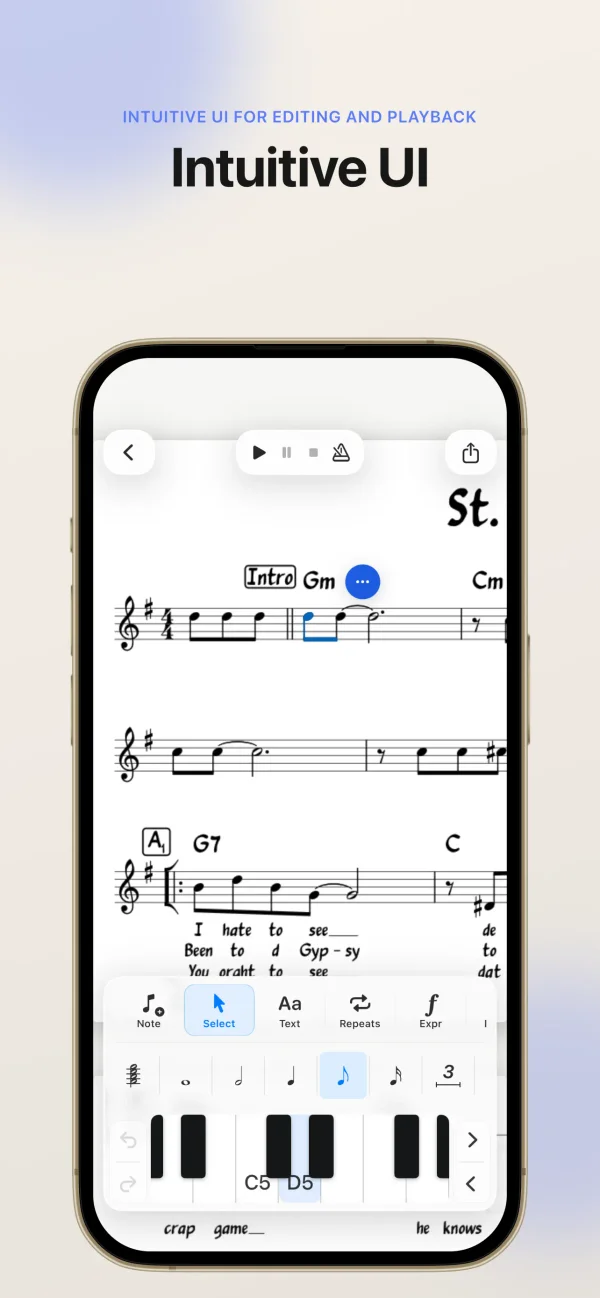
Open existing MuseScore and MusicXML files, make changes with intuitive touch-based notation controls, play back your score, organize your library, manage individual parts, and export your music when you’re ready to share.
Built for musicians who want a lightweight, mobile-friendly way to review, create, and revise scores wherever they are.
Features:
* Scan sheet music PDFs, images, and photos into editable scores (beta)
* Scan multi-page PDFs into one score, keeping the printed line breaks
* Open MSCZ and MusicXML score files
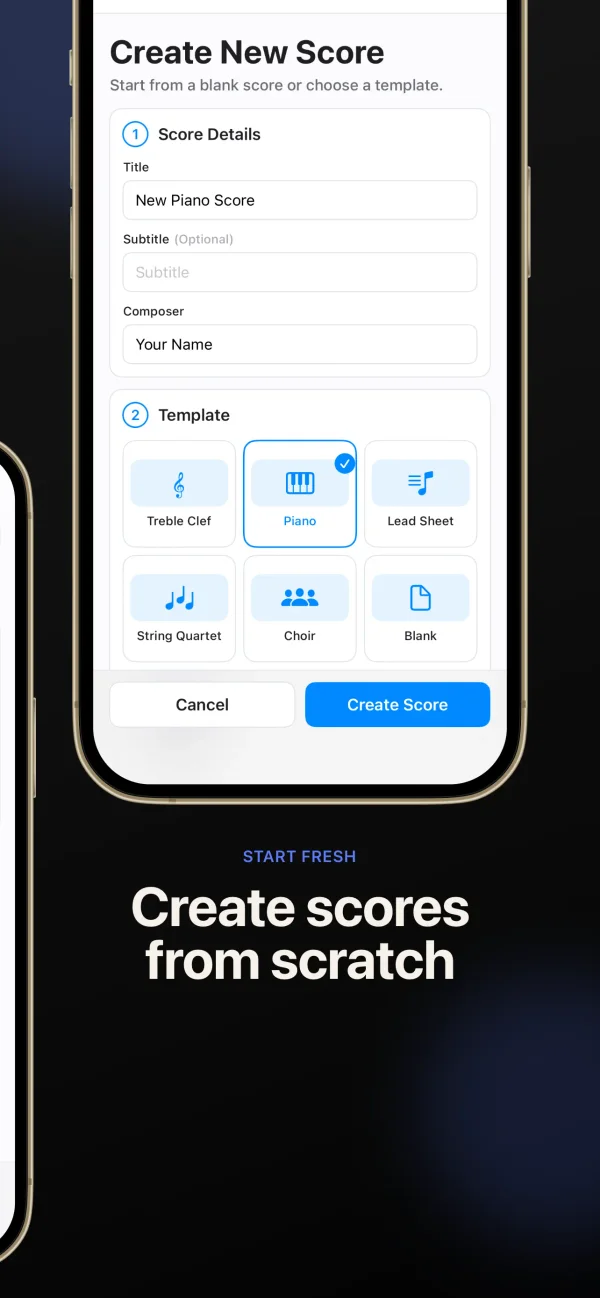
* Create new scores from templates
* Edit and enter notes with touch controls, Apple Pencil, or a MIDI controller
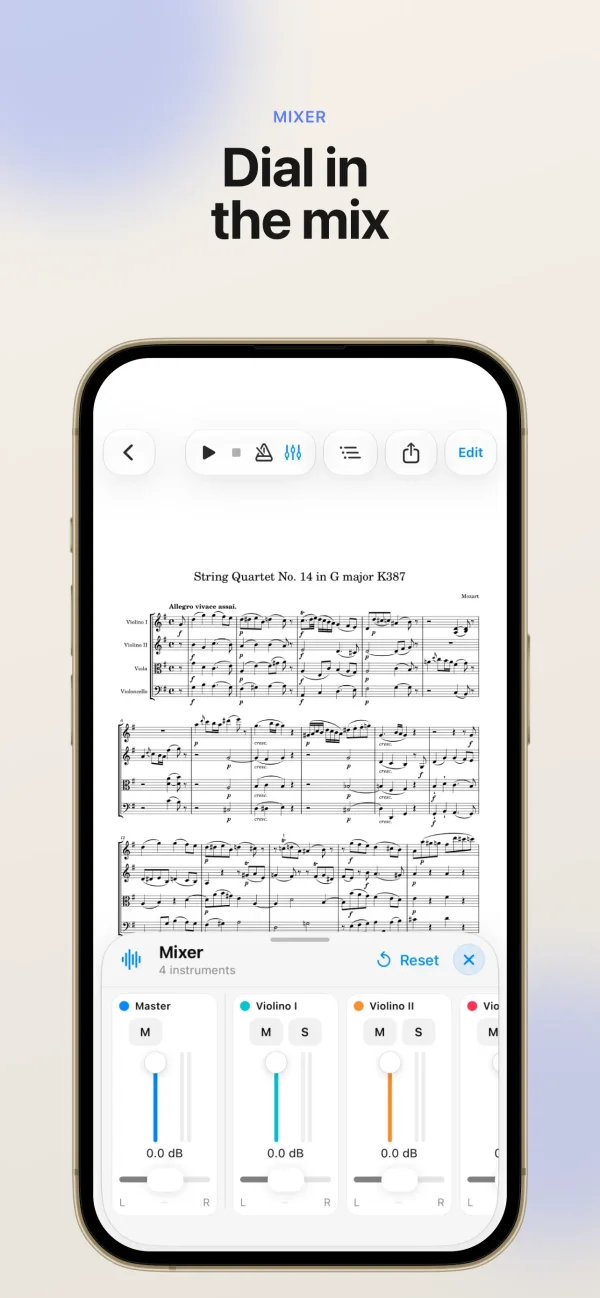
* Play back scores locally
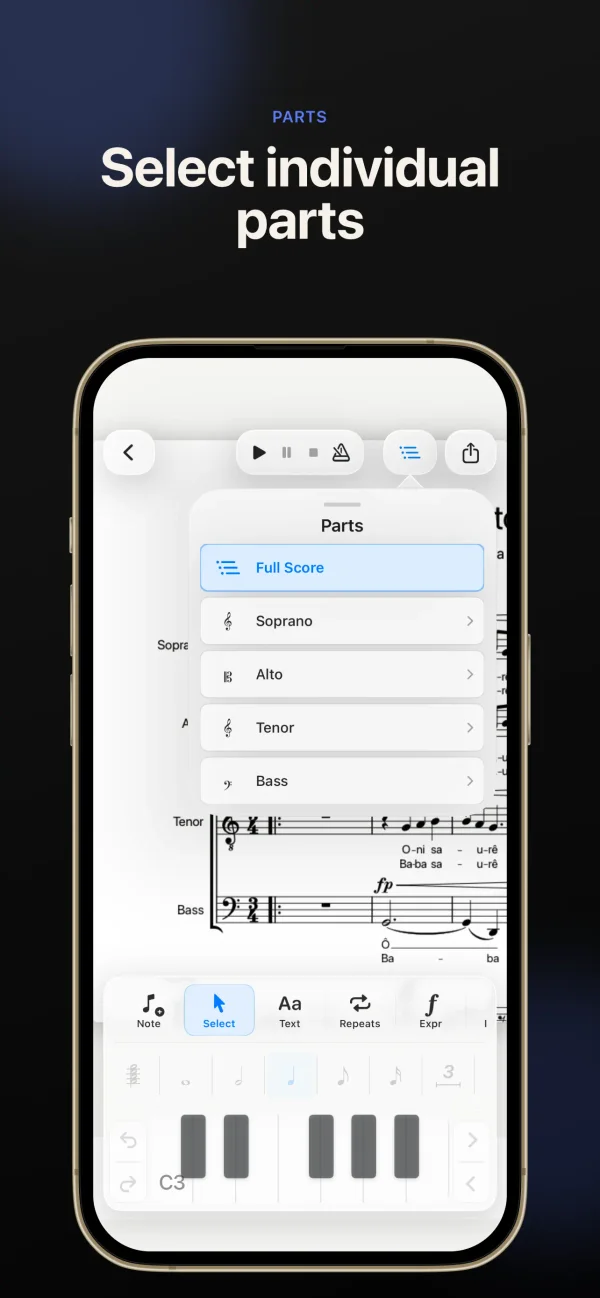
* View and manage individual parts
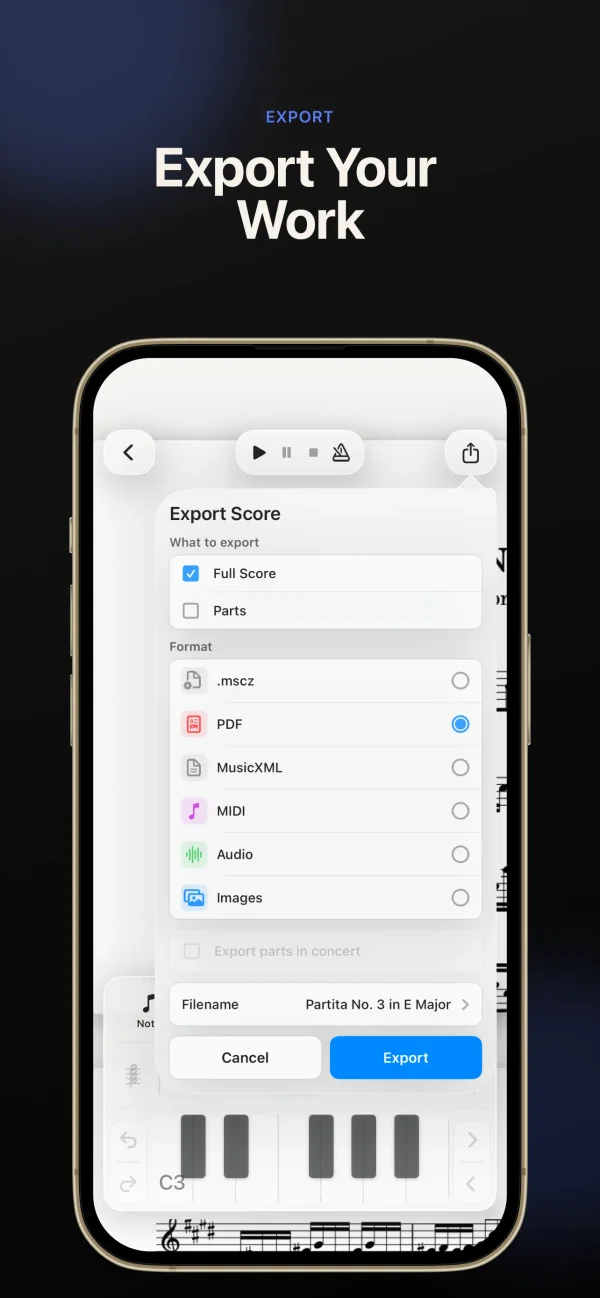
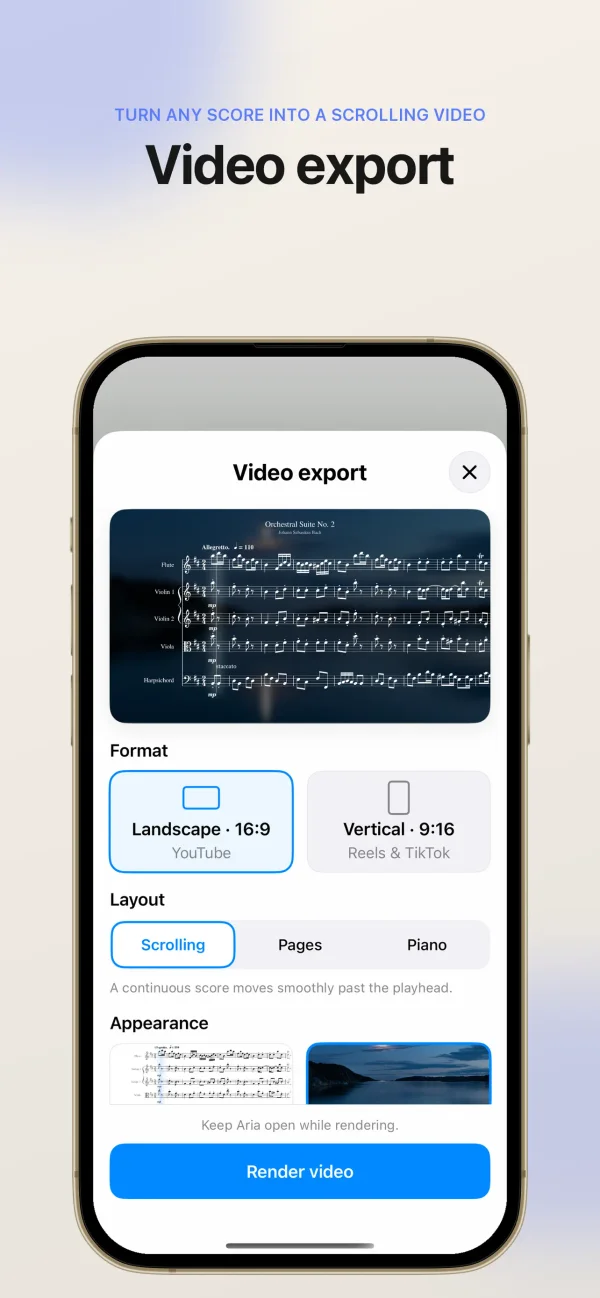
* Export and share your work as MSCZ, PDF, MusicXML, audio, and more.
For the best scanning results, use printed sheet music or clear PDFs. For photos, lay the page flat in good light. Scanning results may need corrections.
Aria is an independent app and is not affiliated with or endorsed by MuseScore, Muse Group, or any related project.
Aria is open-source software licensed under the GNU GPLv3. Source code, license notices, and build instructions are available here:
https://github.com/hdi200/aria
What’s new
Version 7.7.1 · Nov 21, 2026
Scan Sheet Music PDFs & Photos (Beta)!
Aria can now scan sheet music. Scan a PDF, an image or a photo, and Aria turns it into a score you can play back, transpose and edit. It reads the chord symbols and lyrics too, and everything happens on your device.
New:
- Scan (Beta). Tap Scan in your library to scan a PDF or image, a photo, or a page with the camera. Your score opens ready to play and edit when scanning finishes.
- Scan multi-page PDFs. Every page is read into one score, keeping the printed line breaks.
- More than notes. Scanning reads rhythms, chord symbols, lyrics, the title, composer and tempo, rehearsal marks, repeats and endings, and slash bars.
- Private and offline. Scanning runs entirely on your device. Nothing is uploaded and no account is needed.
- Share to Aria. Share a PDF or picture from Files, Photos or another app to scan it.
Improved:
- Voices on phones. Choose a voice when entering notes on your phone, not just on a tablet.
- Works with MuseScore Studio 4.7.7. Scores you save in Aria open unchanged in MuseScore Studio 4.7.7 and 4.7.6, and Aria adds 4.7.7's plucked double bass and acoustic bass guitar.
Scanning is in beta and works best with printed sheet music or PDFs. For photos, lay the page flat in good light. After scanning, review, fine-tune and fix your score in the editor.
Scanning improvements:
- Better recognition of large orchestral/big band pdfs and photocopies.
- Improved instrument sounds, transposition and part matching across PDF pages.
- More reliable drum parts, clefs and hyphenated lyrics.
Fixed:
- The screen no longer locks during playback or the count-in.
- Fixed editing crashes involving tuplets and transposing instruments.
- Highlighting a loop no longer turns the page when you lift your finger.
- Fixed a scanning crash near the bottom of a page.
- Fixed a crash when opening some scanned scores with cue notes.
- Various bug fixes and improvements.
App privacy
What Jack Gruber declares on the App Store about how this app handles data.
-
Data not collected
The developer does not collect any data from this app.
Privacy practices may vary, for example with the features you use or your age.
Information
- Seller
- Jack Gruber
- Category
- Music
- Version
- 7.7.1
- Updated
- Nov 21, 2026
- Released
- Jun 17, 2026
- Size
- 359.6 MB
- Requires
- iOS 17 or later
- Age rating
- 4+
- Price
- Free
- In-app purchases
- Yes
- Languages
- English
- Copyright
- © 2026 Jack Gruber
You might also like
-
 KAGARIBI: AUv3 SynthShape, play, understand sound
-
 Nyquist PlayerHi-Res audiophile player
-
 WavepocketPocket synth, tape & drums
-
 Nugget 02 - Series 9000Low-pass filter with drive
-
 CombustorTime bending resonator effect
-
 Billie TrackerGroovebox, sampler & synths
-
 ShinRoninVintage Digital Modular Delay
-
 EtherpadMusic synthesis & soundscapes
-
 VU44-7Music
-
 Opuscan: Score ScannerPhoto & PDF to MusicXML, MIDI