
ArtSync: AR Drawing Projector
Trace Photos on Paper & Canvas
Designed for iPhone, iPad
Free · In-app purchases
- Age rating4+
- CategoryGraphics & Design
- DeveloperRadun Cicen
- LanguagesEnglish+ 1 more
- Size181.7 MB
Links to the official App Store page
Download.org hosts no file of ArtSync: AR Drawing Projector. The button opens its official App Store page, published by Radun Cicen. Listing last checked on Nov 16, 2026.
Screenshots
About
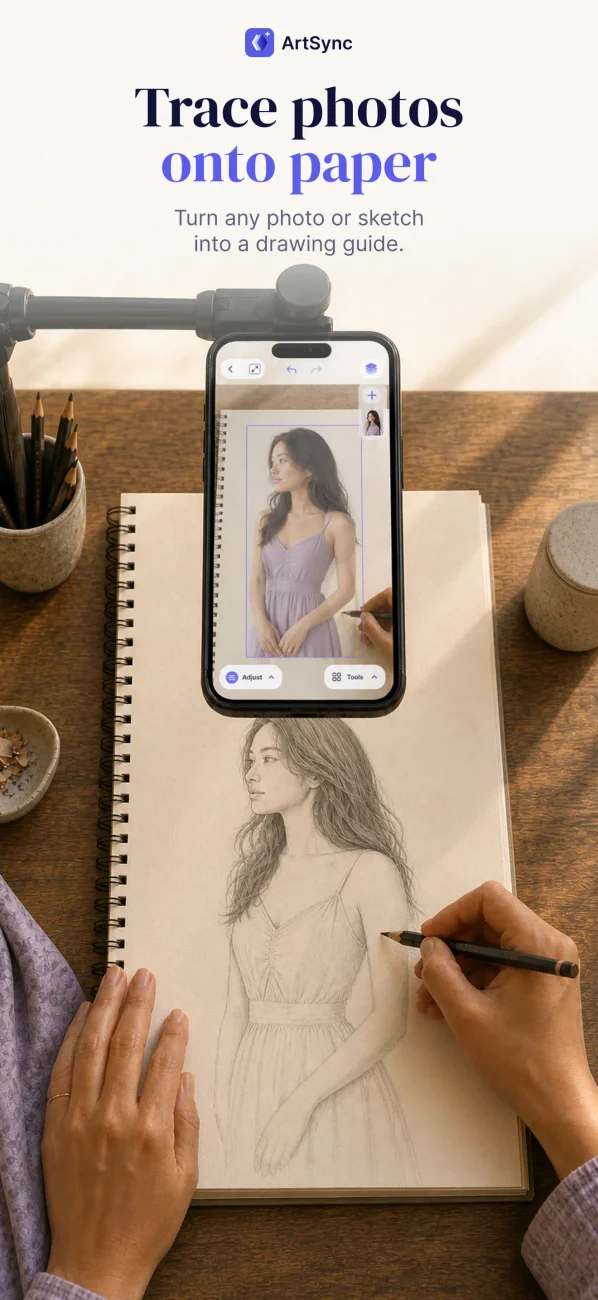
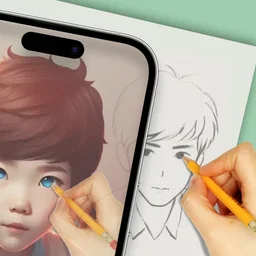
Turn any photo into a guide you can trace on paper, canvas, or a wall.
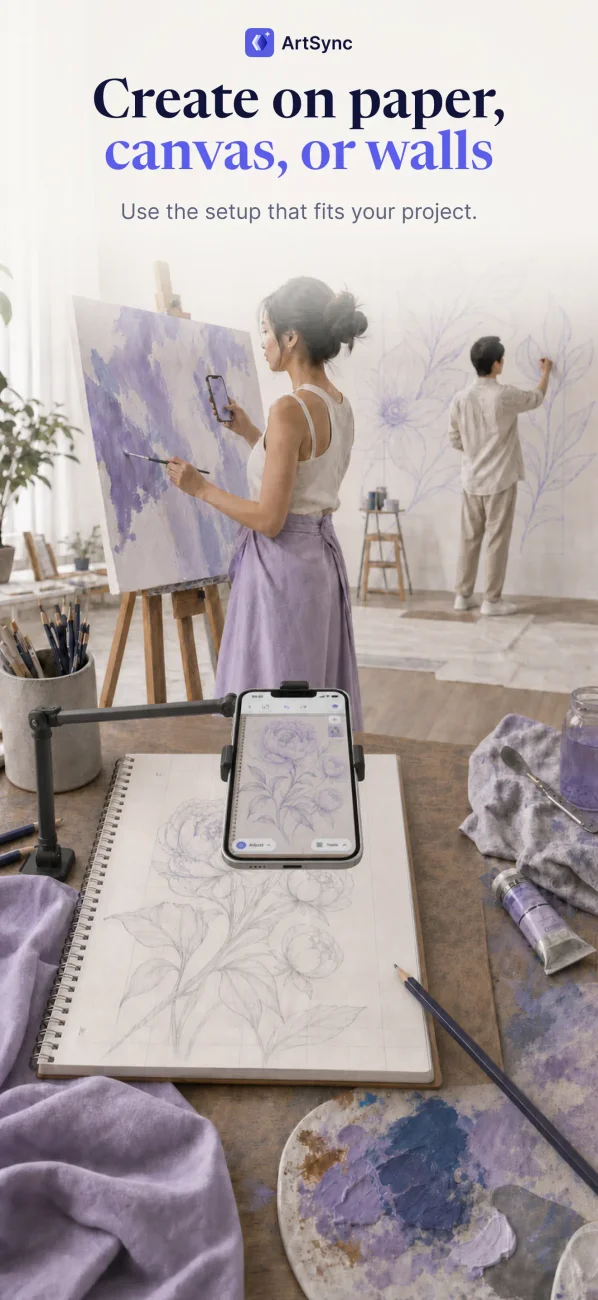
ArtSync brings your reference image and real drawing surface together. Import an image, choose the setup that fits your project, align it precisely, and create at your own pace—whether you are practicing a sketch, painting on canvas, preparing a stencil, lettering a sign, or planning a mural.
FIVE WAYS TO TRACE
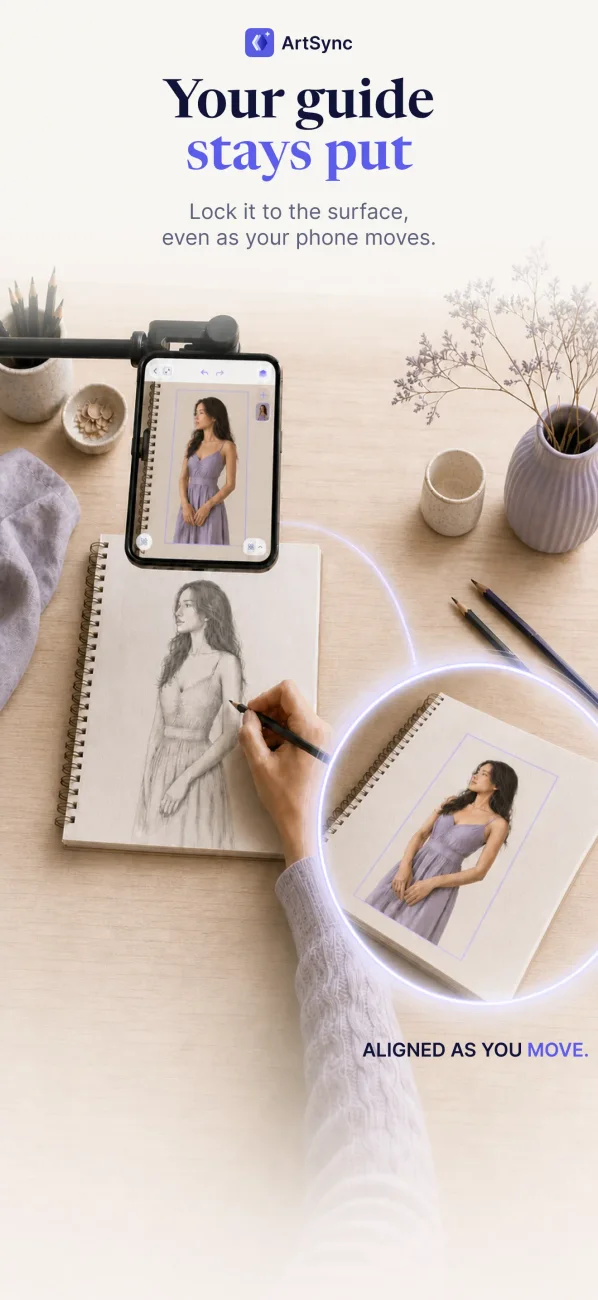
• AR Style
Lock your reference to a real drawing surface and keep it aligned as you move your device.
• Normal Style
Follow your reference over the live camera view for a fast, familiar tracing setup.
• Quick Anchor
Pin your artwork to a surface with minimal setup and start tracing sooner.
• Light Table
Place paper over your device’s screen and trace the illuminated reference beneath it.
• Remote Canvas
Pair two devices for larger canvases and walls or just for ease of viewing experience. Use one as a fixed camera host and the other to view the live feed, position your reference, and control your tools while you work.
TOOLS THAT KEEP YOU IN FLOW
• Import and trace your own photos and artwork
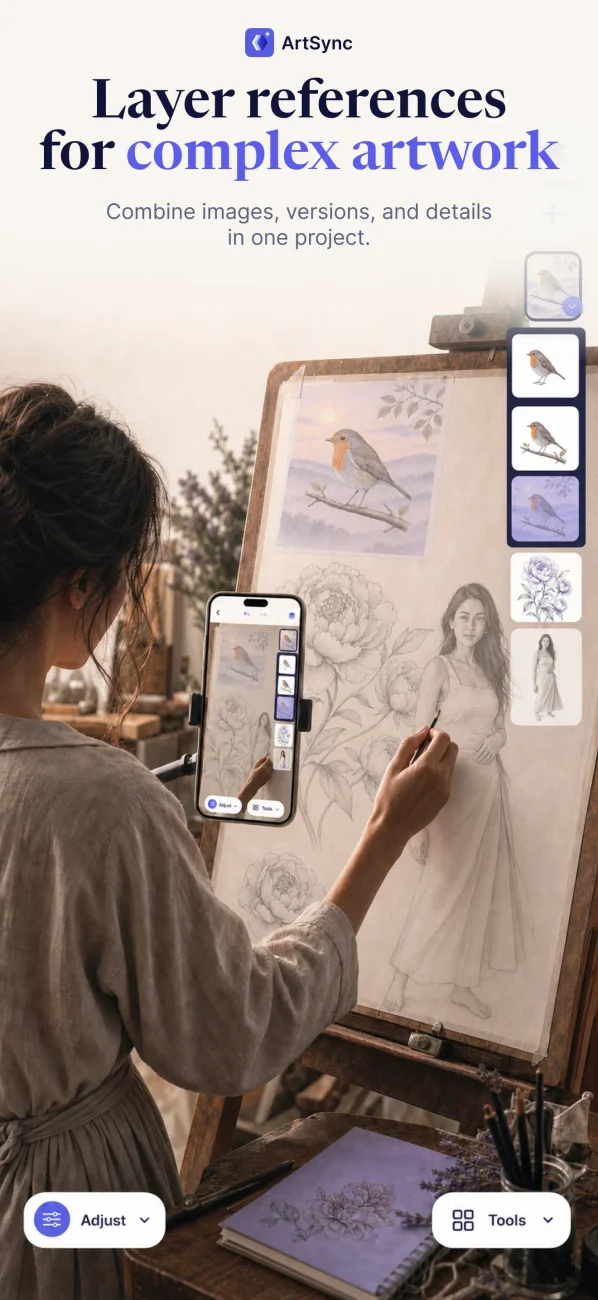
• Build compositions with multiple layers and sublayers
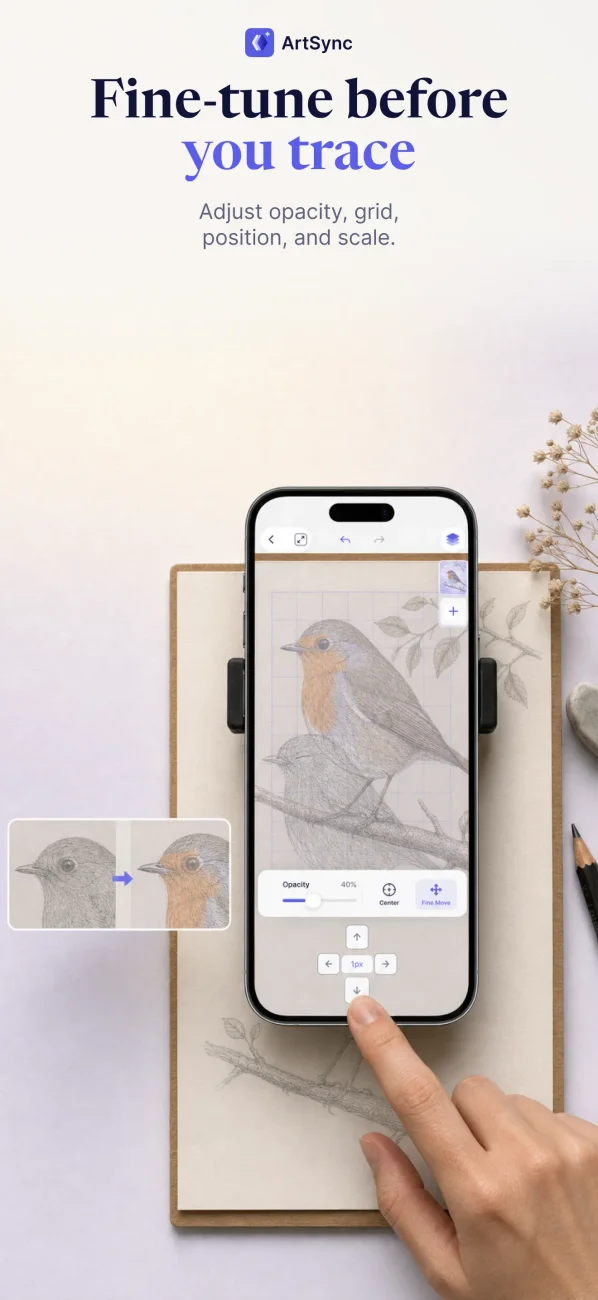
• Move, scale, rotate, and fine-tune references with precision
• Adjust opacity and align artwork using an interactive grid
• Use Strobe Comparison to alternate your reference on and off, making it easy to compare your progress without stopping
• Undo and redo changes without interrupting your process
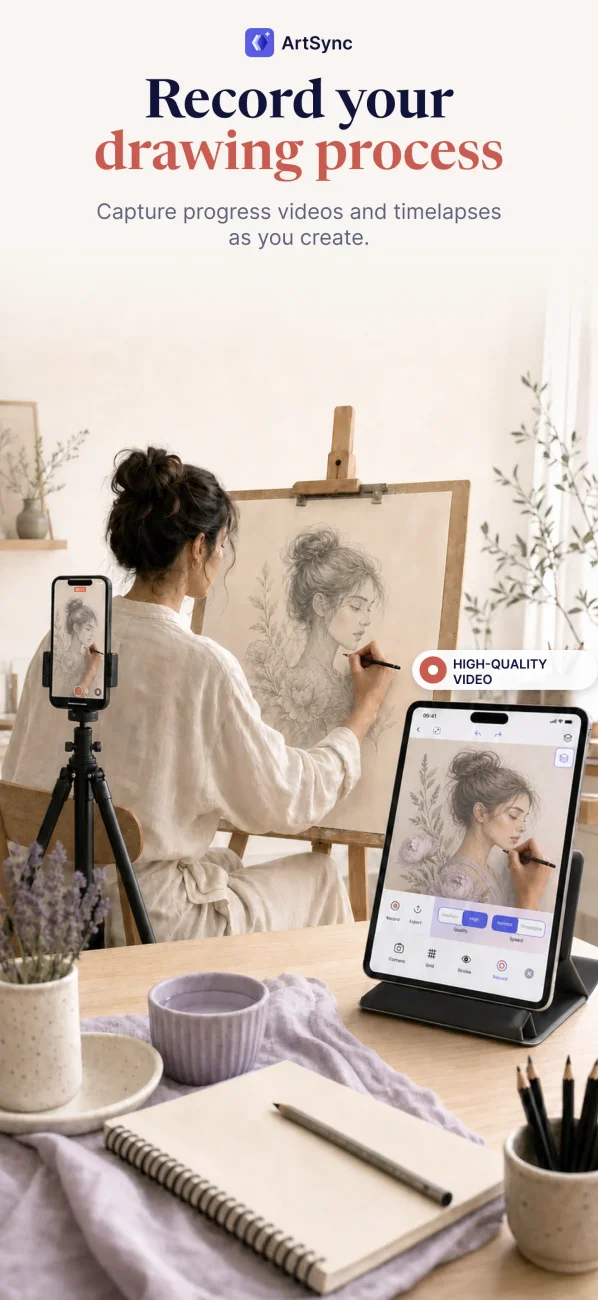
• Record high-quality video at 30 or 60 FPS, or capture your process as a timelapse
• Adjust recording quality, speed, and timelapse settings to fit your workflow
• Save, organize, favorite, and reopen your projects
• Follow clear onboarding and tutorials whenever you need guidance
MADE FOR YOUR NEXT IDEA
Use ArtSync to learn and practice drawing, improve proportions, trace portraits, paint on canvas, create murals, prepare stencils, or transfer lettering and logos.
Capture the process as a satisfying high-quality video or timelapse, then save it or share it on social media.
Choose your reference. Find your setup. Start creating.
Begin creating with ArtSync for free. When you’re ready to go further, ArtSync Pro unlocks advanced tracing modes and the complete creative toolkit.
What’s new
Version 2.2 · Oct 16, 2026
Need a hand? Our new Support section makes it easier to get help, report a problem, share feedback, or request a feature. We’d love to hear from you!
We’ve also made a few fixes for a smoother drawing experience.
App privacy
What Radun Cicen declares on the App Store about how this app handles data.
-
Data linked to you
May be collected and linked to your identity.
- Purchases
- Identifiers
- Usage data
- Diagnostics
-
Data not linked to you
May be collected but is not linked to your identity.
- Diagnostics
Privacy practices may vary, for example with the features you use or your age.
Information
- Seller
- Radun Cicen
- Category
- Graphics & Design
- Version
- 2.2
- Updated
- Oct 16, 2026
- Released
- Nov 8, 2023
- Size
- 181.7 MB
- Requires
- iOS 17.0 or later
- Age rating
- 4+
- Price
- Free
- In-app purchases
- Yes
- Languages
- English, Turkish
- Copyright
- © 2022 Radun Çiçen
You might also like
-
 Flowly: AR Projector DrawingArt Tracing, Sketch, Projector
-
 Ricalko: Camera Lucida ArtworkArt Projector AR Learn Drawing
-
 Camera Lucida - Tracing AppTracing Projector
-
 Drawing & Sketch Trace AppTrace Photos & Learn Drawing
-
 Translucent: AR Trace & DrawSketch on Paper, Light Box
-
 Drawing Projector: AR TraceHow to Draw: Sketch & Paint
-
 Drawing Projector - Trace&DrawSketch, AI Styles & Templates
-
 AR Trace Projector & SketchTrace Drawing - How To Draw
-
 Arteasy: AR Draw & TraceVisualize Your Creative Mind
-
 Myvinchy: AR Trace & SketchDrawing Grid & Learn to Draw