
Ricalko: Camera Lucida Artwork
Art Projector AR Learn Drawing
Designed for iPhone, iPad, iPod touch
Free · In-app purchases
- Age rating4+
- CategoryGraphics & Design
- DeveloperGENOVA Softworks
- LanguagesEnglish
- Size39.7 MB
Links to the official App Store page
Download.org hosts no file of Ricalko: Camera Lucida Artwork. The button opens its official App Store page, published by GENOVA Softworks. Listing last checked on Nov 12, 2026.
Screenshots
About
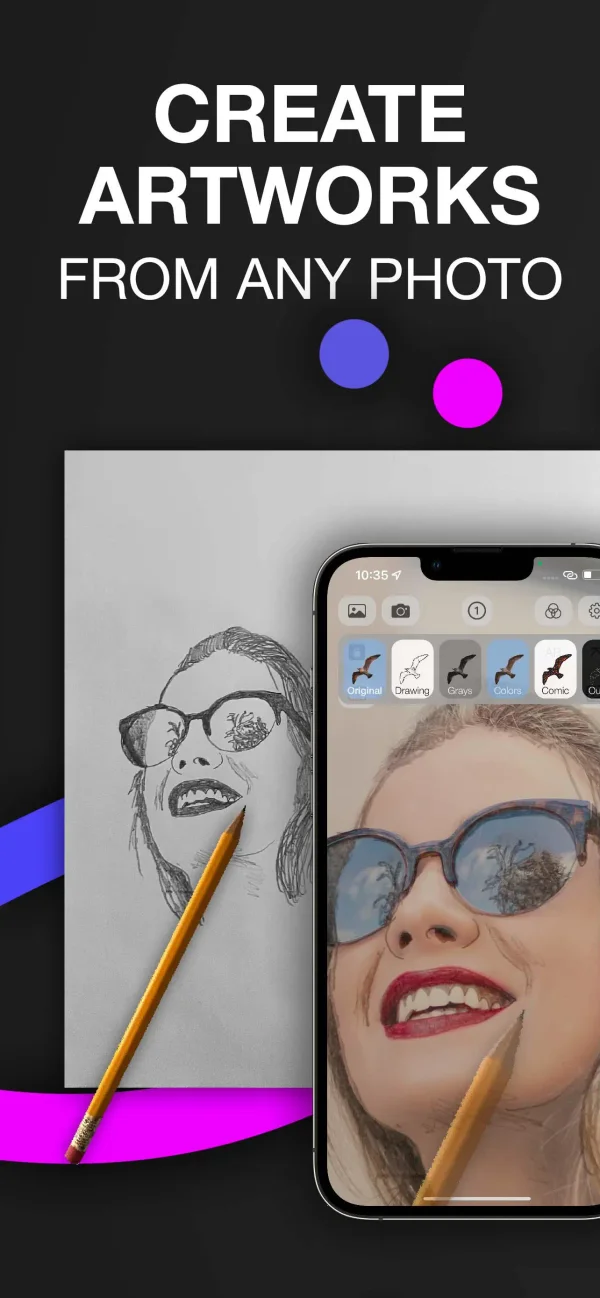
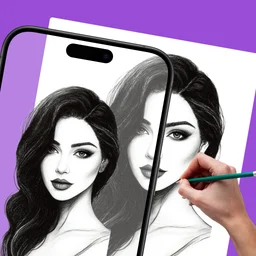
Ricalko lets you create incredible artwork, see how your drawings take shape, like magic! It is great for beginners who want to learn drawing and it is perfect for advanced users who want to improve even more!
Ricalko has many smart features that let you achieve the results your aiming to, but in few words it is able to virtually project photos, so you can trace them on a paper sheet, an easel or on any other surface! You don't have to be a professional artist to reach amazing results.
How is it able to do that? In normal mode you have to put your device onto a stand (DIY works too, like a simple glass), with the camera pointing to a sheet of paper below for example. On your screen an overlay will be shown and you will be able to see both the photo and your hand below so you can trace it! See below for more details...
CRAFT REALISTIC ARTWORK FROM ANY PHOTO
You can choose any photo and then create art from it.
Pencil and paper? Brush and watercolours?
You choose!
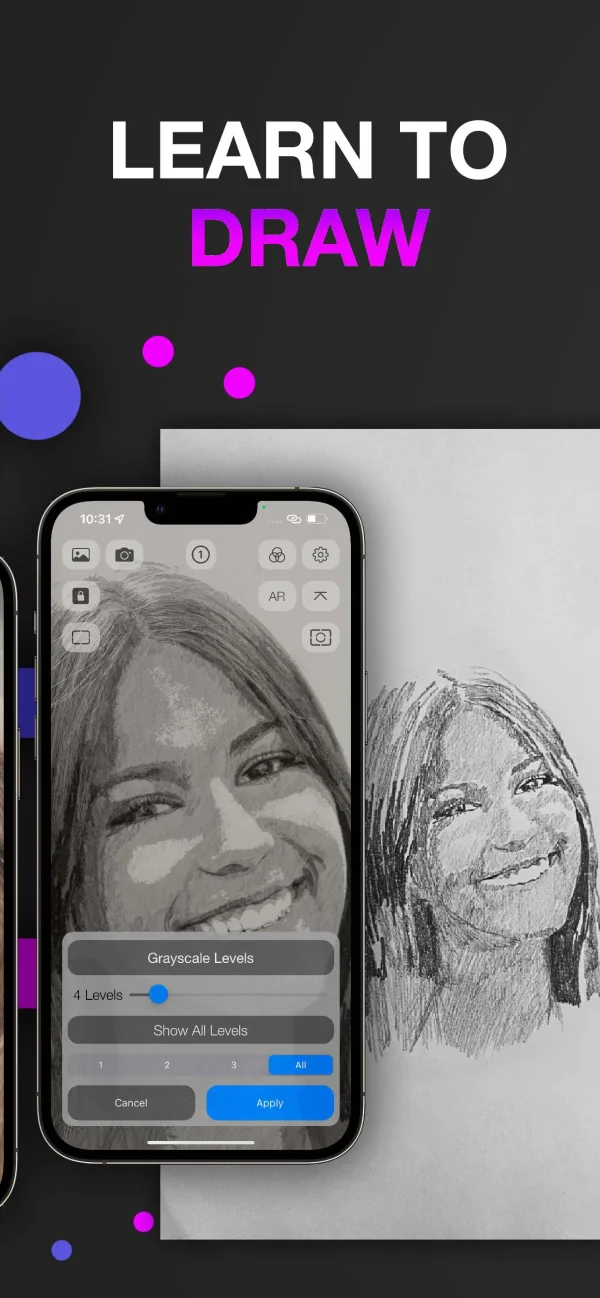
LEARN TO DRAW AND SEPARATE LAYERS
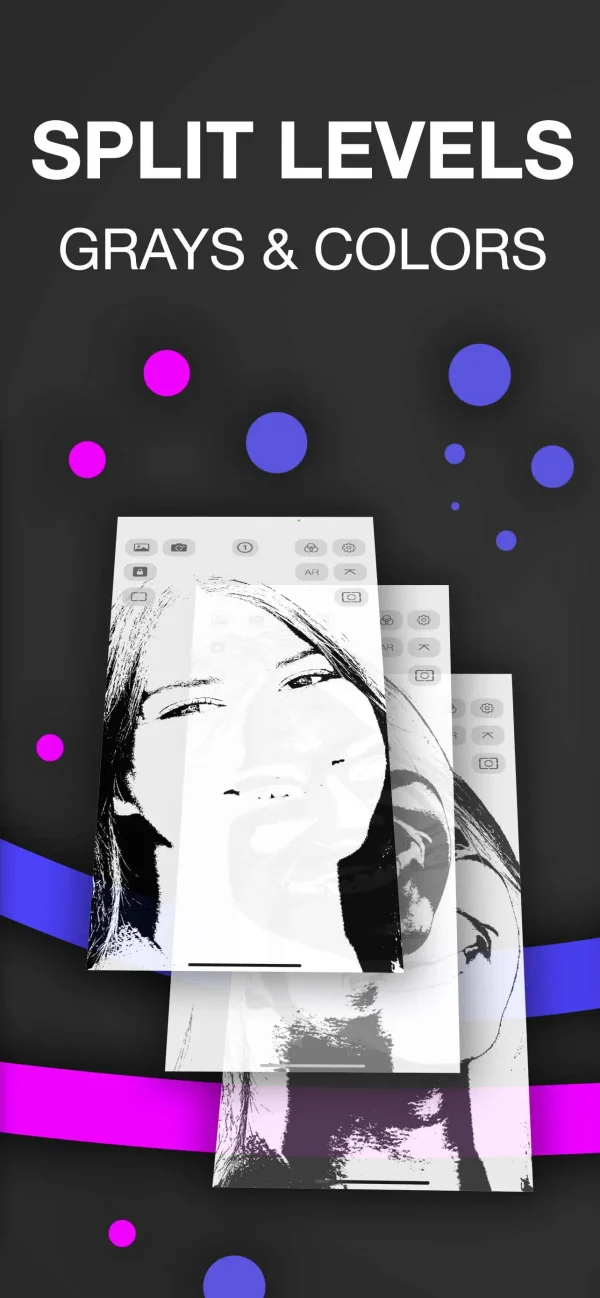
Split photos to different layers, in colors or grayscale, see them one by one individually and trace them on your art to create the final result.
Perfect for learning!
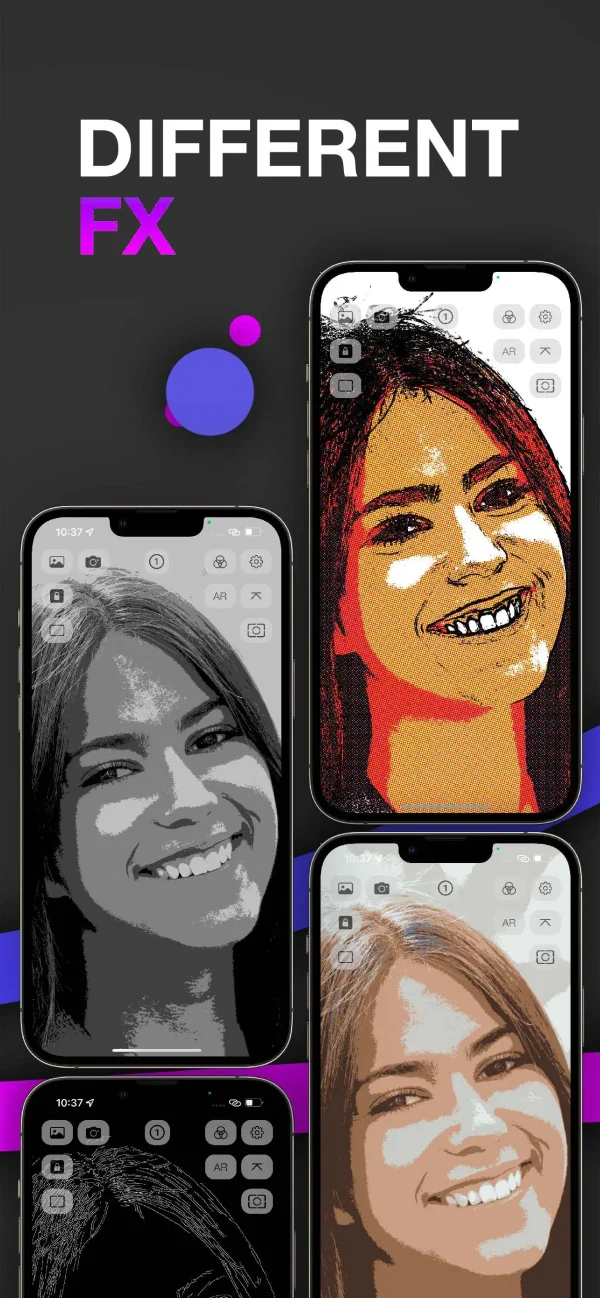
CREATIVE FILTERS
Turn your photo into a drawing, a comic or apply a posterisation, Ricalko filters are great for creativity.
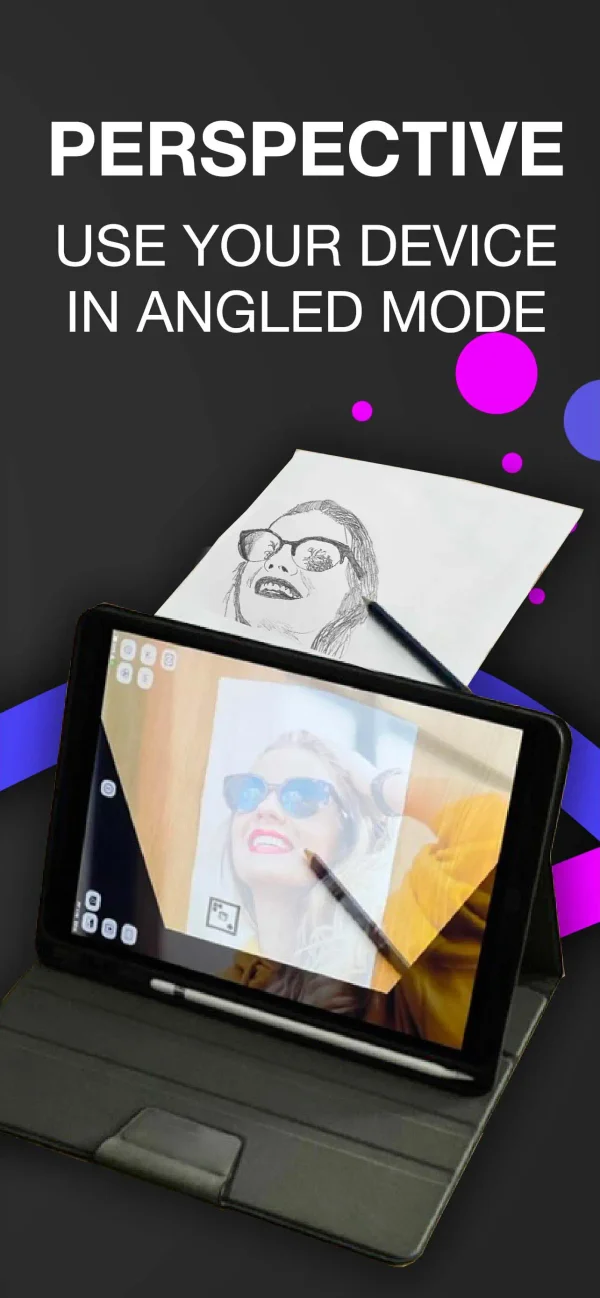
PERSPECTIVE MODE
You don't have to keep your device perpendicularly if you don't have a stand, you can also keep it angled, perspective mode will remove any distortion and you will be able to create your artworks without any particular effort. You just have to set it with the guidelines helper image!
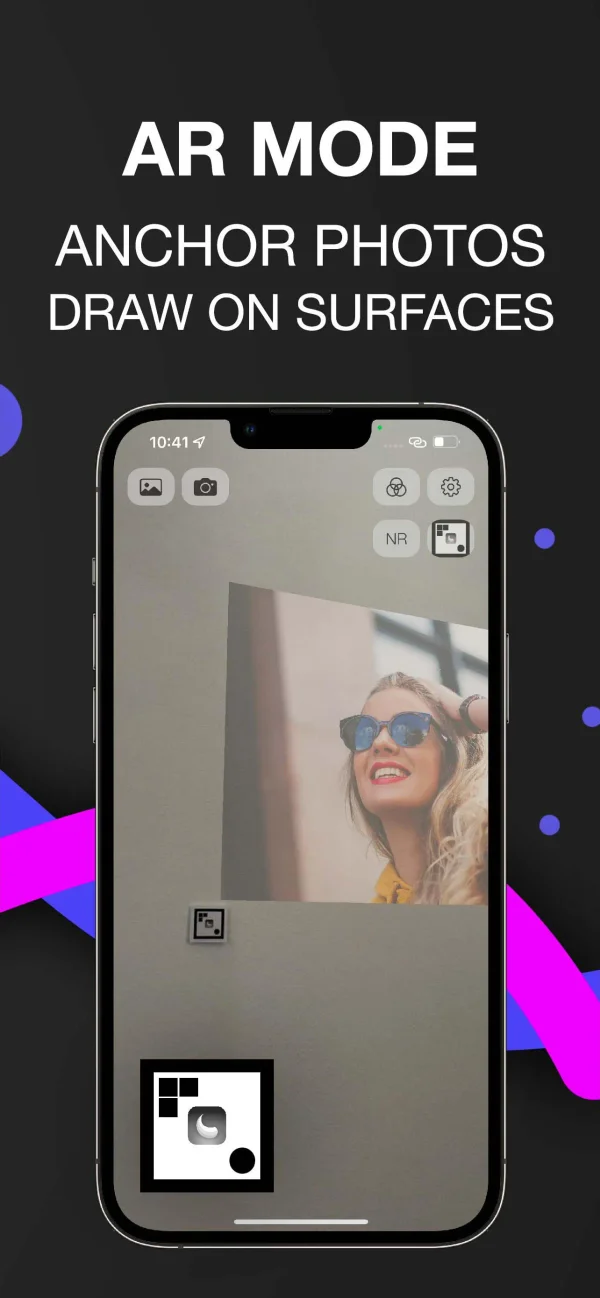
AR MODE
Don't like keeping your device still?
You don't have to with the augmented reality. You can select a marker, the app will recognise it and place your photo virtually next to it, so you can trace it!
USE ANY CAMERA
You can use any camera on your device, wide angle, zoom lens, ultra wide angle or even the front camera, this one with the perspective mode and a reflector (to be purchased in online stores, such as OSMO and not included).
ZOOM TO BE PRECISE
After you have setup your environment you can zoom on the area where you are drawing to see even more clearly, with natural gestures like pinch to zoom or by moving your device closer in AR Mode.
PREMIUM CUSTOMER SUPPORT
Need help? Have a suggestion? See it included in future releases and drop an email to support@genovasoftworks.com
REQUIREMENTS
Ricalko does not have any particular requirement since supports iOS 14+ devices only. If you can download it, it will work on your device.
A printer is suggested in order to print markers for AR Mode and the guidelines image for Perspective mode, even if they could also be displayed on an additional supporting device.
A subscription is required.
Terms and Privacy Policy can be found at https://www.genovasoftworks.com/terms.php.
For any question or help drop an email to support@genovasoftworks.com.
What’s new
Version 1.1 · Jul 14, 2026
- Added more metadata localisations;
- Bugfixes;
- Performance improvements.
App privacy
What GENOVA Softworks declares on the App Store about how this app handles data.
-
Data not collected
The developer does not collect any data from this app.
Privacy practices may vary, for example with the features you use or your age.
Information
- Seller
- GENOVA Softworks
- Category
- Graphics & Design
- Version
- 1.1
- Updated
- Jul 14, 2026
- Released
- Jul 9, 2022
- Size
- 39.7 MB
- Requires
- iOS 14.0 or later
- Age rating
- 4+
- Price
- Free
- In-app purchases
- Yes
- Languages
- English
- Copyright
- © 2026 GENOVA Softworks
You might also like
-
 Camera Lucida - Tracing AppTracing Projector
-
 Translucent: AR Trace & DrawSketch on Paper, Light Box
-
 PainterAR: AR Trace DrawingSketch, Paint & Learn on Paper
-
 AR Trace Projector & SketchTrace Drawing - How To Draw
-
 Flowly: AR Projector DrawingArt Tracing, Sketch, Projector
-
 ArtSync: AR Drawing ProjectorTrace Photos on Paper & Canvas
-
 Camera Lucida™: AR DrawingMasterful drawing in minutes!
-
 AR Trace, Draw & SketchLearn Drawing and Sketch
-
 AR Drawing – Tracing ProjectorDraw Art with Smart Sketcher
-
 Smart Phone Sketcher DrawingAi Projector Eye Paper Copy AR