LCD Clock - Clock & Calendar
Clock & Calendar
Designed for iPhone
$1.99 · In-app purchases
- Age rating4+
- CategoryUtilities
- DeveloperforYou inc.
- LanguagesEnglish+ 1 more
- Size46.9 MB
Links to the official App Store page
Download.org hosts no file of LCD Clock - Clock & Calendar. The button opens its official App Store page, published by forYou inc. Listing last checked on Nov 23, 2026.
Screenshots
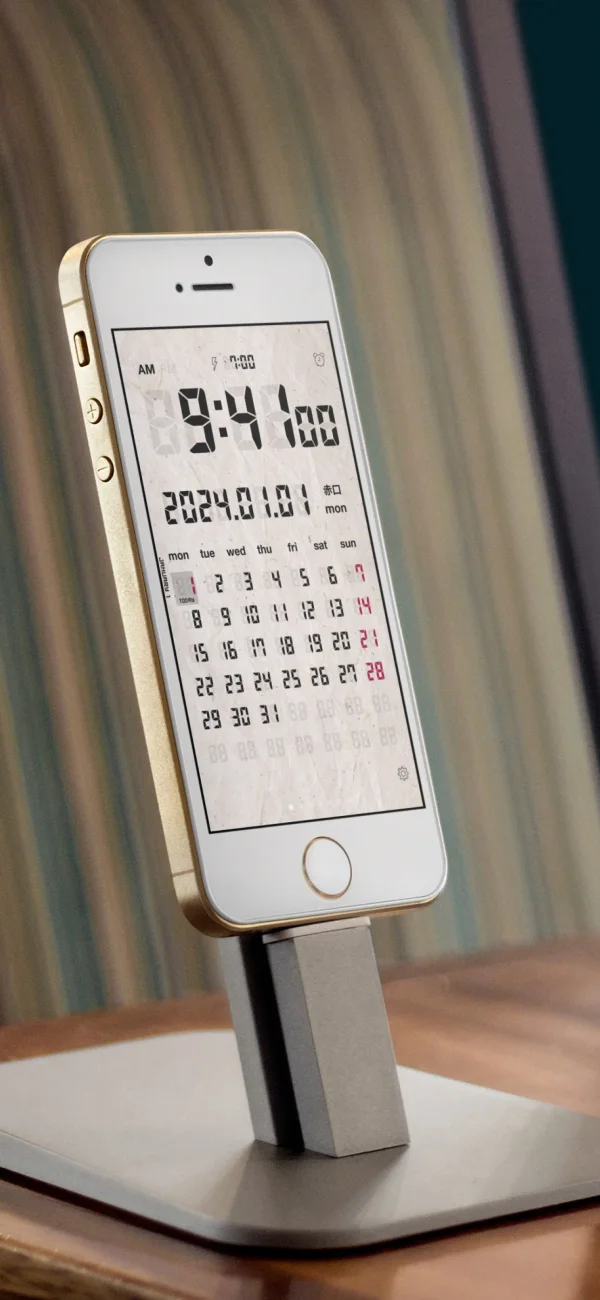

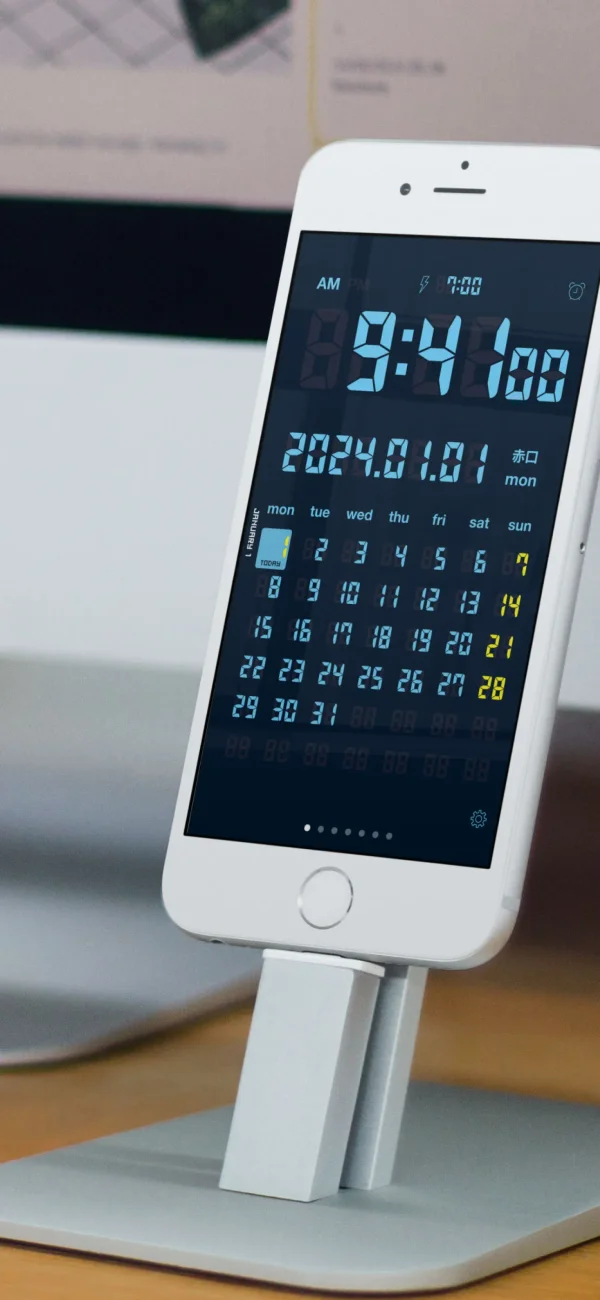
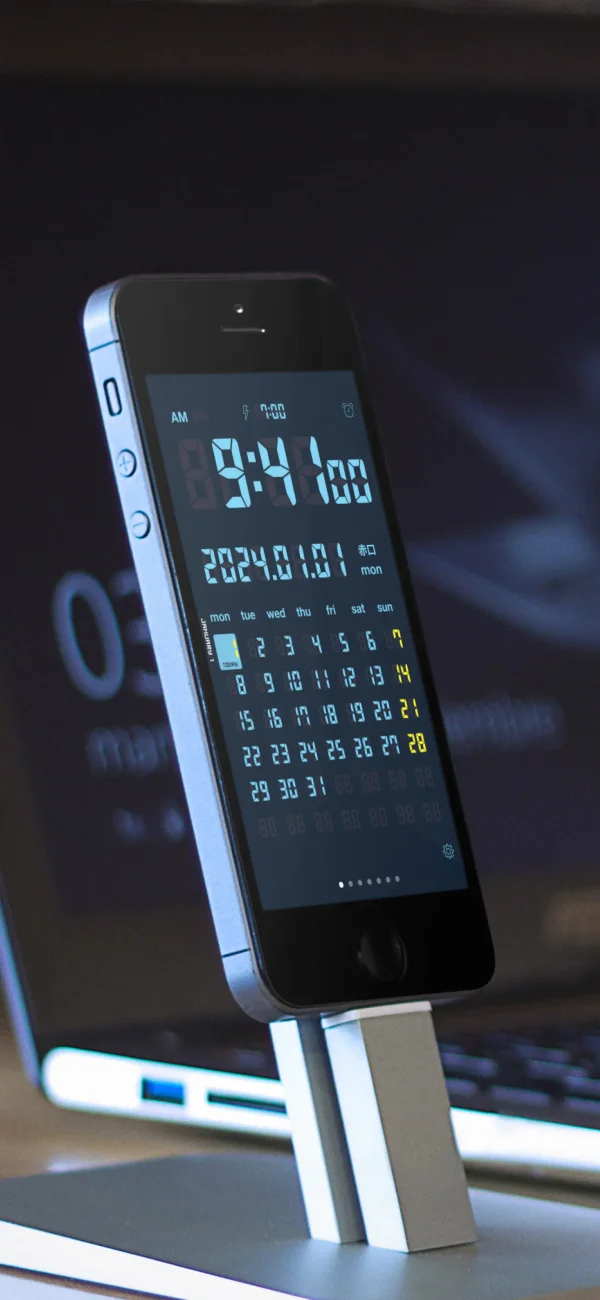
About
LCD Clock — Simple Clock & Calendar
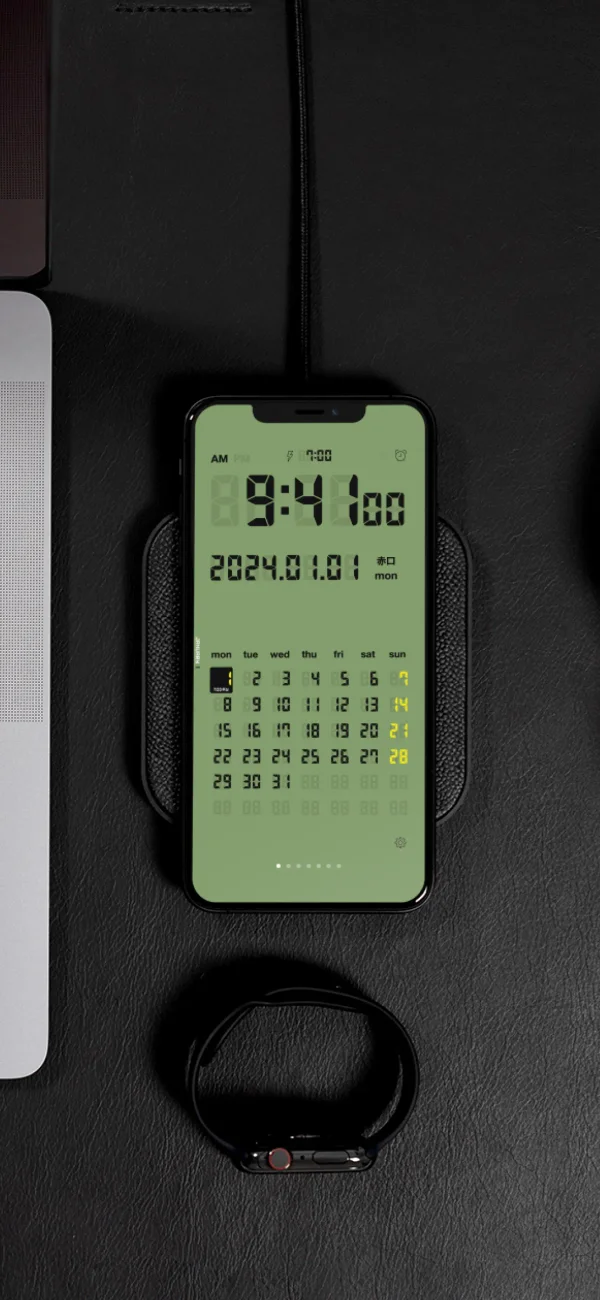
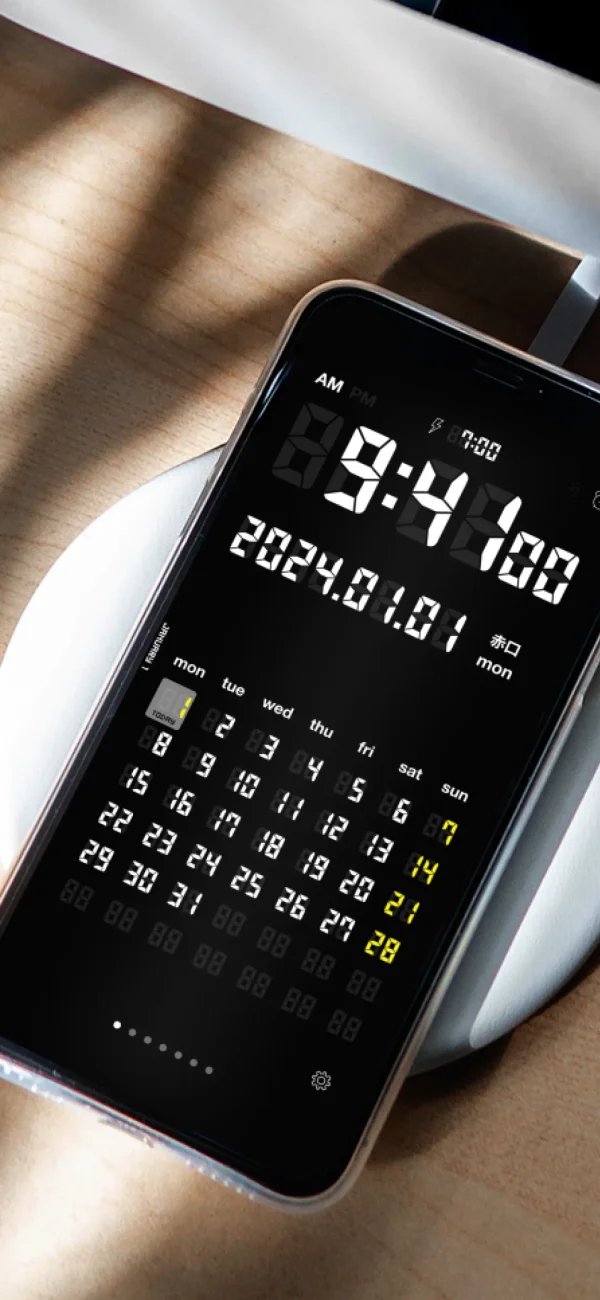
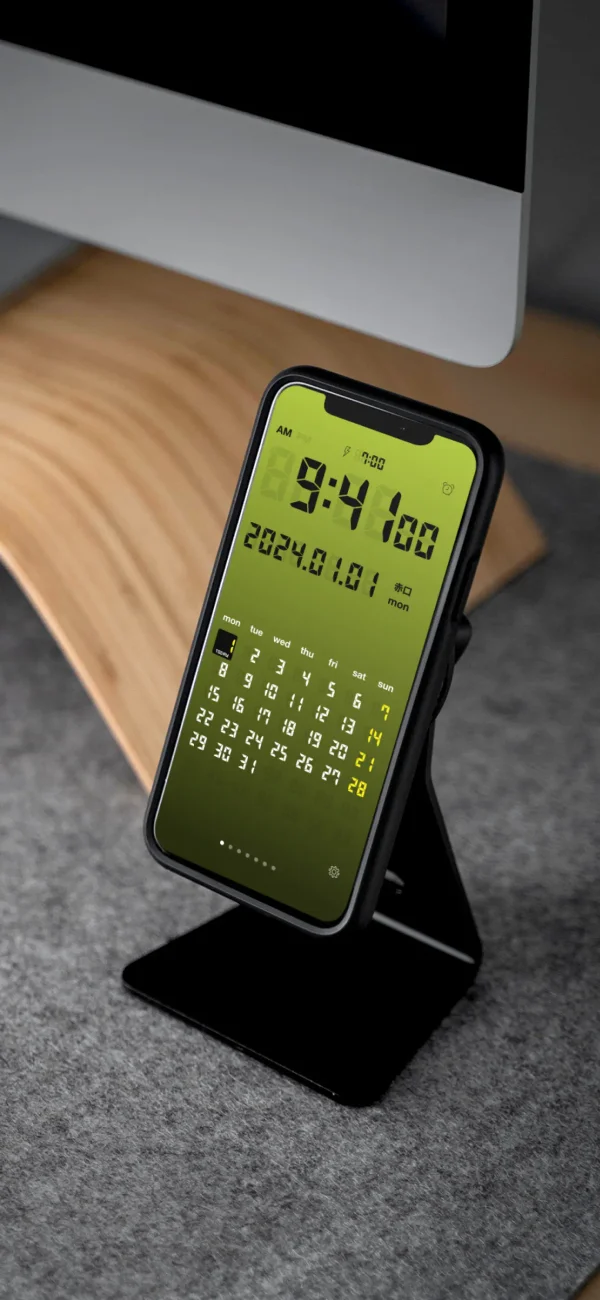
LCD Clock combines a digital clock and a calendar into one beautifully retro LCD-style desk clock.
Just place your iPhone on a charging dock, and your desk instantly gets a clean, easy-to-read clock and calendar.
Perfect for your office desk, living room, or bedside table — adding convenience and clarity wherever you are.
Key Features
- Large, easy-to-read digital clock (12/24-hour format)
- Monthly calendar (view up to 7 months)
- Public holidays for countries worldwide, automatically fetched and highlighted
- Weather forecast for your chosen location (current location supported)
- Japanese era (Reiwa) and rokuyō display
- Customizable first day of the week
- 8 color themes plus a random theme
- Adjustable screen brightness, shake-to-light backlight
- Full-screen landscape clock mode
- Optimized for iPhone Duo (layouts for both the closed and open screens; two months of calendar when open)
A True Alarm Clock (iOS 26 and later)
Powered by Apple's latest alarm technology (AlarmKit), the alarm has been dramatically upgraded.
- Rings with a full-screen alarm even when the app is closed or your iPhone is locked
- Breaks through Silent Mode and Focus — and keeps ringing until you stop it
- Quick STOP / SNOOZE (5 min) buttons
- Adjustable alarm volume in the app. Set it to mute for a silent, screen-only alert (with vibration while the app is open)
Notes
- Weather requires location access; holiday display requires calendar access
- On iOS 25 and earlier, alarms are delivered as notifications (no sound in Silent Mode, and the notification sound stops automatically after a short time)
- Please refrain from making complaints regarding malfunctioning alarms.
What’s new
Version 26.9 · Nov 18, 2026
• Minor improvements.
Thank you for using LCD Clock!
App privacy
What forYou inc. declares on the App Store about how this app handles data.
-
Data not collected
The developer does not collect any data from this app.
Privacy practices may vary, for example with the features you use or your age.
Information
- Seller
- forYou inc.
- Category
- Utilities
- Version
- 26.9
- Updated
- Nov 18, 2026
- Released
- Dec 5, 2008
- Size
- 46.9 MB
- Requires
- iOS 26.0 or later
- Age rating
- 4+
- Price
- $1.99
- In-app purchases
- Yes
- Languages
- English, Japanese
- Copyright
- © foryou, inc. All rights reserved.
You might also like
-
 Atomic Clock (Gorgy Timing)The classic par excellence
-
 SFClockSimple Flip Clock and Calendar
-
 Desket -Weather Calendar ClockPerfect desk mate time weather
-
 Digital Clock: Night Stand-bySimple Bedside Alarm & Widget
-
 Big Digital Clock WidgetDesigned for iOS 17 StandBy
-
 Huge Digital Clock - Bed SideDesk Clock & Night Stand Clock
-
 TalkingAlarm: Alarm ClockSleep Sounds, Weather, Voice
-
 AtomicClock: NTP TimePrecision Clock, UTC Reference
-
 Atomic Clock PROExact Time Digital and Analog
-
 Smart Widget - Standby & ThemeStandBy, Lock & Home Screenkit