
Audio Notes | Email Me
Record, Transcribe & Summary
Designed for iPhone, iPad, Mac, iPod touch
Free · In-app purchases
- Age rating12+
- CategoryProductivity
- DeveloperManuel Escrig Ventura
- LanguagesEnglish+ 20 more
- Size80.5 MB
Links to the official App Store page
Download.org hosts no file of Audio Notes | Email Me. The button opens its official App Store page, published by Manuel Escrig Ventura. Listing last checked on Nov 23, 2026.
Screenshots

About
Email Me is designed to be the fastest way to record your ideas, thoughts, tasks, and follow-ups when you're on the go.
It is the easiest and fastest way to email something to yourself so you will never forget things again. Ever.
CORE FEATURES AND BENEFITS
– Send notes to your email in one tap
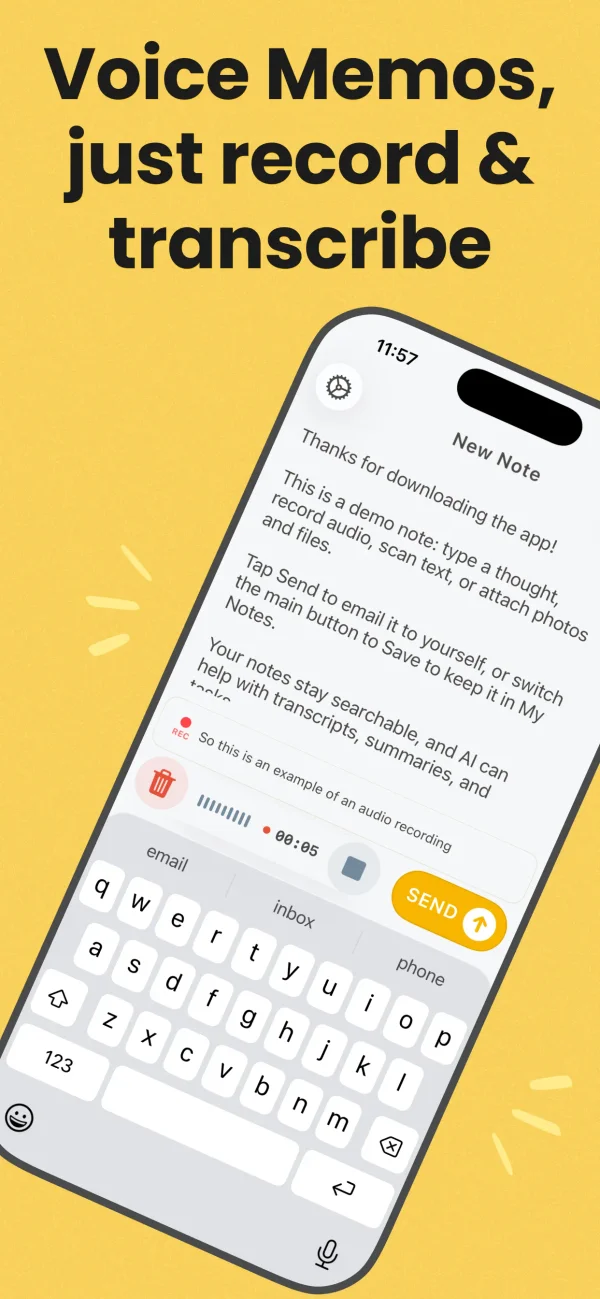
– Send audio notes with transcriptions
– Send images from your Camera or Library in one tap
– Send your clipboard content in one tap
– Supports multiple recipients with multiple email addresses
– Supports Widgets
– Supports iOS App Extensions
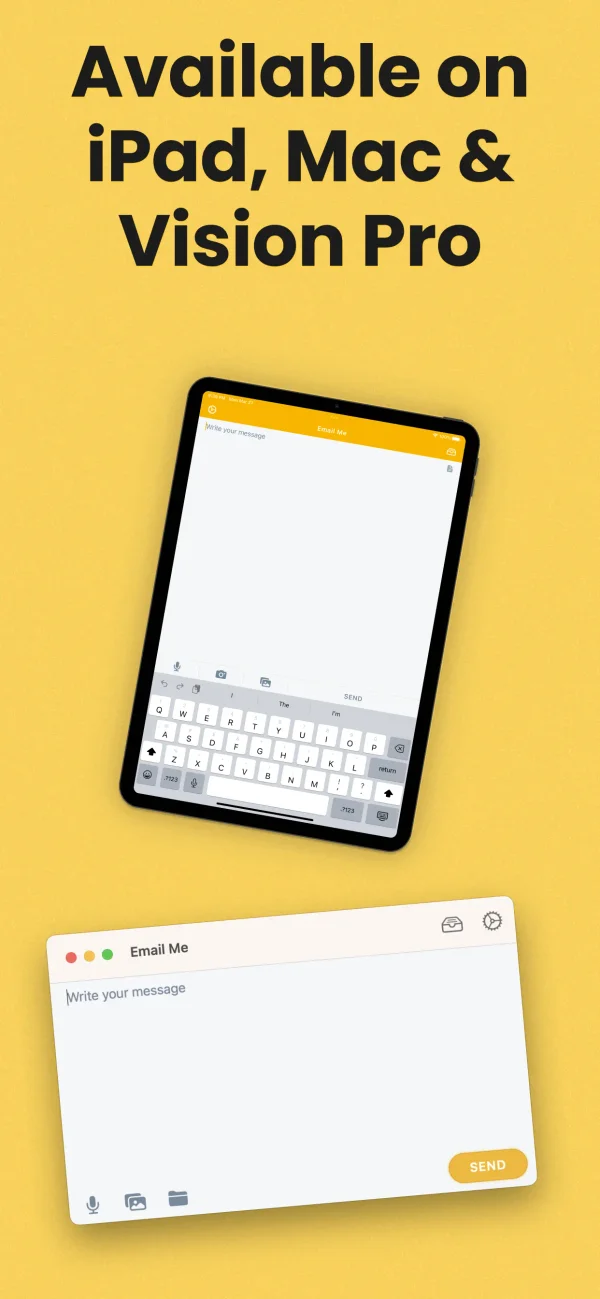
– Universal App for iPhone, iPad, Mac, and Apple Vision Pro
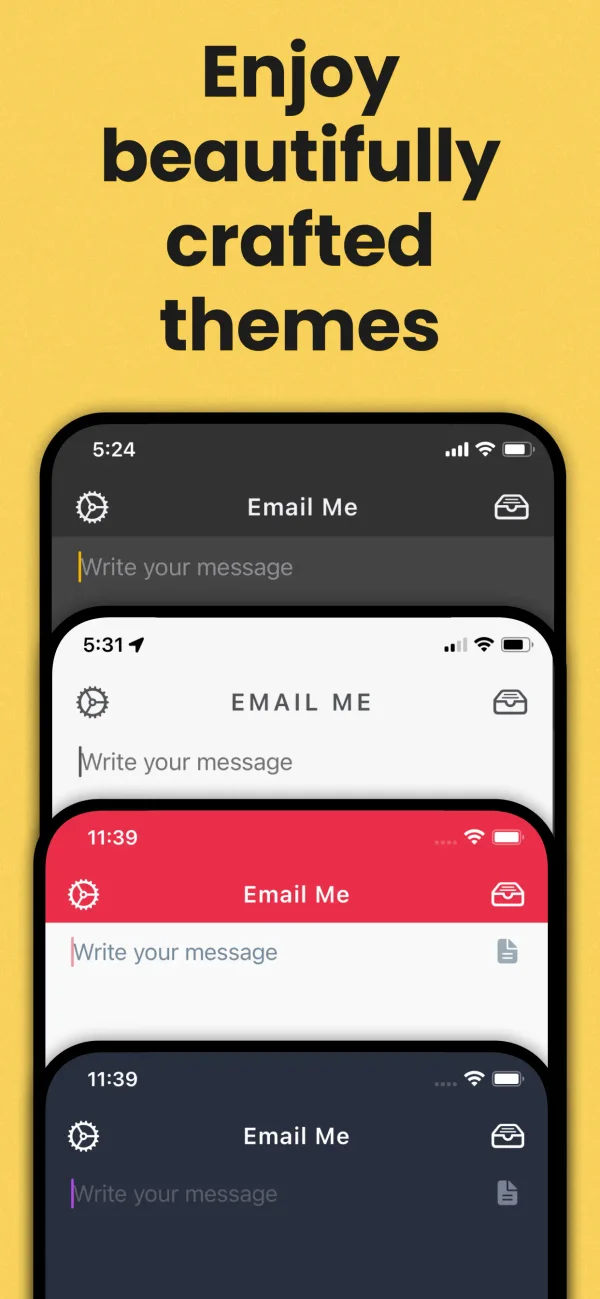
– Multiple custom App icons and themes
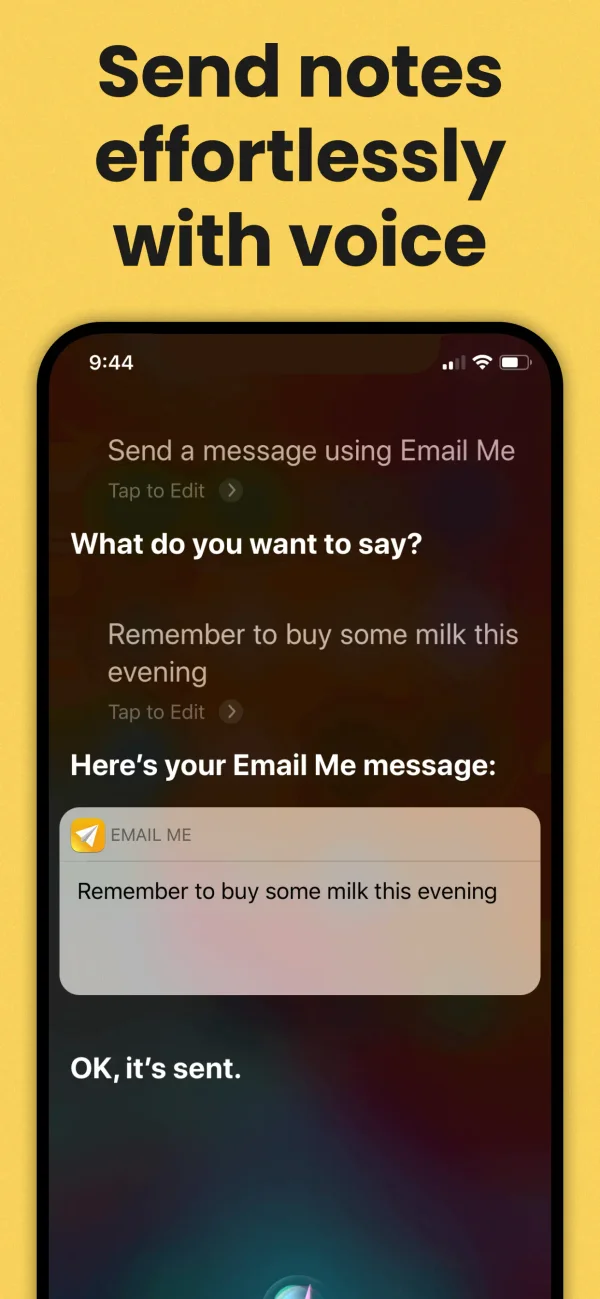
– Siri and Shortcuts support
– Option to use your own SMTP Configuration
AI TOOLS
– Summarize any note in one tap
– Turn a note into a task list automatically
– Translate a note into another language
– Edit any AI result with a prompt before regenerating over your changes
TRANSCRIPTION
– Transcribe your own audio notes automatically
– Transcribe WhatsApp voice notes by sharing them into the app
– Transcribe Apple Voice Memos by sharing them into the app
– On-device transcription support
SHARE EXTENSION / ACTION EXTENSION
– Share a voice note to transcribe it in one tap
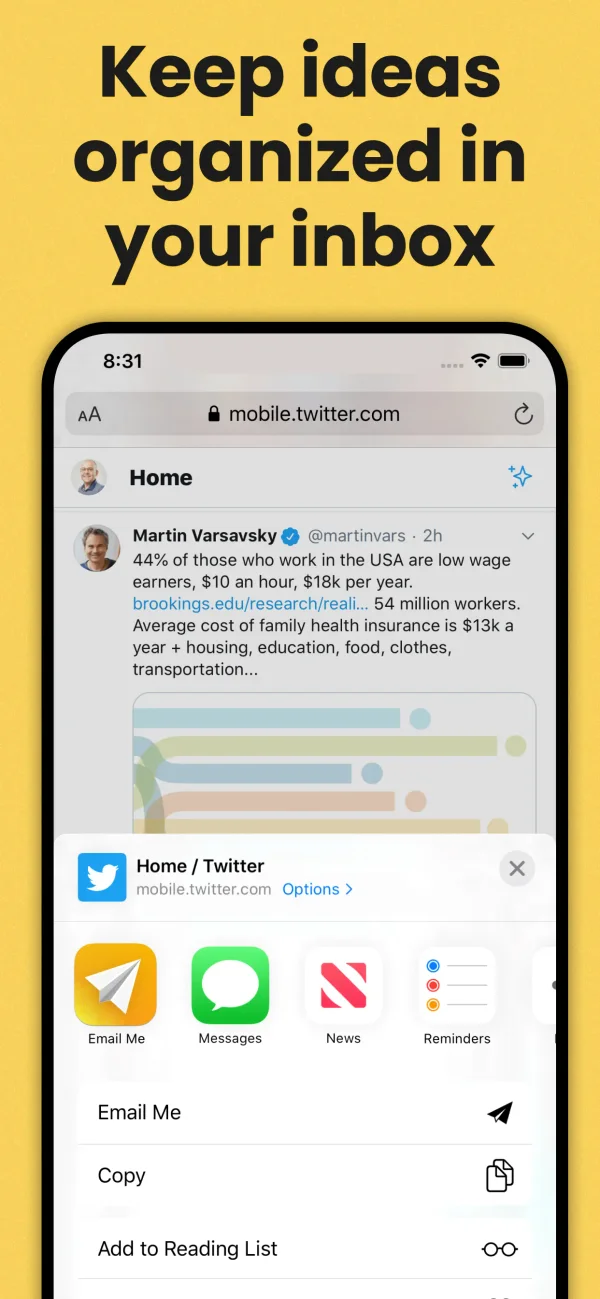
– Share a link from Safari in one tap
– Share text from a website in one tap
– Share an image in one tap from the Action Extension
– Share extension supports major App Store apps
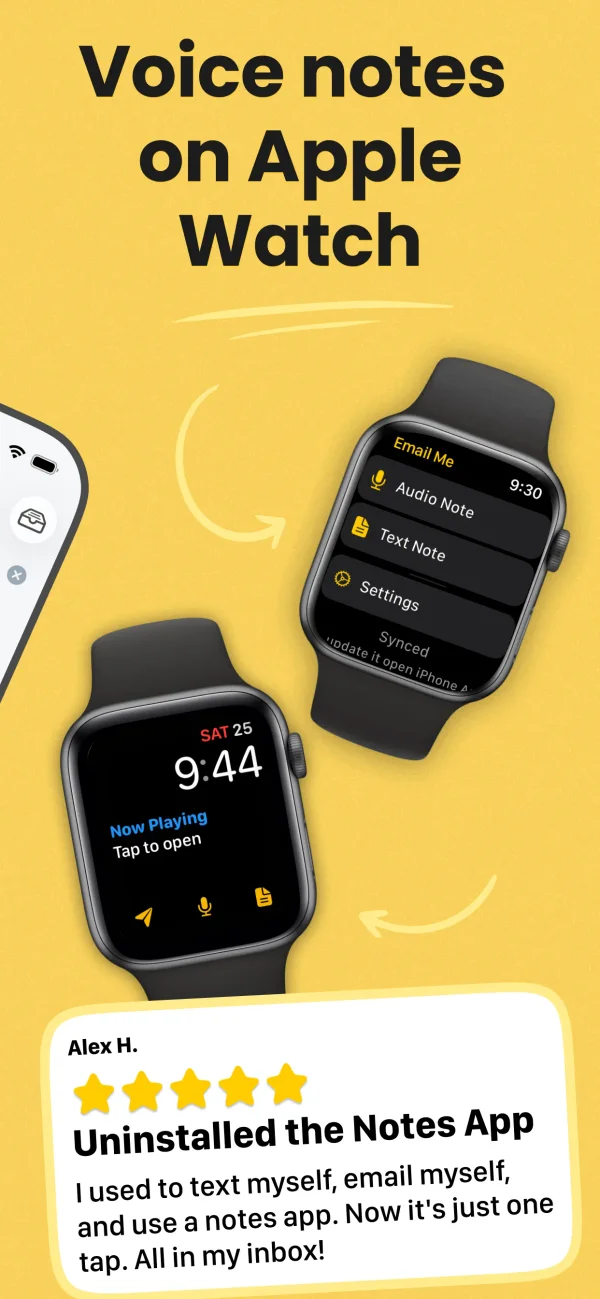
APPLE WATCH
– Standalone Watch App
– Watch App Complications for every Complication type
– Send text notes in one tap
– Send audio notes in one tap
– Send audio recordings in one tap
– Notes sent from your Watch appear in My Notes on your iPhone
MAC APP
– Standalone macOS App
– Integrates as a macOS menu bar icon
– Supports macOS Widgets
– Supports macOS Share Extension
EASY TO CONFIGURE
– Set predefined email addresses
– Set a predefined subject prefix if desired
– Set a predefined email signature if desired
– Set an email alias
– Set the reply-to email address
ACCESSIBILITY
– Accessibility labels app-wide for VoiceOver
– Supports dynamic text sizing
– Supports sounds and vibration feedback
– Supports dark mode
– Custom CoreHaptics for precise haptics
– Reduce Motion accessibility checks within the app, which automatically reduce motion
IMPORTANT
– Send an unlimited number of emails
– Notes are delivered to your email inbox instantly
– No data collected or shared with third parties, at all
– AI Voice Memos supports two URL schemes:
EmailMe://?message=Hello
emailme://hello
PRESS
"If you're looking for something to capture everything you need to remember, and capture it quickly, I highly recommend picking up AI Voice Memos."
– The Unofficial Apple Weblog
"If you need to send photos or screenshots to yourself on a regular basis, then AI Voice Memos will save you quite a bit of time."
– Productivity Blog
SUBSCRIPTIONS
Yearly Premium Subscription: Send unlimited emails for 1 year.
Cancel your subscription any time. Subscription automatically renews unless auto-renew is turned off at least 24 hours before the end of the current period by going to your iOS Account Settings after purchase. Payment will be charged to your iTunes Account. Any unused portion of a free trial period, if offered, will be forfeited when you purchase a subscription.
Terms and conditions:
https://www.emailmeapp.net/terms/
For more information or questions, please contact:
info@emailmeapp.net
What’s new
Version 7.16.0 · Nov 19, 2026
- Apple Watch: choose Save Only under Settings → Tap Action to save text and voice notes to My Notes on your iPhone without sending an email. Thanks Shinichiro for the suggestion!
- On Apple Watch, notes no longer stay pending when watchOS holds back an upload. Open Email Me and they send right away, and a note sent again after a lost connection only arrives once. Thanks Pierre-Marc for the report!
Thank you for reading! Please email me at info@emailmeapp.net any suggestions to make the App better for you.
- Manuel
App privacy
What Manuel Escrig Ventura declares on the App Store about how this app handles data.
-
Data not linked to you
May be collected but is not linked to your identity.
- Purchases
- Diagnostics
Privacy practices may vary, for example with the features you use or your age.
Information
- Seller
- Manuel Escrig Ventura
- Category
- Productivity
- Version
- 7.16.0
- Updated
- Nov 19, 2026
- Released
- Nov 29, 2016
- Size
- 80.5 MB
- Requires
- iOS 15.6 or later
- Age rating
- 12+
- Price
- Free
- In-app purchases
- Yes
- Languages
- English, Czech, Danish, Dutch, Finnish, French, German, Greek, Italian, Japanese, Korean, Norwegian Bokmål + 9 more
- Copyright
- © Quick Notes App
You might also like
-
 Note To Self MailFastest notes taking to email
-
 Yoyo : Email myselfRead later and notes
-
 Whisper Memos - Speech to textTranscribe Voice Memos
-
 BraintossCapture thoughts to your inbox
-
 Quick Notes - CaptureBrain dump thoughts & ideas
-
 Funnel - Quick CaptureCapture your thoughts
-
 Pensieve: Email Me NotesCapture Ideas Quick & Easy
-
 Quick Notes with widgetYour quick notes belong here
-
 Remind Me FasterQuick-entry for Reminders
-
 Cardhop ContactsThe contacts app you'll love