Quick Notes with widget
Your quick notes belong here
Designed for iPhone, iPad
Free · In-app purchases
- Age rating4+
- CategoryProductivity
- DeveloperMichal Kos
- LanguagesEnglish+ 1 more
- Size20.2 MB
Links to the official App Store page
Download.org hosts no file of Quick Notes with widget. The button opens its official App Store page, published by Michal Kos. Listing last checked on Nov 12, 2026.
Screenshots


About
A single piece of paper for your peace of mind. That's exactly what Quick Notes is all about – a nifty place to jot down your thoughts as quickly as possible so you can let them go and decide what to do with them later. No lists, no excessive clutter – just open and take notes.
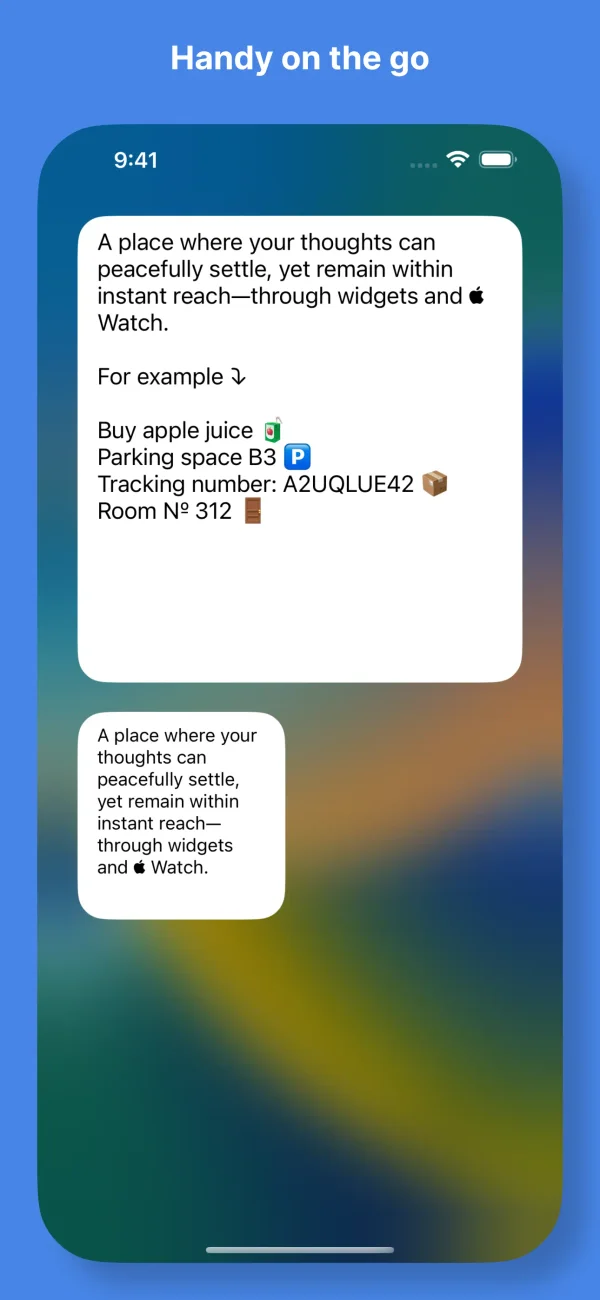
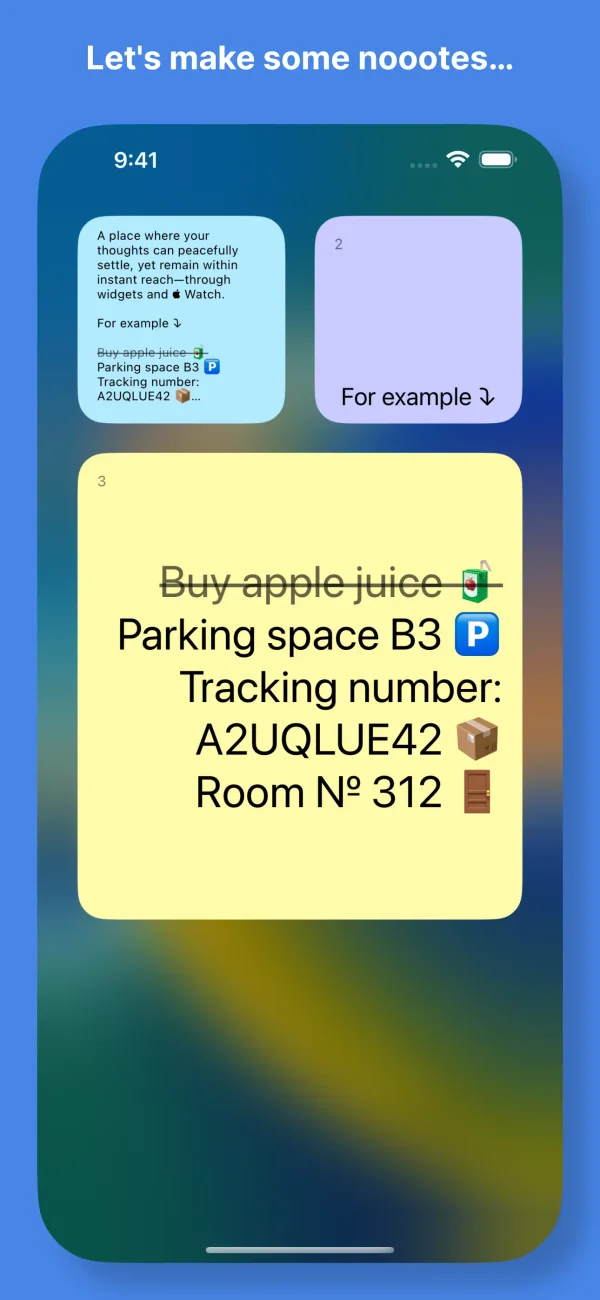
Practicality and simplicity is deeply rooted in Quick Notes. Its meticulously arranged main screen, along with Home Screen Widgets, Apple Watch Complications, and Notifications keep you up to date efficiently.
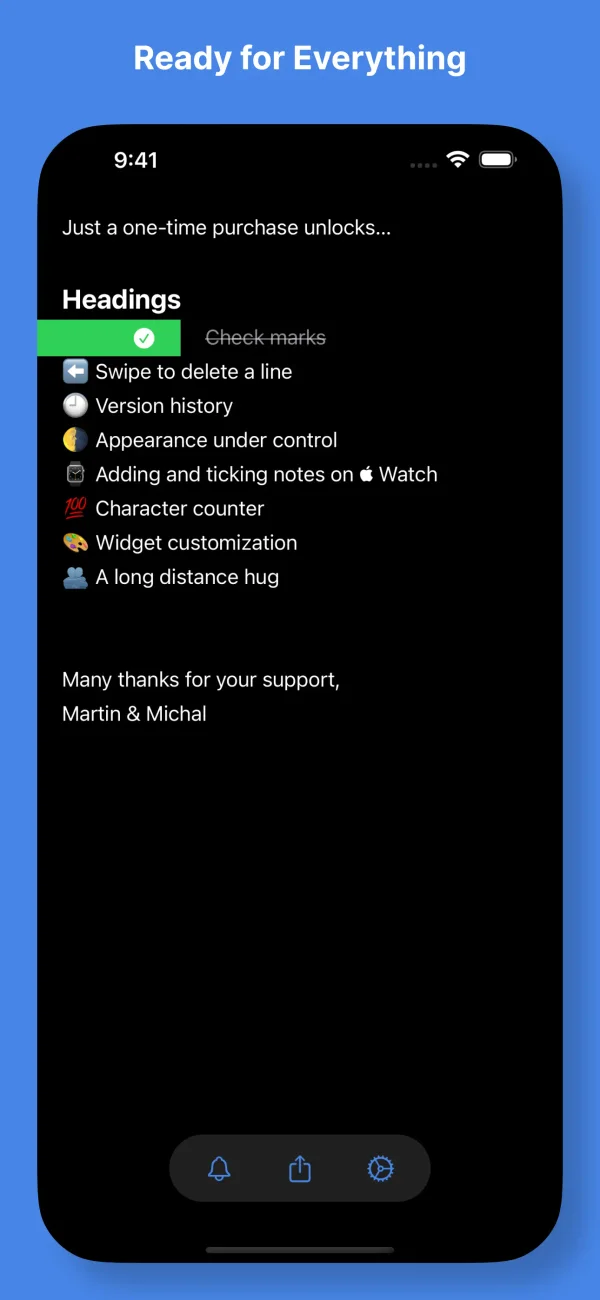
In addition, you can use Headings and Check marks to make your notes clearer at a glance, add a new note directly on your Apple Watch, customize the Widgets, or take control over the Dark Mode – all this and more with just a one-time purchase we call Everything.
Features:
• Single sheet for your quick notes and drafts
• iCloud synchronization
• Home Screen Widgets
• Apple Watch Complications
• Reminder
Additionally with Everything (a one-time in-app purchase):
• Headings
• Check marks
• Swipe left to delete a line
• Version history
• Appearance under control
• Adding and ticking notes on Apple Watch
• Character counter
• Widget customization
The app is ideal for things like to-do lists, grocery lists, packing lists, room numbers, tracking codes, or to remember your parking space.
----
Privacy Policy:
https://quicknotesapp.net/privacy-policy.html
What’s new
Version 3.1.0 · Oct 11, 2026
Quick Notes 3.1 makes iCloud sync much more reliable and makes sure your notes stay safe.
More reliable iCloud sync
- Notes now sync between your devices more dependably, and the app no longer gets stuck on "Syncing…".
- If you edit a note while changes arrive from another device, your edits are merged with them and nothing gets overwritten. Your cursor stays where it was.
- Your latest changes finish saving and syncing even if you leave the app right after typing.
Your notes, protected
- If a sync conflict happens, Quick Notes keeps a copy of your text and lets you know, so you can review it.
- It's now easier to find and restore notes from versions before 3.0.
Sync status and help
- The app shows clearer messages when it's syncing or when something needs your attention.
- The Sync settings now show your iCloud account status, and you can copy diagnostics if you need to contact support.
Other improvements
- Better layout on iPhone Duo.
- Bug fixes and stability improvements.
App privacy
What Michal Kos declares on the App Store about how this app handles data.
-
Data linked to you
May be collected and linked to your identity.
- Identifiers
-
Data not linked to you
May be collected but is not linked to your identity.
- Identifiers
- Diagnostics
Privacy practices may vary, for example with the features you use or your age.
Information
- Seller
- Michal Kos
- Category
- Productivity
- Version
- 3.1.0
- Updated
- Oct 11, 2026
- Released
- Jan 7, 2015
- Size
- 20.2 MB
- Requires
- iOS 17.6 or later
- Age rating
- 4+
- Price
- Free
- In-app purchases
- Yes
- Languages
- English, Czech
- Copyright
- © Copyright 2026 Michal Kos
You might also like
-
 Quick Notes - CaptureBrain dump thoughts & ideas
-
 Sticky Note Widget Memo PadHandwriting Fonts, Lock Screen
-
 Sticky Notes Widget. StickiesMemo papers plus color drawing
-
 Audio Notes | Email MeRecord, Transcribe & Summary
-
 Plain Note: Notes WidgetSimple Notepad for Quick Memos
-
 Note!The ultimate simple notes app!
-
 Simple Notes.Simple & easy note taking app.
-
 Cheetah NoteQuick notes, widgets, Watch
-
 Quick Draft: Notes & MarkdownFast Scratchpad & Text Editor
-
 Sticky Color Notes WidgetCheck Off Tasks on Lock Screen