
- Age rating4+
- CategoryGraphics & Design
- DeveloperRobert Corbin
- LanguagesEnglish
- Size3.6 MB
Links to the official App Store page
Download.org hosts no file of Aurora Live. The button opens its official App Store page, published by Robert Corbin. Listing last checked on Nov 17, 2026.
Screenshots

About
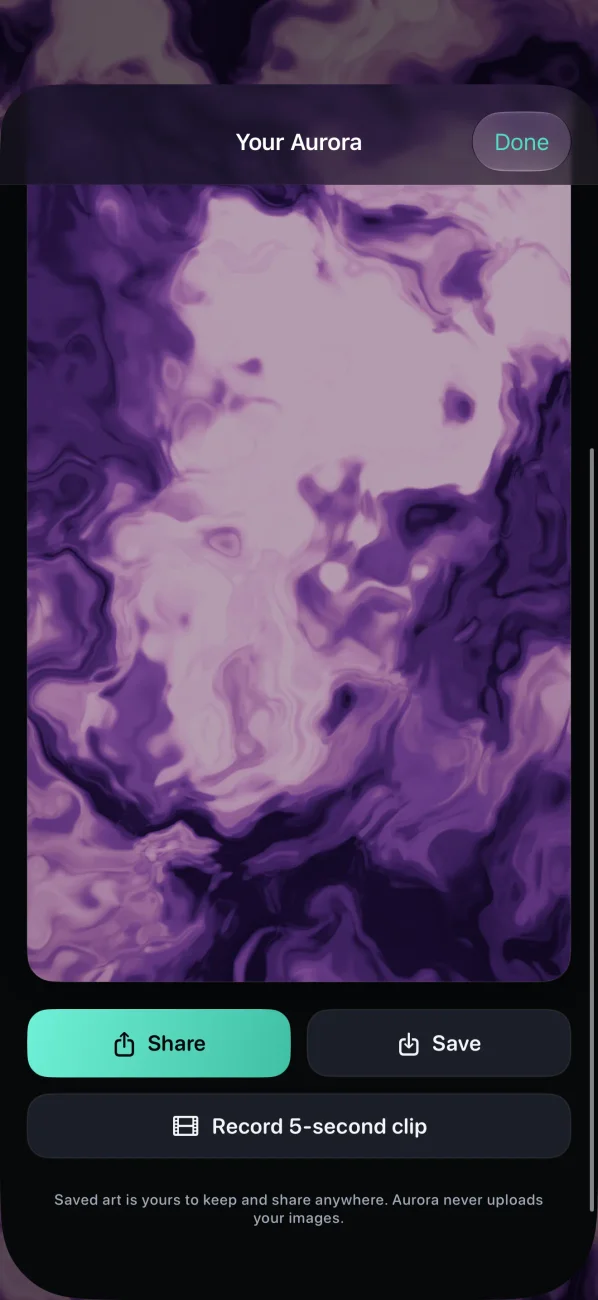
Create flowing color studies with Aurora Live's interactive canvas, palettes and capture tools.
NEW IN 4.0
Save a keyframe timeline on this device, export it as JSON, and import a validated timeline with a replacement preview. Scrub the playhead to sample intensity, motion and warmth; Apply Frame sends those settings to the canvas.
Save fuller Moments with warmth, palette cycling and Wander settings. Export a portable Moment settings backup through Files, then restore it with confirmation. New data-preservation checks protect unreadable saved libraries.
CREATE AND CAPTURE
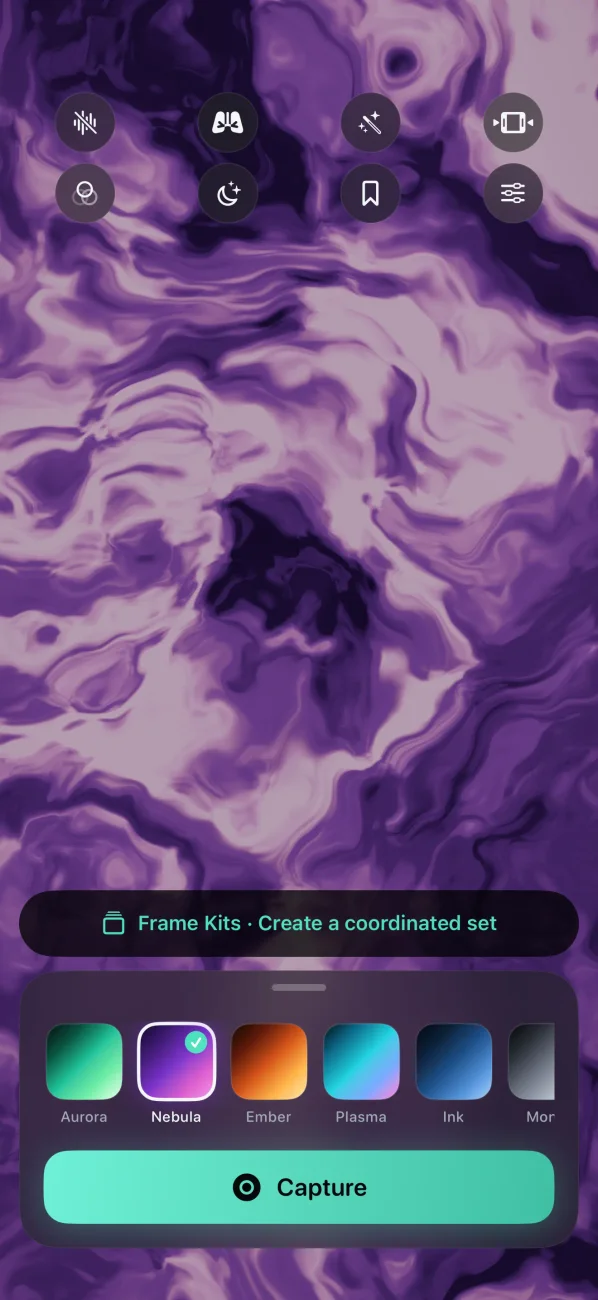
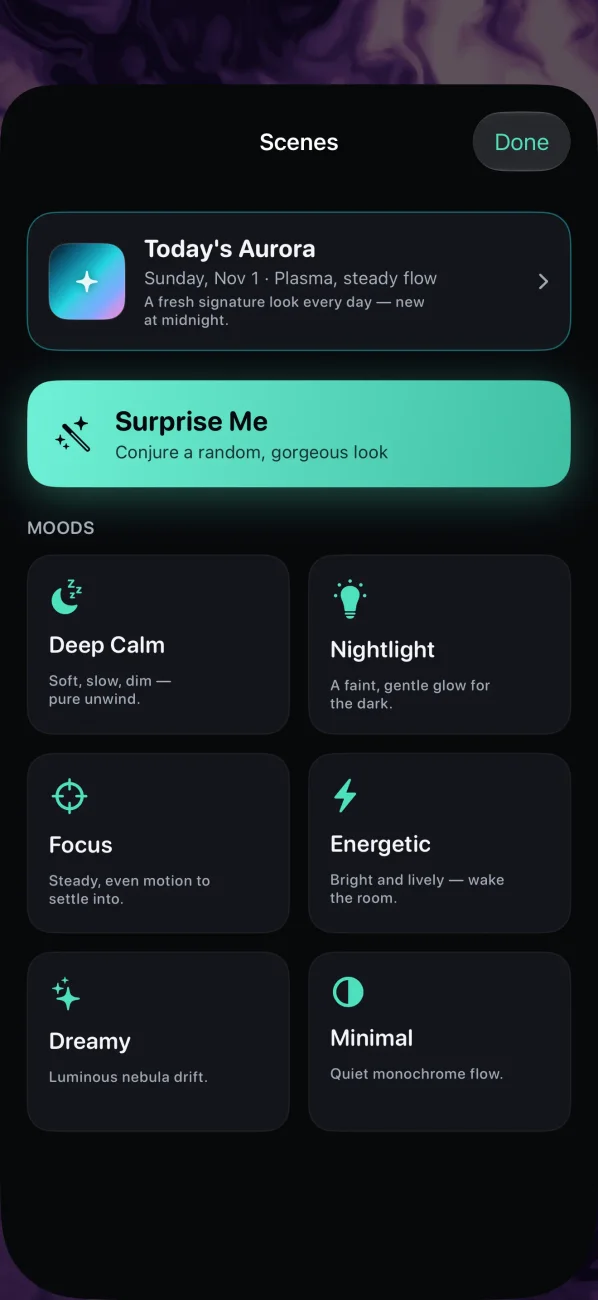
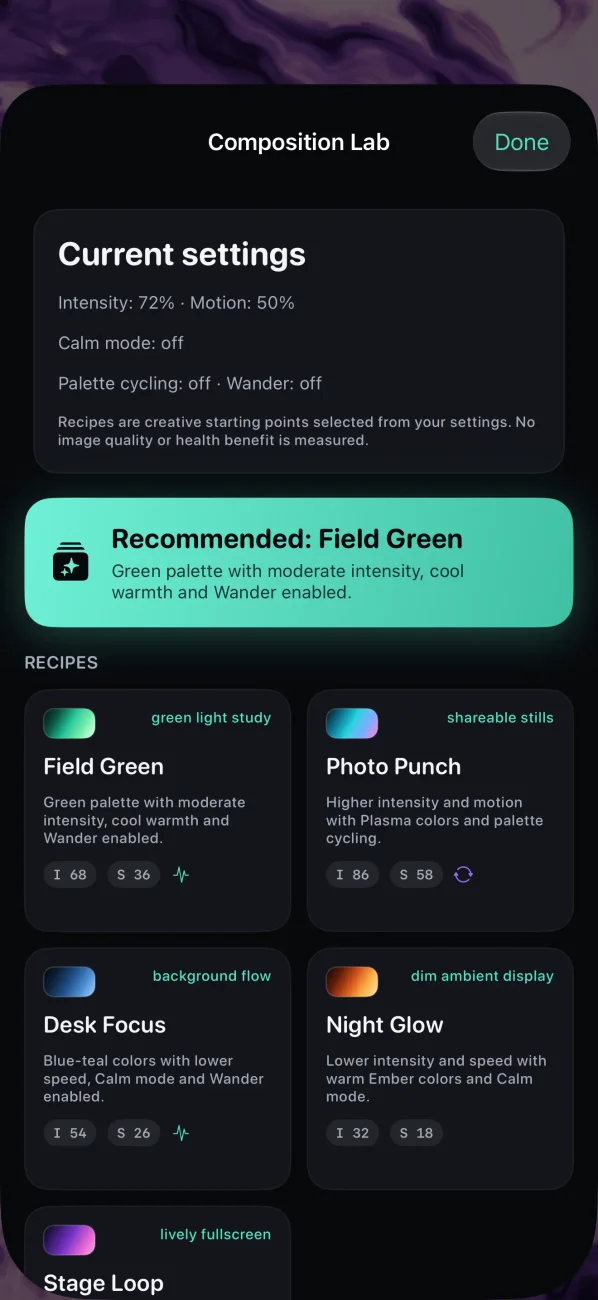
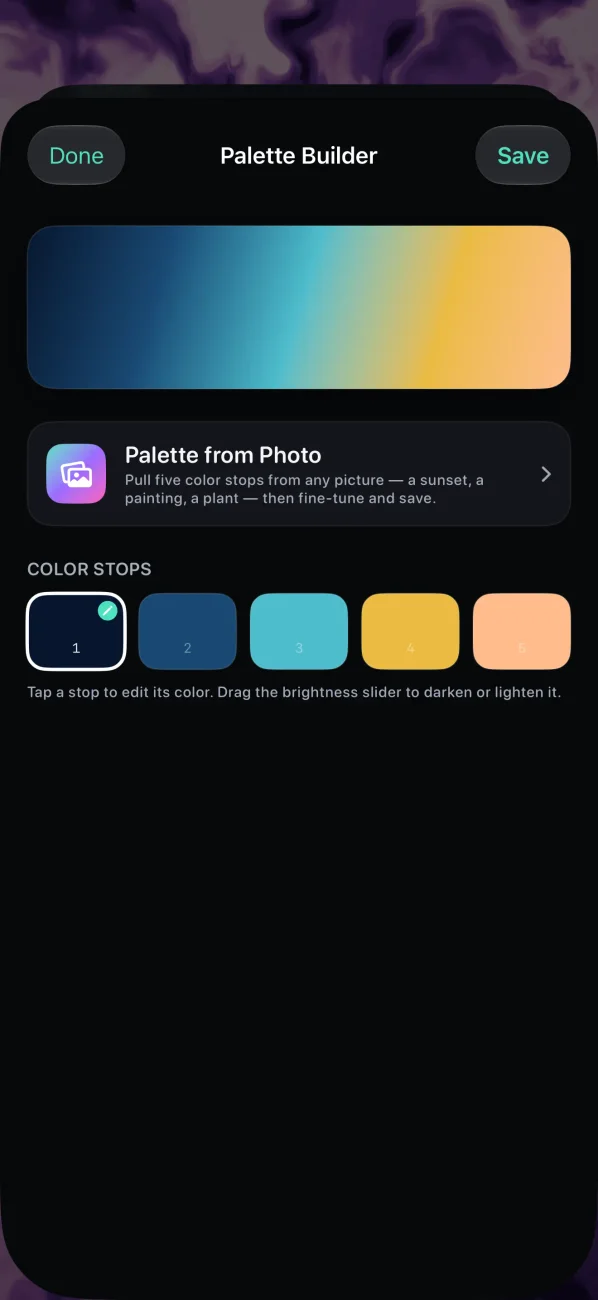
Choose built-in palettes or create five-stop palettes, including colors extracted from a selected photo. Explore scenes and Composition Lab recipes, adjust the live canvas, save Moments, capture images and create coordinated Frame Kits. Optional Sound mode reacts to microphone levels. Ambient display, guided breathing animation and the sleep timer remain available.
WHAT TO KNOW
Aurora creates generative art. It is not an aurora forecast, scientific instrument or health measurement. Recipe suggestions describe settings rather than rating image quality. Guide-cycle totals count animation cycles, not measured breathing.
The keyframe editor stores parameter studies; Apply Frame applies one sampled frame rather than playing or recording the timeline. Matching endpoint settings do not guarantee a seamless video loop.
Moment settings backups contain names, palette colors and look settings, not thumbnails, captured images, video or animation time. Restore replaces the saved Moment list. Files are limited to 1 MB and 30 Moments. Timeline files are limited to 1 MB and 32 keyframes. Export a copy before replacing a study or library.
Made for iPhone and iPad.
What’s new
Version 4.0 · Nov 2, 2026
Save and export keyframe timelines, with validated import and replacement confirmation.
Back up Moment settings through Files. New Moments also retain warmth, palette cycling and Wander.
Safer saved-data handling, corrected session totals, improved microphone lifecycle and clearer recipe descriptions.
Refreshed controls and more accurate capture behavior: failed captures offer retry instead of substitute artwork.
App privacy
What Robert Corbin declares on the App Store about how this app handles data.
-
Data not collected
The developer does not collect any data from this app.
Privacy practices may vary, for example with the features you use or your age.
Information
- Seller
- Robert Corbin
- Category
- Graphics & Design
- Version
- 4.0
- Updated
- Nov 2, 2026
- Released
- Jun 4, 2026
- Size
- 3.6 MB
- Requires
- iOS 17.0 or later
- Age rating
- 4+
- Price
- $2.99
- Languages
- English
- Copyright
- © 2026 Robert Corbin
You might also like
-
 Emo HazeAuthentic Fluid Simulator
-
 SpritePixelsFast pixel art
-
 Pick-to-Draw: Photo PaletteDraw with Colors from Photos
-
 MorphonTouch-driven generative art
-
 DabDab: Fluid Art & SimulationMesmerizing Fluid Visuals
-
 CrystalzoaInteractive Visual Synthesizer
-
 Poster PatchworkPoster Printing Tool
-
 Interior Design:AI Home Decorhouse decoration & renovation
-
 MagicCamera 2080Camera From The Future
-
 EasyMapper Projection MappingMobile Projection Mapping