
Authenticator - OTP Manager
Two-Factor Authentication Code
Designed for iPhone, iPad, Mac, iPod touch
Free · In-app purchases
- Age rating4+
- CategoryUtilities
- DeveloperVIDUS TEKNOLOJI ANONIM SIRKETI
- LanguagesEnglish+ 32 more
- Size119.2 MB
Links to the official App Store page
Download.org hosts no file of Authenticator - OTP Manager. The button opens its official App Store page, published by VIDUS TEKNOLOJI ANONIM SIRKETI. Listing last checked on Nov 23, 2026.
Screenshots
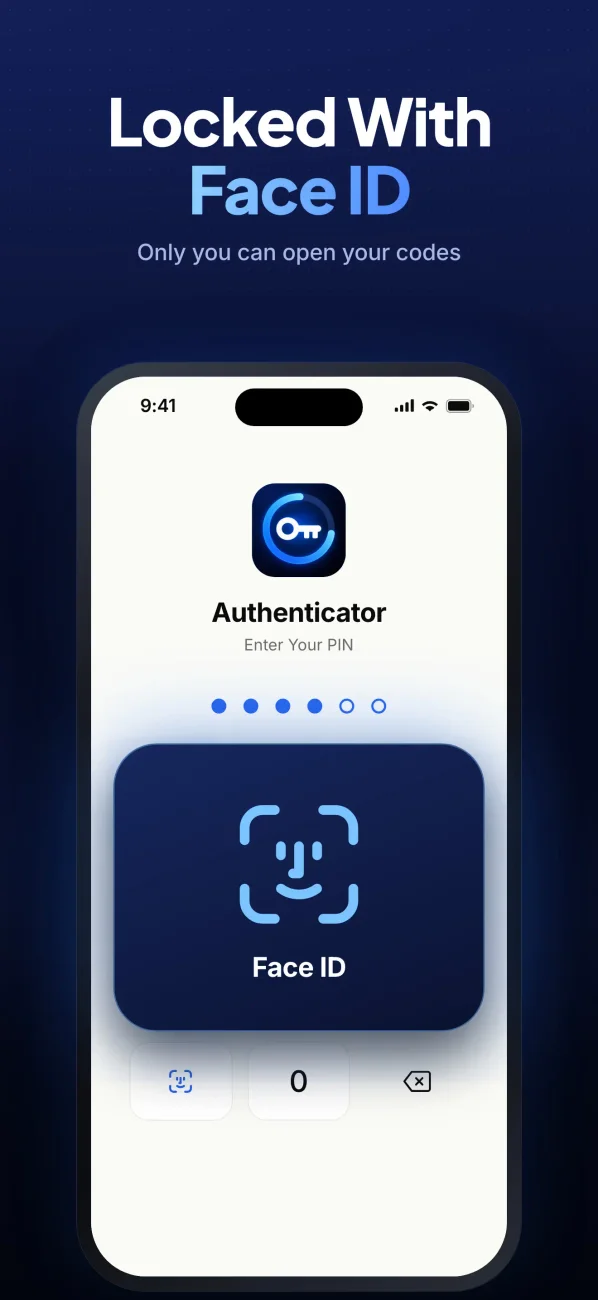


About
Authenticator is the simple, secure way to protect every online account you own with two-factor authentication (2FA).
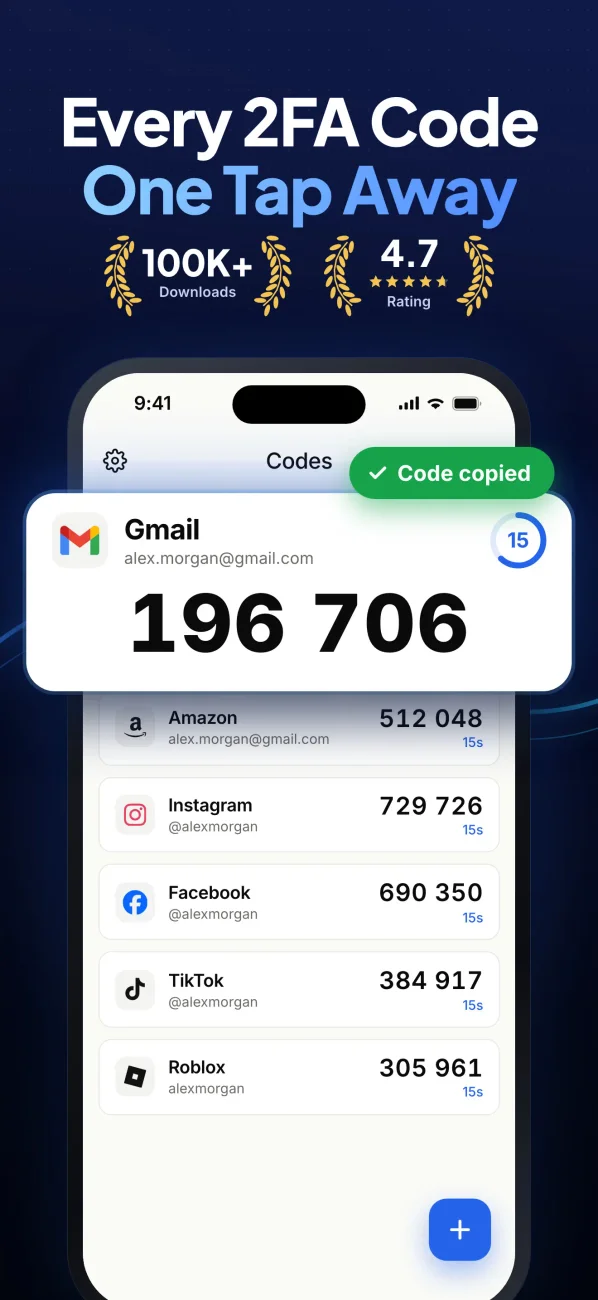
Generate time-based one-time passwords (TOTP) right on your iPhone and sign in to the services you love with a fresh verification code in seconds — no more waiting on slow SMS texts or digging through screenshots. A password alone is no longer enough — that extra layer of verification is what stands between a leaked password and a hijacked account.
Built for anyone juggling dozens of logins across email, banking, work, social media, gaming, and crypto, Authenticator keeps all your security codes in one calm, organized place.
Whether you're turning on 2FA for the first time or switching to a new phone, it makes staying protected effortless. The interface stays clean, fast, and clear, with everything you need just one tap away.
WHY YOU'LL LOVE IT
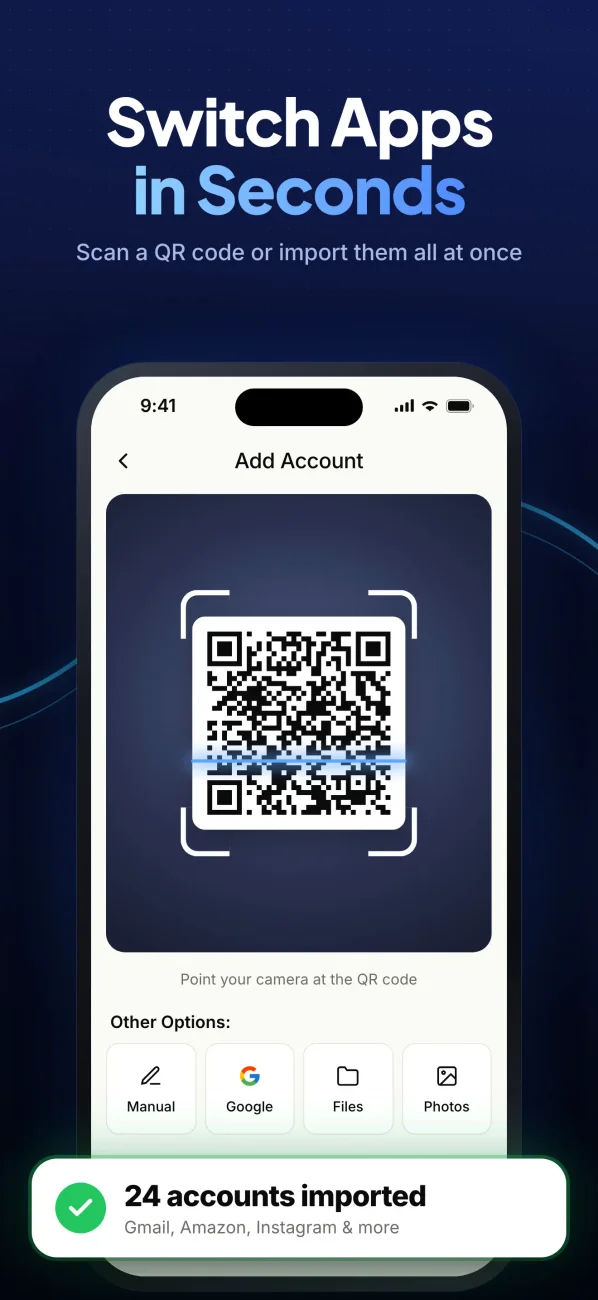
• Add accounts in one tap — scan a QR code and you're protected instantly
• Manual setup with clear, step-by-step guides for sites that hide their secret keys
• Automatic 2FA code generation with an easy-to-read countdown timer
• One-tap copy so you can paste your OTP and log in fast
• Face ID, Touch ID, or PIN lock keeps your codes private
• Search, filter, custom icons, and themes to organize every account your way
NEVER LOSE ACCESS
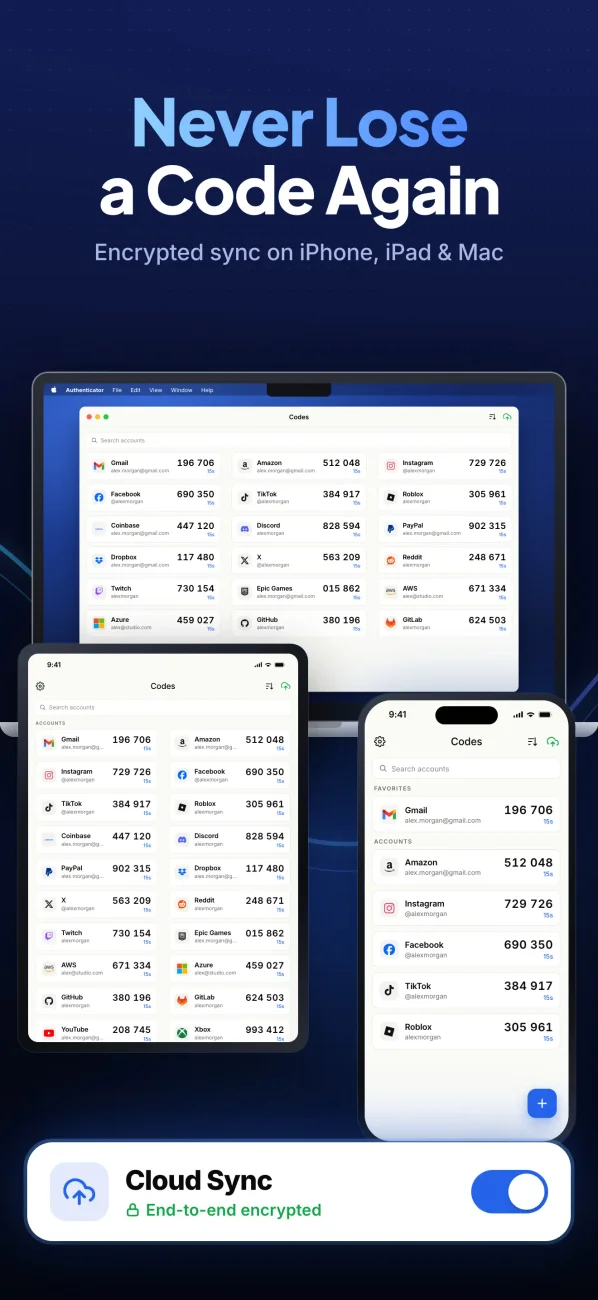
• Encrypted cloud backup so you can restore your accounts on any device
• Automatic multi-device sync in real time — set it up once
• A recently-deleted recovery bin rescues codes you remove by mistake
• Easy import from Google Authenticator, screenshots, or files
• Import and export to move between phones with total confidence
PRIVATE BY DESIGN
Your 2FA data is fully encrypted, both on your device and in the cloud. Only you can unlock your verification codes — we can't see them, and neither can anyone else.
Authenticator is not a password manager and never stores your usernames or passwords. It does one job, and it does it exceptionally well.
WORKS EVERYWHERE, EVEN OFFLINE
Generate one-time passwords anytime — on a plane, traveling abroad, or with no signal at all. Your codes are always ready the moment you need them.
WORKS WITH THE SERVICES YOU USE
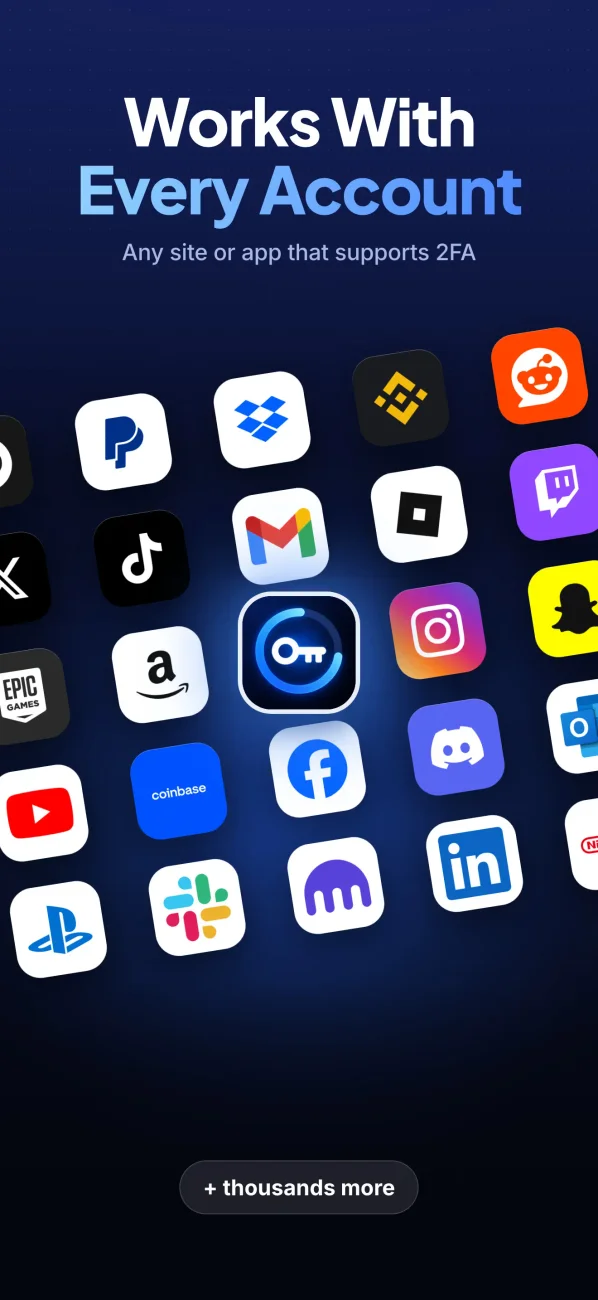
Authenticator is compatible with thousands of websites and apps, including Google, Microsoft, Facebook, Instagram, Amazon, X, LinkedIn, PayPal, Coinbase, Binance, Discord, Roblox, GitHub, and Dropbox.
If a service supports TOTP-based two-factor or multi-factor authentication (MFA), it works here.
A SECURITY CHECK THAT HAS YOUR BACK
A built-in security check flags weak setups and accounts that still need 2FA, so you always know your protection is complete. Instead of guessing whether you forgot something, you get a clear view of where you stand and can close any gaps in a few taps.
Tired of insecure SMS codes? Authenticator gives you a faster, safer, and more reliable way to sign in every single day. Two-factor authentication doesn't have to be complicated — here, it simply works.
Download Authenticator and take control of your account security today.
——
Subscription details
Authenticator is free to download. A premium subscription unlocks unlimited accounts, encrypted cloud backup, and cross-device sync. Payment will be charged to your Apple Account at confirmation of purchase. Your subscription renews automatically unless canceled at least 24 hours before the end of the current period. Manage or turn off auto-renewal anytime in your App Store settings.
Privacy Policy: https://vidus6.com/authenticator/privacy
Terms of Use: https://vidus6.com/authenticator/terms
Questions or suggestions? Email us anytime at contact@vidus6.com — we'd love to help.
What’s new
Version 4.0.0 · Oct 22, 2026
Authenticator 4.0 is here, with a fresh new look that makes keeping your accounts secure even easier:
• New app icon and a redesigned home screen: each code sits on its own card with a countdown ring
• Cleaner, better organized settings
• Fewer interruptions while you use the app
• More reliable import and export
• The PIN keypad now keeps the standard 1-2-3 order in Arabic and Hebrew
• Performance and stability improvements
Enjoying Authenticator? Leaving a review really helps us grow.
Questions or suggestions? Write to us at contact@vidus6.com.
App privacy
What VIDUS TEKNOLOJI ANONIM SIRKETI declares on the App Store about how this app handles data.
-
Data linked to you
May be collected and linked to your identity.
- Purchases
- Location
- Contact info
- User content
- Identifiers
- Usage data
- Diagnostics
-
Data not linked to you
May be collected but is not linked to your identity.
- Diagnostics
Privacy practices may vary, for example with the features you use or your age.
Information
- Seller
- VIDUS TEKNOLOJI ANONIM SIRKETI
- Category
- Utilities
- Version
- 4.0.0
- Updated
- Oct 22, 2026
- Released
- Oct 14, 2024
- Size
- 119.2 MB
- Requires
- iOS 15.0 or later
- Age rating
- 4+
- Price
- Free
- In-app purchases
- Yes
- Languages
- English, Arabic, Catalan, Croatian, Czech, Danish, Dutch, Finnish, French, German, Greek, Hebrew + 21 more
- Copyright
- © 2026 - Vidus Teknoloji A.Ş.
You might also like
-
 Authenticator App 2FA, MFATwo Factor Authentication 2fas
-
 Authenticator: Password KeeperTwo-Factor & MFA Protection
-
 Check Heart Rate ◦ Monitor AppPulse Checker: Track HRV
-
 S1 & S2 Speaker Control ProBluetooth Controller Connect
-
 PDF Scanner & Converter | AIScan Doc & Photo To PDF Maker
-
 Authenticator App: 2FA, OTPScan QR, TOTP Code Generator
-
 Hide Photo Vault, Secret LockKeep Safe Gallery & Folder
-
 Authenticator App ^2FA MFA Auth, Authentication
-
 Smart Air Printer:Scan PrinterAir Printer : Document Scanner
-
 Two Factor Authenticator & OTPSimple 2FA authentication app