
Auto Reframe: Video Crop
Resize & Change Aspect Ratio
Designed for iPhone
Free · In-app purchases
- Age rating4+
- CategoryPhoto & Video
- Developer冲 洪
- LanguagesEnglish
- Size1.9 MB
Links to the official App Store page
Download.org hosts no file of Auto Reframe: Video Crop. The button opens its official App Store page, published by 冲 洪. Listing last checked on Nov 15, 2026.
Screenshots


About
Auto Reframe: Video Crop helps you crop and resize videos on iPhone. Turn a horizontal video into a vertical clip, create a square version for social posts, or change the aspect ratio of existing footage without a timeline editor.
HOW IT WORKS
1. Import a video from Photos.
2. Choose 9:16 vertical, 1:1 square, or 16:9 landscape.
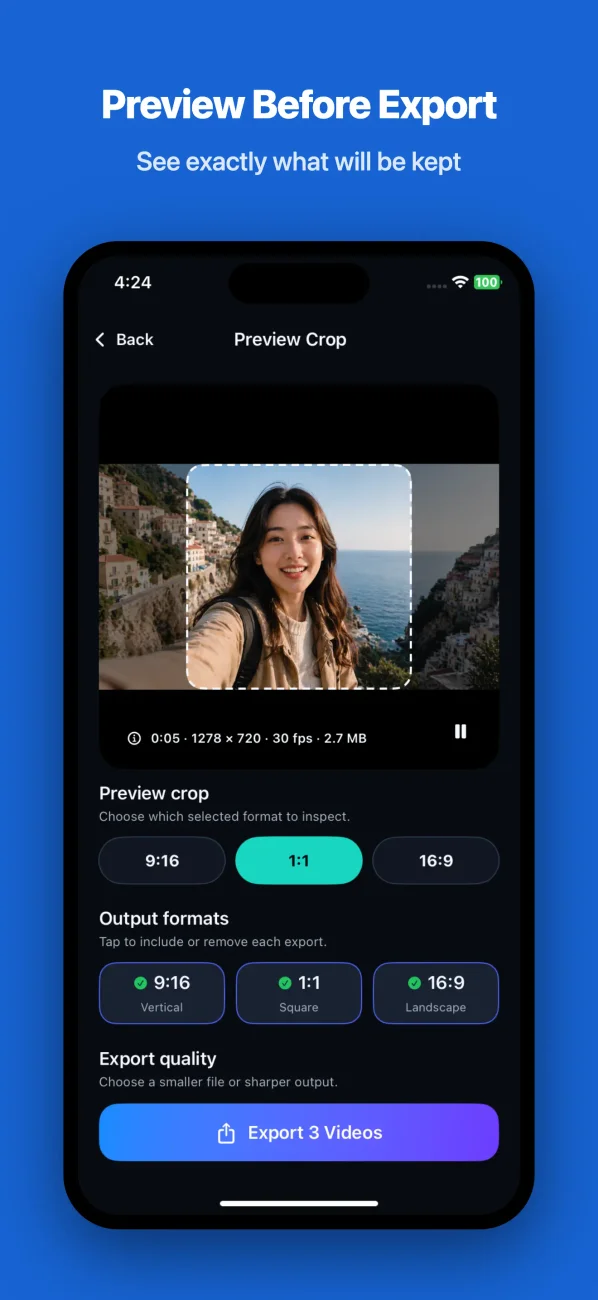
3. Preview the crop and adjust the framing.
4. Export, then save to Photos or share the result.
CHOOSE HOW TO FRAME YOUR VIDEO
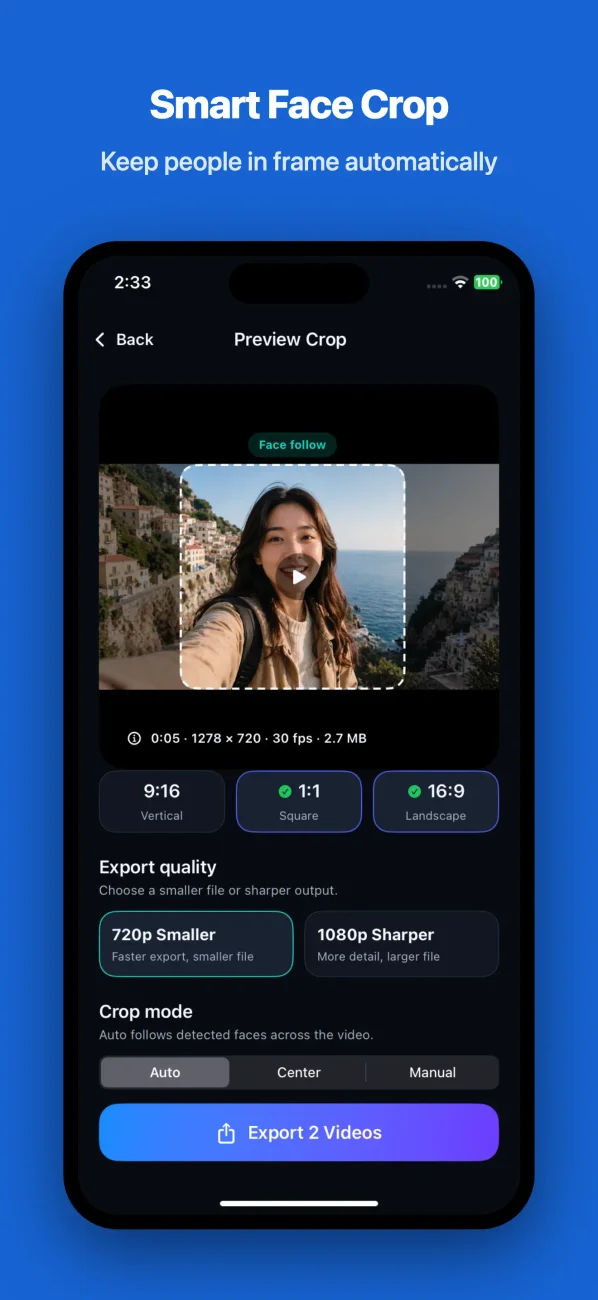
- Auto: Position the crop using detected faces. If no face is detected, the app uses a centered crop.
- Center: Keep the crop centered on the original video.
- Manual: Adjust the crop position to frame a person, product, or other subject.
USE IT FOR
- Turning landscape footage into vertical clips for short-form video.
- Creating square product videos for social posts.
- Preparing different aspect ratios from the same recording.
LOCAL VIDEO PROCESSING
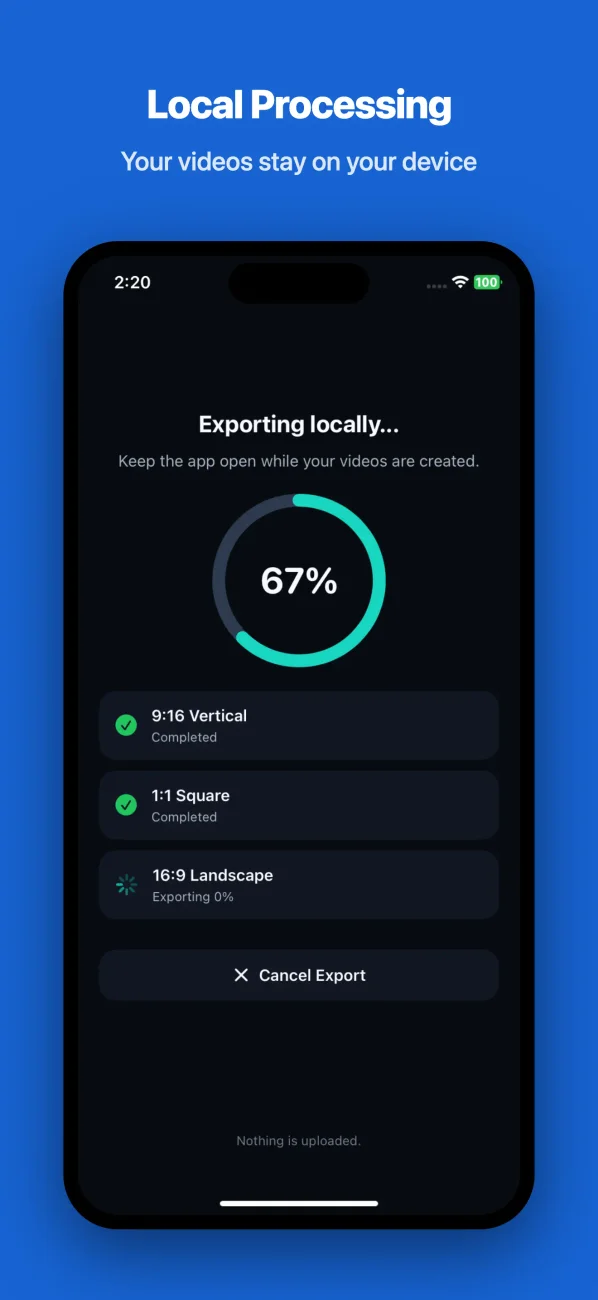
Videos are processed on your iPhone without uploading them to a server. No account is required.
FREE AND PRO
Free includes 720p export in one selected aspect ratio at a time.
An Auto Reframe Pro subscription unlocks 1080p exports and multiple aspect ratios from the same video in one export run.
Changing the aspect ratio crops part of the picture. Check the preview before exporting. Automatic framing uses face detection; use Manual for subjects without a detectable face.
Terms of Use: https://www.apple.com/legal/internet-services/itunes/dev/stdeula/
What’s new
Version 1.0.2 · Oct 29, 2026
Bug fixes and improvements.
App privacy
What 冲 洪 declares on the App Store about how this app handles data.
-
Data not collected
The developer does not collect any data from this app.
Privacy practices may vary, for example with the features you use or your age.
Information
- Seller
- 冲 洪
- Category
- Photo & Video
- Version
- 1.0.2
- Updated
- Oct 29, 2026
- Released
- Apr 30, 2026
- Size
- 1.9 MB
- Requires
- iOS 18.6 or later
- Age rating
- 4+
- Price
- Free
- In-app purchases
- Yes
- Languages
- English
- Copyright
- © 2026 Auto Reframe
You might also like
-
 ReShoot: Crop Video & ReframeVertical Video & Motion Editor
-
 Centered – Auto ReframeYou move. The frame follows.
-
 Videoscano - Reframe VideoReframe, refine, and reveal
-
 Cropper Reframe: Video EditorCrop vertical. Add captions.
-
 Center Videos: Smart CropAI Reframe for Reels & Shorts
-
 ClipN - Reframe & AI CaptionsAuto Clip, Reframe & Subtitles
-
 ReadyPost: Story Video ResizerFit 9:16, No Crop, Split Fast
-
 Reframe It - Video CroppingCrop People Automatically
-
 Catchy Cam - Auto Tracking CamFollow-cam for solo videos
-
 VideoFit – Vertical Video 9:16Landscape to vertical, no crop