
AutoLedger: Expense Tracker
Screenshots, voice & folios
Designed for iPhone, iPad, Mac
Free · In-app purchases
- Age rating4+
- CategoryFinance
- DeveloperMochuan Software (Tianjin) Co., Ltd.
- LanguagesEnglish+ 4 more
- Size38.1 MB
Links to the official App Store page
Download.org hosts no file of AutoLedger: Expense Tracker. The button opens its official App Store page, published by Mochuan Software (Tianjin) Co., Ltd. Listing last checked on Nov 18, 2026.
Screenshots



About
AutoLedger - Quick Ledger
Turn screenshots, receipts, voice notes, and hotel folios into your personal ledger.
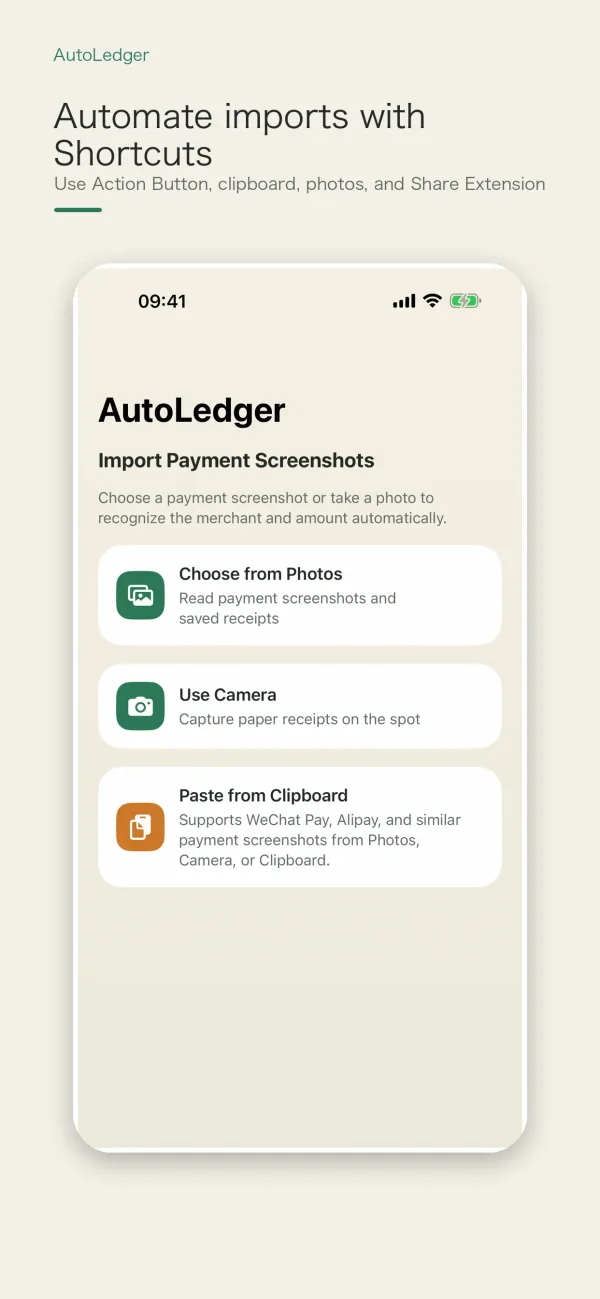
AutoLedger is a local-first personal ledger app that helps reduce repetitive entry and makes everyday spending easier to record. Start from information you already have: payment screenshots, receipt photos, voice notes, Shortcuts, and hotel folios.
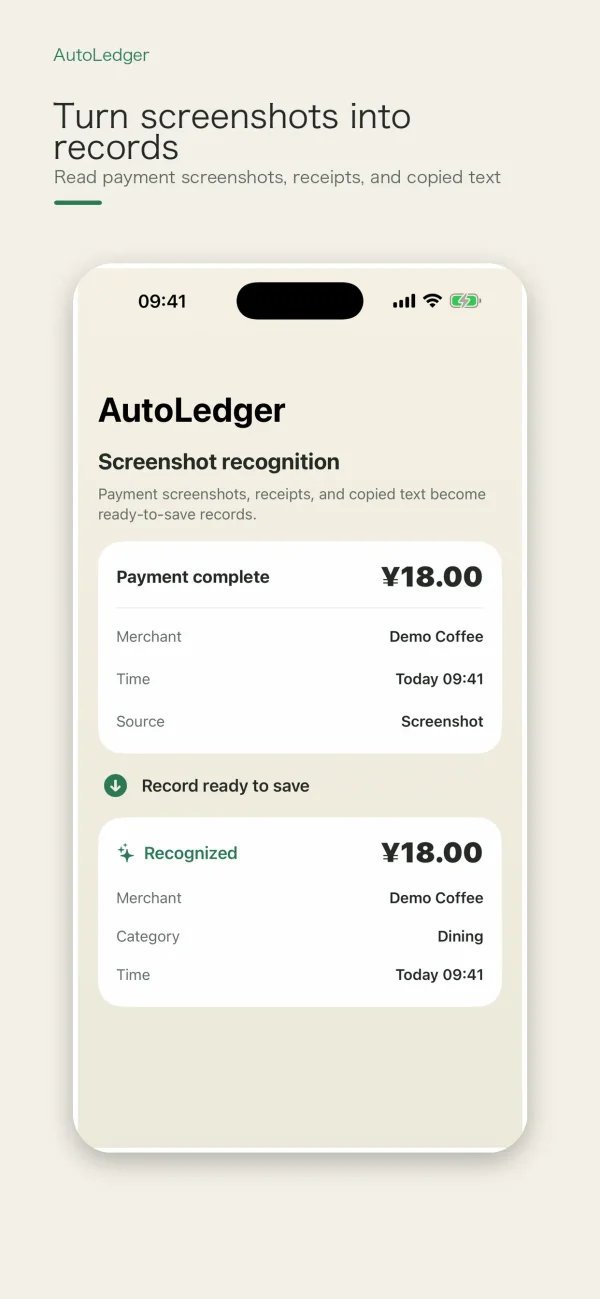
Live OCR quickly recognizes amounts, merchants, and times from receipts and bills. Every result enters a confirmation flow before it is saved, so you can review and edit it first. AutoLedger never creates a transaction without your confirmation, keeping you in control of your records.
Quick Capture
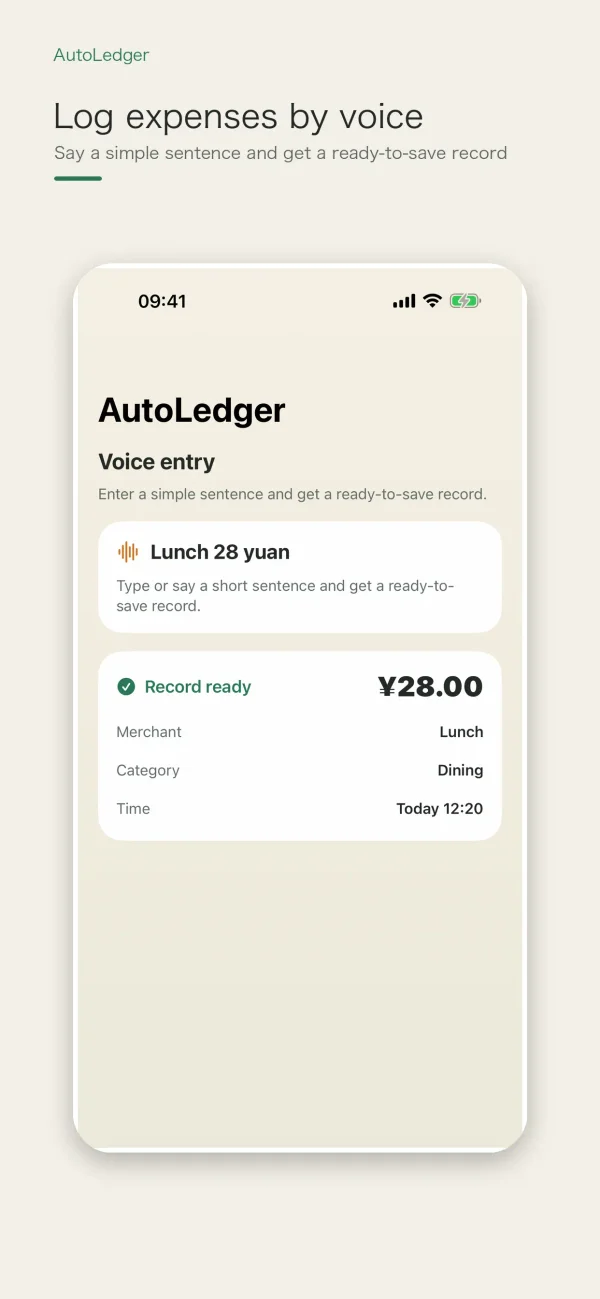
Record with screenshots, receipt photos, voice, text, Shortcuts, the Share Extension, and quick entry on Apple Watch.
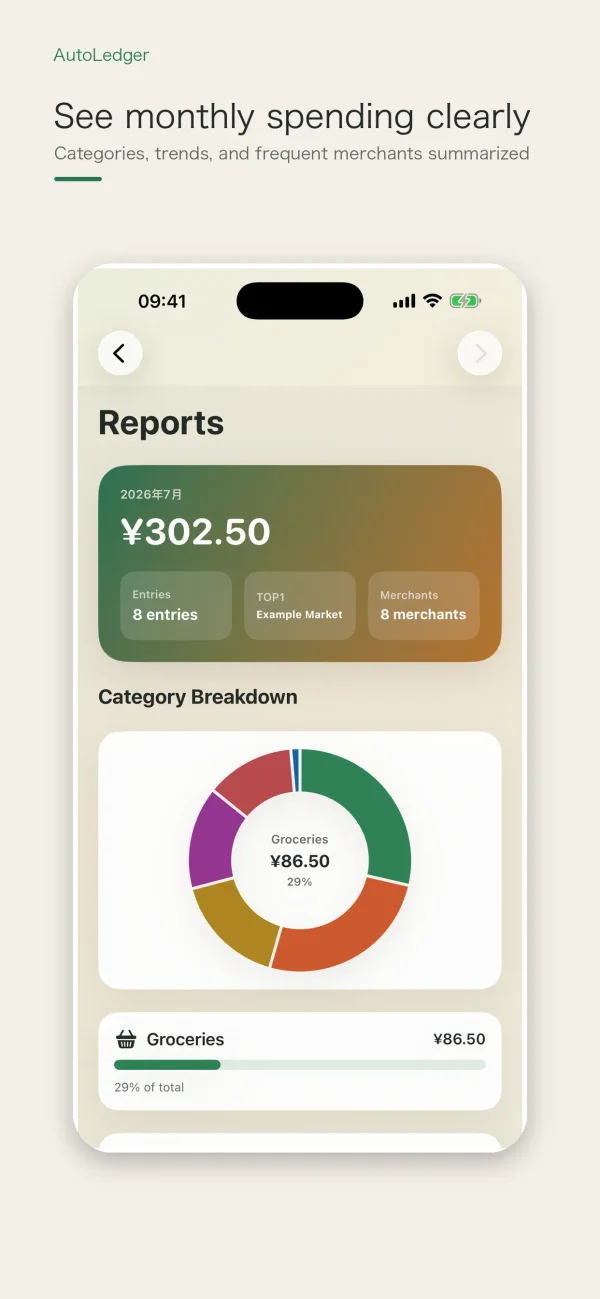
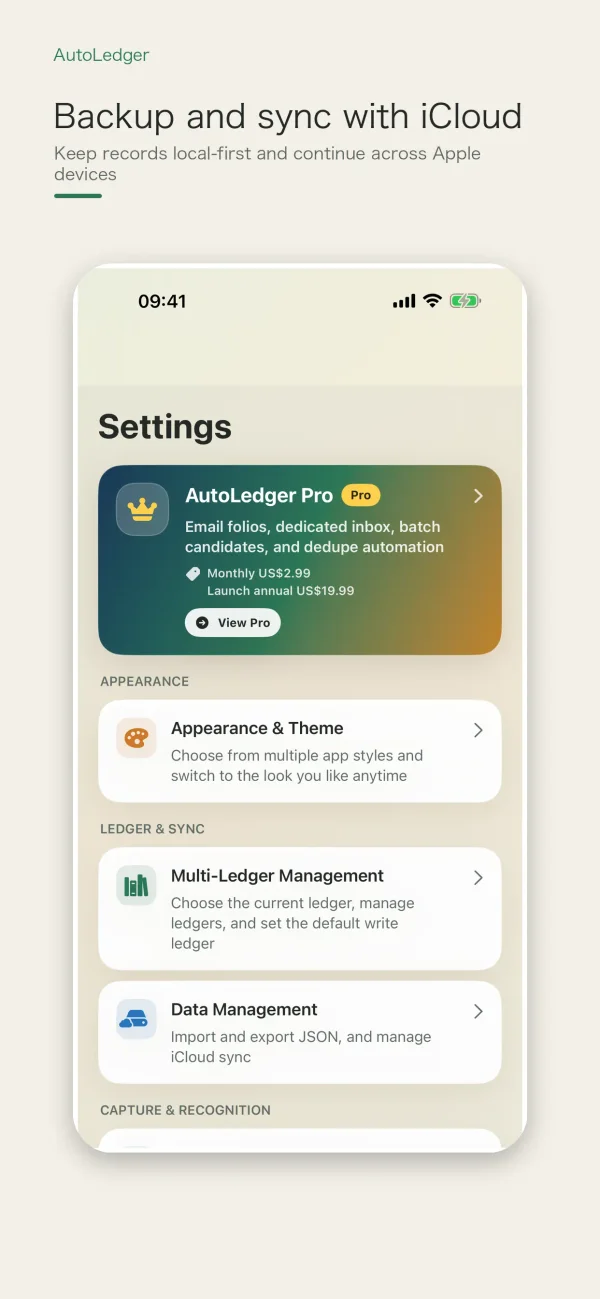
Multiple ledgers, custom categories, spending trends, monthly reports, import and export, and iCloud sync help you maintain a useful spending history over time.
Hotel Expense Archive
Travel and business stays often contain more detail than ordinary expenses. A hotel folio may include stay dates, nights, room charges, taxes, service fees, dining, and other charges.
AutoLedger organizes hotel folio PDFs and saves stay details and expenses as structured hotel records for reviewing trips and managing business spending.
Apple Ecosystem
Use AutoLedger on iPhone, iPad, Mac, and Apple Watch. Capture quickly on your phone, organize on a larger screen, and keep your ledger up to date.
AutoLedger Pro
Pro adds time-saving automation, including hotel folio organization, a dedicated folio inbox, batch candidate processing, advanced search, subscription anomaly alerts, month-end document organization, and advanced rule automation.
Core bookkeeping remains available for the long term. Pro is designed to reduce repetitive work, not restrict access to your ledger data.
What’s new
Version 1.7.0 · Sep 23, 2026
This update makes everyday expense review smoother and month-end organization clearer.
• Improved ledger browsing, search and inbox switching, with less repeated loading.
• Review import candidates, uncategorized entries and sync conflicts from one pending-items center. Preview and batch-dismiss or defer eligible items.
• Track monthly reviews with a checklist, completion status and the option to reopen a month.
• Improved hotel weather summaries. Configure DeepSeek to generate and edit a short stay note when you choose.
• Improved currency and regional formatting, with clearer iCloud sync status.
• A consistent app icon across Apple platforms and a fix for duplicate Pro page headings.
Some advanced automation features require AutoLedger Pro.
App privacy
What Mochuan Software (Tianjin) Co., Ltd. declares on the App Store about how this app handles data.
-
Data not linked to you
May be collected but is not linked to your identity.
- Usage data
- Diagnostics
Privacy practices may vary, for example with the features you use or your age.
Information
- Seller
- Mochuan Software (Tianjin) Co., Ltd.
- Category
- Finance
- Version
- 1.7.0
- Updated
- Sep 23, 2026
- Released
- Apr 25, 2026
- Size
- 38.1 MB
- Requires
- iOS 17.0 or later
- Age rating
- 4+
- Price
- Free
- In-app purchases
- Yes
- Languages
- English, Japanese, Korean, Simplified Chinese, Traditional Chinese
- Copyright
- © 2026 darkrio Studio
You might also like
-
 Expense MinionAI Receipt Scanner — Offline
-
 TruckExpense ProYour Trucking Finance Hub
-
 CStory记账 - AI记账财务管家Finance
-
 Voice Spending Tracker: CenteeReceipt Scanner & Bill Alerts
-
 Laicai 来财: Portfolio & BudgetPortfolio & budget tracker
-
 圆圆记账-一句话记账&预算管理&消费复盘Finance
-
 MyTally: Money TrackerFinance
-
 Fuel Log - Economy TrackerTrack fuel, mileage & costs
-
 Spent. — Spending TrackerYour bank alerts, written down
-
 OdoKeep: Car Maintenance LogGas, MPG & oil change tracker