
- Age rating4+
- CategoryFinance
- DeveloperApisak Musikapan
- LanguagesEnglish+ 9 more
- Size65.9 MB
Links to the official App Store page
Download.org hosts no file of Expense Minion. The button opens its official App Store page, published by Apisak Musikapan. Listing last checked on Nov 12, 2026.
Screenshots


About
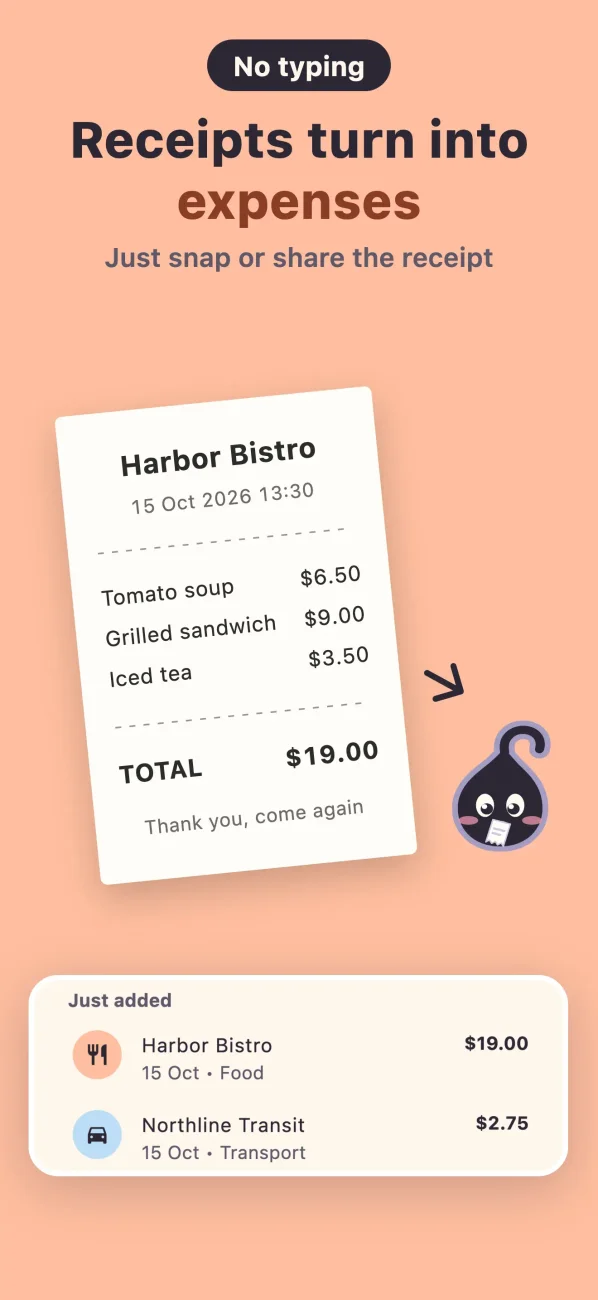
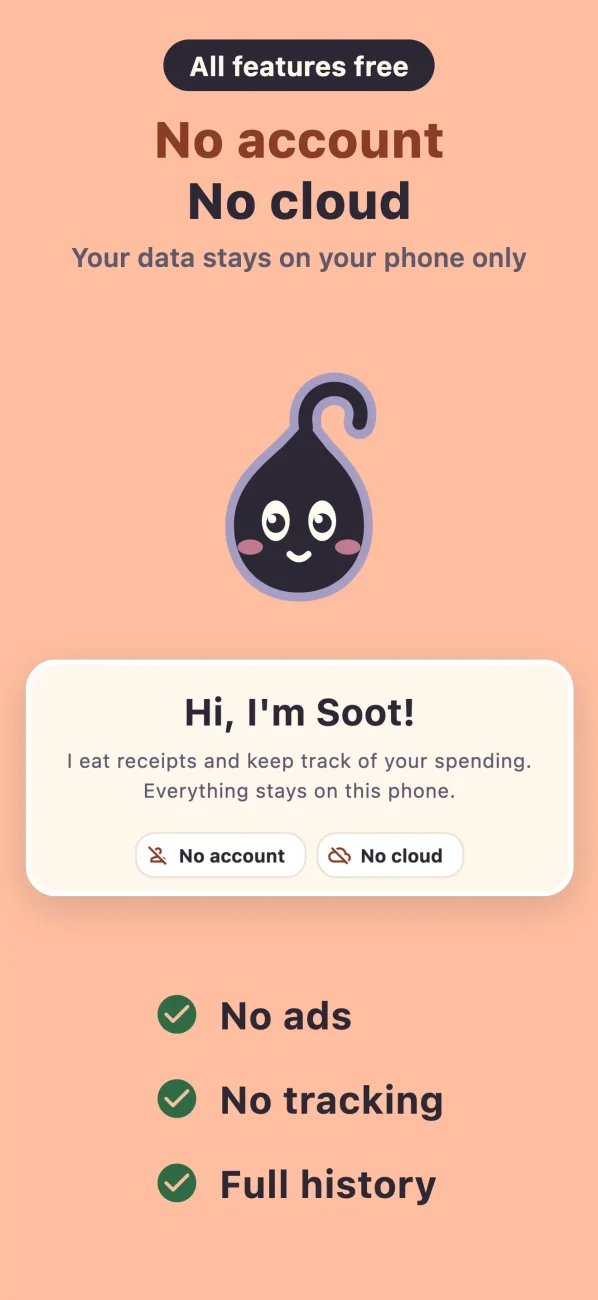
Snap a receipt, get an expense, with no sign-up and nothing you record leaving your iPhone. Everything is free: no purchases, no ads. Expense Minion reads your receipts right on the phone, and Soot, a little puff of soot, cheers you on every time you log.
QUICK TO USE
• Scan: take a photo or pick receipts from your photos, and each one is read straight away
• Add: type an amount, pick a category, save. Three taps.
• Several at once: type "coffee 60 lunch 80" in Add and save both, or say it with the keyboard's dictation
• Every photo gets a result, so nothing quietly disappears: saved, needs review, not a receipt, or couldn't read
• Undo: delete, move or edit, then change your mind with one tap
• Share a receipt from another app into Expense Minion
• Learns as you go: the category is remembered for each shop, and a receipt format you correct once is read better next time
PRIVATE BY DESIGN
• No account, no ads, no tracking
• Nothing you record is uploaded: your expenses, photos and chats stay on this iPhone
• When you're online, the app updates exchange rates once a day without sending any of your data, and downloads the AI model only if you ask
• Scan uses the iOS photo picker, so it needs no access to your photo library. Photos access is asked for only when you turn on a feature that needs it.
• Lock the app with Face ID
NEW IN 1.7.0
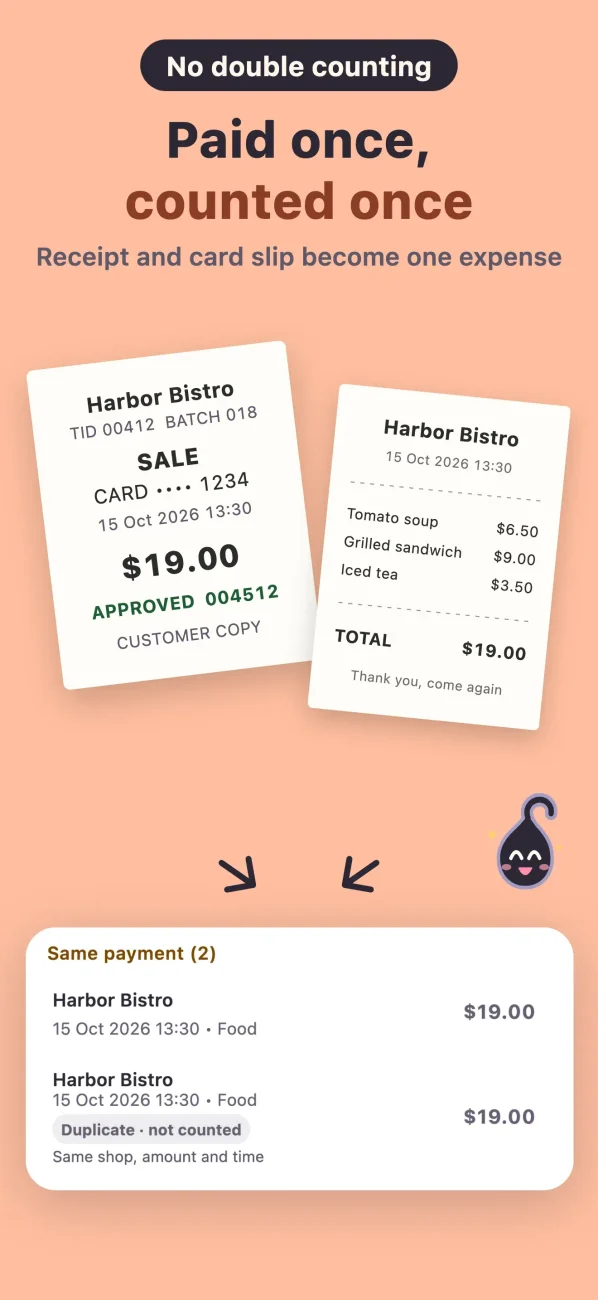
• One payment, many papers: the bank slip, the card-terminal slip and the tax invoice of one payment count once
• A duplicate proven by its payment number (the slip's QR code, a transaction or reference number) is left out of your totals and hidden. Shown, it reads "Duplicate · not counted", and "Not a duplicate" counts it again.
• Two payments at the same shop, even minutes apart, stay two expenses.
• Import from a file: a CSV export from MeowJot, Money Lover or Money Manager, with a preview before anything is saved, and Undo
• Month starts on: begin your month on payday (day 1 to 28, or the last day). Home's month total and budget follow it.
• Better reading of totals, currencies, dates, times and shop names in every app language
• More Thai bank slips read right: SCB, Krungthai, Bangkok Bank, ttb, GSB (MyMo) and MAKE
• Photos are read the right way up, and Look in Photos skips photos already in the app
ON-DEVICE AI (OPTIONAL)
Without a download, Scan reads the text of each receipt to find the amount, date and shop. Download an AI model in Settings > AI models, or from the Soot tab, for smarter reading of the shop, amount, date and category. It also spots photos that aren't receipts and moves statements to Other papers. It's a one-time download of a few GB, then it runs offline. Soot's chat uses it too.
ALSO
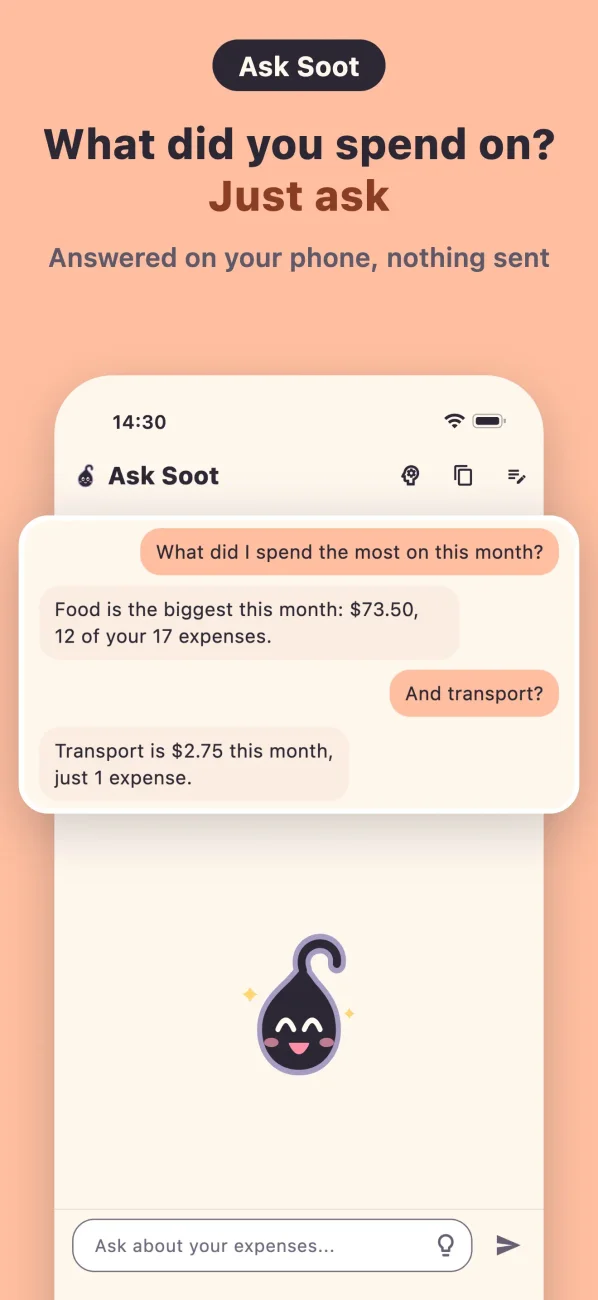
• Soot's chat: ask about your spending, with starter questions to begin
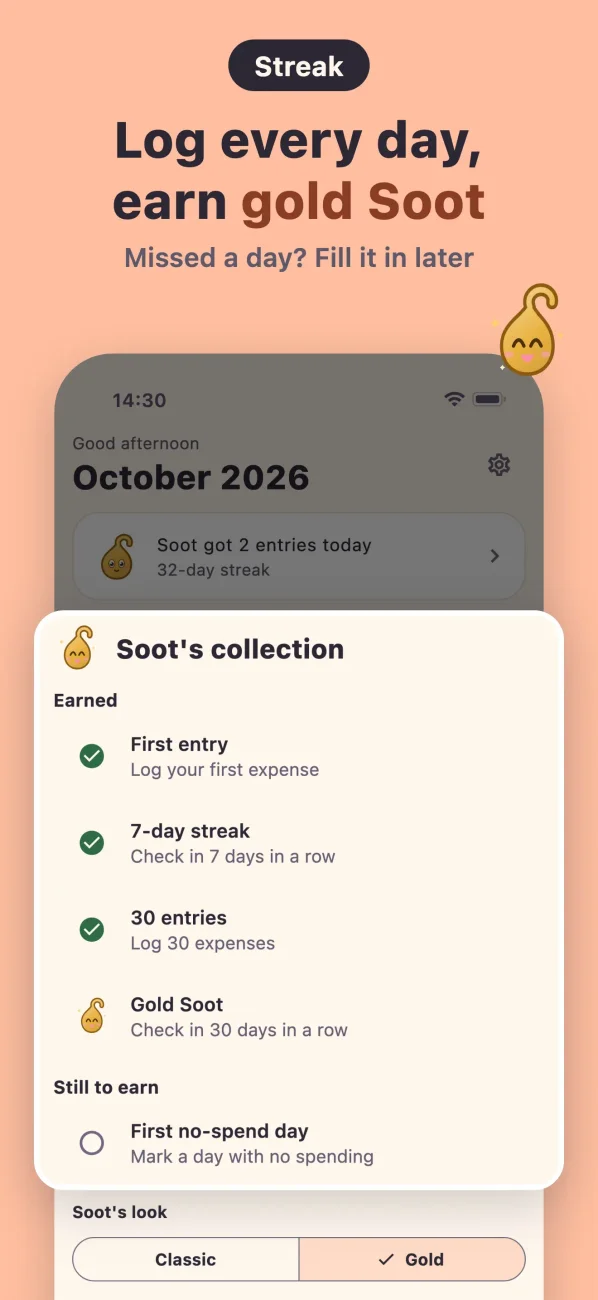
• No-spend days and daily check-ins, with a streak that gives you 3 days to fill in a missed day, and milestones up to gold Soot after a 30-day streak
• Soot's Story: a monthly recap to share, with no amounts on it
• Widgets for the Home Screen, Lock Screen and Control Center, plus Shortcuts and Siri
• Optional Thai bank-slip import: new slips in your bank app's album are read on the phone
• Reads receipts in Thai, English, Japanese, Chinese, Korean, Vietnamese, Malay, French, German and more
• 36 currencies, converted to your home currency
• Calendar with daily totals and no-spend days
• Optional monthly budget. Soot never judges an amount.
• Possible duplicates stay counted, grouped for you to check
• Custom categories with icons or emoji
• Search and filter your expenses
• One optional daily reminder, never with amounts
• Export to CSV
What’s new
Version 1.7.1 · Nov 9, 2026
• Shop names: a shop you saved before is used only when its name is printed on the paper, labels such as "VAT Included" never become a shop, and your own name on your bank slips is never saved as the shop
• A currency you fix is remembered for that shop
• Times printed with a label or apart from the date are read, and slips whose month can't be read still get the right date
• Duplicates: invoice numbers on shop receipts are read, a photo already in the app is skipped when shared again, and a screenshot of the app is never saved as an expense
• "Not a duplicate" asks before counting a proven copy again, and reading a receipt again with AI keeps what the paper shows
App privacy
What Apisak Musikapan declares on the App Store about how this app handles data.
-
Data not collected
The developer does not collect any data from this app.
Privacy practices may vary, for example with the features you use or your age.
Information
- Seller
- Apisak Musikapan
- Category
- Finance
- Version
- 1.7.1
- Updated
- Nov 9, 2026
- Released
- May 5, 2026
- Size
- 65.9 MB
- Requires
- iOS 26.2 or later
- Age rating
- 4+
- Price
- Free
- Languages
- English, French, German, Japanese, Korean, Malay, Simplified Chinese, Thai, Traditional Chinese, Vietnamese
- Copyright
- © 2026 Apisak Musikapan
You might also like
-
 WriteOff Snap: Receipt ScannerExpense Tracker & OCR Log
-
 Chaizo MoneyFinance
-
 Envelope Budget: Bill TrackerCash Envelope Budget Planner
-
 Pocketto: Cash Budget EnvelopeDaily allowance, spend tracker
-
 Mibud - Money & Budget TrackerSimple Budget Tracker
-
 Receipt Scanner: ScanLedgerTax & Business Expense Keeper
-
 BooJot โบ้จด จดรายรับรายจ่ายFinance
-
 TradaVNMoney, investing & club funds
-
 AutoLedger: Expense TrackerScreenshots, voice & folios
-
 Itemize AI: Receipt ScannerSmart Expense & Budget Tracker