
- Age rating4+
- CategoryUtilities
- DeveloperRunqing Yang
- LanguagesEnglish
- Size244.0 MB
Links to the official App Store page
Download.org hosts no file of AvatarGen. The button opens its official App Store page, published by Runqing Yang. Listing last checked on Nov 18, 2026.
Screenshots

About
App Description
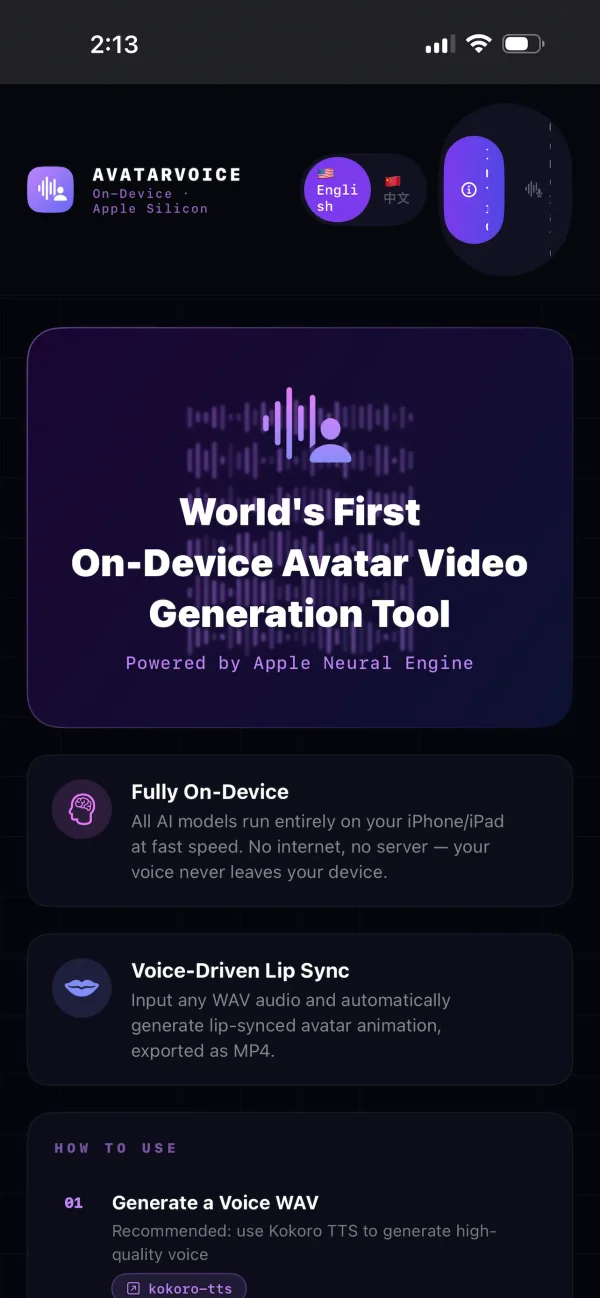
AvatarGen is an on-device avatar video generation app for iPhone and iPad.
Import a WAV audio file, and AvatarGen automatically transforms it into a lip-synced avatar video that you can preview, save, and share as MP4. From audio loading to feature extraction, model inference, post-processing, and video rendering, the entire workflow runs directly on your device.
Built for Apple Silicon and optimized with Core ML, AvatarGen is designed to deliver a fast, streamlined, and privacy-friendly creation experience without requiring a remote server for generation.
What AvatarGen Does
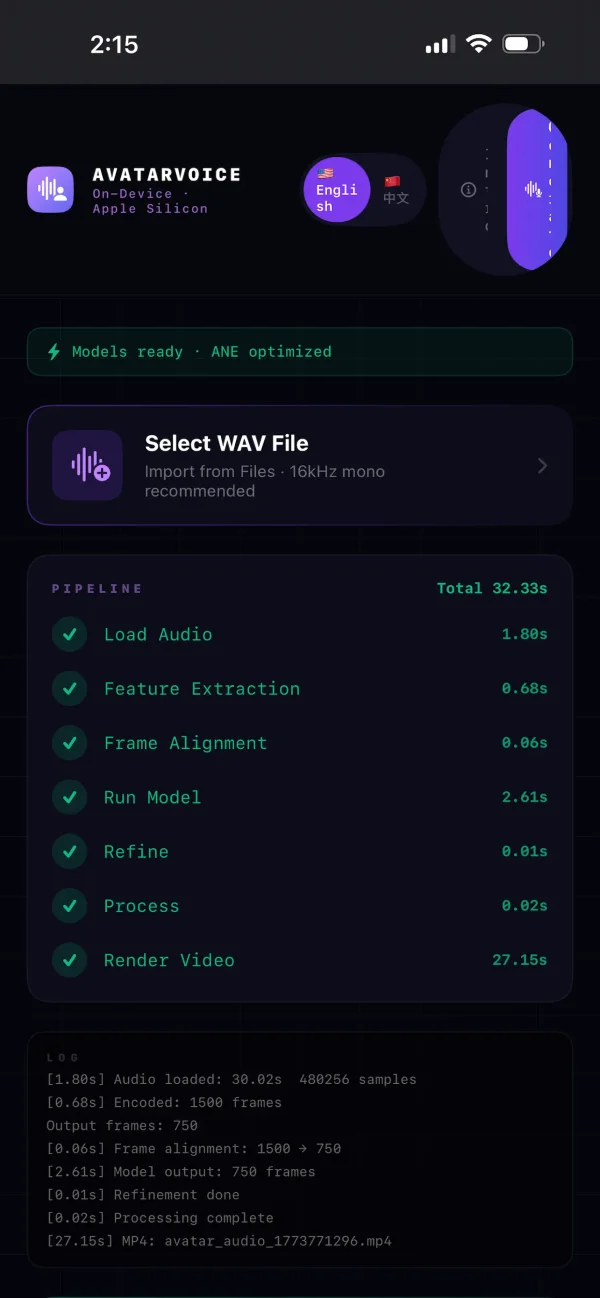
AvatarGen converts voice audio into animated avatar video in a simple mobile workflow. Once you select a WAV file, the app processes the audio, extracts speech features, aligns frames, runs AI inference, refines the generated animation data, renders video, and combines it with the original audio track.
The result is a ready-to-play MP4 avatar video generated locally on your iPhone or iPad.
Key Features
Fully On-Device AI
All core processing happens locally on your device. Your audio does not need to be uploaded to a cloud service for generation.
WAV-to-Avatar Video
Import a WAV file and automatically generate a lip-synced avatar animation video.
Fast Local Processing
AvatarGen is optimized for Apple hardware acceleration using Core ML to provide a responsive on-device workflow.
Private by Design
Because generation runs locally, AvatarGen supports a more privacy-conscious workflow for users who prefer to keep audio processing on their own device.
Built-In Progress Pipeline
The app shows each stage of generation, including audio loading, feature extraction, frame alignment, model execution, refinement, processing, and final video rendering.
In-App Video Preview
Preview the generated MP4 directly inside the app without needing to leave your workflow.
Save and Share MP4
Export your generated avatar video and share it using the standard iOS share sheet.
Simple Interface
AvatarGen is designed with a clean workflow: import audio, generate video, preview the result, and share it.
Typical Workflow
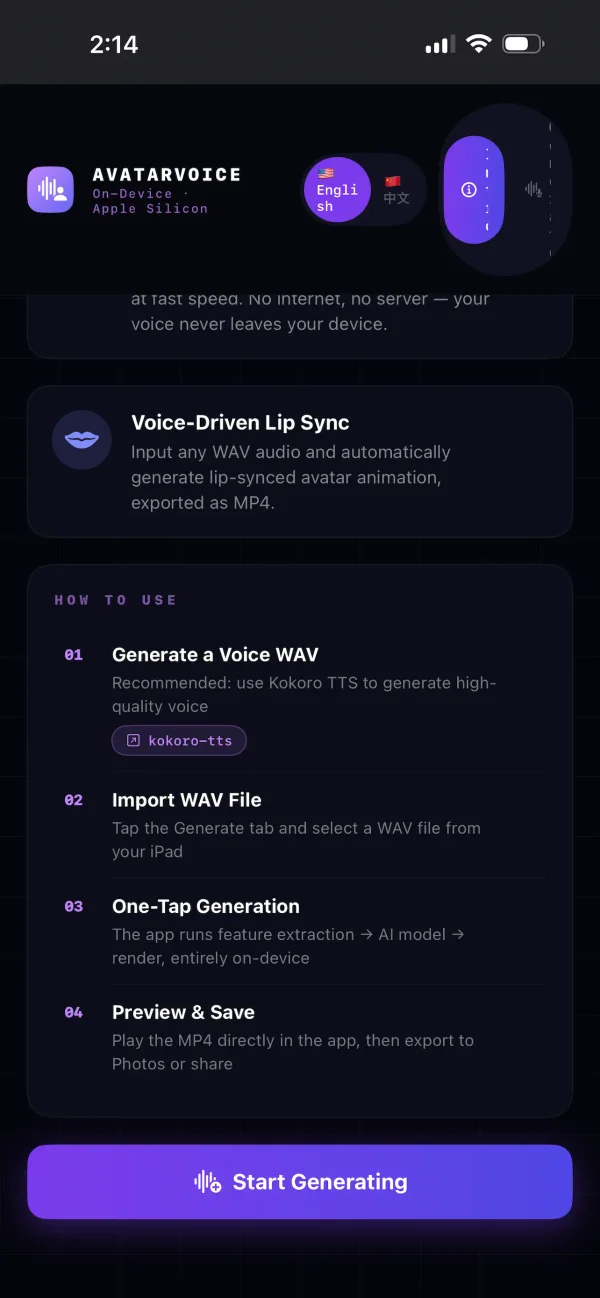
1. Open AvatarGen
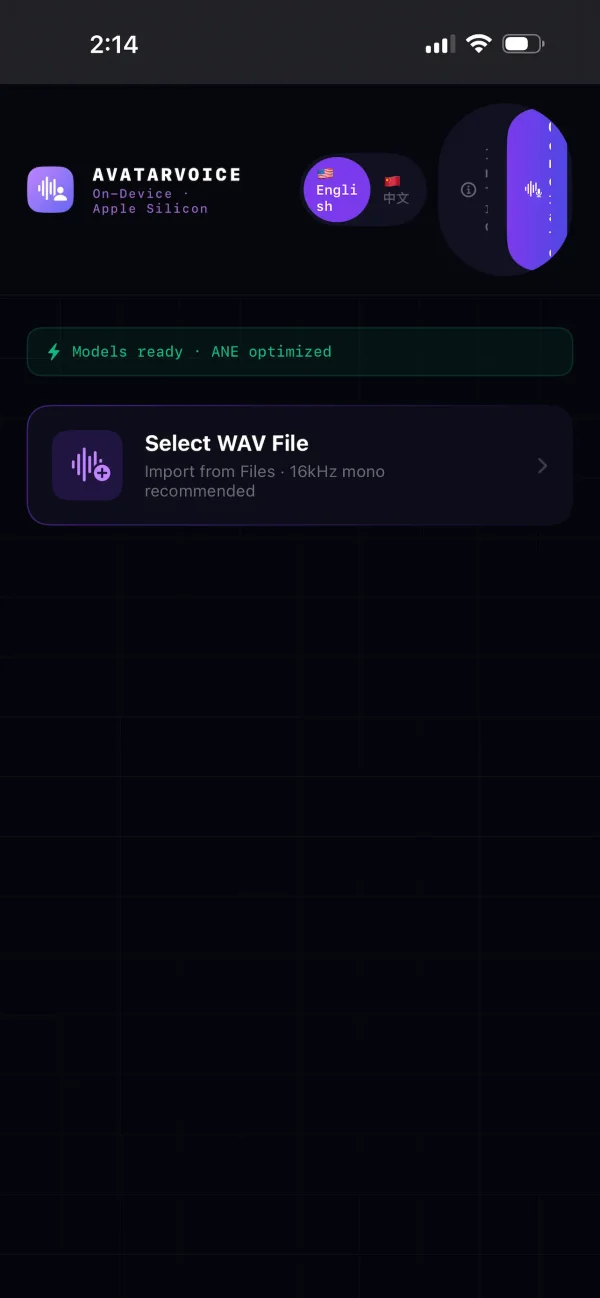
2. Import a WAV audio file from the Files app
3. Let the app process the audio on-device
4. Preview the generated avatar video
5. Save or share the MP4 output
Designed For
AvatarGen is useful for a wide range of creative and technical use cases, including:
• AI avatar demonstrations
• Voice-driven animation experiments
• Mobile content creation
• Offline media generation workflows
• Rapid prototyping for on-device AI experiences
• Creators, developers, researchers, and enthusiasts exploring avatar generation on Apple devices
Why On-Device Matters
Many AI media tools rely on cloud processing, remote inference, or server-based rendering. AvatarGen focuses on a different experience: keeping the generation workflow directly on your device. This can help reduce friction, improve responsiveness, and support a more private creation process.
For users who want a compact mobile workflow for turning voice into animation, AvatarGen offers a practical and modern on-device solution.
Highlights
• Generate lip-synced avatar videos from WAV audio
• Run AI locally on iPhone and iPad
• No server required for core generation workflow
• Preview results instantly in the app
• Export finished videos as MP4
• Built with Core ML and optimized for Apple devices
AvatarGen brings voice-driven avatar video generation to mobile in a direct and accessible way. Whether you are experimenting with AI animation, showcasing an avatar workflow, or creating quick demo content, AvatarGen gives you a fast and private path from audio input to shareable video output.
What’s new
Version 2.0 · Apr 1, 2026
increase the video resolution of the generaated video from 128*128 to 512*512, fix some bugs related to text and feature extraction steps
App privacy
What Runqing Yang declares on the App Store about how this app handles data.
-
Data not collected
The developer does not collect any data from this app.
Privacy practices may vary, for example with the features you use or your age.
Information
- Seller
- Runqing Yang
- Category
- Utilities
- Version
- 2.0
- Updated
- Apr 1, 2026
- Released
- Mar 30, 2026
- Size
- 244.0 MB
- Requires
- iOS 26.2 or later
- Age rating
- 4+
- Price
- Free
- Languages
- English
- Copyright
- © Runqing Yang
You might also like
-
 FileBolt: File TransferSend folders privately
-
 LlamaChat LocalPrivate AI Images & Chat
-
 TidyFiles - Cleaner & ManagerClean Junk & Find Duplicates
-
 Convoy - Media ConverterConvert Video, Audio & Images
-
 Digi Voice RadioDigital Ham Radio Voice
-
 VoiceMake - Text to SpeechOffline AI Voiceover & Cloning
-
 LocalMind: Ollama & LM StudioPrivate AI, offline & online
-
 Evir – Media ConverterVideo Compressor & Trimmer
-
 WANYOOWANYOO
-
 TTS: Text to Speech ProRead Aloud - Type to Speak