
FileBolt: File Transfer
Send folders privately
Designed for iPhone, iPad, Mac, iPod touch
Free
- Age rating4+
- CategoryUtilities
- DeveloperJeremi Rosowski
- LanguagesEnglish
- Size47.3 MB
Links to the official App Store page
Download.org hosts no file of FileBolt: File Transfer. The button opens its official App Store page, published by Jeremi Rosowski. Listing last checked on Nov 15, 2026.
Screenshots

About
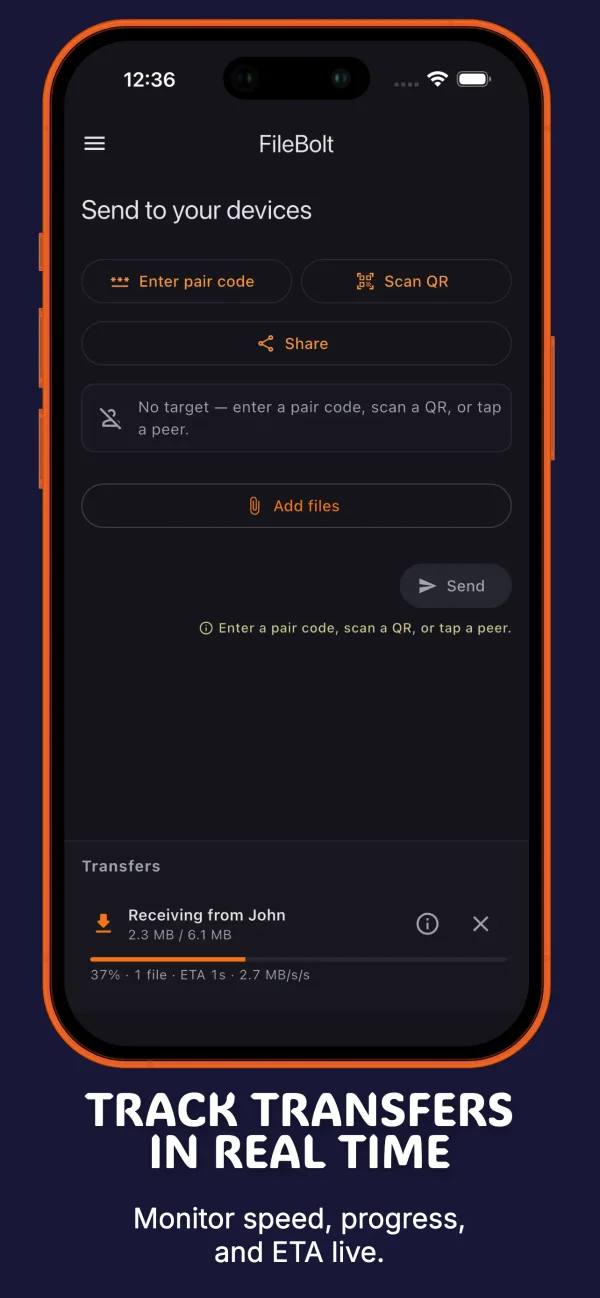
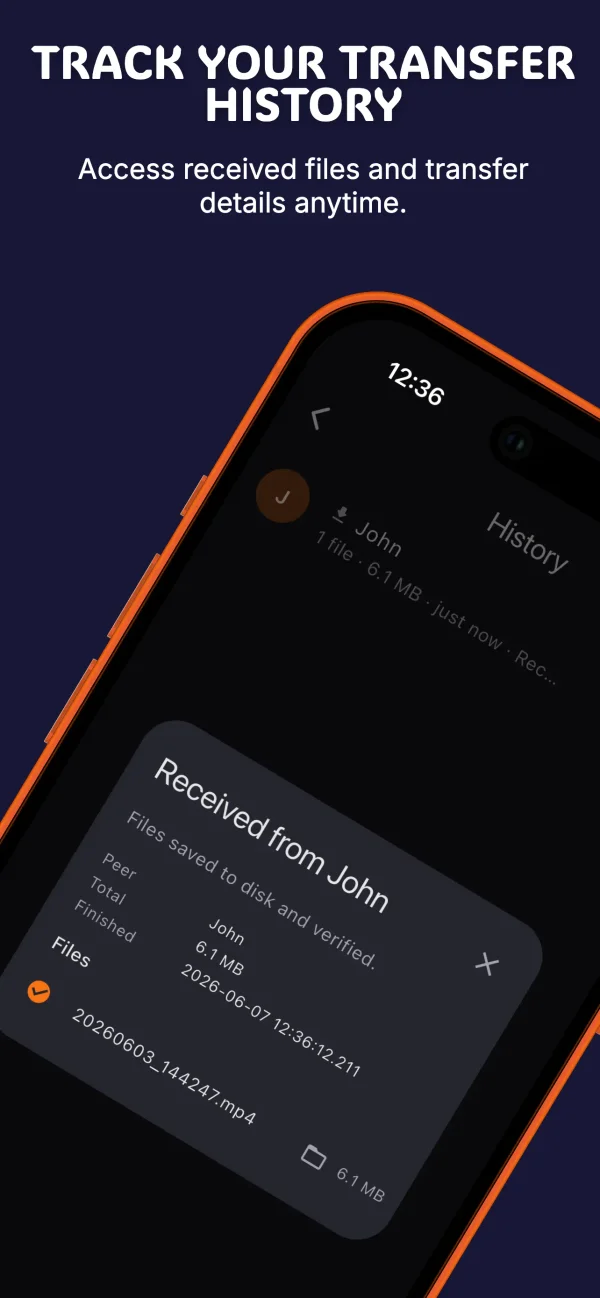
FileBolt is a private file transfer app for sending files and folders from your iPhone or iPad to phones, computers, and web browsers.
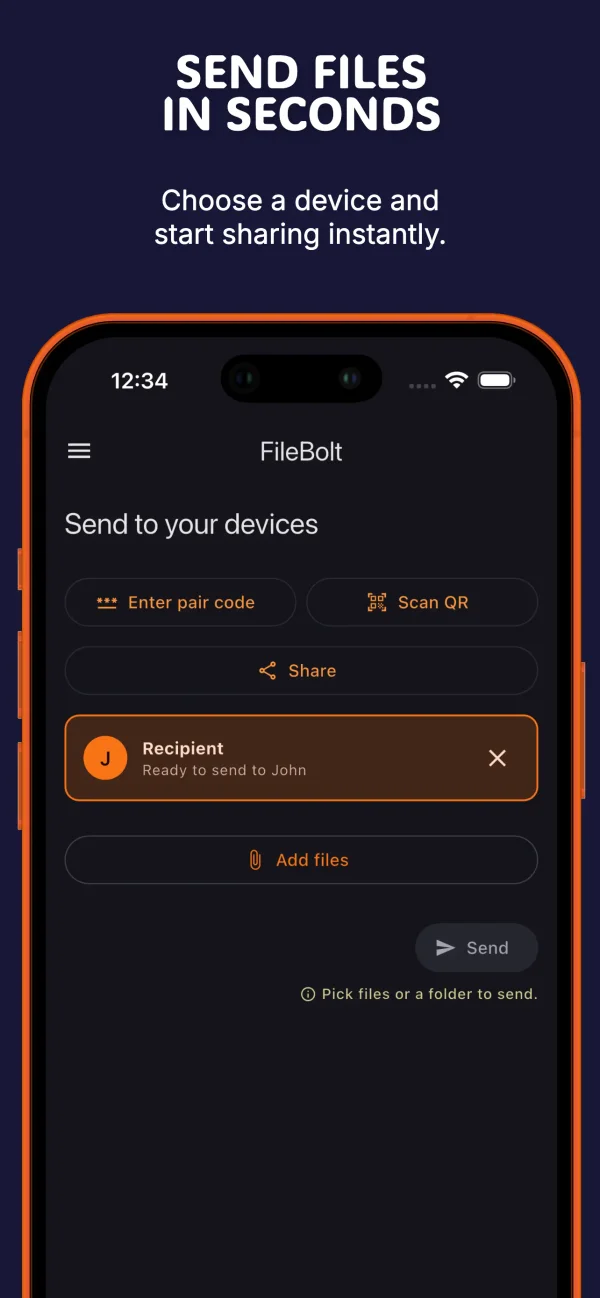
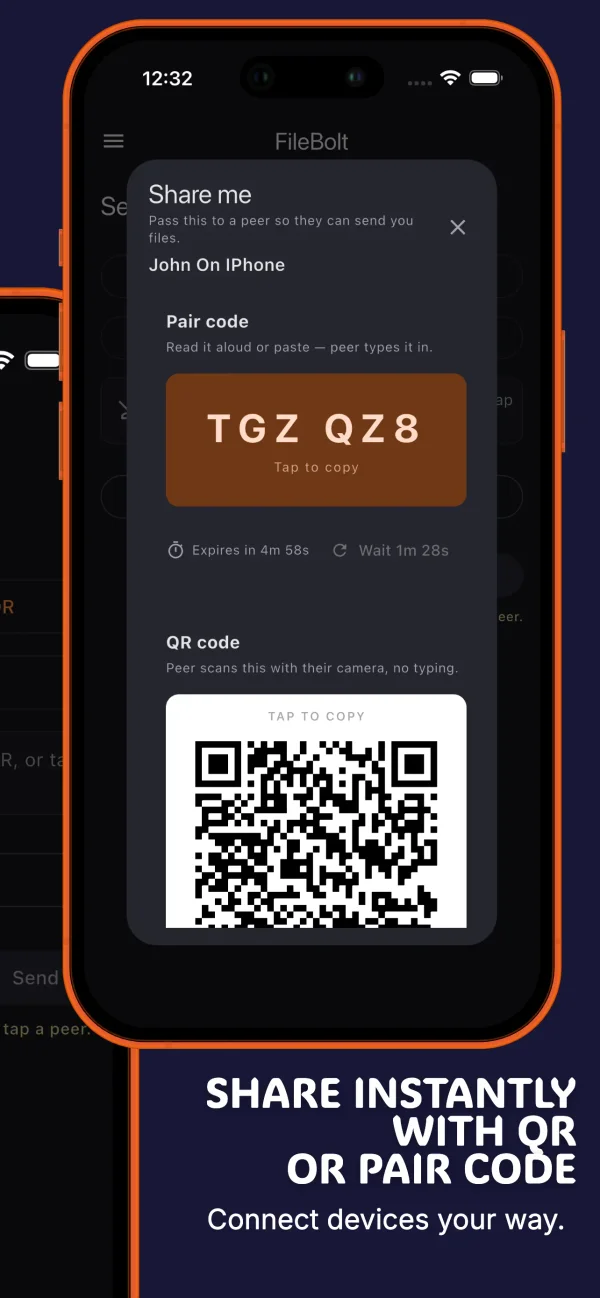
Pair two devices with a QR scan or a 6-digit code, choose what you want to send, and start the transfer. FileBolt works across iOS, iPadOS, macOS, Android, Windows, Linux, and the web, so you can move photos, videos, documents, ZIP files, APKs, and folders without creating an account.
FileBolt uses encrypted WebRTC data channels for transfers. On the same Wi-Fi, LAN discovery helps nearby devices connect quickly and use local network speed. On different networks, FileBolt can fall back to an encrypted relay so transfers can still complete behind restrictive routers or firewalls. The relay forwards encrypted traffic and does not store your files.
Key features:
- Send files and folders between devices
- Pair with a QR code or 6-digit code
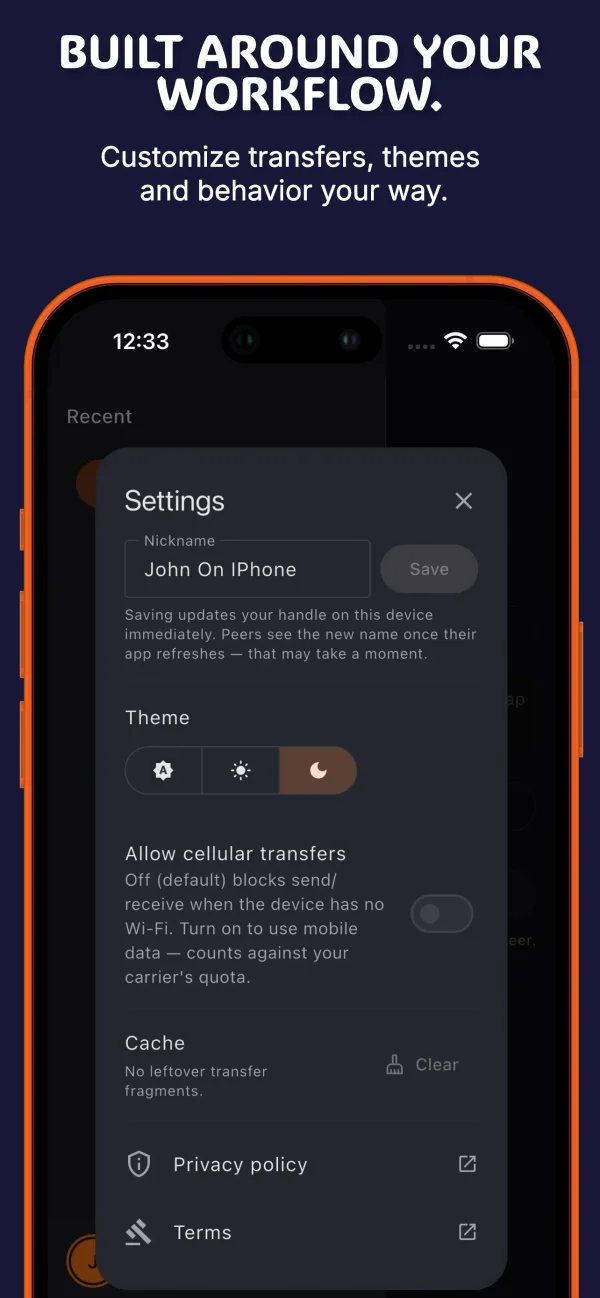
- No account, signup, login, or email required
- Encrypted peer-to-peer transfers using WebRTC
- LAN discovery for nearby same-Wi-Fi transfers
- Encrypted relay fallback when direct connection is blocked
- Cross-platform: iPhone, iPad, Mac, Android, Windows, Linux, and Web
- No ads and no in-app purchases
- Your files are not uploaded to FileBolt cloud storage
Use FileBolt to move photos from iPhone to Mac, send a large video to a Windows PC, share project folders with another computer, receive files in a browser, or move documents between devices without a cable.
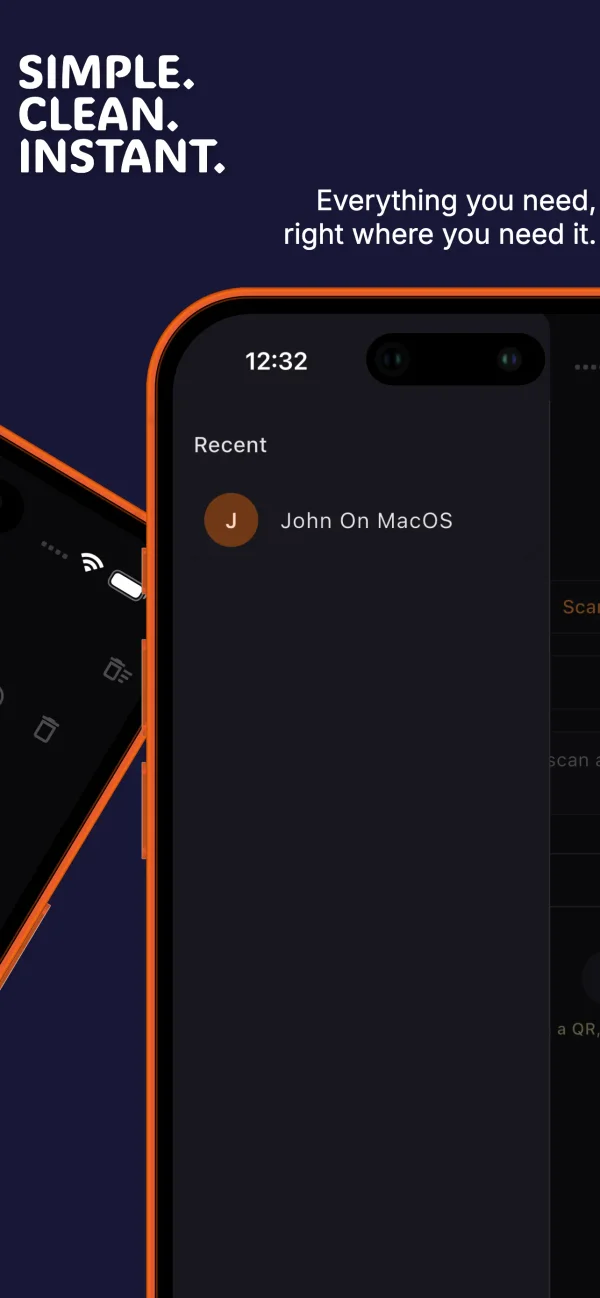
FileBolt is built for simple private transfers: open, pair, choose files, send.
Privacy Policy: https://filebolt.app/privacy/
Terms Of Service: https://filebolt.app/terms/
App privacy
What Jeremi Rosowski declares on the App Store about how this app handles data.
-
Data not linked to you
May be collected but is not linked to your identity.
- Location
- Diagnostics
Privacy practices may vary, for example with the features you use or your age.
Information
- Seller
- Jeremi Rosowski
- Category
- Utilities
- Version
- 1.0.15
- Updated
- Jun 11, 2026
- Released
- Jun 11, 2026
- Size
- 47.3 MB
- Requires
- iOS 15.5 or later
- Age rating
- 4+
- Price
- Free
- Languages
- English
- Copyright
- © 2026 Jakub Baciak, Cozy Pixels
You might also like
-
 Likz Drop: File TransferShare Photos, Videos & Folders
-
 LanShare – File TransferSend files. No internet.
-
 xferly.appFast private file transfer
-
 PhotonDrop: File TransferAir-Gapped Optical QR Share
-
 File Transfer: Local SharingUtilities
-
 PhoneAsTrackpadWireless Trackpad & Gestures
-
 BBShare Multi-TransferBBShare Multi-Transfer
-
 Filz!Utilities
-
 AvatarGenUtilities
-
 MyCaseCareUtilities