
Background Remover Simple
AI Photo Background Eraser
Designed for iPhone, iPad, iPod touch
Free
- Age rating4+
- CategoryPhoto & Video
- DeveloperMuhammad Abid
- LanguagesEnglish
- Size59.5 MB
Links to the official App Store page
Download.org hosts no file of Background Remover Simple. The button opens its official App Store page, published by Muhammad Abid. Listing last checked on Nov 23, 2026.
Screenshots



About
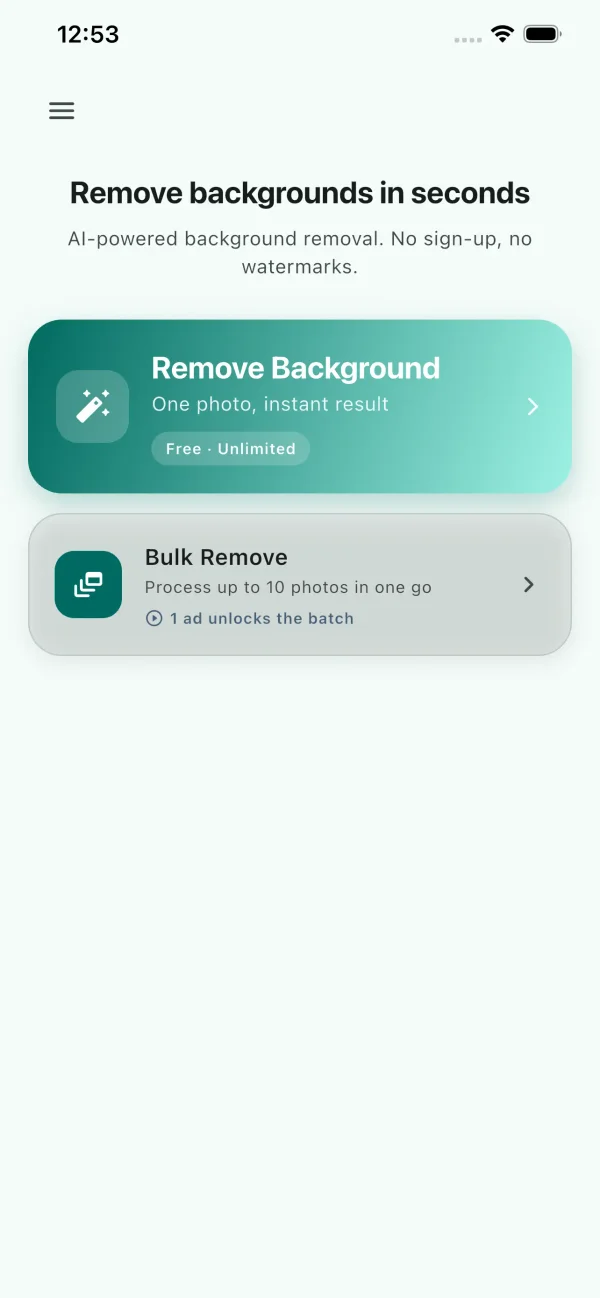
Background Remover Simple makes it effortless to remove the background from any photo — no design skills, no login, and no subscription required.
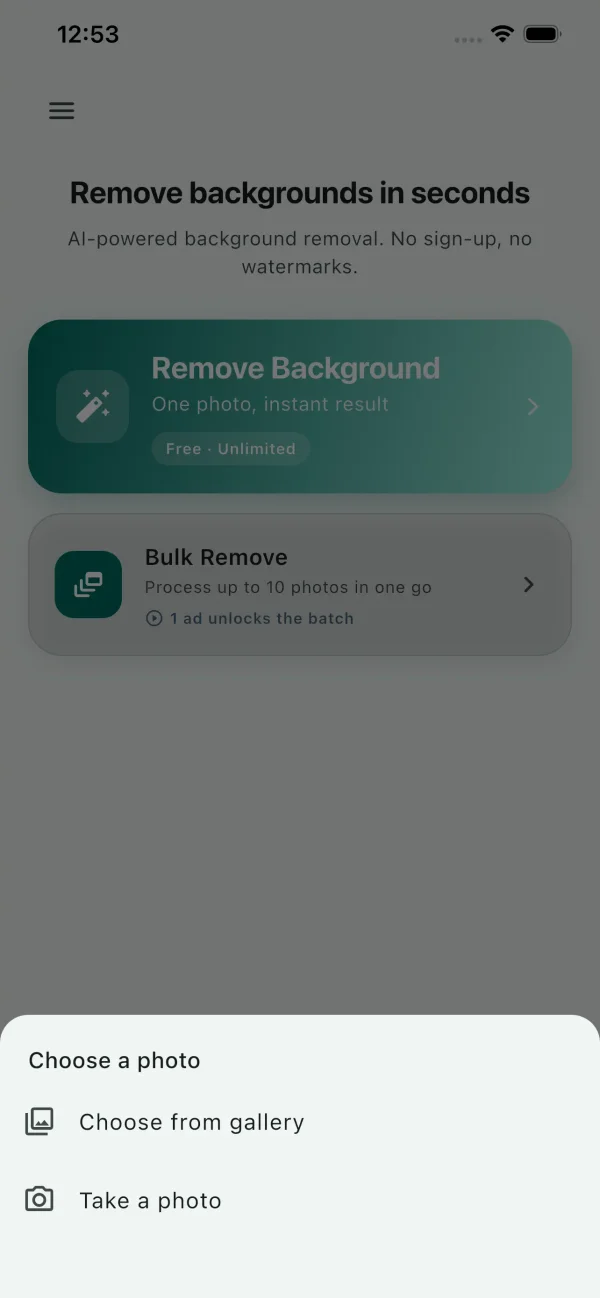
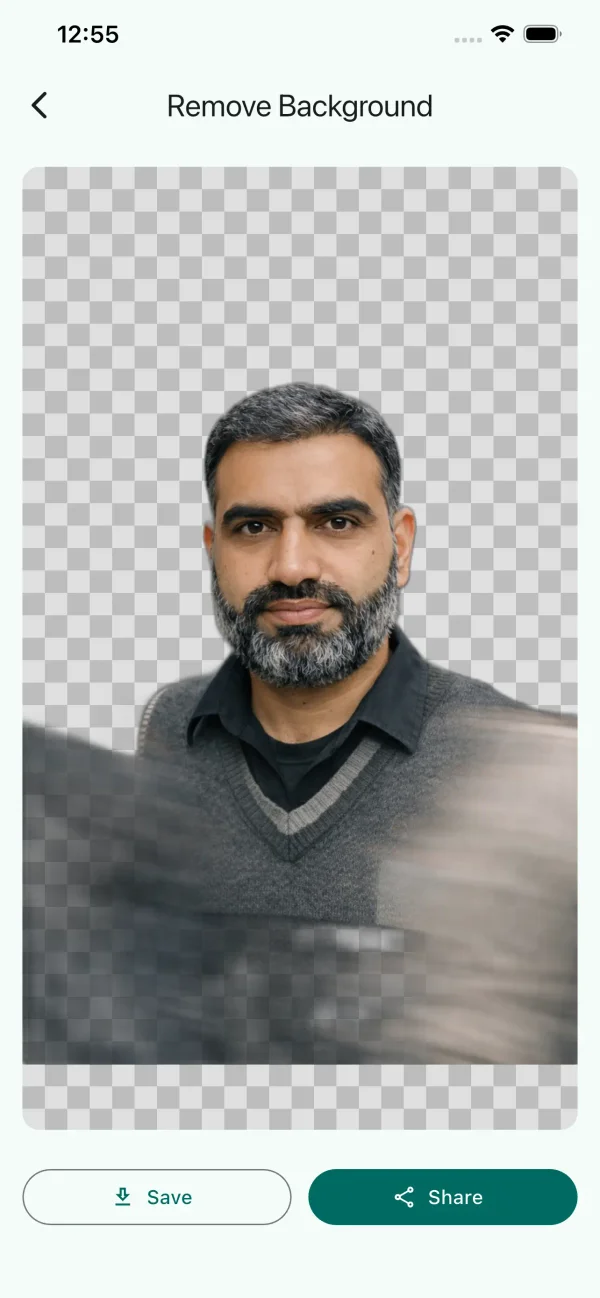
Just pick a photo from your library or snap one with your camera, and our AI instantly detects the subject and cuts away the background, leaving you with a clean, transparent-background image ready to save or share.
FREE & UNLIMITED SINGLE-IMAGE REMOVAL
Remove backgrounds from as many individual photos as you like, completely free, with no daily limits, no watermarks, and no paywall.
BULK MODE — PROCESS UP TO 10 PHOTOS AT ONCE
Got a whole batch of product photos, portraits, or images to clean up? Select 2 to 10 images at once and process them all together. Just watch a single short ad to unlock the batch — no per-image cost, no subscription.
POWERFUL AI, SIMPLE RESULTS
Powered by advanced AI background-removal technology, the app automatically detects people, products, and objects in your photos and precisely separates them from their background — no manual masking or editing required.
SAVE & SHARE INSTANTLY
Save your background-removed photos directly to your Photos library, or share them straight to your favorite apps — perfect for e-commerce listings, profile pictures, presentations, thumbnails, and creative projects.
RECENT HISTORY
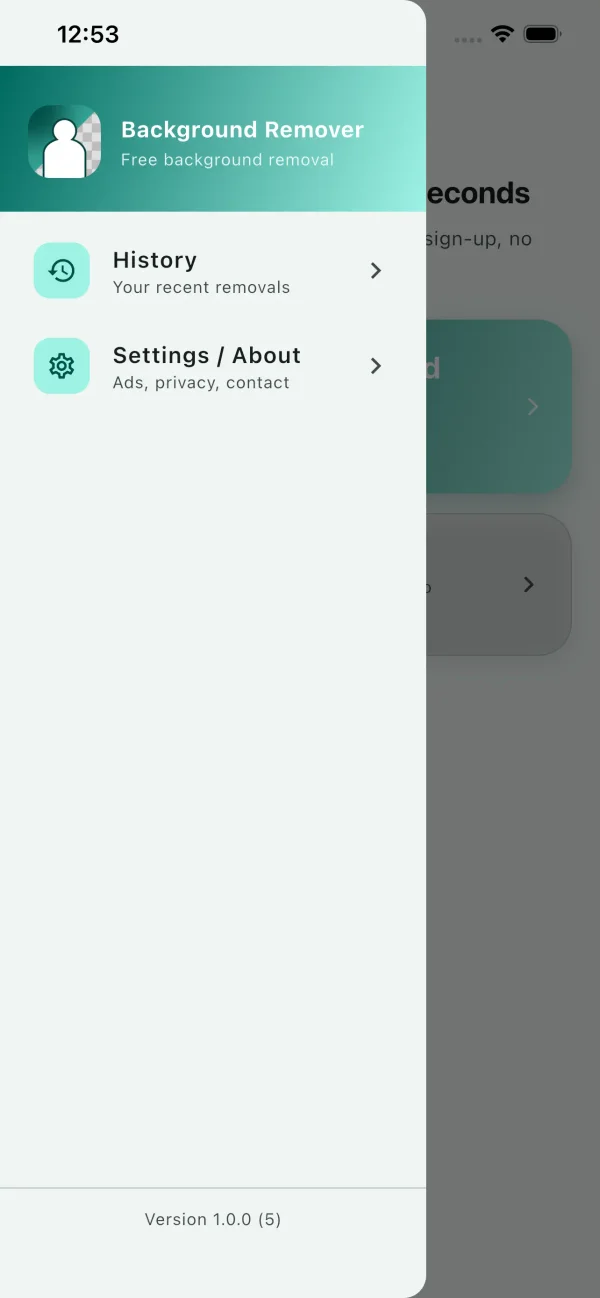
Quickly revisit your last 20 processed images right from the app, so you never have to reprocess a photo you've already cleaned up.
PRIVACY-FIRST BY DESIGN
No account. No sign-up. No personal information required. Your photos are processed securely and automatically deleted from our servers shortly after your result is delivered — we don't keep copies. You're always asked before any data is used for tracking, per Apple's App Tracking Transparency.
WHY CHOOSE BACKGROUND REMOVER SIMPLE?
- 100% free for single-image use — no subscriptions, ever
- Bulk processing for up to 10 images at a time
- Fast, accurate AI-powered background detection
- No login or account creation needed
- Save results directly to your Photos library
- Share results instantly to any app
- Simple, clean, distraction-free interface
- Supported by ads so the core feature stays free
PERFECT FOR
- Online sellers creating clean product photos
- Creating profile pictures and avatars
- Making transparent images for design projects
- Removing distracting backgrounds from portraits
- Preparing images for presentations, thumbnails, or social media
Download Background Remover Simple today and start creating clean, professional-looking photos in seconds — no editing experience required.
What’s new
Version 1.0.6 · Nov 15, 2026
Performance Improvements
App privacy
What Muhammad Abid declares on the App Store about how this app handles data.
-
Data used to track you
May be used to track you across apps and websites owned by other companies.
- Identifiers
- Usage data
-
Data not linked to you
May be collected but is not linked to your identity.
- User content
- Identifiers
- Usage data
- Diagnostics
Privacy practices may vary, for example with the features you use or your age.
Information
- Seller
- Muhammad Abid
- Category
- Photo & Video
- Version
- 1.0.6
- Updated
- Nov 15, 2026
- Released
- Aug 24, 2026
- Size
- 59.5 MB
- Requires
- iOS 15.0 or later
- Age rating
- 4+
- Price
- Free
- Languages
- English
- Copyright
- © IntelliLogics
You might also like
-
 BG Eraser - Background RemoverAI Background Remover
-
 Background Eraser + Remove BGAI Photo Cutout & PNG Maker
-
 Remove BG ▸ Background EraserBackground Remover & Eraser
-
 Remove Background - Snip BGAI Background Eraser & Remover
-
 ProKnockOut-Cut Paste PhotosAI Background Eraser&Png Maker
-
 Captiono: AI SubtitlesAI-powered video subtitles
-
 Zeemo: AI Video&Auto CaptionsText to Video & AI Image Maker
-
 SuperZoom: Camera HD ClearHD Zoom Camera, Sharp & Clear
-
 Background Eraser: AI RemoveSmart Cutout, Superimpose Tool
-
 Pixelup: AI Photo Enhancer AppUnblur, Colorize, Clear & Fix