Background Eraser: AI Remove
Smart Cutout, Superimpose Tool
Designed for iPhone, iPad
Free · In-app purchases
- Age rating4+
- CategoryPhoto & Video
- DeveloperSUNWOONG JANG
- LanguagesEnglish+ 12 more
- Size112.5 MB
Links to the official App Store page
Download.org hosts no file of Background Eraser: AI Remove. The button opens its official App Store page, published by SUNWOONG JANG. Listing last checked on Nov 21, 2026.
Screenshots

About
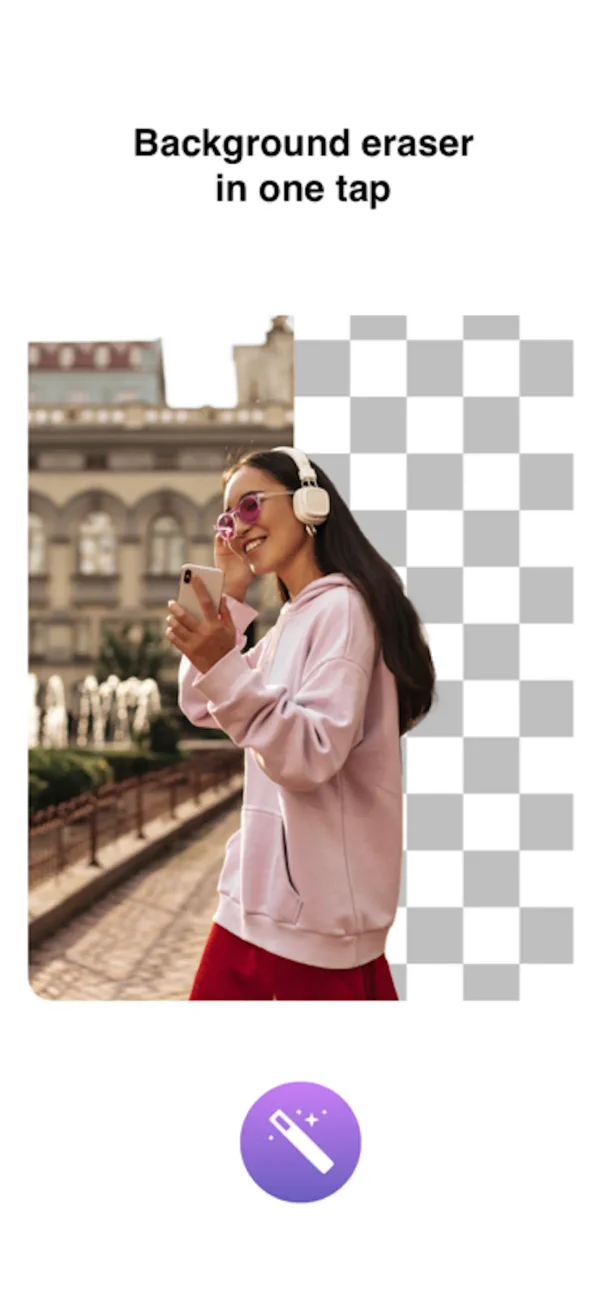
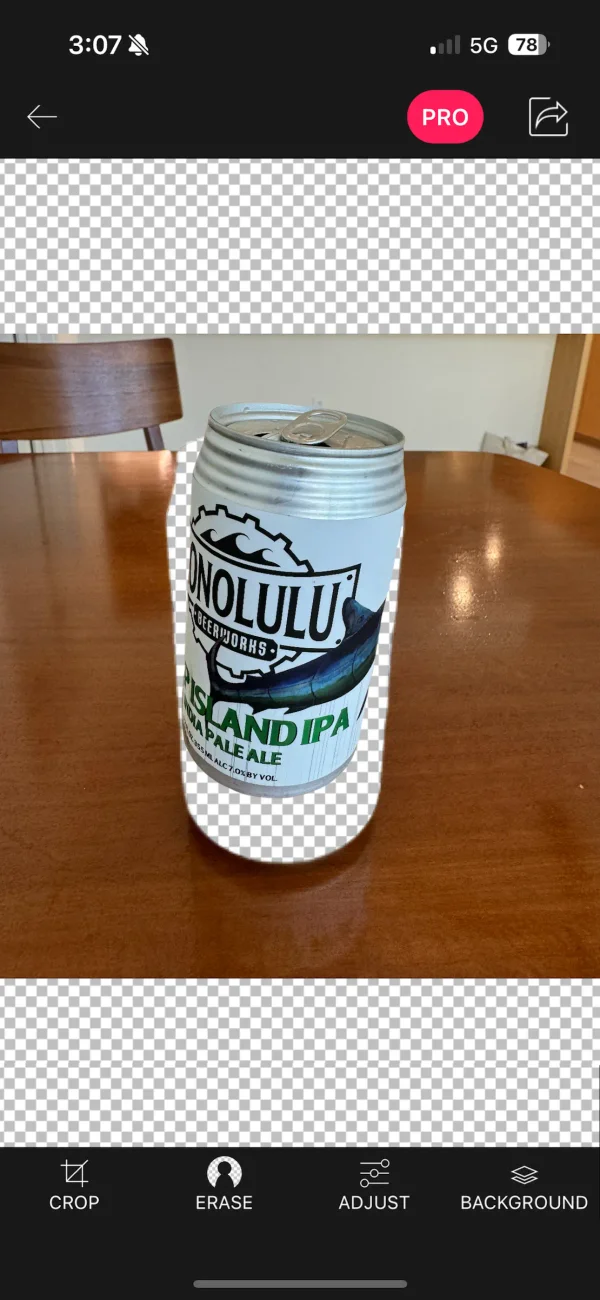
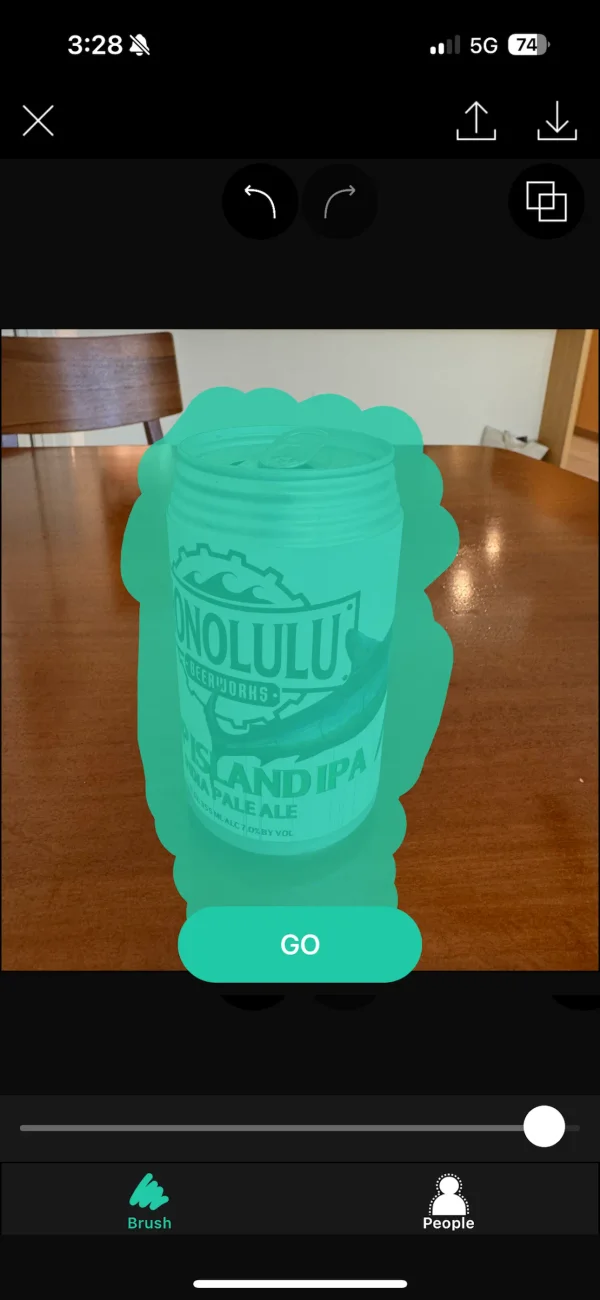
This app helps to remove the background of any picture of yours and maintain transparency with just few taps.
Just touch where you want to remove. "Target" function removes the area of similar color automatically.
The image which one maintaining transparency background can be used with other apps
ex) Keynote. Pages, etc.
#Cut Out Tools – Cut images (Zoom in to work for fine pixel-level accuracy)
___#Erase/Restore : Erase/Restore the area you touched
___#Target Area Auto remove tool (Area/Color) : Remove similar color area automatically
___#Reverse tool : Reverse removed area
#Crop – Crop your photos with 15 different presets feature quickly and easily.
#Adjust Effect - 9 ADJUSTMENT tools (Smooth, brightness, contrast, saturation, exposure, highlights, shadows, temperature, vignette)
**”Smooth” - Smoothing image edge
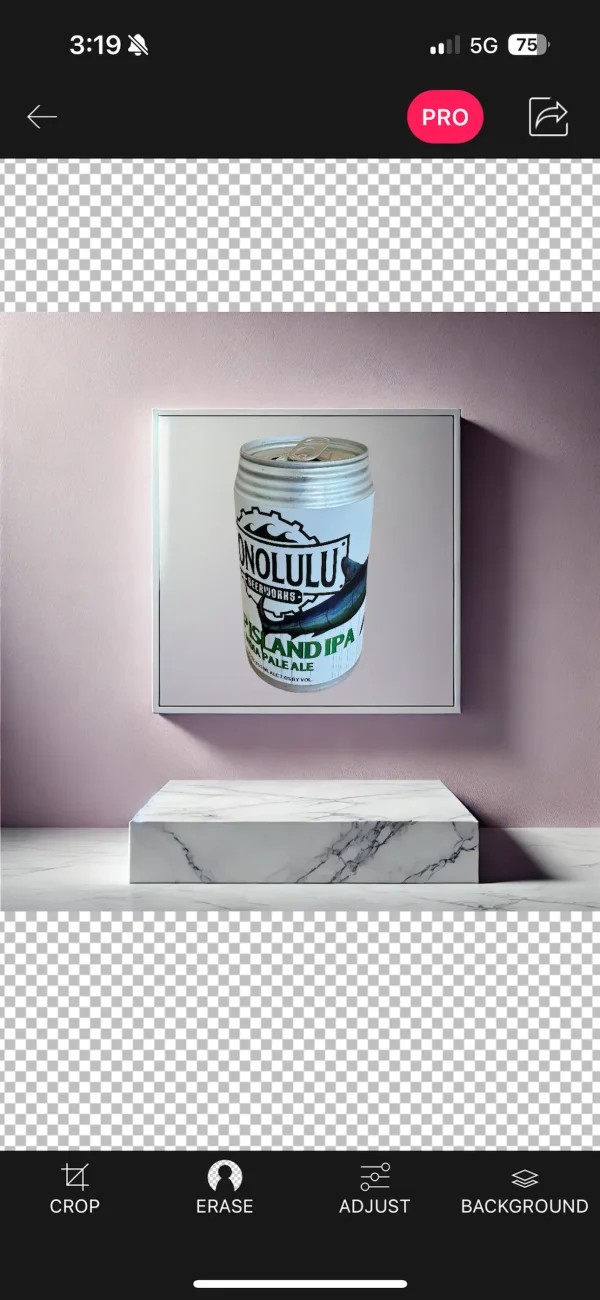
#Add Background Photo - Remove & Change your photo background
#Full Resolution - Selecting size of output picture (HQ 3264 x 3264 pixel , Normal 1600 x 1600 pixel, LQ 800 x 600 pixel)
#PNG/ JPEG File Selection - Selecting size of output picture (PNG_transparent background,JPEG_white background)
#Share Instagram, Facebook, Twitter, Mail, Other Apps
Terms of Use:
https://sites.google.com/view/noonus-ltd/terms-condition
Privacy Policy:
https://sites.google.com/view/noonus-ltd/privacy-policy
SUBSCRIPTION INFO:
• Subscription for Background Eraser for full access to all features.
• Subscription length: 12 months.
• Your payment will be charged to your iTunes Account as soon as you confirm your purchase.
• You can manage your subscriptions and turn off auto-renewal from your Account Settings after the purchase.
• Your subscription will renew automatically, unless you turn off auto-renew at least 24 hours before the end of the current period.
• The cost of renewal will be charged to your account in the 24 hours prior to the end of the current period.
• When canceling a subscription, your subscription will stay active until the end of the period. Auto-renewal will be disabled, but the current subscription will not be refunded.
• Any unused portion of a free trial period, if offered, will be forfeited when purchasing a subscription.
What’s new
Version 2.5.6 · Nov 5, 2026
• Refreshed the entire app with a monochrome theme for a cleaner, more focused workspace.
• Unified the look across Home, Library, Settings, Share, and the photo picker sheet.
• Polished the editor's top & bottom bars, image adjustment panel, badges, and icon buttons.
App privacy
What SUNWOONG JANG declares on the App Store about how this app handles data.
-
Data used to track you
May be used to track you across apps and websites owned by other companies.
- Usage data
-
Data not linked to you
May be collected but is not linked to your identity.
- Usage data
Privacy practices may vary, for example with the features you use or your age.
Information
- Seller
- SUNWOONG JANG
- Category
- Photo & Video
- Version
- 2.5.6
- Updated
- Nov 5, 2026
- Released
- Feb 18, 2014
- Size
- 112.5 MB
- Requires
- iOS 17.0 or later
- Age rating
- 4+
- Price
- Free
- In-app purchases
- Yes
- Languages
- English, French, German, Italian, Japanese, Korean, Portuguese, Russian, Simplified Chinese, Spanish, Thai, Traditional Chinese + 1 more
- Copyright
- © Noonus LTD.
You might also like
-
 Background Eraser 〜 StickersCut Photos & Create Stickers
-
 Photo Eraser - Remove ObjectsAI retouch & erase background
-
 Phonto - Text on PhotosPhoto & Video
-
 Retouch: AI Object RemoverFix Background Photo Eraser
-
 Pixomatic - AI Photo BG EraserRemove Background & Objects
-
 Retouch Photo - Remove ObjectsBackground Editor
-
 Cut Paste Photos Pro Edit ChopPicture Merge Collage Scanner
-
 ProKnockOut-Cut Paste PhotosAI Background Eraser&Png Maker
-
 Bazaart AI Photo Editor DesignRemove background and objects
-
 Background Eraser: PNG MakerAI Photo Editor & Remover