
Banana Viewer
PDF viewer, editor & scanner
Designed for iPhone, iPad, Mac
In-app purchases
- Age rating4+
- CategoryProductivity
- DeveloperFrank Pimenta
- LanguagesGerman+ 12 more
- Size4.5 MB
Links to the official App Store page
Download.org hosts no file of Banana Viewer. The button opens its official App Store page, published by Frank Pimenta. Listing last checked on Nov 8, 2026.
Screenshots



About
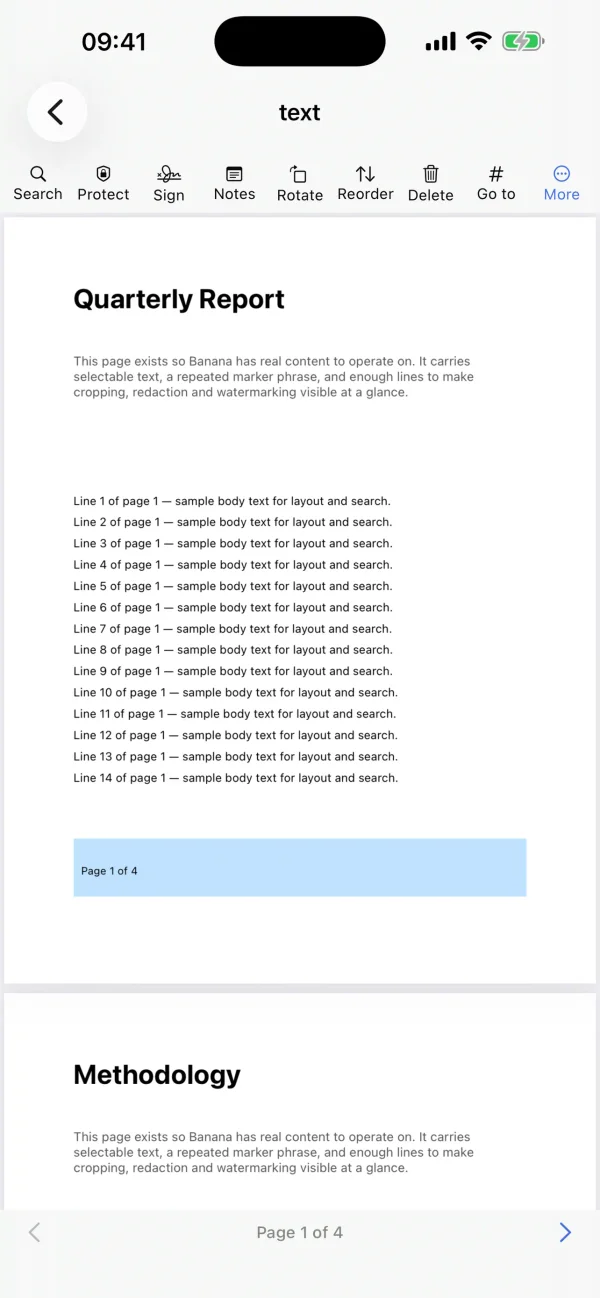
Banana is a fast, private PDF viewer and editor for iPhone and iPad. View,
edit, mark up and organise your PDFs — all offline, all on your device.
Nothing is uploaded. There is no account to make and no cloud to sign into.
Banana works exactly the same with the network off.
FREE FOREVER
• PDF viewer — smooth scrolling, pinch to zoom, thumbnails and a page grid
• Search inside a document, with highlighted results, and Go to Page
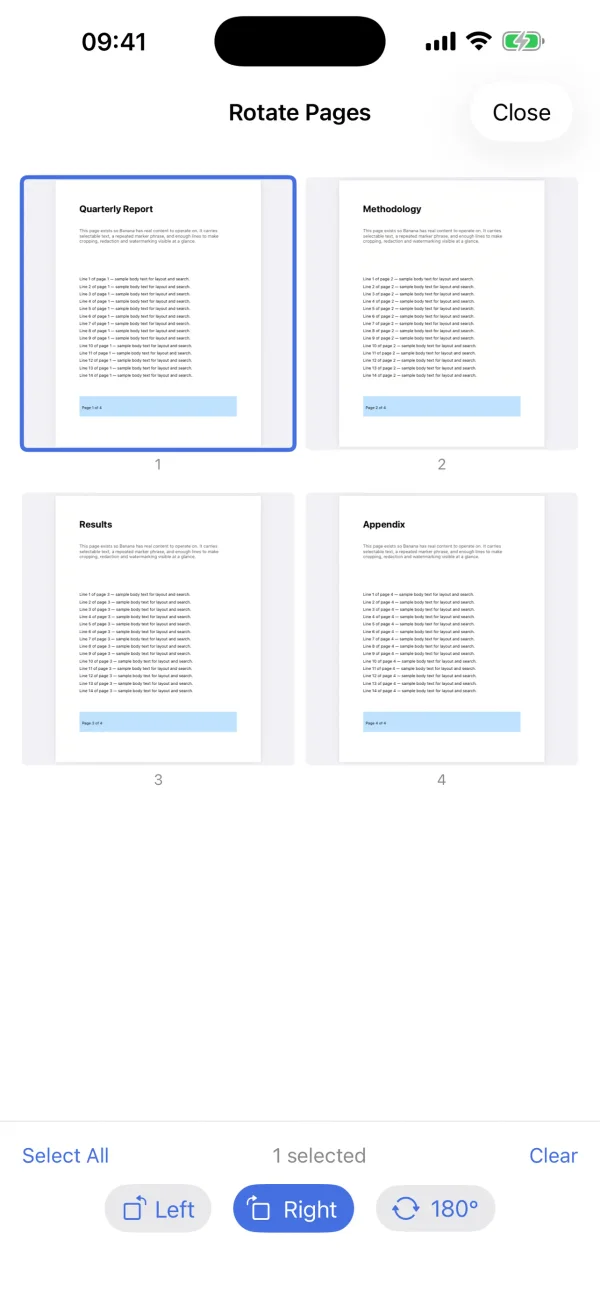
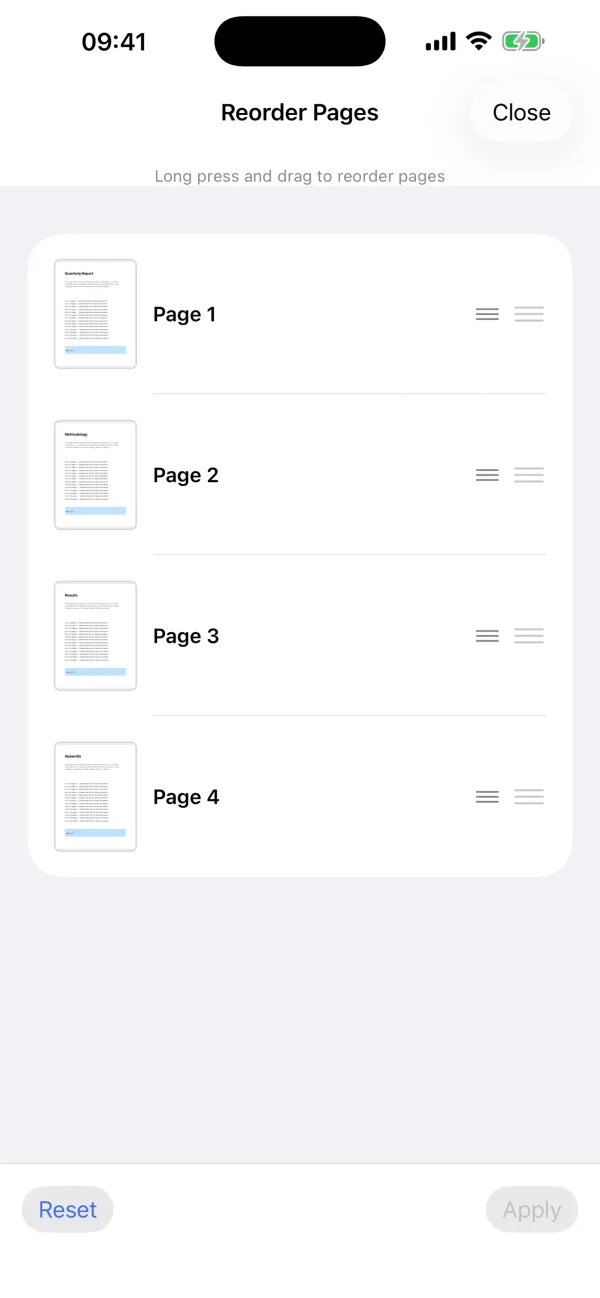
• Rotate, reorder, delete and extract pages
• Merge several PDFs into one, or split one into many
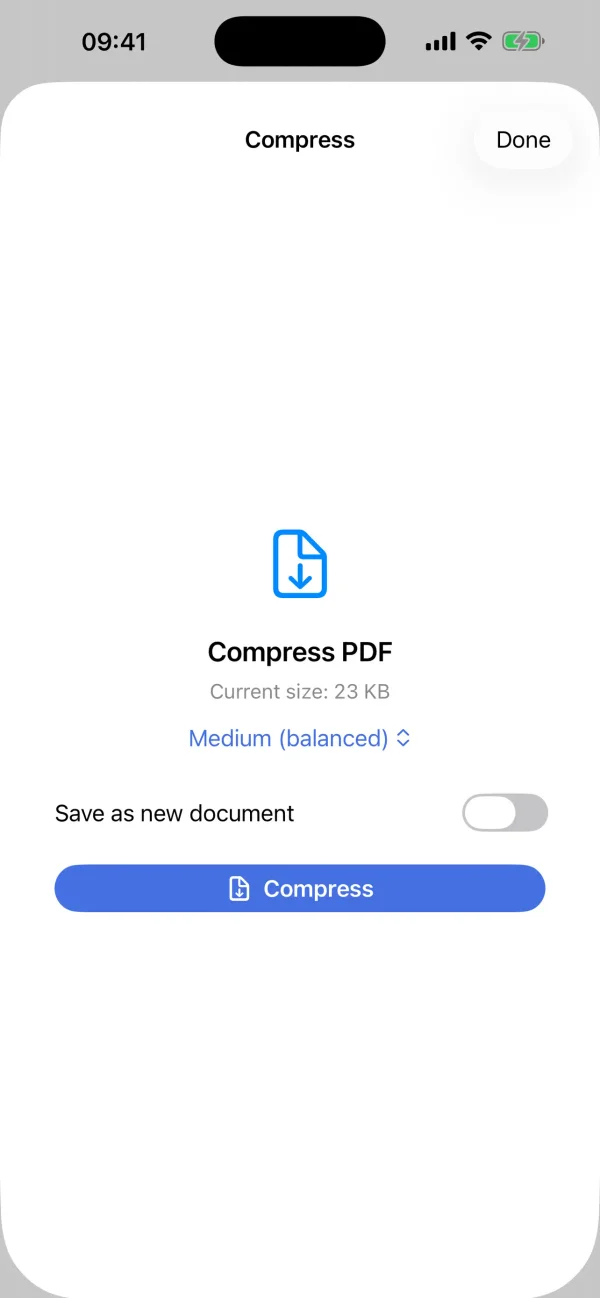
• Compress a PDF down to a size you can actually email
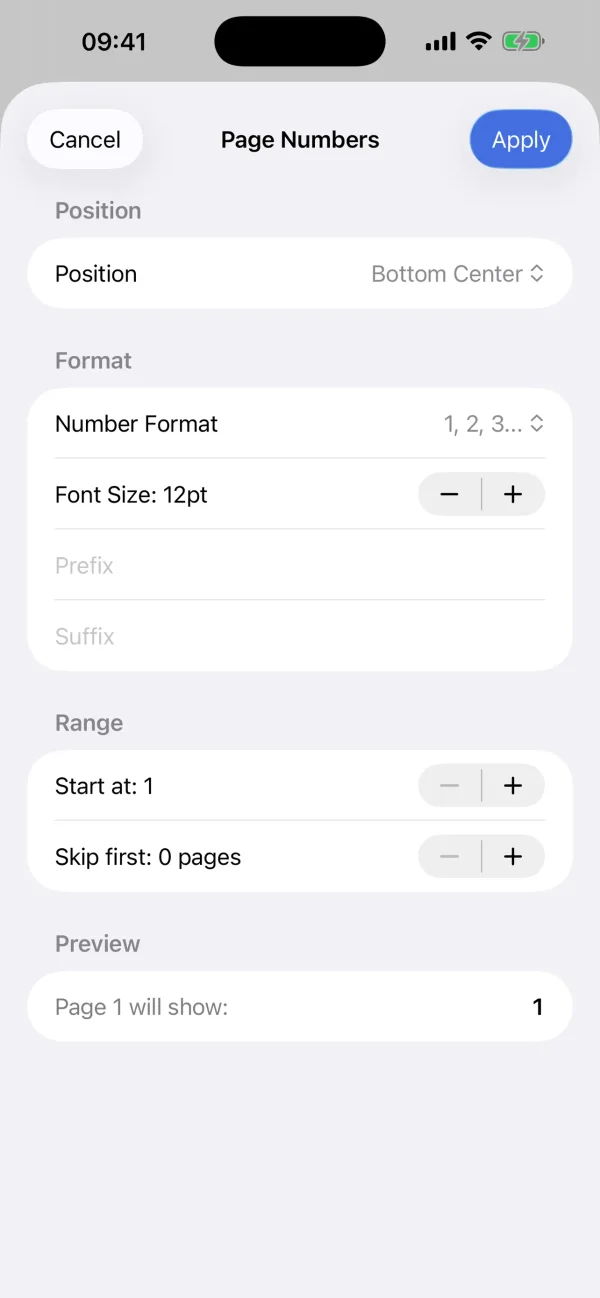
• Add page numbers, or copy a page out as an image
• Sign documents — draw your signature, place it, save it for reuse
• Notes — add timestamped notes to any document
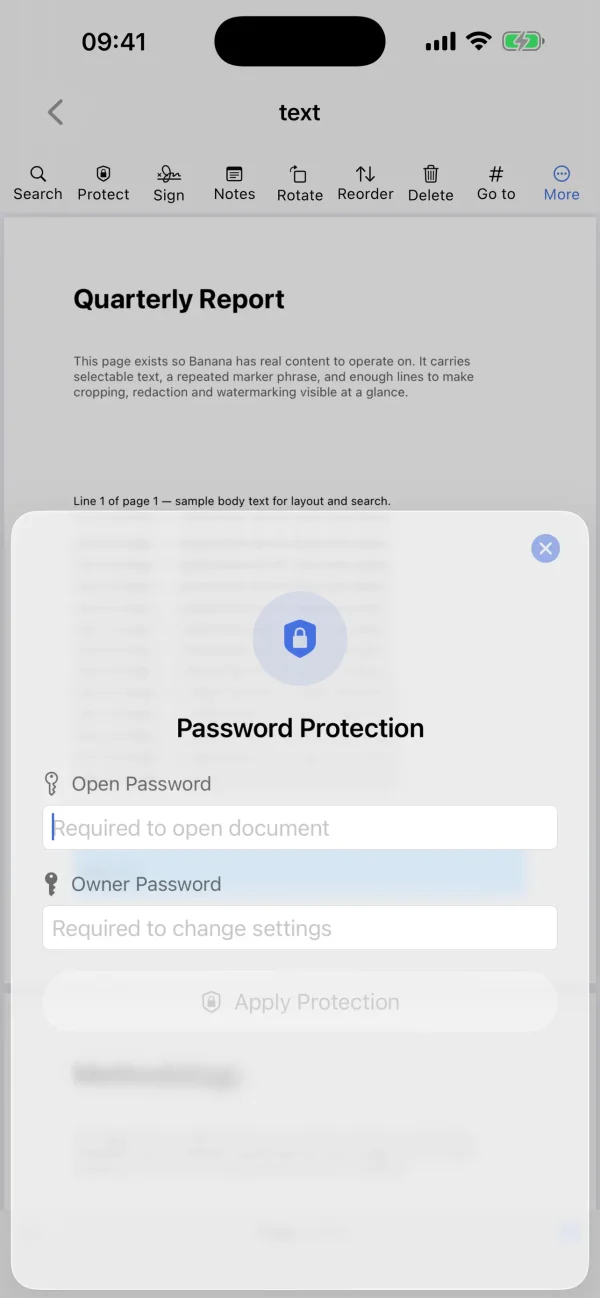
• Password protection — lock with open and owner passwords
• Group share — select several PDFs and send them by AirDrop, Mail or Messages
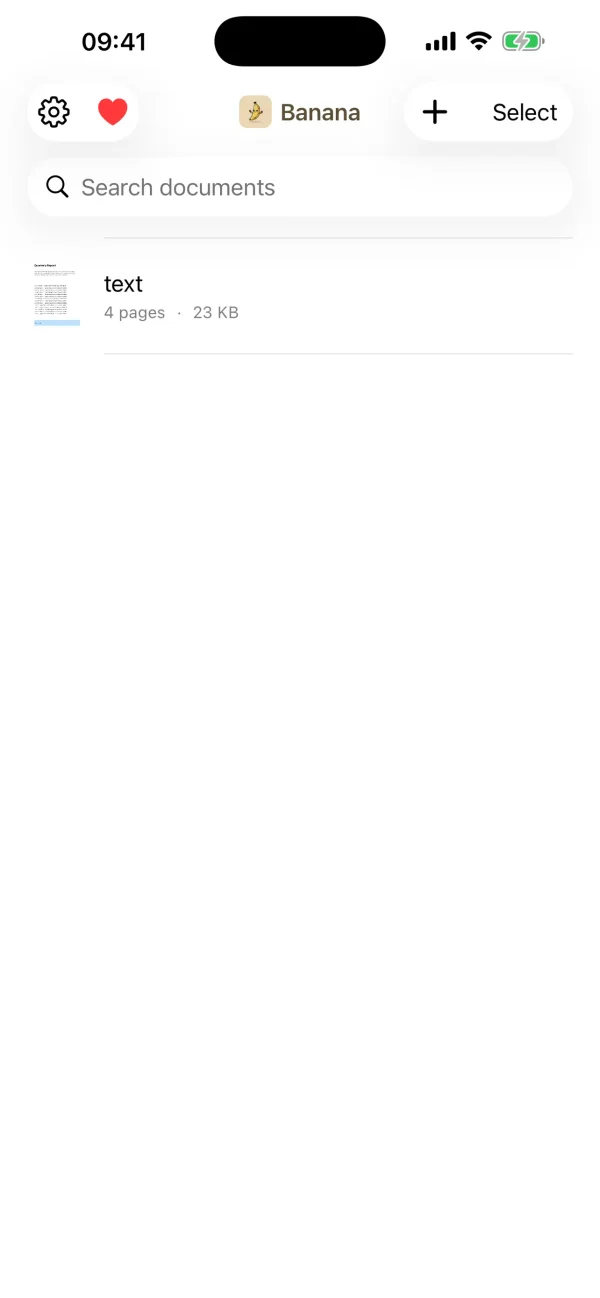
• Open from anywhere — Banana appears in the Open In menu across iOS
• Undo and redo any change, from the buttons beside the back arrow
• Revert to the original — discard every edit and go back to the file as you
imported it
• Export the original untouched, whatever you have done to your copy
Signatures and notes are written into the PDF itself, so they open the same
way in Preview, Acrobat or anything else.
ON iPAD AS WELL
• Split View with side-by-side PDF comparison
• Highlight, underline and strike through text
WHAT COSTS MONEY
Four things. Everything above stays free.
• Document Scanner — camera scanning with edge detection and multi-page
capture, $0.99
• Fill Forms — fill in form fields and keep the result, $0.99
• Text to PDF — comes with the unlock
• Version history — save a version by name and restore it later; comes with
the unlock
Open a document and all four are free to try for 30 days.
After that, one $2.99 purchase unlocks all of them, forever. It is a Universal
Purchase: buy it on your iPhone and it is already unlocked on your iPad and on
the Mac app, and the other way round.
Already bought the Document Scanner or Fill Forms? You pay only the difference
to move up to the full unlock, and you keep what you bought.
No subscriptions. Ever.
PRIVACY
• 100% offline — documents never leave your device
• No analytics, no tracking, no cloud uploads
• No account required
14 LANGUAGES
English, Deutsch, Français, 简体中文, 日本語, Español, 한국어, Português (Portugal),
Português (Brasil), Italiano, Nederlands, Türkçe, Polski, Русский
Also available on Mac, with more tools, workspaces, and split view with PDF
comparison. The unlock covers both.
What’s new
Version 2.0.0 · Sep 29, 2026
One payment. Everything unlocked.
In order to simplify the application and to enable its further development we
decided to change the store — now 1 life time payment gets you everything.
• The 30-day trial now covers the Document Scanner and Fill Forms. Before this
release those two sat outside it and asked to be bought even while the trial
was running.
• One $2.99 purchase now unlocks everything on iPhone, iPad and Mac together,
rather than one purchase per feature.
• Already bought the Document Scanner or Fill Forms? You pay only the
difference to move up, and you keep what you bought either way.
• Want just the one tool? The scanner and Fill Forms are still sold on their
own.
• Everything that was free stays free. Nothing that was free becomes paid.
NEW IN THIS VERSION
• Undo and redo. Every change you make to a document can be taken back, and
put back again. From the buttons beside the back arrow.
• Revert to original. Discard everything you have done and return to the file
exactly as you imported it. Free, and itself undoable.
• Export original. Send out the untouched file, whatever you have done to your
copy. Free.
• Version history. Save a version of a document by name and restore it later.
Part of the unlock.
• European Portuguese. Banana now speaks 14 languages.
FIXED
• The toolbar stayed in English whatever language you chose. Every button now
speaks your language.
• Reordering pages, adding page numbers, merging and extracting could leave
you with blank pages. Fixed, and covered by tests.
• Compressing a document could make it larger and strip out its text layer.
Compression now refuses any result that is not genuinely smaller.
• Password protection did not always encrypt, and saving an edit to a
protected PDF removed its password. Both fixed; the file is re-encrypted
with the passwords you set.
• A PDF opened from Files or another app would show on screen but never make
it into your library, and was gone the next time you opened Banana. Fixed.
App privacy
What Frank Pimenta declares on the App Store about how this app handles data.
-
Data not collected
The developer does not collect any data from this app.
Privacy practices may vary, for example with the features you use or your age.
Information
- Seller
- Frank Pimenta
- Category
- Productivity
- Version
- 2.0.0
- Updated
- Sep 29, 2026
- Released
- Mar 27, 2026
- Size
- 4.5 MB
- Requires
- iOS 17.0 or later
- Age rating
- 4+
- In-app purchases
- Yes
- Languages
- German, English, French, Italian, Japanese, Korean, Dutch, Polish, Portuguese, Russian, Spanish, Turkish + 1 more
- Copyright
- © 2026 replusminus GmbH
You might also like
-
 FileDuelCompare PDF, Text,Docs & Excel
-
 TwoUp Split Screen Dual WindowMultitask Two Apps: Web & PDF
-
 Streak: Habit TrackerBuilt For Minimalists
-
 Pencil - PDF Notes with PencilHandwrite, Type, Draw, Mark Up
-
 Scrivo: Scrivener CompanionBook & Novel Writing App
-
 Photo MeasuresMeasure, save and share
-
 PDF Reader - All PDF ViewerDocument Reader - Read all PDF
-
 Doc Scanner: Scan PDFOCR Document, Receipts & Sign
-
 HypersketchAI-powered sketching & ideas
-
 Free PDF Editor, Converter AppReader Maker Pro: Edit & Sign