
Banora: Vocabulary Widget
Word of the Day on Lock Screen
Designed for iPhone
Free · In-app purchases
- Age rating17+
- CategoryEducation
- DeveloperAla Eddine Bannour
- LanguagesEnglish+ 2 more
- Size29.9 MB
Links to the official App Store page
Download.org hosts no file of Banora: Vocabulary Widget. The button opens its official App Store page, published by Ala Eddine Bannour. Listing last checked on Nov 26, 2026.
Screenshots


About
A new word on your Lock Screen, chosen for your goal and your level.
The right word can change how people hear you, and how you feel when you say it.
Banora is your vocabulary widget and word of the day, right where you already look.
WHAT'S INSIDE
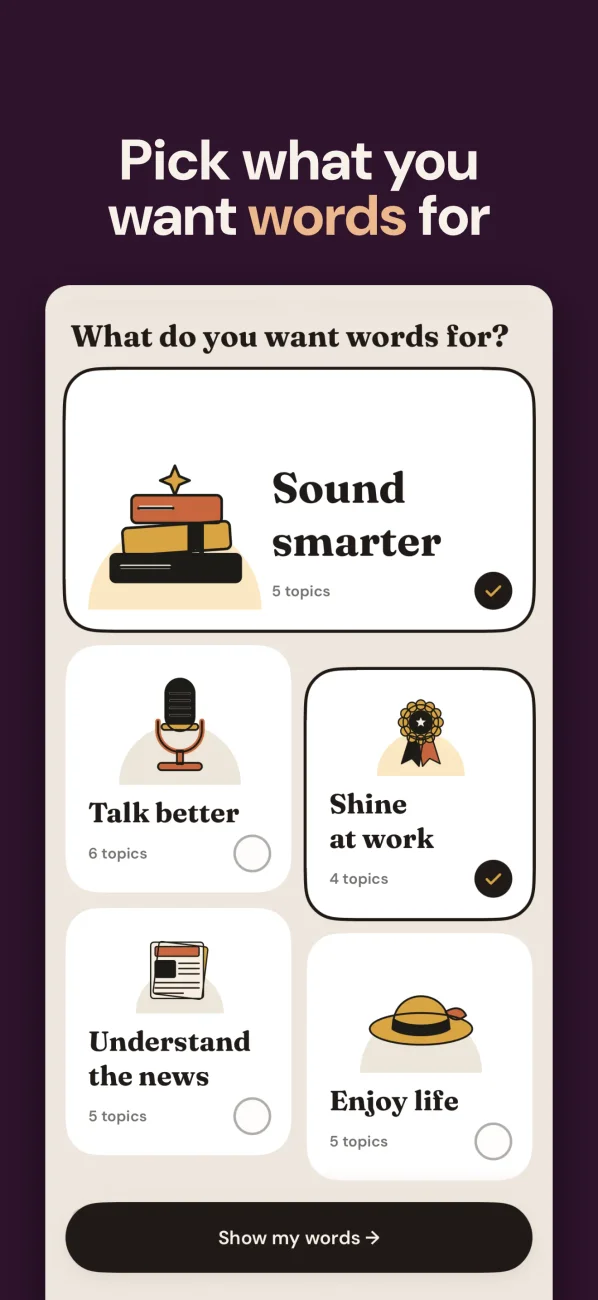
• 5 goals: Sound smarter, Talk better, Shine at work, Understand the news, Enjoy life
• 3 levels: Beginner, Intermediate, Advanced (Banora Pro)
• A Lock Screen word card with the word, its meaning and an example. Tap the card for the next word
• A widget under the clock with a word and its meaning
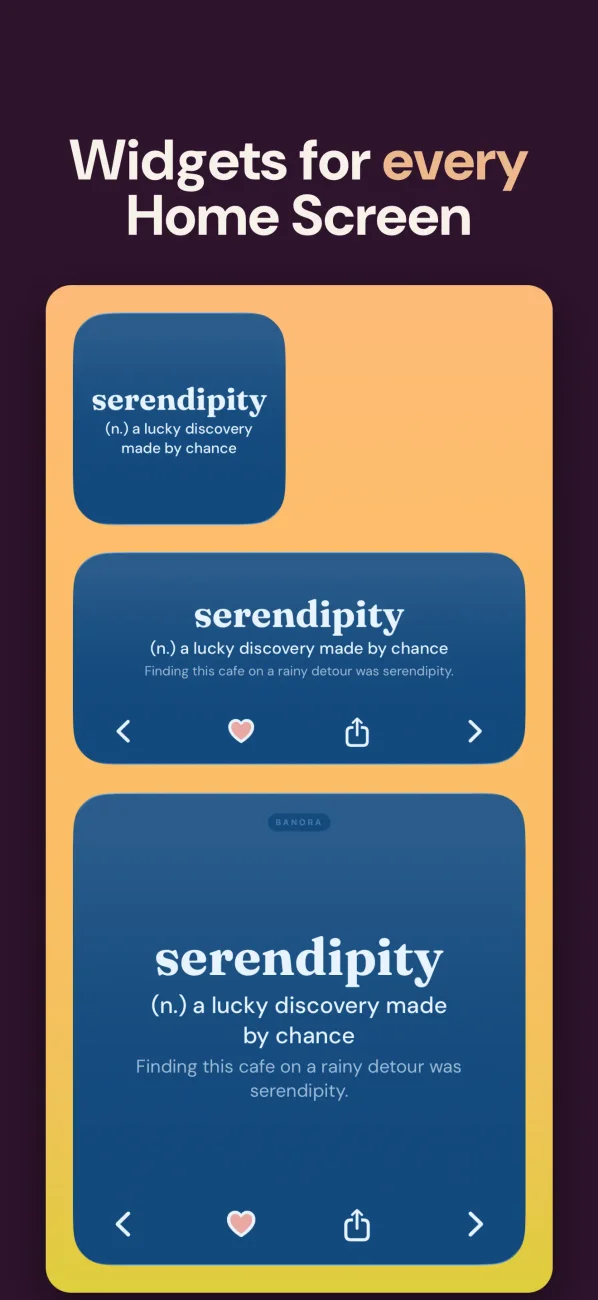
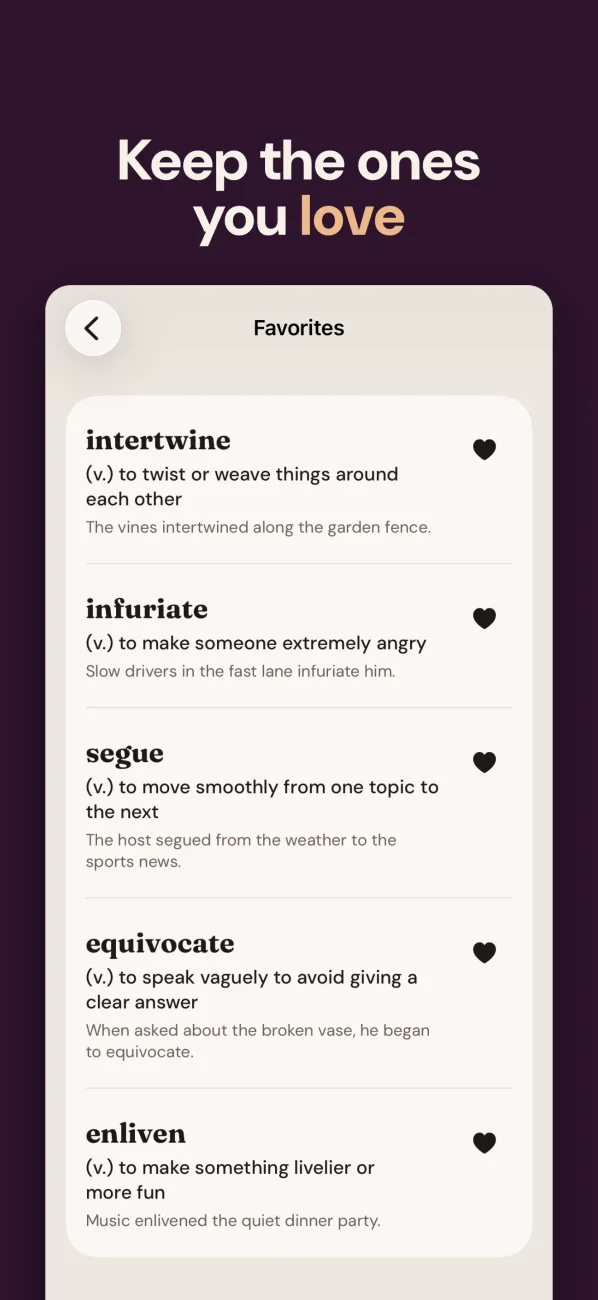
• Home Screen widgets in small, medium and large. Tap the heart on a widget to keep the word
• Favorites for the words you want to keep
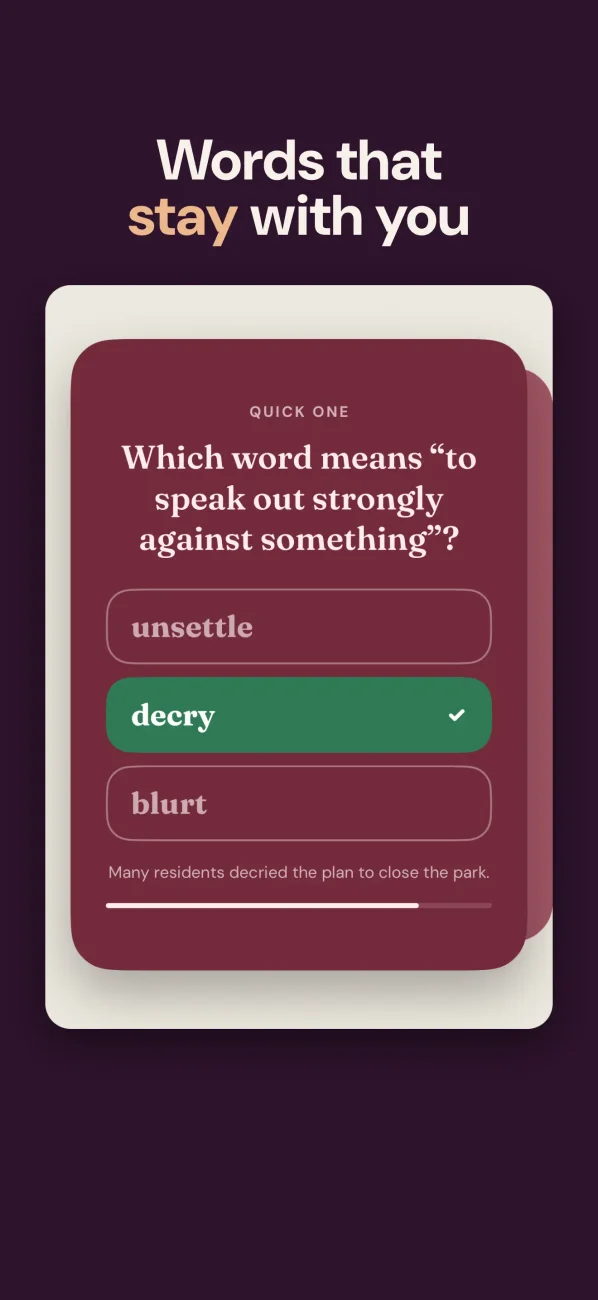
• Quick ones: small quiz cards between your words, and the words you missed come back sooner
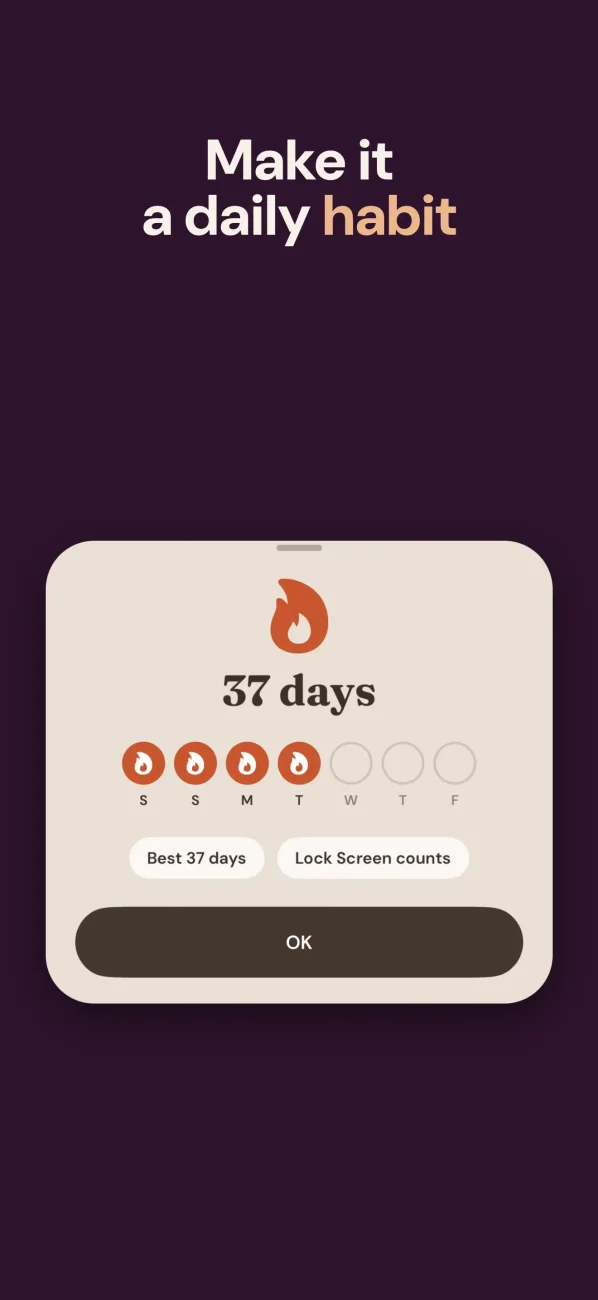
• A streak that grows with every day you see a word
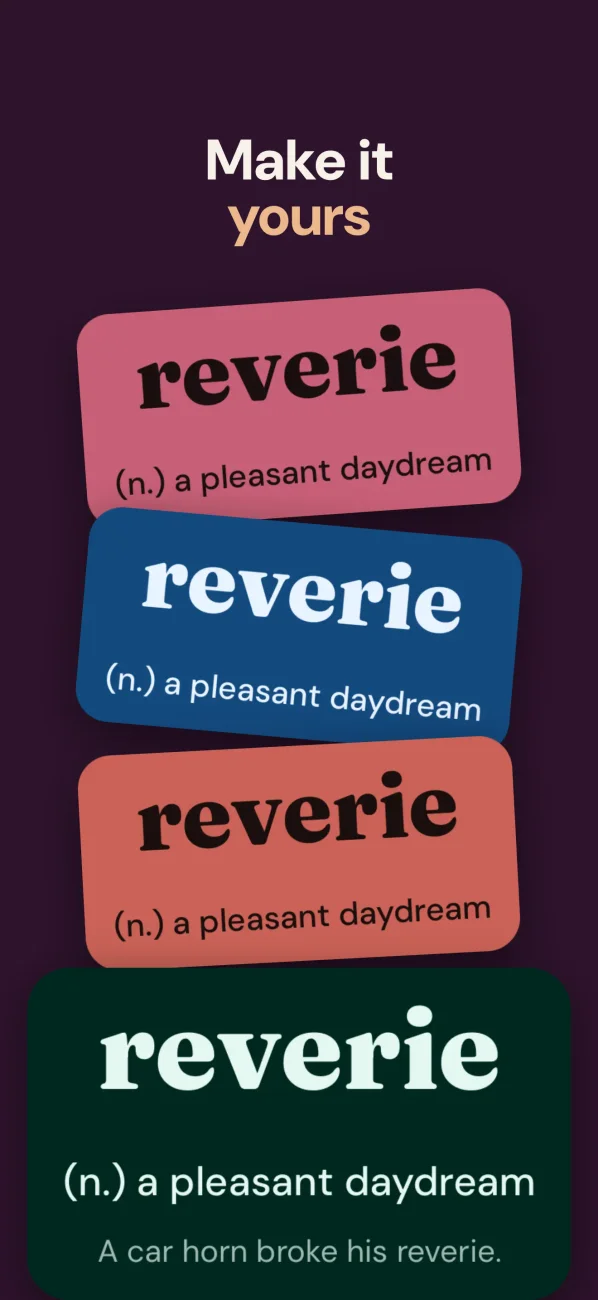
• 65 card colors
• Words in English and French, more than 19,000 in total (Banora Pro)
• The app is in English, French and German
• Meanings and examples written by us, each word explained in its own language
Your words stay on your phone, and in your own iCloud if you turn on iCloud Backup.
No ads, no tracking.
Prefer a note? Switch to Notes and keep one note on your Lock Screen until you swap it.
Website: https://banora.dev
Terms of Use: https://banora.dev/terms
Privacy Policy: https://banora.dev/privacy
BANORA PRO (IN-APP PURCHASE)
Without a subscription you get 3 words in Words mode, the 5 goals, and 1 note with 3 edits. Your last word stays on your Lock Screen.
Banora Pro unlocks all the words, the 3 levels, single topics and word types, and more notes and edits.
Prices are shown in the app before you buy. Cancel anytime in your Apple Account.
What’s new
Version 1.0.9 · Nov 25, 2026
• A new start for Words: pick your goal and your moment, and get your first word right on your Lock Screen.
• 5 new card colors, the same in Notes and Words.
• Manage or cancel your subscription, or request a refund, right from Settings.
• Without a subscription, Words now gives you 3 words. Banora Pro unlocks all the words.
• Small fixes and improvements.
App privacy
What Ala Eddine Bannour declares on the App Store about how this app handles data.
-
Data linked to you
May be collected and linked to your identity.
- Purchases
- Contact info
- Identifiers
- Usage data
Privacy practices may vary, for example with the features you use or your age.
Information
- Seller
- Ala Eddine Bannour
- Category
- Education
- Version
- 1.0.9
- Updated
- Nov 25, 2026
- Released
- Sep 13, 2026
- Size
- 29.9 MB
- Requires
- iOS 18.0 or later
- Age rating
- 17+
- Price
- Free
- In-app purchases
- Yes
- Languages
- English, French, German
- Copyright
- © 2026 Ala Eddine Bannour
You might also like
-
 Akora: Focus Timer, PomodoroFlexible study & work timer
-
 Storeshot: App ScreenshotsASO Screenshot Maker
-
 Remind Me: Weekly WidgetsReminder, Planner & To Do List
-
 Note It Space: Sticky NotesTo-do lists, planner & boards
-
 Encore - Personal GrowthLevel up your productivity
-
 Washipad: Notes that stickSticky notes on your wall
-
 Kissa: Cozy Focus TimerPomodoro, Study & ADHD
-
 Mochi NoteProductivity
-
 Lock Screen Notes - PinNoteSticky Widgets & Reminders
-
 PDF Scanner: Scan Docs - LumiAuto Scan to PDF · OCR · ID