Note It Space: Sticky Notes
To-do lists, planner & boards
Designed for iPhone, iPad, iPod touch
Free
- Age rating17+
- CategoryProductivity
- DeveloperTranscend Technologies, Inc
- LanguagesEnglish
- Size7.7 MB
Links to the official App Store page
Download.org hosts no file of Note It Space: Sticky Notes. The button opens its official App Store page, published by Transcend Technologies, Inc. Listing last checked on Nov 18, 2026.
Screenshots
About
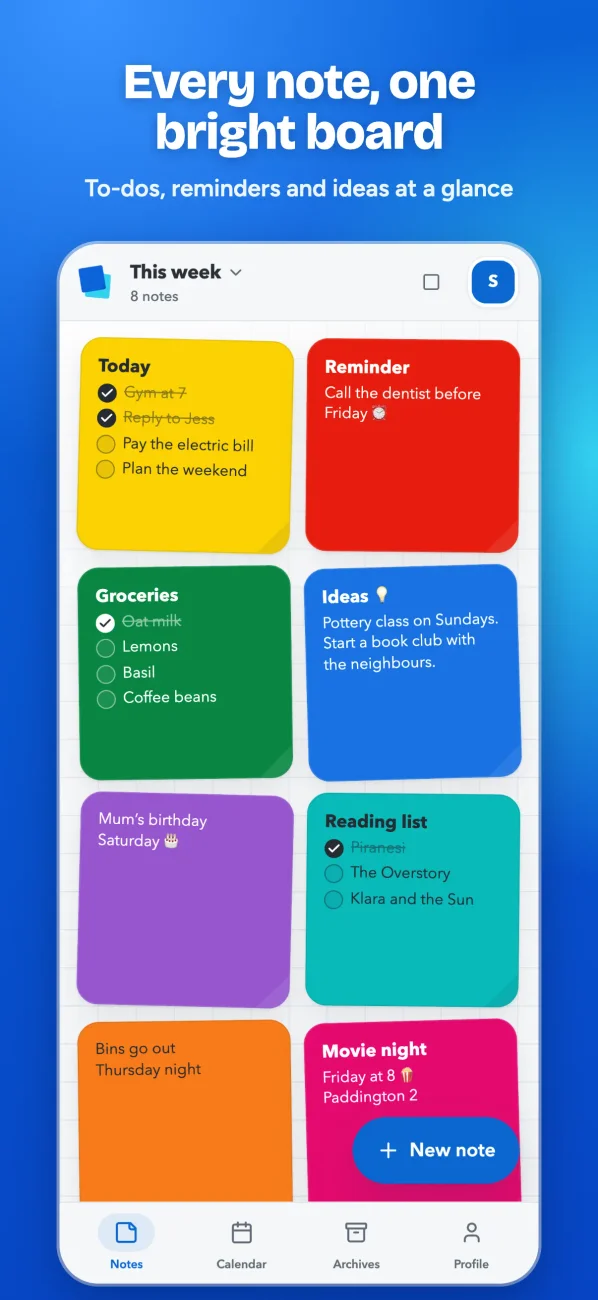
Note It is a board for everything you need to remember. Put a note down, type, and drag it where it belongs. That's it.
MAKE A BOARD FOR ANYTHING
Have a board for work, one for school, one for the trip, one for groceries. Make as many as you want and switch between them in a tap.
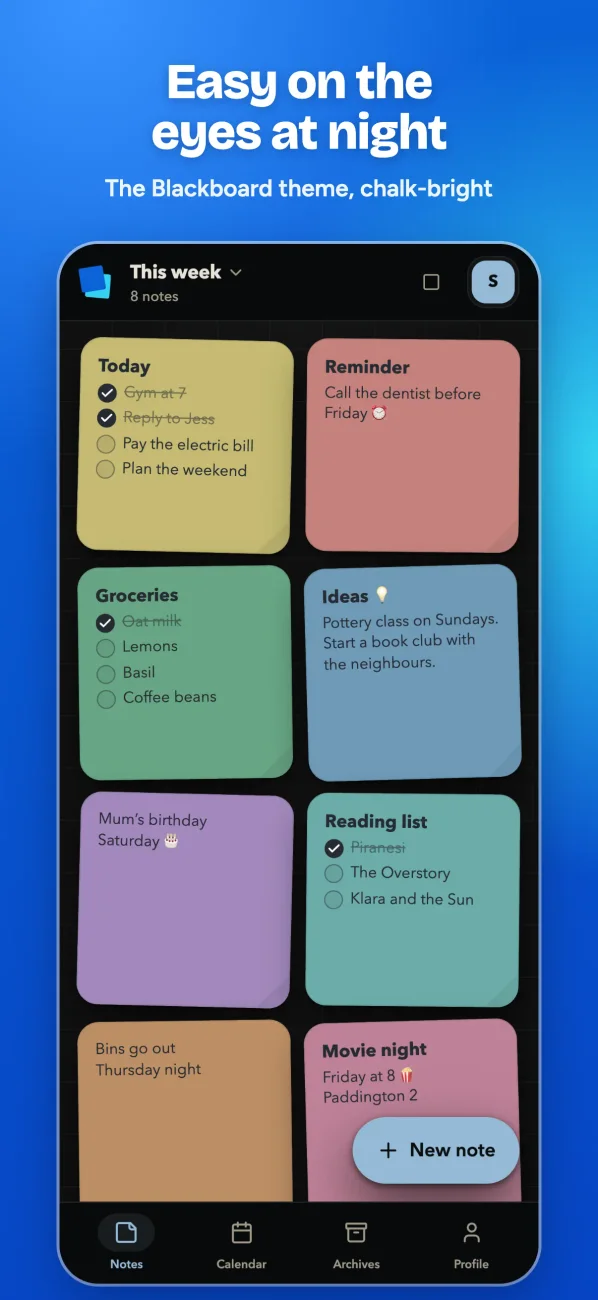
NOTES THAT LOOK LIKE NOTES
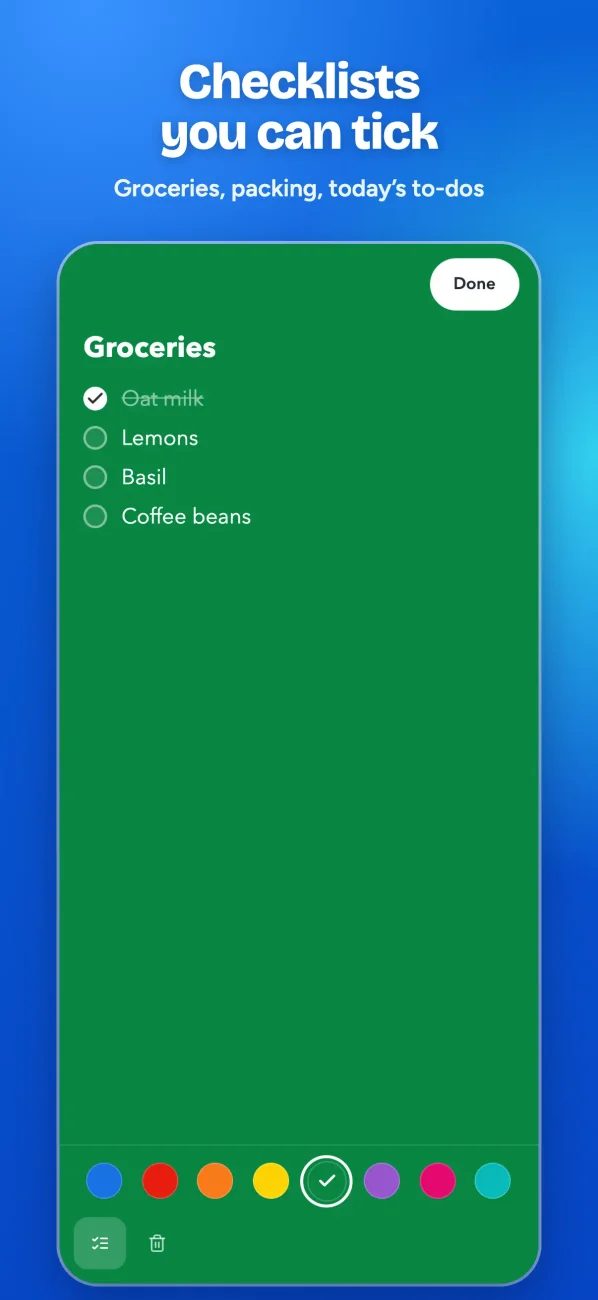
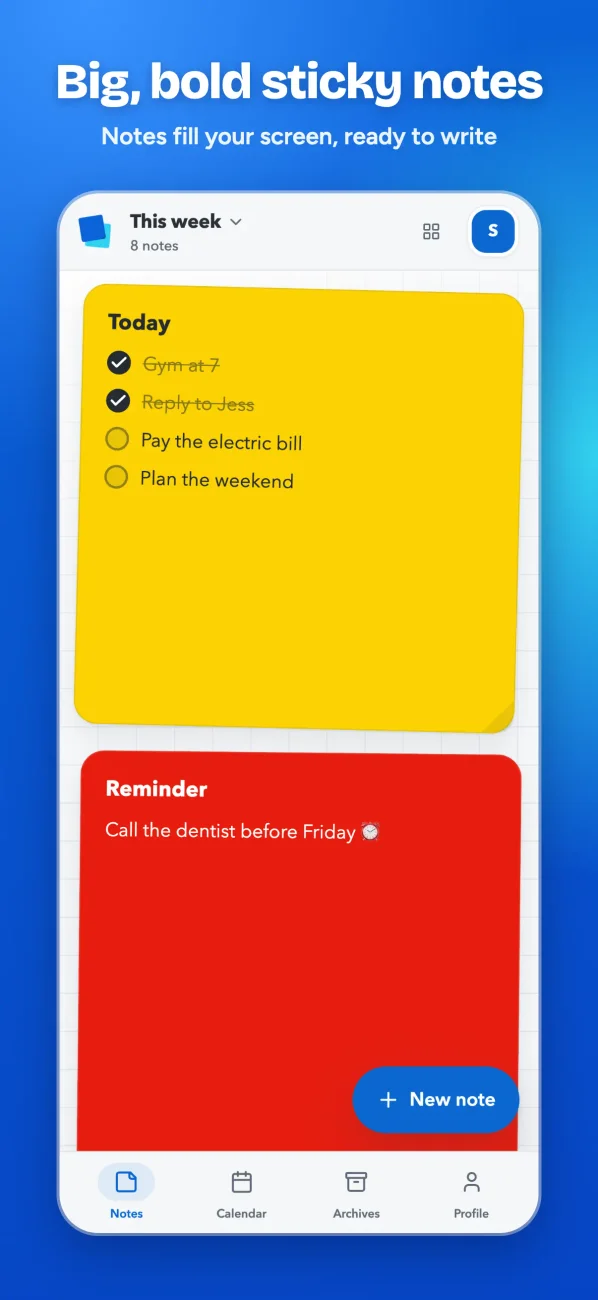
Every note is a full sticky note, in the color you pick. Color by priority, by person, or by mood. Hold and drag to rearrange.
PICK A LOOK
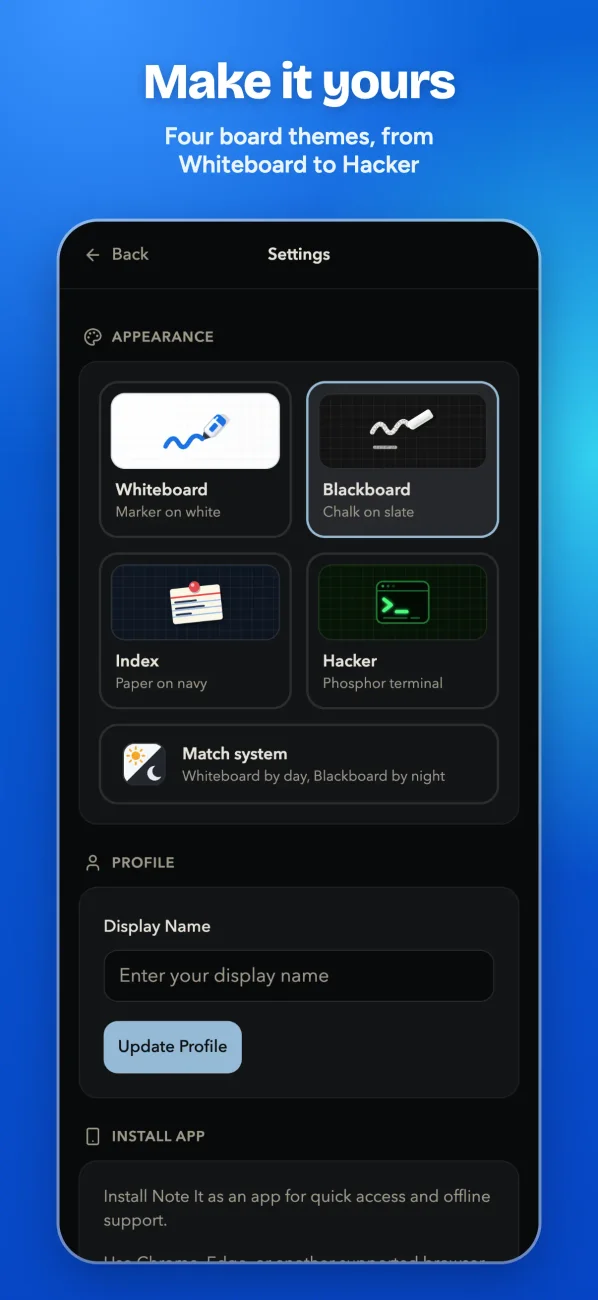
Four board themes: Whiteboard, Blackboard, Index and Hacker. Each one changes the whole app, from the board to the buttons.
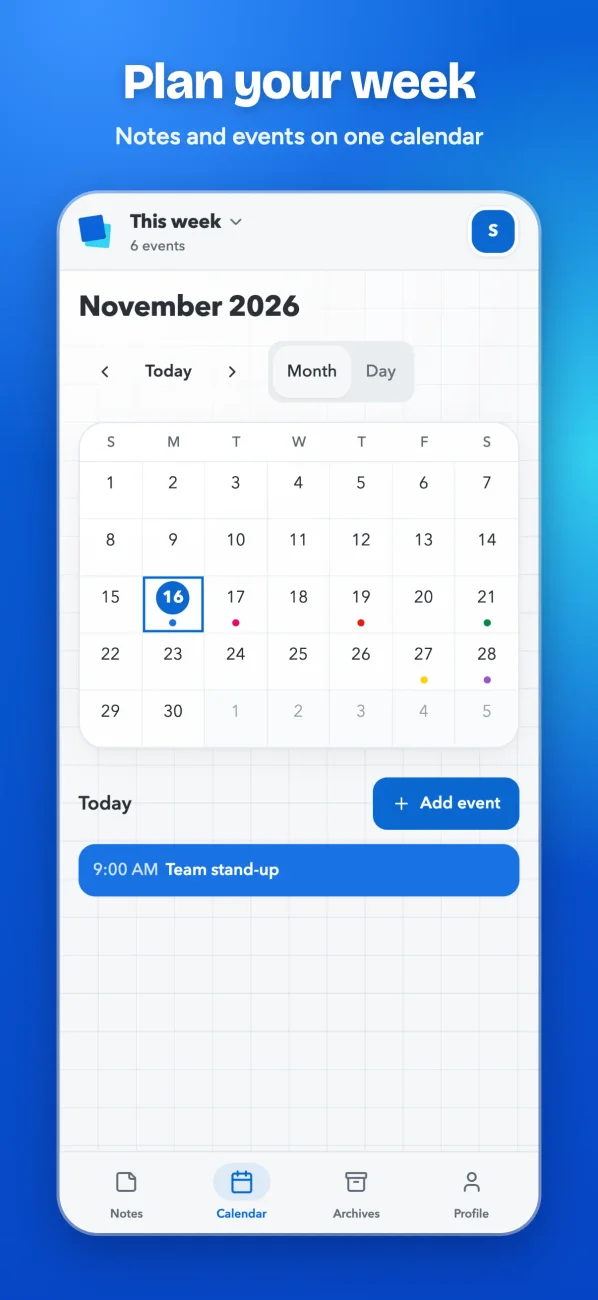
SEE IT ON A CALENDAR
Each board has its own calendar. Add events next to your notes, so plans and to-dos stay in one place.
SHARE A BOARD
Invite people to a board as viewers or editors. They see the same notes you do.
ON EVERY SCREEN
Use Note It on your phone, your tablet and the web at app.noteit.space. Sign in anywhere and your boards are there.
YOUR NOTES ARE YOURS
Each account can only see its own boards and the ones shared with it. Connections are encrypted, and you can export everything you've written at any time from Settings.
Free. No ads, no trial and no paid tiers.
Questions or ideas? Write to us at noteit.space/en/contact.
What’s new
Version 1.1.0 · Nov 15, 2026
- The app is now called Note It Space on your home screen.
- A fresh look with the new Note It logo, and a quick three-step tour for new boards.
- Notes are full sticky notes on your phone, even before you type, and open full screen for writing.
- Making a second (or tenth) board works for every account again.
- Pick your board theme in Settings, now with a preview of each one.
- A clearer calendar that fits your phone.
- Faster, steadier sign-in, and clearer messages when a password is wrong.
- Settings → About shows your app version and what changed.
App privacy
What Transcend Technologies, Inc declares on the App Store about how this app handles data.
-
Data linked to you
May be collected and linked to your identity.
- Contact info
- User content
- Usage data
-
Data not linked to you
May be collected but is not linked to your identity.
- Diagnostics
Privacy practices may vary, for example with the features you use or your age.
Information
- Seller
- Transcend Technologies, Inc
- Category
- Productivity
- Version
- 1.1.0
- Updated
- Nov 15, 2026
- Released
- Mar 13, 2026
- Size
- 7.7 MB
- Requires
- iOS 15.0 or later
- Age rating
- 17+
- Price
- Free
- Languages
- English
- Copyright
- © 2026 Transcend Technologies, Inc. DBA iSocialize
You might also like
-
 Task Manager: Focus onePlanner, Reminders & Checklist
-
 InTrial ProProductivity
-
 Fridge: Lock Screen NotesSticky to-do checklist widget
-
 bCloud - Cloud StorageBackup, sync & share securely
-
 Glance Notes: Lock ScreenReminders, To-Dos & Widgets
-
 Simple Text NotesNotes. Simple. Synced. Yours.
-
 ConvertCenterConvert & Resize Files Easily
-
 Mochi NoteProductivity
-
 Sticky Notes Sync - DeskStickSync · Home Widgets · Color
-
 AI Notes: Smart WritingWrite and chat with AI.