Drypoint - Markdown Notes
Minimal text editor for focus
Designed for iPhone, iPad, Mac
In-app purchases
- Age rating4+
- CategoryProductivity
- DeveloperVanhux UG
- LanguagesFrench+ 13 more
- Size28.6 MB
Links to the official App Store page
Download.org hosts no file of Drypoint - Markdown Notes. The button opens its official App Store page, published by Vanhux UG. Listing last checked on Nov 22, 2026.
Screenshots
About
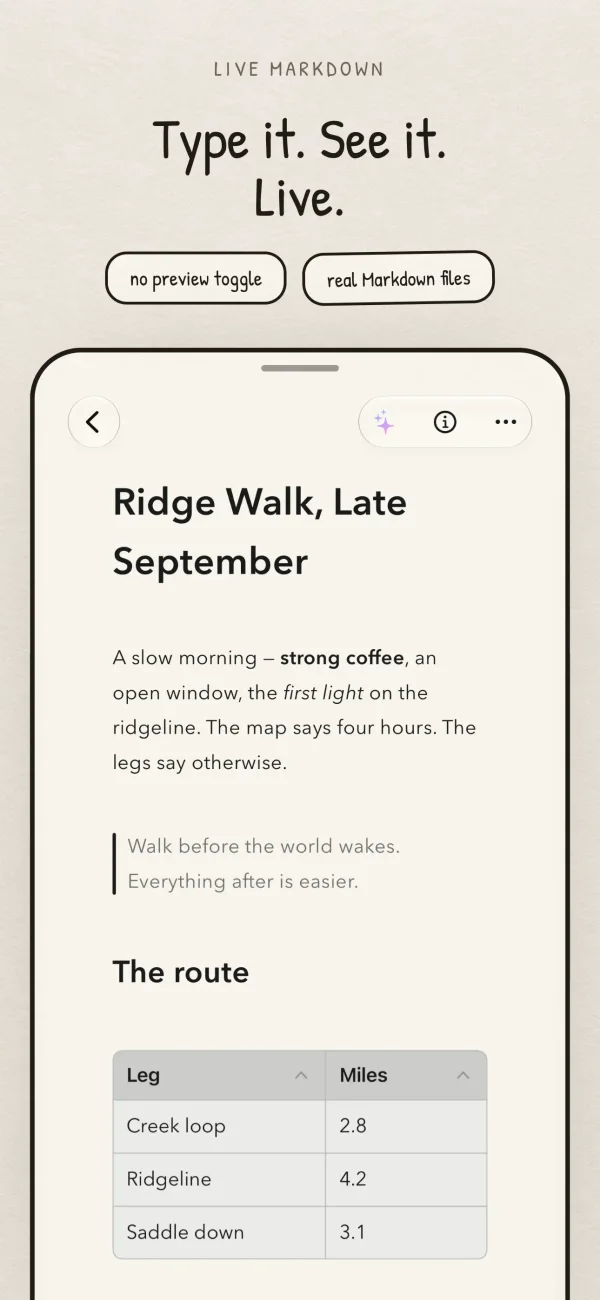
Drypoint is a calm, beautiful Markdown editor for people who love to write. What you type is what you see — headings, bold, links, and lists style themselves live as you go, with no edit-and-preview toggle to break your flow.
Your words stay yours. Every note is plain Markdown text on disk — never a locked-in proprietary format — so you can read, back up, or move your writing anywhere, for as long as you like.
WRITE IN TRUE LIVE PREVIEW
• One distraction-free surface — Markdown styles itself as you type
• Full Markdown: headings, bold, italic, links, quotes, code, tables, task lists
• Opens even huge notes instantly and stays smooth however much you write
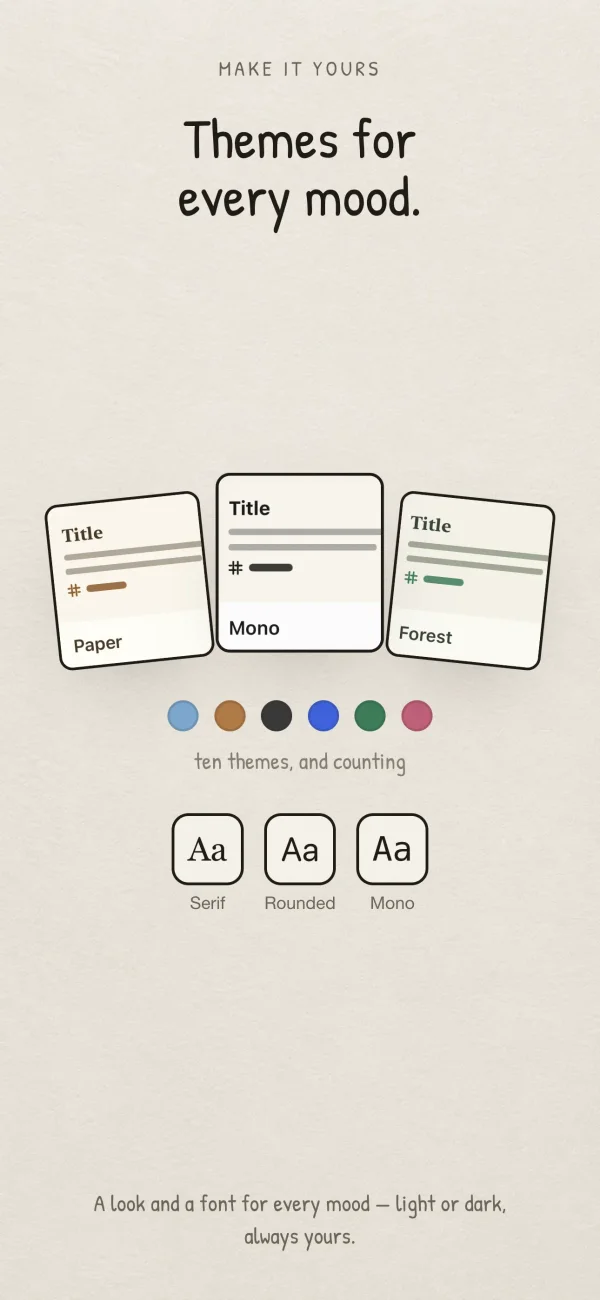
• Beautiful themes and refined typography, tuned for long writing sessions
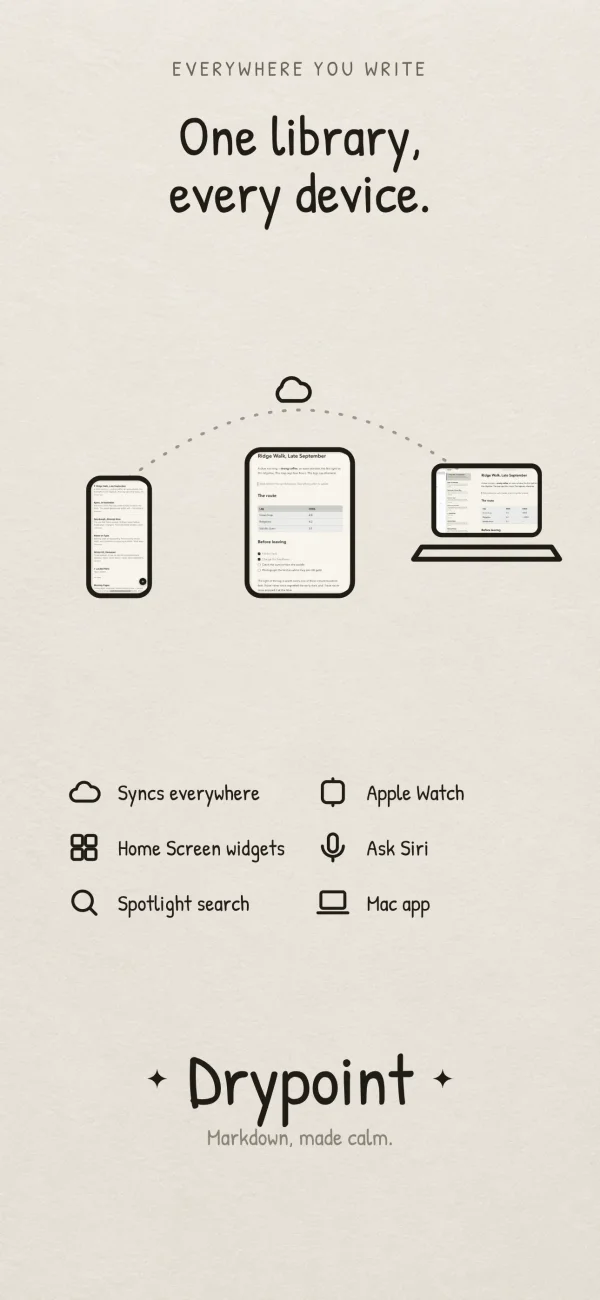
EVERYWHERE YOU WRITE
• Native apps for iPhone, iPad, and Mac — designed for each, not ported
• Optional iCloud sync keeps every note in step across your devices
• Home Screen and Lock Screen widgets, a Mac menu bar app, and an Apple Watch companion
• Siri, Shortcuts, and Spotlight — capture and find notes hands-free
PRIVATE BY DESIGN
• Local-first: works fully offline, and your notes stay on your device until you choose to sync
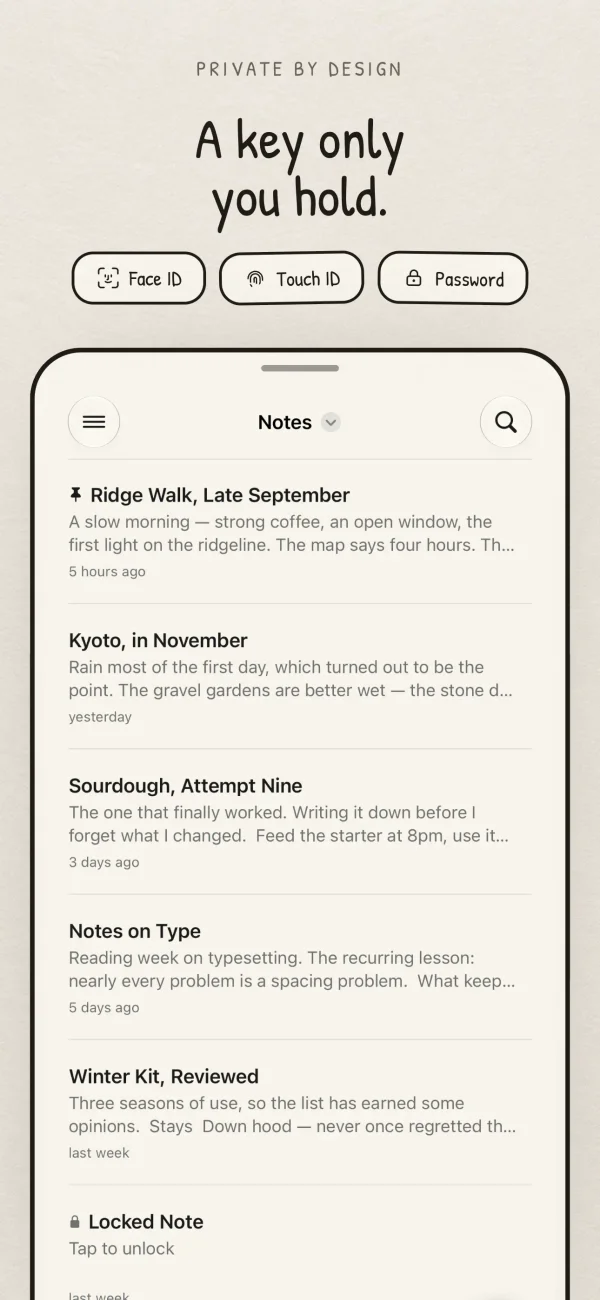
• Lock any note with a password — the text and its attachments are protected with strong AES-GCM encryption that only your password can open
• The same password unlocks a note on every device; use Face ID or Touch ID for instant access
• No account, no ads, no tracking, no analytics — ever
AI ON YOUR TERMS
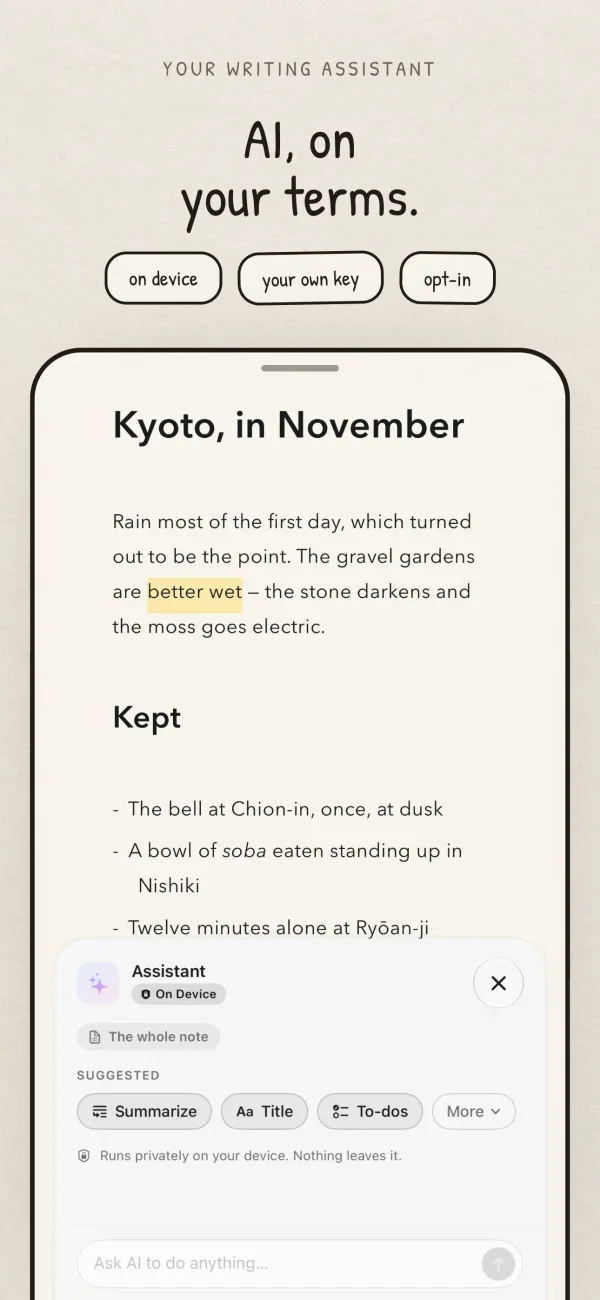
• On-device intelligence that runs privately, right on your iPhone, iPad, or Mac
• Or connect your own AI provider
• AI is always opt-in, and your text only ever goes where you choose to send it
ORGANIZE WITHOUT FUSS
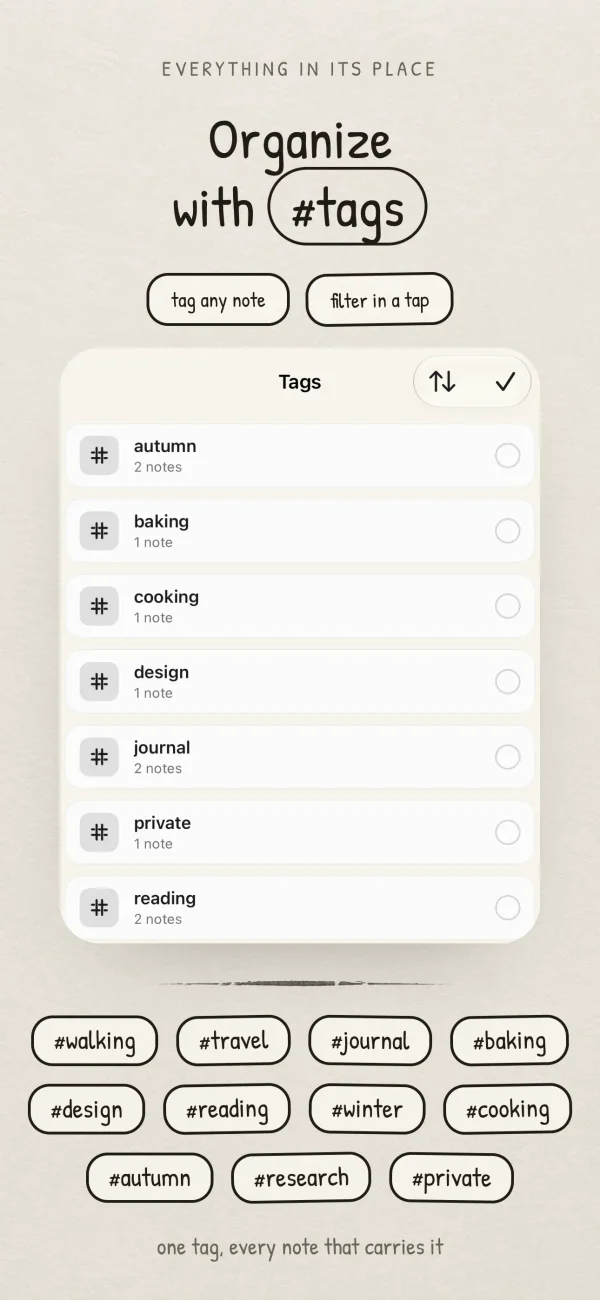
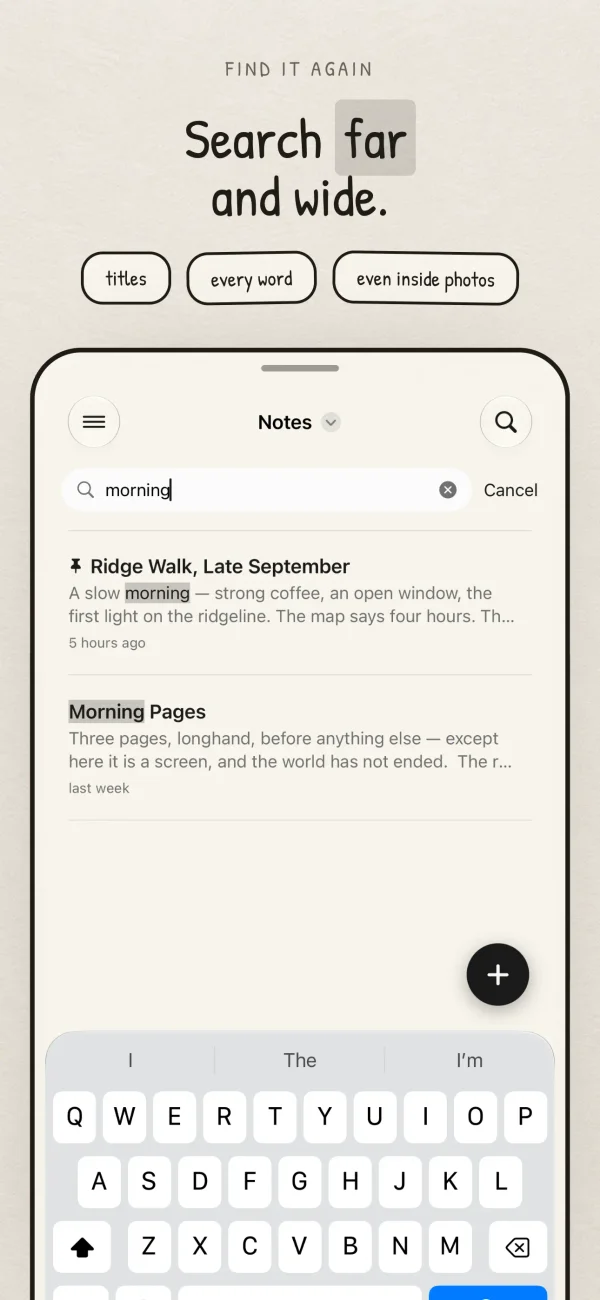
• Folders, tags, and fast full-text search surface anything in a keystroke
• Attach images and files right alongside your words
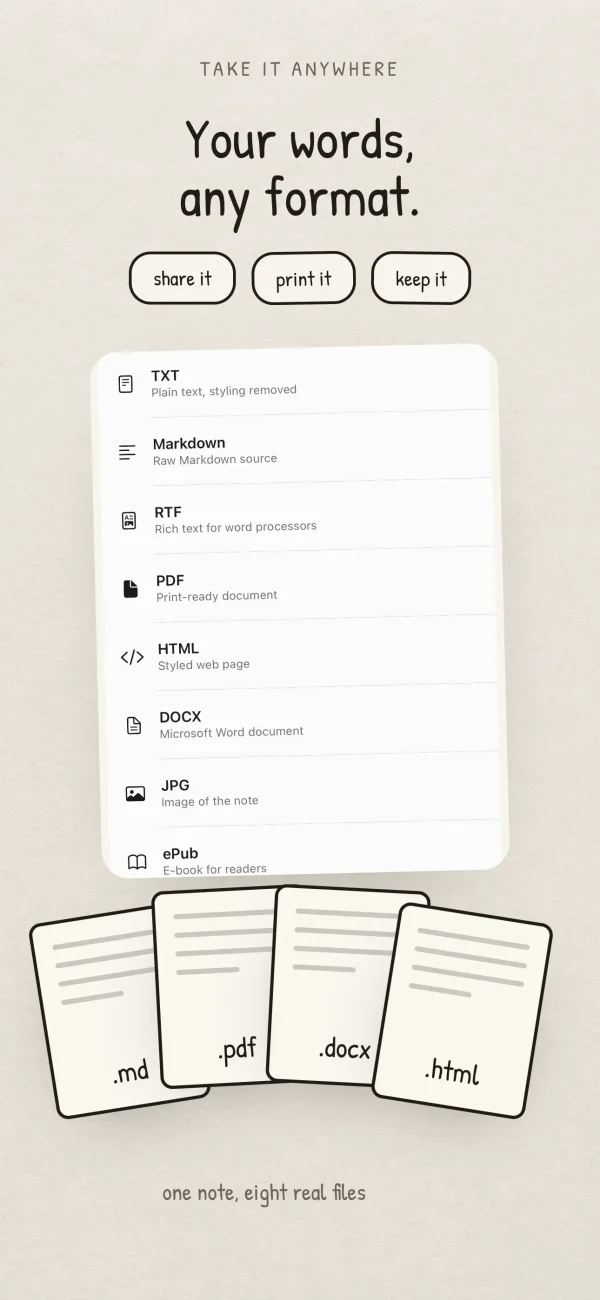
• Export to 10 formats — PDF, HTML, Word, Rich Text, and more — in a tap
DRYPOINT PRO
Unlock the full experience: iCloud sync, AI, per-note encryption, every export format, and more. Start free, then choose monthly for full flexibility or yearly for the best value.
Subscription Details
Drypoint Pro is an auto-renewable subscription, offered as a monthly or yearly plan. Prices are shown in the app and vary by region.
Payment will be charged to your Apple Account at purchase confirmation. Your subscription automatically renews unless auto-renew is turned off at least 24 hours before the end of the current subscription period. Your account will be charged for renewal within 24 hours prior to the end of the current period. You can turn off auto-renewal at any time in your Account Settings on the App Store after purchase.
Terms of Use (EULA): https://drypoint.app/terms.html
Privacy Policy: https://drypoint.app/privacy.html
What’s new
Version 1.14.1 · Oct 17, 2026
Bug fixes and general improvements.
App privacy
What Vanhux UG declares on the App Store about how this app handles data.
-
Data not collected
The developer does not collect any data from this app.
Privacy practices may vary, for example with the features you use or your age.
Information
- Seller
- Vanhux UG (haftungsbeschrankt)
- Category
- Productivity
- Version
- 1.14.1
- Updated
- Oct 17, 2026
- Released
- Jul 15, 2026
- Size
- 28.6 MB
- Requires
- iOS 18.0 or later
- Age rating
- 4+
- In-app purchases
- Yes
- Languages
- French, German, English, Arabic, Simplified Chinese, Traditional Chinese, Korean, Spanish, Hindi, Italian, Japanese, Portuguese + 2 more
- Copyright
- © 2024 Vanhux UG
You might also like
-
 Jot - NotesFast, private notes and ideas
-
 BarPad MobileProductivity
-
 JikuDeckVisual notes without the fuss
-
 NotLittleMinimal notes, clear focus
-
 Daily MarkdownSimple Daily Journaling
-
 TapNote: Simple NotesQuick notes, simple taps
-
 Office Editor ProMS Office files editor
-
 Tend – A Cozy To-Do ListA calmer to-do list
-
 Smolpad - markdown notesYour text files in sync
-
 Noteline - Markdown NotesLocal-first .md note editor