Tempo - Multi Kitchen Timer
Save presets for your recipes
Designed for iPhone, iPad, iPod touch
Free
- Age rating4+
- CategoryUtilities
- DeveloperCedric Marcellin
- LanguagesEnglish
- Size61.8 MB
Links to the official App Store page
Download.org hosts no file of Tempo - Multi Kitchen Timer. The button opens its official App Store page, published by Cedric Marcellin. Listing last checked on Nov 20, 2026.
Screenshots


About
Tempo – Multi Kitchen Timer lets you run multiple countdowns at the same time, so you can track every dish in your kitchen without juggling a single timer.
Key Features:
- Multiple concurrent timers — Start several timers at once; the most urgent one is always front and center
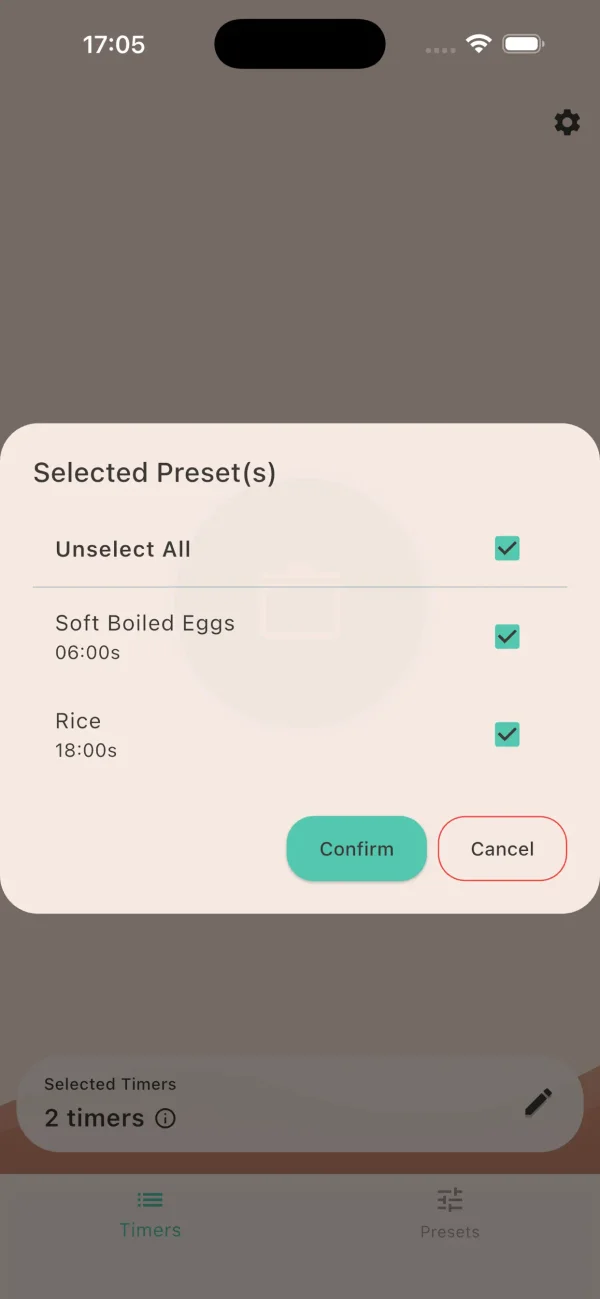
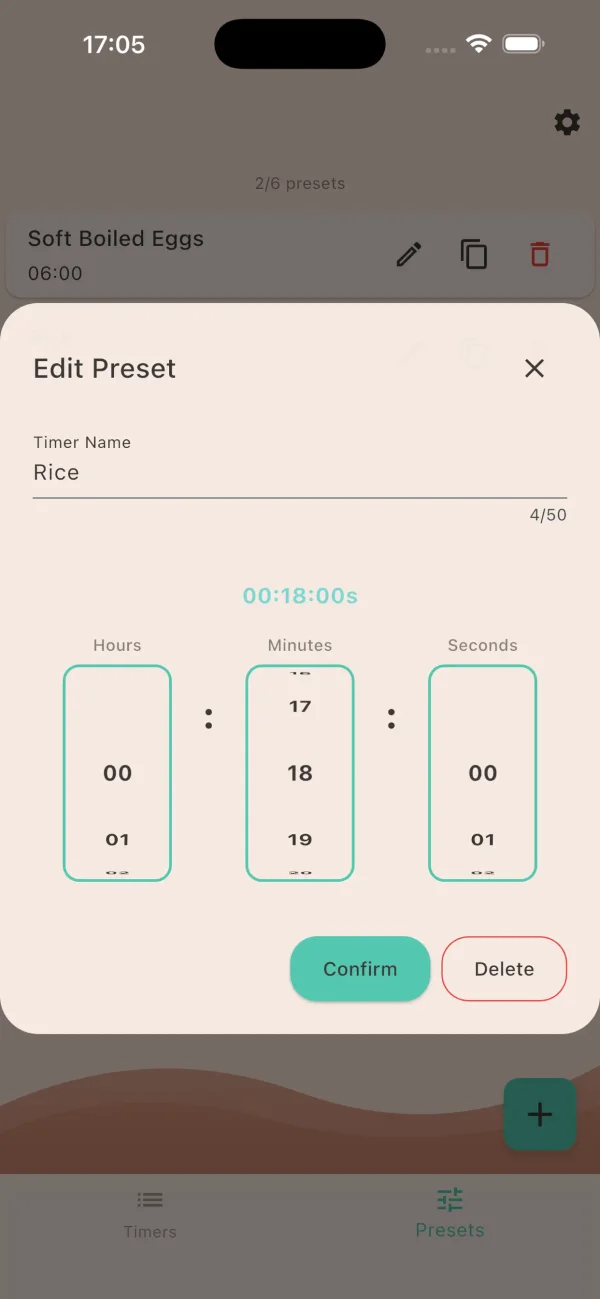
- Saved presets — Create up to 6 named presets (e.g. "Pasta – 10 min", "Soft Boiled Egg – 6 min") and start them with a few taps
- Alarm notifications — Get a sound and vibration alert when each timer finishes
- +30 s button — Add extra time to any running timer with one tap
- Individual pause & dismiss — Pause, resume, or dismiss each timer independently, or pause/stop all at once
- Keep screen on — Optional setting to prevent the screen from turning off while timers are running
- Custom alarm sounds — Choose from built-in sounds
- In-app volume — Use a dedicated volume slider independent of your device media volume
- Auto-stop alarm — Optionally silence the alarm after a set duration so you don't have to dismiss it manually
- Light & dark themes — Includes a Peach Mint light theme and Night Kitchen dark theme, or follow system setting
- 5 languages — English, French, Spanish, Portuguese, German
Perfect For:
- Cooking multiple dishes at the same time
- Meal prep with staggered start times
- Baking with different stage timers
- Any activity that needs several independent countdowns
How It Works:
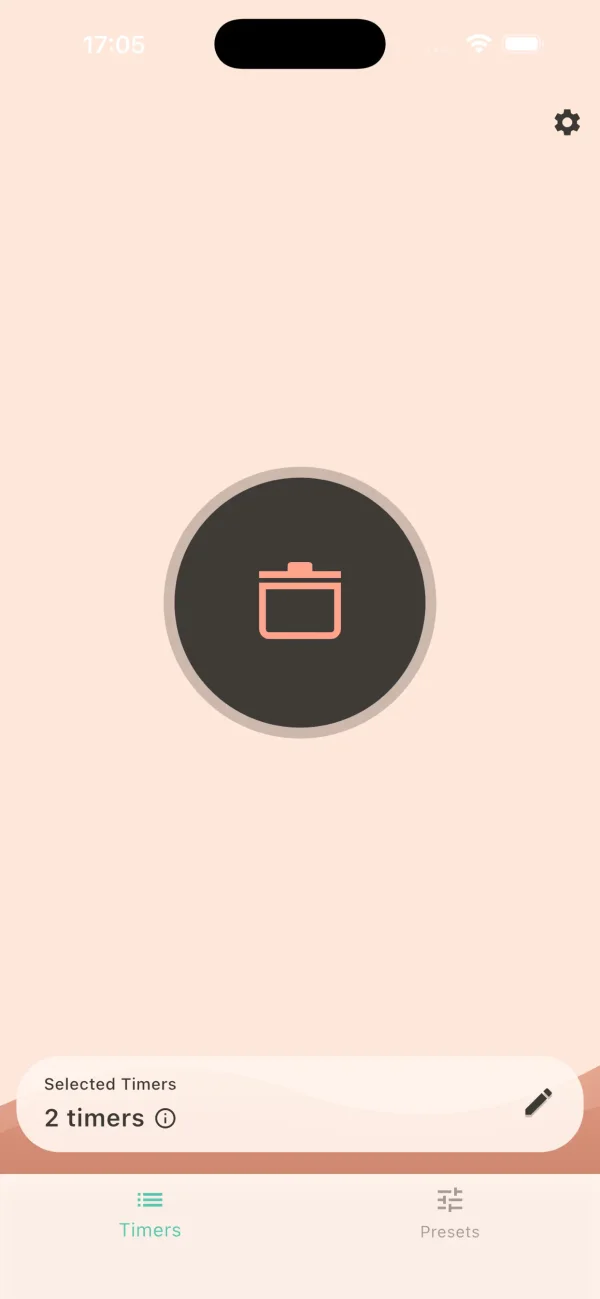
1. Create or select one or more presets on the home screen
2. Tap the pot to start — all selected timers run concurrently
3. The timer with the least time left is shown largest; others appear below
4. When a timer finishes, you get a sound + vibration alert and a notification
5. Dismiss, restart, or go back to idle when you're done
Privacy Focused:
- No data collection
- No ads or tracking
- Lightweight and efficient
Tempo – Multi Kitchen Timer is part of the Ottler Studio suite of simple, focused utility apps designed to make your digital life easier.
App privacy
What Cedric Marcellin declares on the App Store about how this app handles data.
-
Data not collected
The developer does not collect any data from this app.
Privacy practices may vary, for example with the features you use or your age.
Information
- Seller
- Cedric Marcellin
- Category
- Utilities
- Version
- 1.0
- Updated
- Aug 6, 2026
- Released
- Aug 6, 2026
- Size
- 61.8 MB
- Requires
- iOS 15.0 or later
- Age rating
- 4+
- Price
- Free
- Languages
- English
- Copyright
- © 2026 Ottler Studio
You might also like
-
 Kitchen Timer for busy cooksBig countdown
-
 UTC SwapLocal to UTC quickly
-
 Date Radar Countdown StopwatchMultiple long term timers
-
 SnapTimer ProUtilities
-
 Simple Video Speed ControllerWatch at your own speed.
-
 AutoSnooze Bedside ClockUtilities
-
 ShareTimersShare timers with anyone
-
 World-Digital-ClockWorld Digital Clock Anytime
-
 Kairos: Random TimerCountdown Timer, Auto Repeat
-
 CarCentinel +Utilities