
Beyond Notes: Markdown Editor
Plain text writing that lasts
Designed for iPhone, iPad, Mac
Free · In-app purchases
- Age rating4+
- CategoryProductivity
- DeveloperBeyond Beyond AB
- LanguagesEnglish+ 2 more
- Size11.1 MB
Links to the official App Store page
Download.org hosts no file of Beyond Notes: Markdown Editor. The button opens its official App Store page, published by Beyond Beyond AB. Listing last checked on Nov 23, 2026.
Screenshots


About
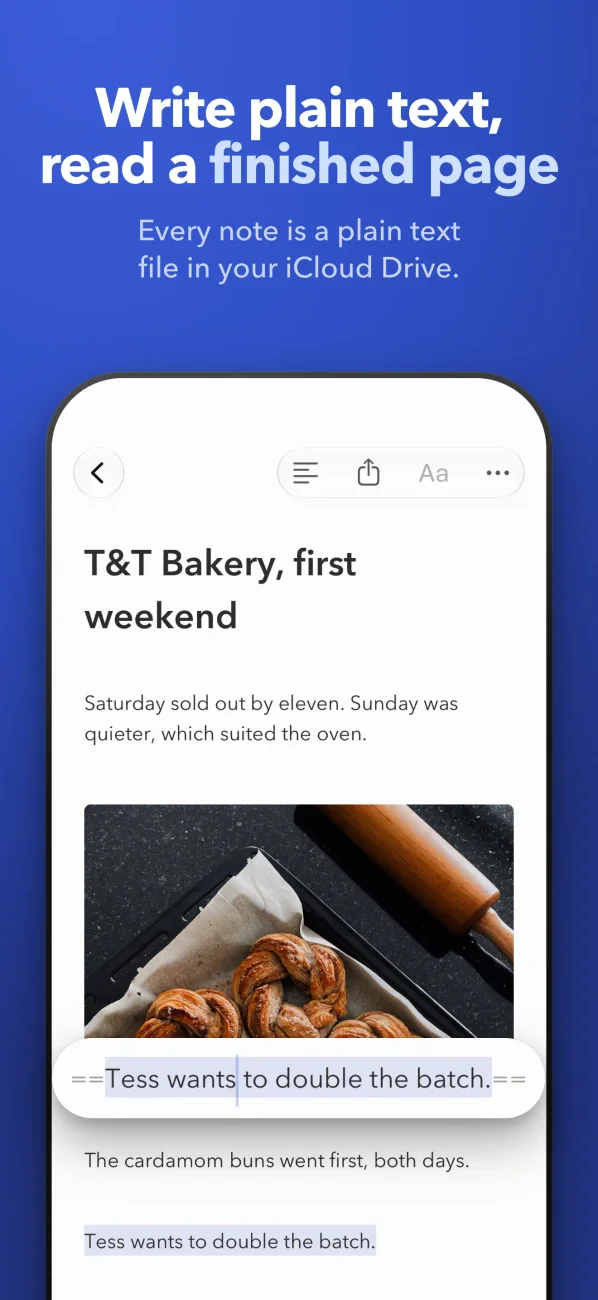
Beyond Notes is a beautiful, simple place to write. Open it and there is a calm page and your words. Type the way you think, and what you write turns into a finished page as you go.
Keep a journal. Plan the week. Collect recipes, meeting notes, the first lines of a story, the list for Saturday. It is easy from the first minute, with no account and nothing to set up. Open a note and write.
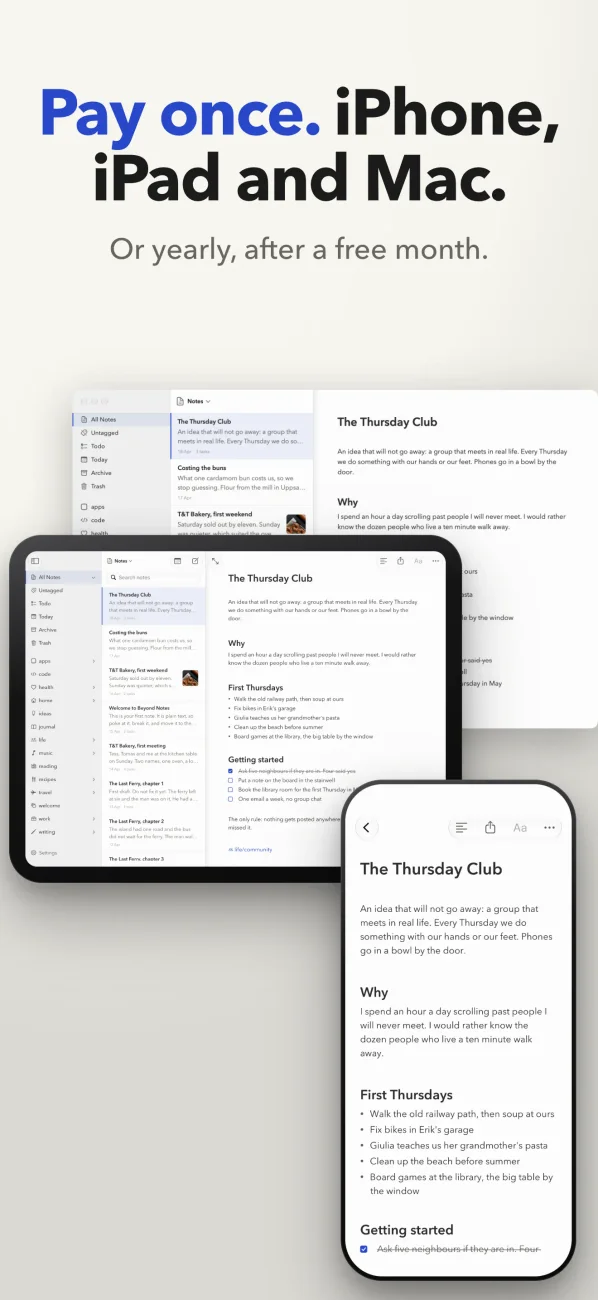
Every note is a plain text file in your own iCloud Drive, on your iPhone, iPad and Mac. They are yours, and any text app can open them, today or in twenty years.
A PAGE THAT LOOKS FINISHED
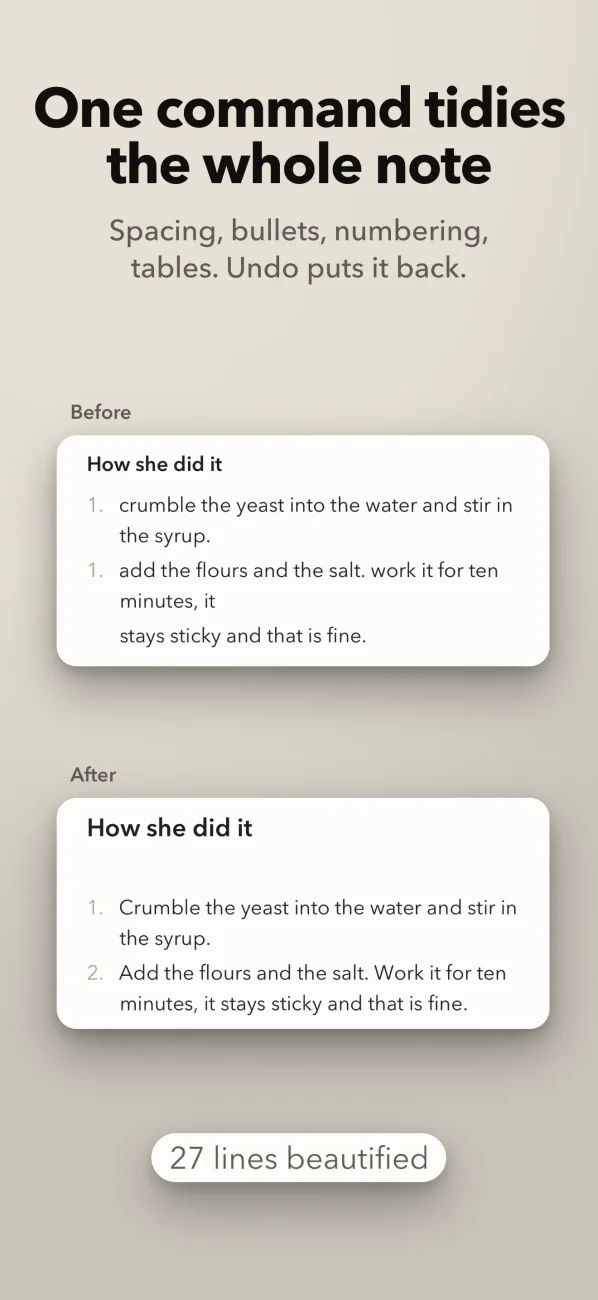
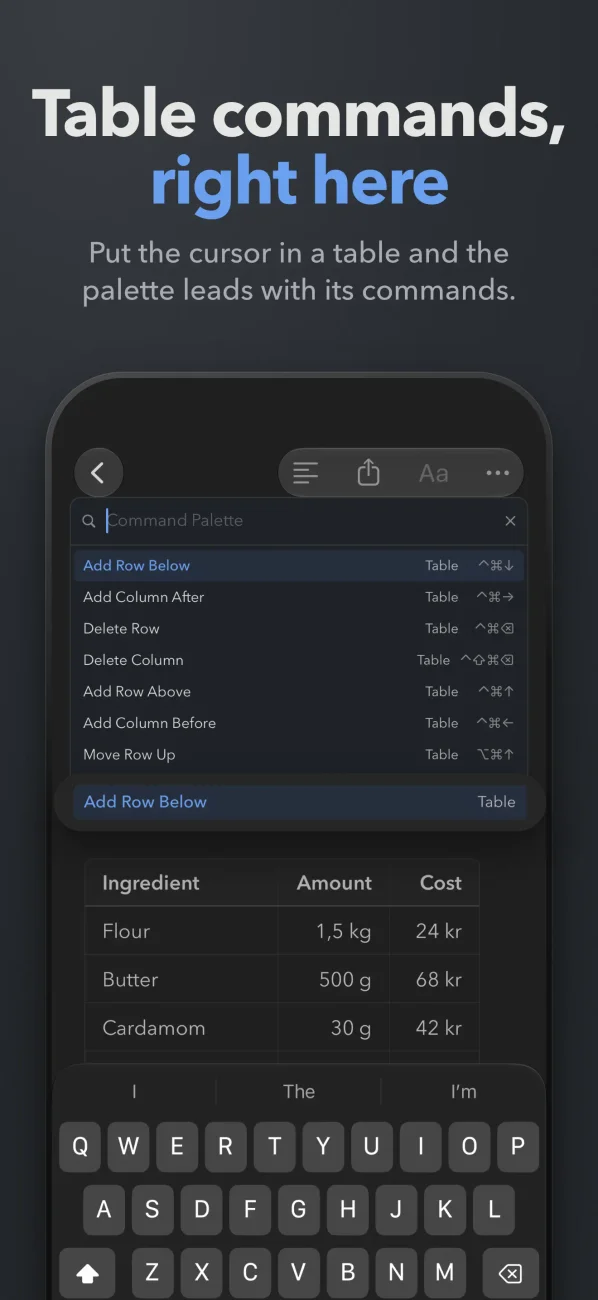
Write a heading, a list, a bold word or a table and it looks right at once. The marks of Markdown step aside when you move on, so you read a clean page and not code. Tables open as a grid you type straight into. Seven themes, from pencil grays on drawing paper to Moonlight Blue for late evenings, with Serif, Sans or Mono for the text, at the size you like.
YOUR WORDS, NOT A MACHINE'S
Turn on Mark AI Wording and the stock phrases that make writing sound machine made get a quiet underline, so you can say it your own way. It runs on your device without a language model and reads English and Swedish.
A JOURNAL THAT WAITS FOR YOU
One tap opens today's page, dated and ready. A small calendar shows the days you wrote, and On this day brings back what you wrote on the same date in earlier years.
LOSE YOURSELF IN THE WRITING
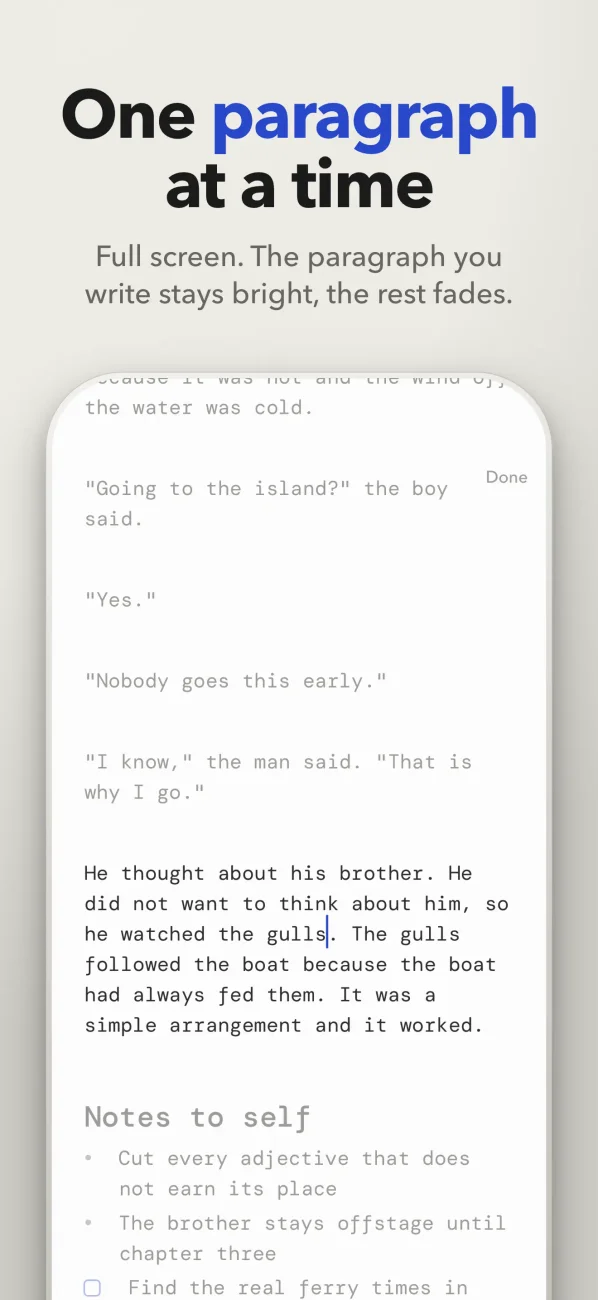
Focus clears away everything but the words. In the Zone goes one step further: write fast and the letters glow warm, slow down and they cool back to ink blue. It is hard to stop.
FILE NOTHING, FIND EVERYTHING
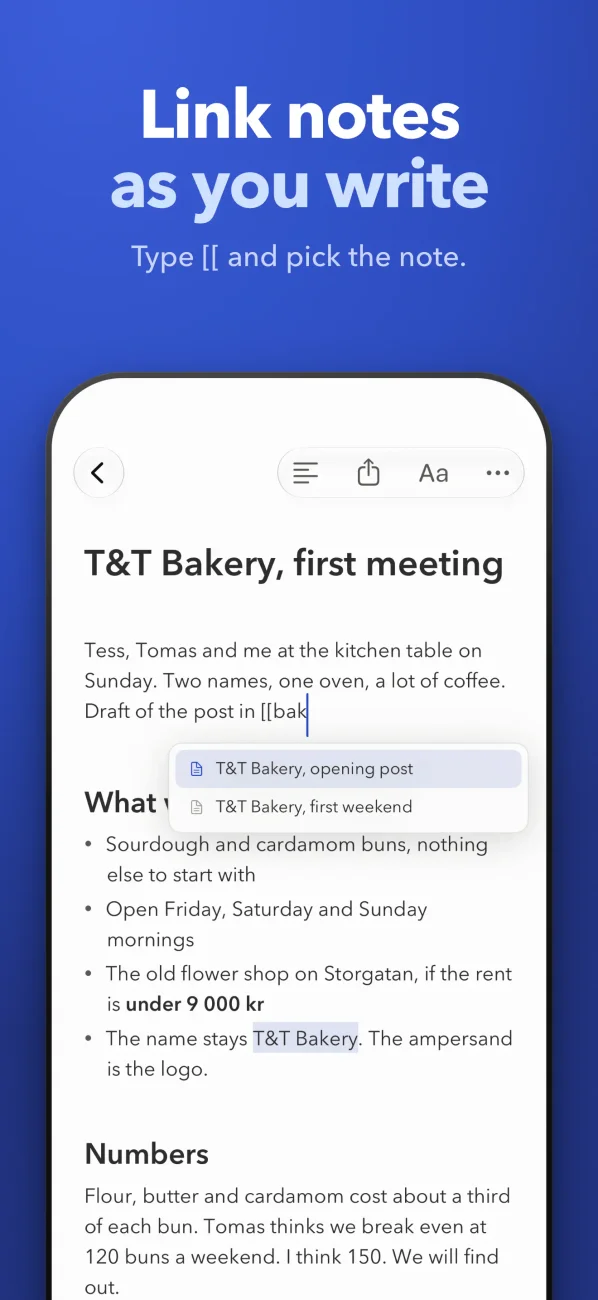
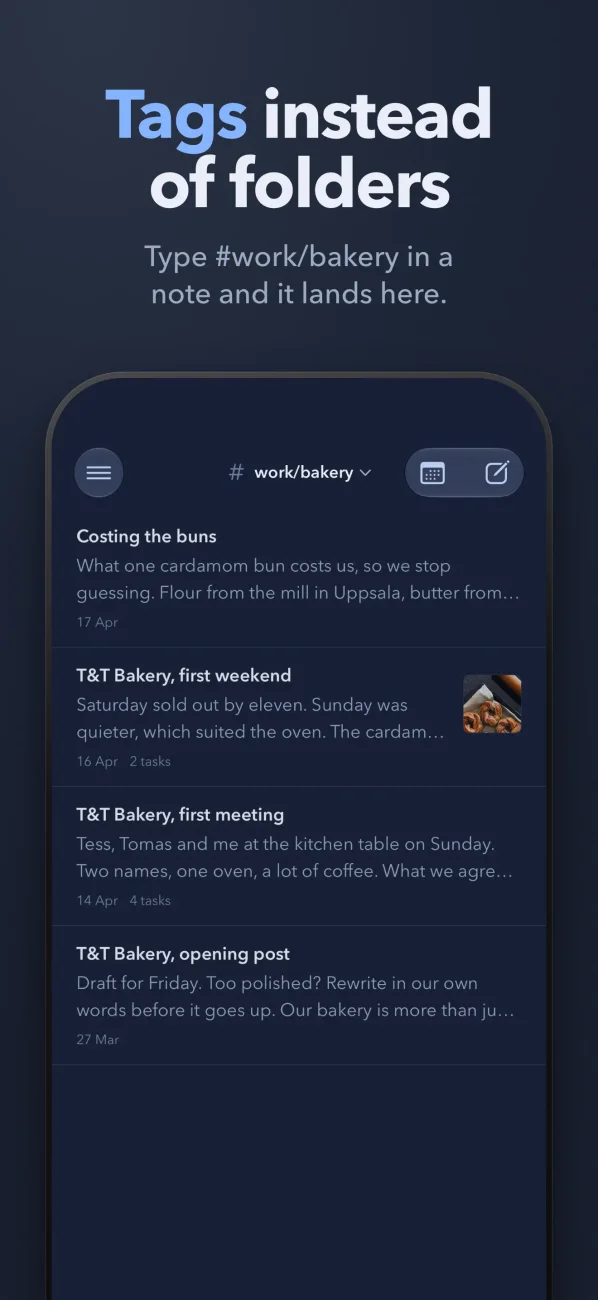
Type #recipes anywhere in a note and it is filed. Add a slash, #recipes/bread, and one tag sits inside another. A new tag gets an icon by itself when a word fits. Search reads every word. Type [[ to link one note to another, and see which notes link back.
TICK IT OFF
Write - [ ] for a checkbox and tick it right in the text. The note list shows how many tasks are still open.
SMALL PLEASURES
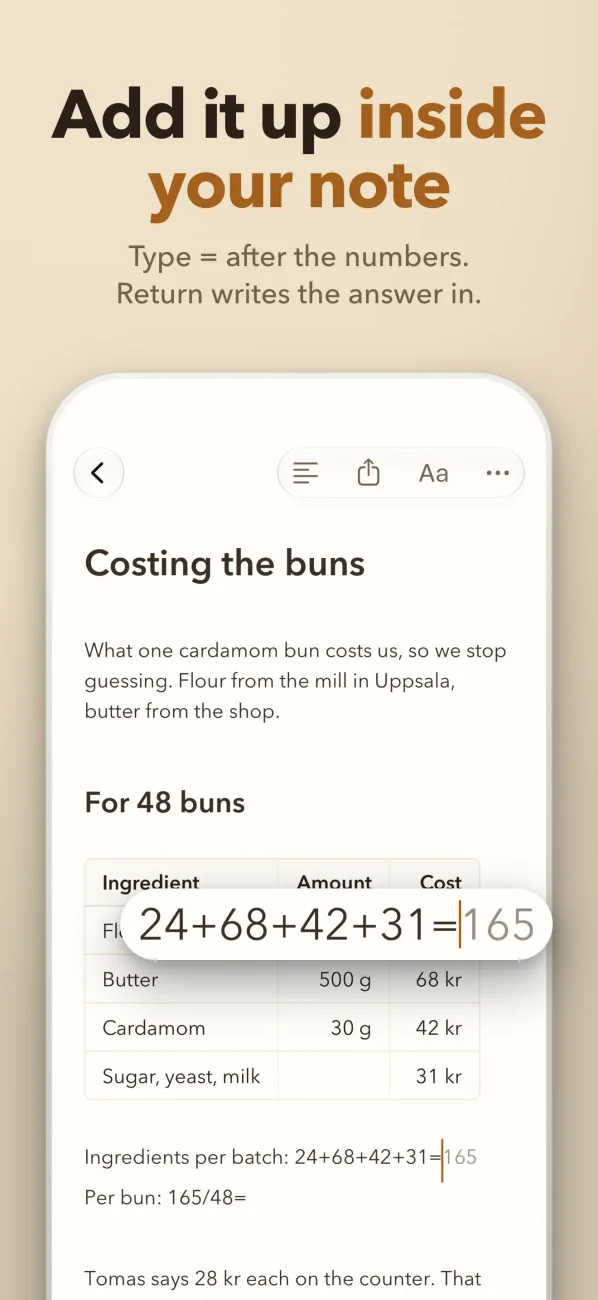
Type a sum and an equals sign, 120-3*4=, and the answer waits after it. Type :ta and pick an emoji. Drop a photo into a note. Code blocks colored for twenty languages. One shortcut opens a list of commands, with the ones you need here at the top.
AT HOME ON THE MAC
A real Mac app with windows, menus and keyboard shortcuts, such as Command 1 to 6 for headings and Command K for links. Note Only gives the whole window to the page you are writing.
YOURS TO KEEP
Bring a folder of Markdown or text files from another app, with tags and dates kept. Export everything to a folder whenever you like. No ads and no account. Beyond Notes collects no data. Your notes travel through your own iCloud and nowhere else.
BEYOND NOTES PRO
Every theme and every tool works from the first note, and your first 50 notes are free. To keep adding notes after that there is Beyond Notes Pro. Pay by the year with the first month free, by the month, or once and it is yours for good. One purchase covers iPhone, iPad and Mac. Nothing you wrote is ever locked. You can read, edit, search, copy and export every note without Pro.
Terms of Use: https://www.apple.com/legal/internet-services/itunes/dev/stdeula/
Made by Beyond Beyond.
What’s new
Version 1.0.1 · Nov 19, 2026
- Printing works on the Mac. Printed pages and PDFs look like your note, with its photos, tables and quotes.
- On iPhone and iPad the note's ⋯ menu fits the screen. Print and Export as PDF are under Send a Copy.
- Notes sync again after a restart, even when iCloud is slow to start.
- Keep the line in the middle works from the first line, and on the Mac the page holds still while a line wraps.
- On the Mac, each note keeps its own Undo.
App privacy
What Beyond Beyond AB declares on the App Store about how this app handles data.
-
Data not collected
The developer does not collect any data from this app.
Privacy practices may vary, for example with the features you use or your age.
Information
- Seller
- Beyond Beyond AB
- Category
- Productivity
- Version
- 1.0.1
- Updated
- Nov 19, 2026
- Released
- Nov 10, 2026
- Size
- 11.1 MB
- Requires
- iOS 18.0 or later
- Age rating
- 4+
- Price
- Free
- In-app purchases
- Yes
- Languages
- English, German, Japanese
- Copyright
- © 2026 Beyond Beyond AB
You might also like
-
 Compass Outlaw Pleading RenderFree California pleading paper
-
 Goodline: Markdown WriterA calmer place to write
-
 Linkdown - Link to MarkdownSave web pages as Markdown
-
 Sublime Task: Focus PlannerTasks & Projects, Made Clear
-
 TaskPocket: To-Do List PlannerDaily Task Manager & Checklist
-
 Acumen: Daily PlannerMaximize Your Productivity
-
 FiveNotes MobileYour five notes in your pocket
-
 Plans: Notes & To-Do ListsMinimalist reminders & widget
-
 Dragon Notes: AI Meeting NotesRecorder, Transcribe & Summary
-
 ShinyboxSave, organize, and rediscover