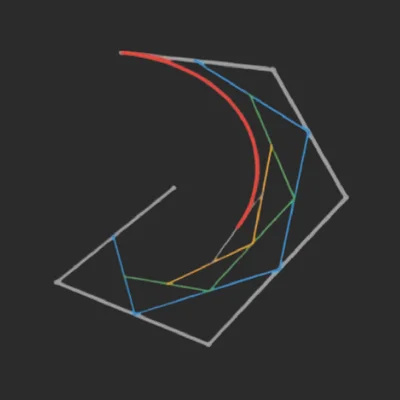
Bezier Harmony
Interactive Bézier Curves
Designed for iPhone, iPad, Mac, iPod touch
Free · In-app purchases
- Age rating4+
- CategoryEntertainment
- DeveloperFelipe de Almeida Xavier
- LanguagesEnglish
- Size30.5 MB
Links to the official App Store page
Download.org hosts no file of Bezier Harmony. The button opens its official App Store page, published by Felipe de Almeida Xavier. Listing last checked on Nov 20, 2026.
Screenshots
About
Immerse yourself in the creative fusion of simplicity and elegance with Bézier Harmony, the app for interactive Bézier curve animation. Place points, watch your curves come alive, save your favorites, and share your creations — on iPhone, iPad and Mac.
Key Features:
Effortless Point Addition — Tap or click anywhere to add control points and shape your curve intuitively. Undo your last point anytime, or clear the canvas and start fresh when inspiration strikes.
macOS Screen Saver — On Mac, turn your current curve or any saved animation into a living screen saver that syncs while the app runs.
Play and Pause Animation — Bring your curves to life with a touch. Play and pause at any moment to study the motion or appreciate the artistry in progress.
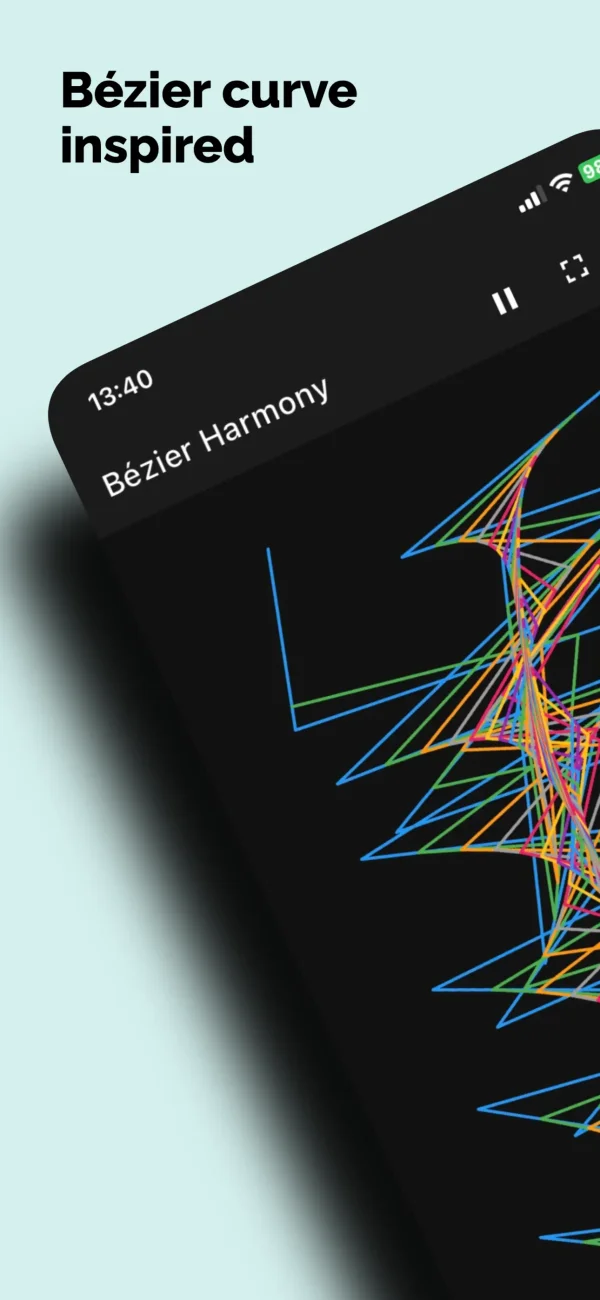
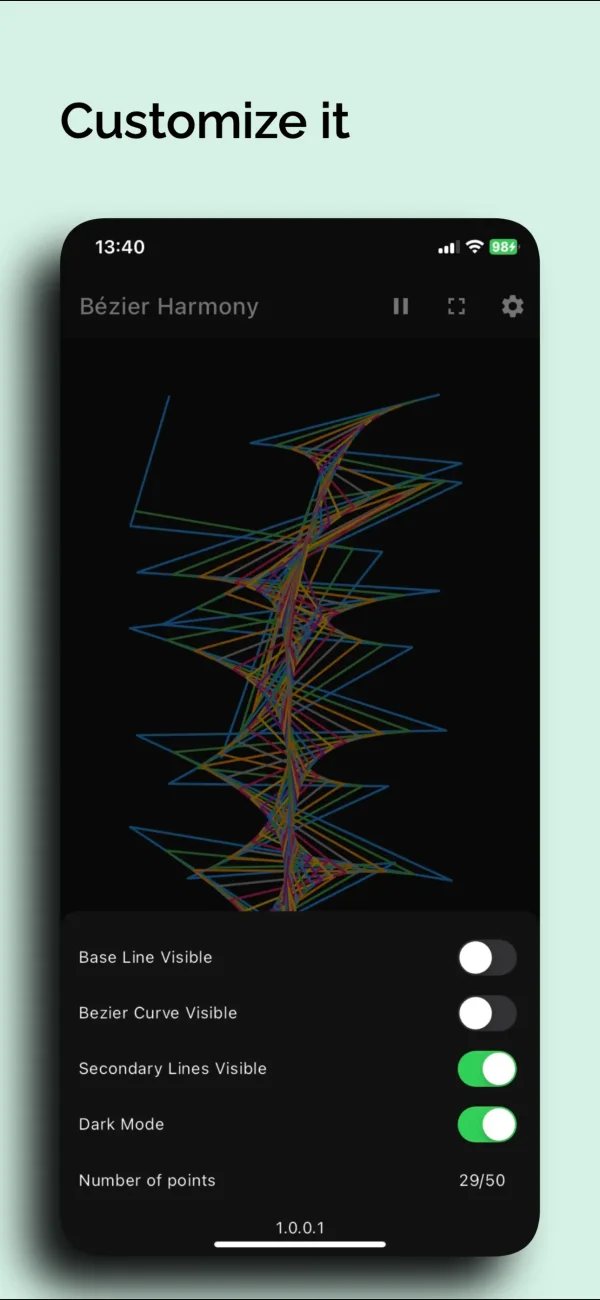
Line Visualization Modes — Toggle overlays for the base line, main dot, Bézier curve, and secondary lines. Show or hide point count, t-value, and frame rate to explore your design from every angle.
Save and Revisit Animations — Name and save your animations to return to them later. With Bézier Pro, save without limits and sync your library across iPhone, iPad, and Mac via iCloud.
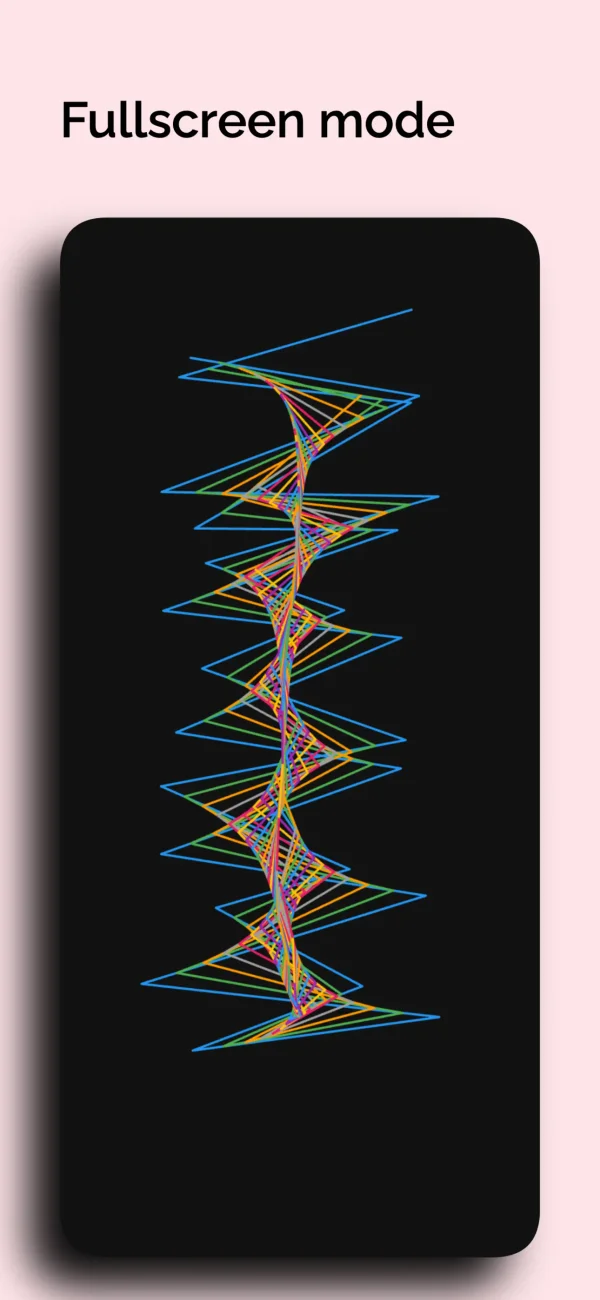
Intuitive Controls — Keyboard shortcuts on Mac, fullscreen mode, and a clean interface keep you focused on creating — not managing controls.
Fine-Tune Your Animation — Adjust duration, frame rate, secondary line thickness, and more in Settings to match the look and feel you want.
Capture and Share — Share screenshots of your animated curves to show friends what you've made — complete with an app link they can tap to try it themselves.
Bézier Pro (Optional) — Unlock unlimited saved animations, place up to 100 control points (free tier allows 10), and sync your library via iCloud across your Apple devices — all with a one-time purchase.
Dark Mode — Switch between light and dark appearance, or follow your system setting.
Bézier Harmony is your canvas for dynamic expression, where every touch contributes to a captivating visual journey.
What’s new
Version 1.0.22 · Jul 26, 2026
Save your favorite curves and unlock unlimited saves with Bézier Pro — up to 100 control points. Enjoy the sound effects and Share your curve to your friends
App privacy
What Felipe de Almeida Xavier declares on the App Store about how this app handles data.
-
Data not collected
The developer does not collect any data from this app.
Privacy practices may vary, for example with the features you use or your age.
Information
- Seller
- Felipe de Almeida Xavier
- Category
- Entertainment
- Version
- 1.0.22
- Updated
- Jul 26, 2026
- Released
- Jun 30, 2024
- Size
- 30.5 MB
- Requires
- iOS 13.0 or later
- Age rating
- 4+
- Price
- Free
- In-app purchases
- Yes
- Languages
- English
- Copyright
- © 2024 Felipe de Almeida Xavier
You might also like
-
 Pi-cture it!Explore Pi Through Art
-
 EdendalePrivate movie & show library
-
 Wallpie - HD Wallpapers & AIDaily HD Wallpapers & 4K Art
-
 Kirie: Manga & Comic MakerAI Characters, Styles & Panels
-
 Interactive Paper 3DBring paper to life.
-
 Princess Treatment or MinimumA Fun Relationship Game
-
 SlapMac Go: Slap Your PhoneMeme sound effects & reactions
-
 XLPlayer-Super Player&FileWatch What You Want!
-
 Wireless Gamepad for PCWireless PC Gamepad controller
-
 ScrollBack - Saved TikToksFind your old saved TikToks