Blur Background - Studio Blur
Blur and Background Cam Vlog
Designed for iPhone, iPad
$1.99 · In-app purchases
- Age rating4+
- CategoryPhoto & Video
- DeveloperOna Pacholo Asis
- LanguagesEnglish+ 37 more
- Size194.4 MB
Links to the official App Store page
Download.org hosts no file of Blur Background - Studio Blur. The button opens its official App Store page, published by Ona Pacholo Asis. Listing last checked on Nov 27, 2026.
Screenshots
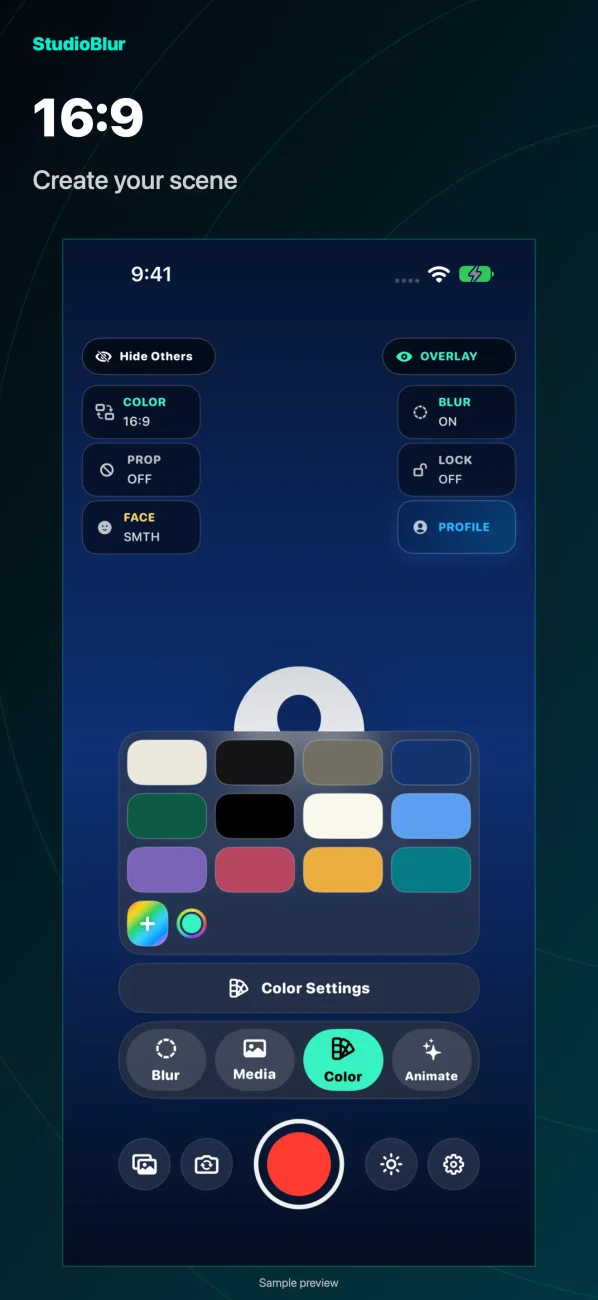
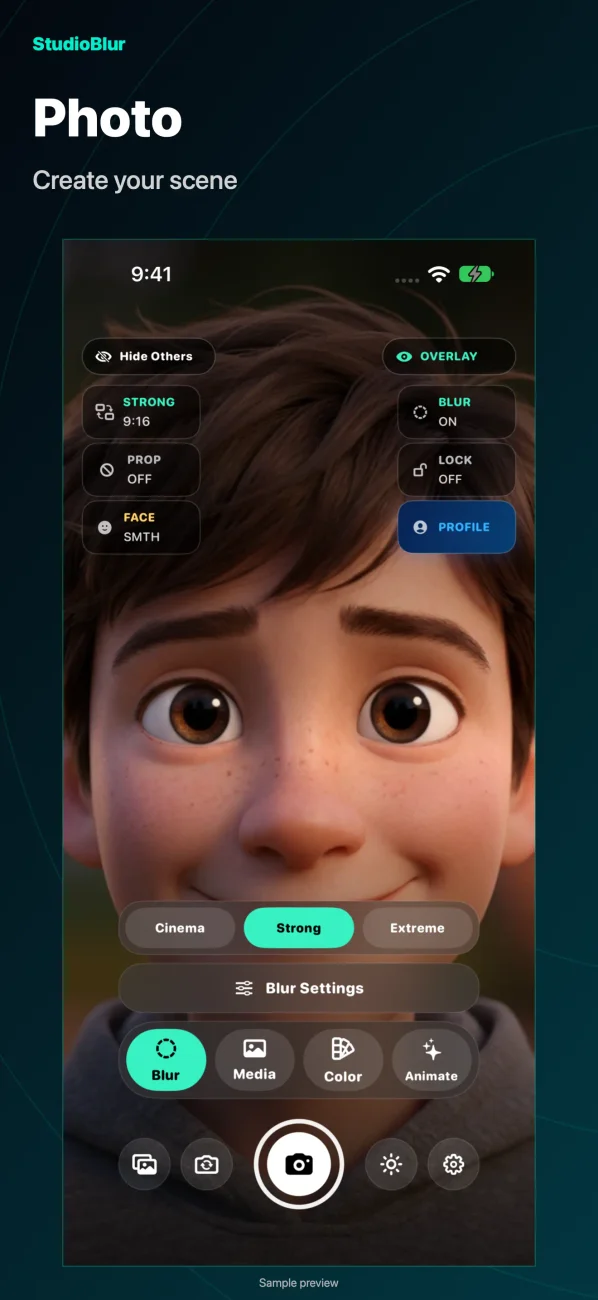
About
Turn any room into a creator-ready studio with StudioBlur.
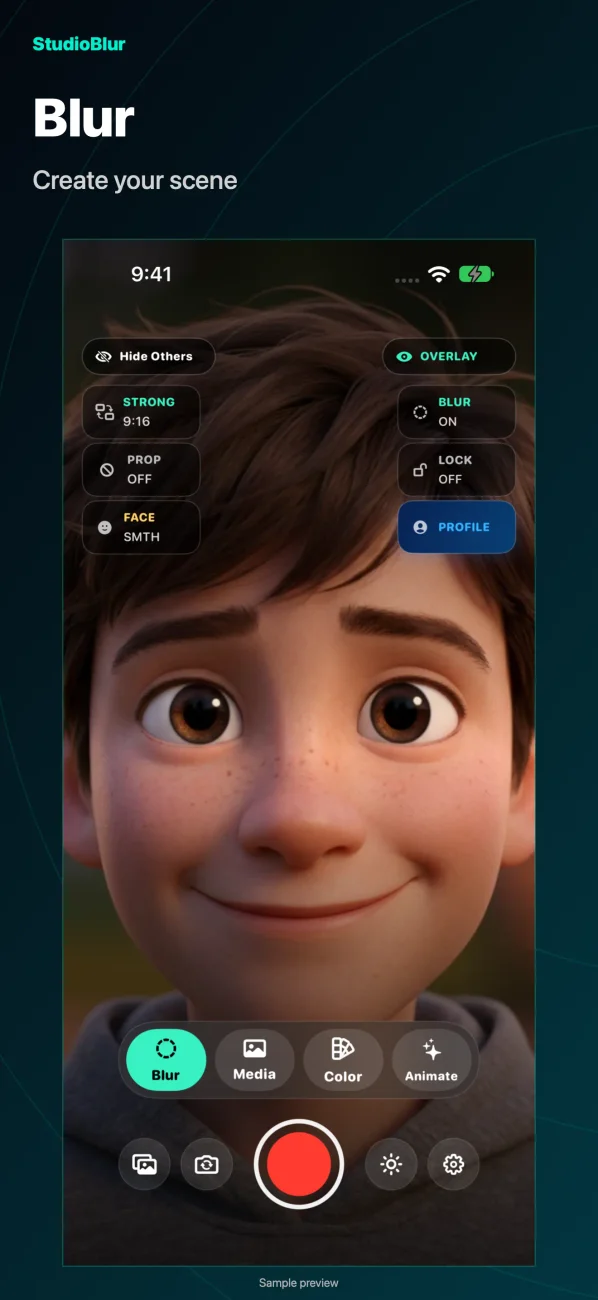
Record polished videos using real-time background blur, virtual backgrounds, animated scenes and customizable creator overlays. Everything is prepared before you press record, helping you create faster without complicated editing.
Create your perfect scene:
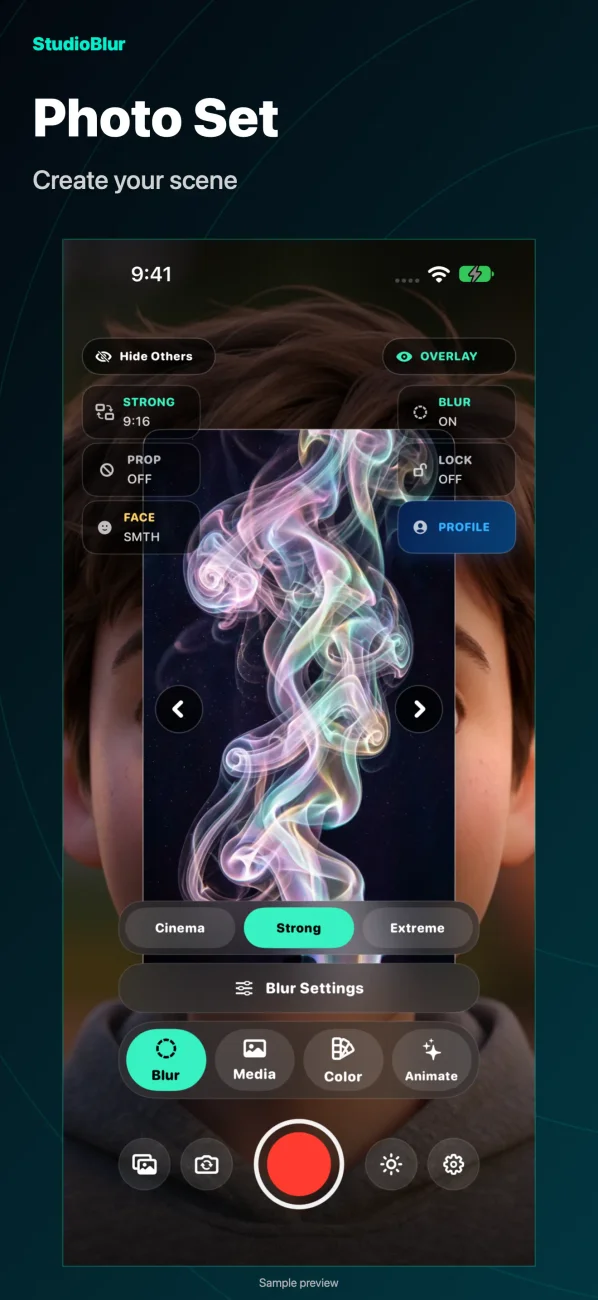
• Apply Cinema, Strong or Extreme background blur
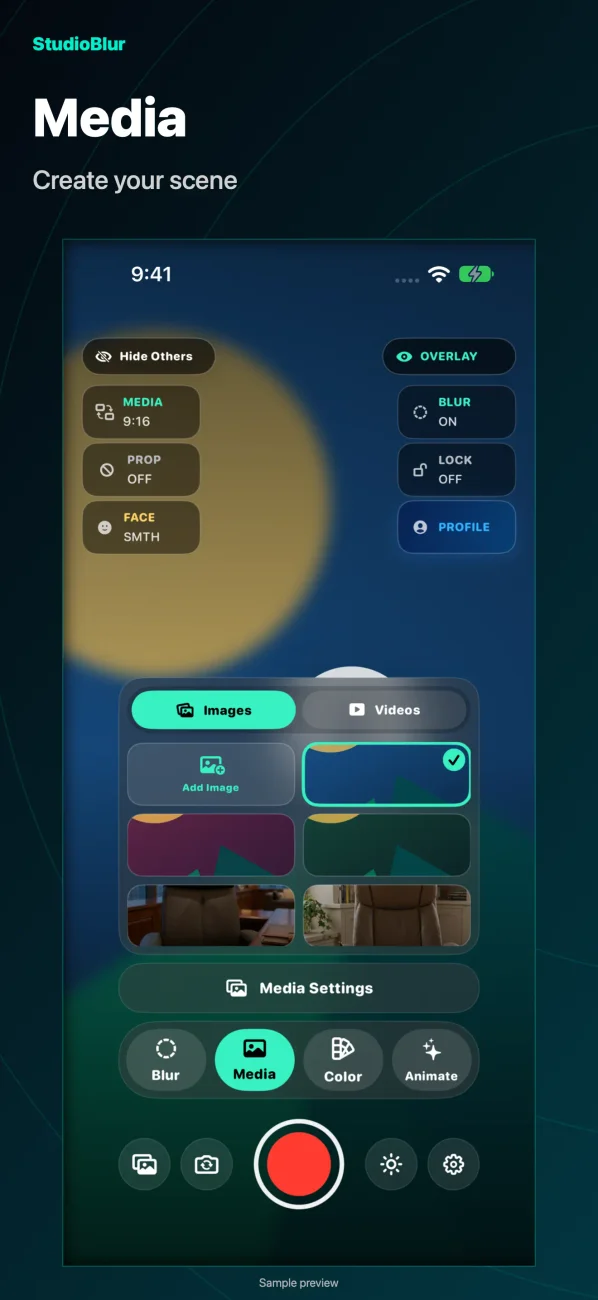
• Replace your background with photos or videos
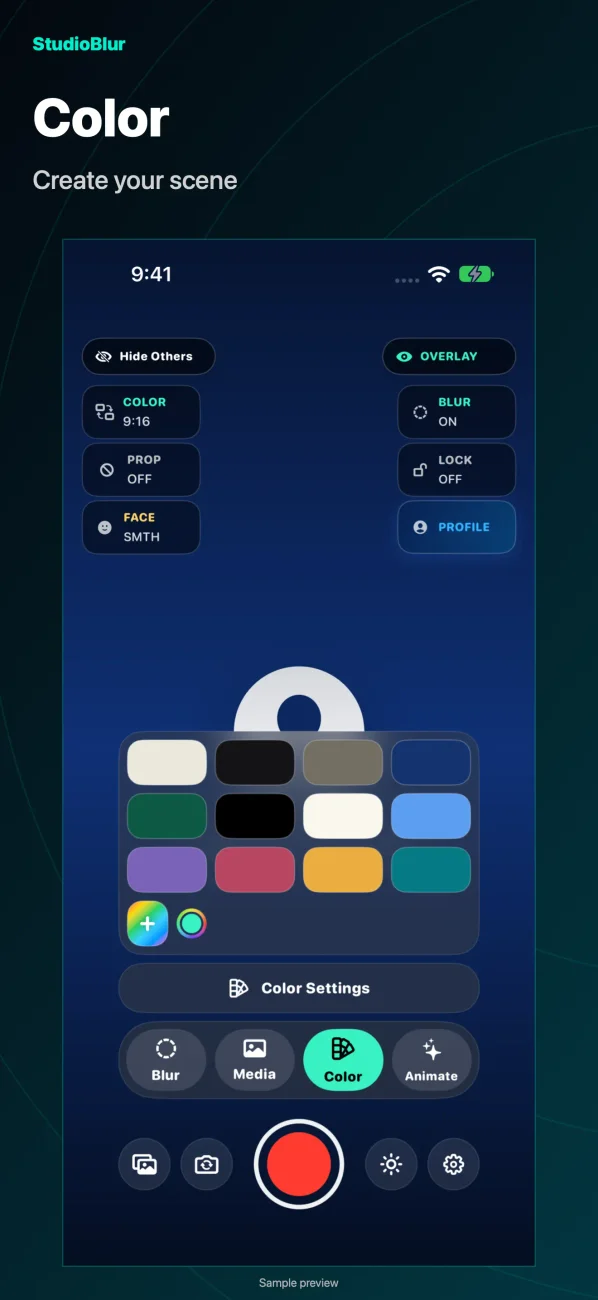
• Choose solid colors and custom color combinations
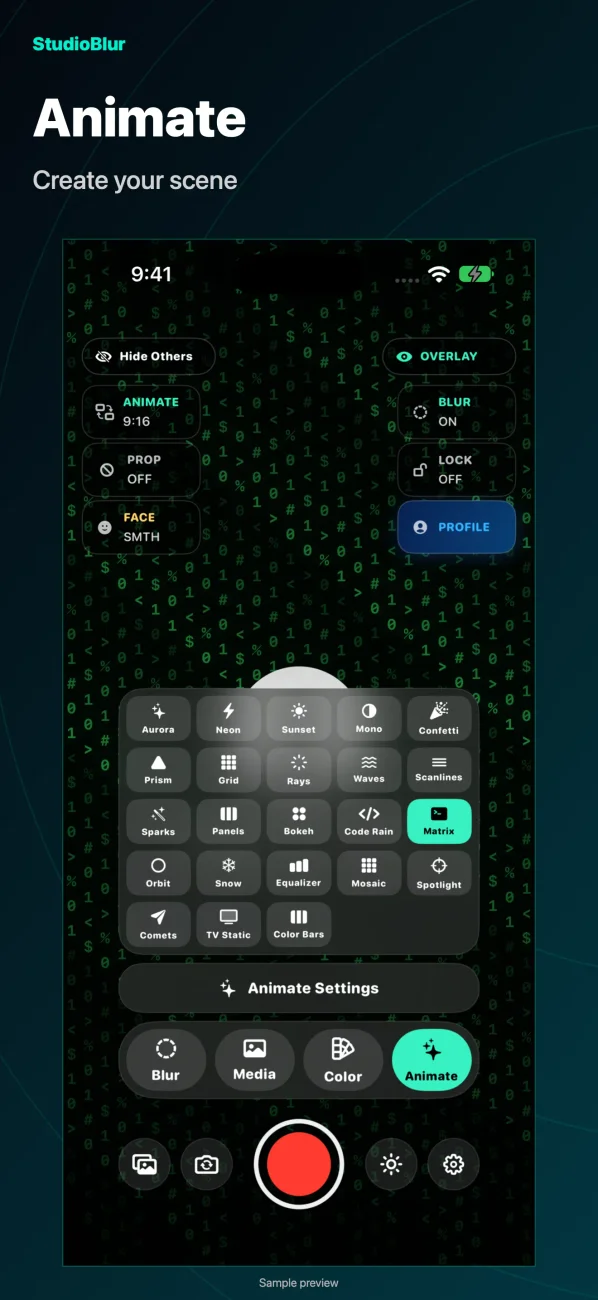
• Explore built-in animated studio backgrounds
• Adjust subject framing, position and size
• Add fun face props
• Record in portrait, square or landscape formats
• Use the front camera, back camera or Dual Cam
Create confidently:
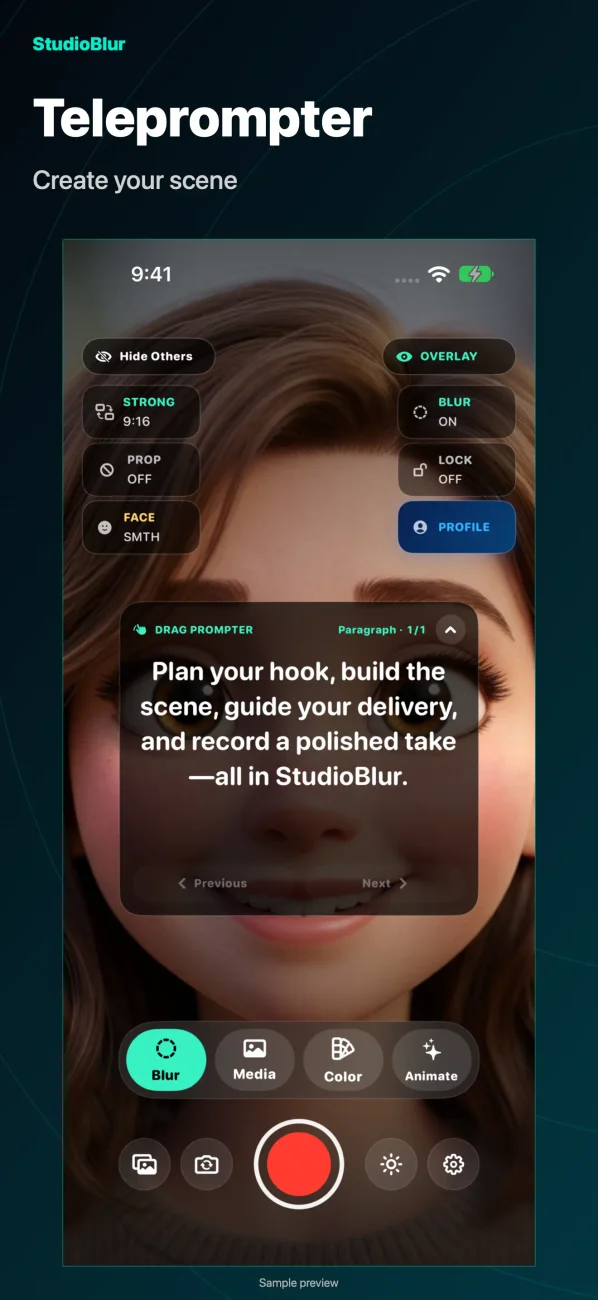
• Display a movable teleprompter while recording
• Navigate scripts paragraph by paragraph
• Adjust teleprompter position and font size
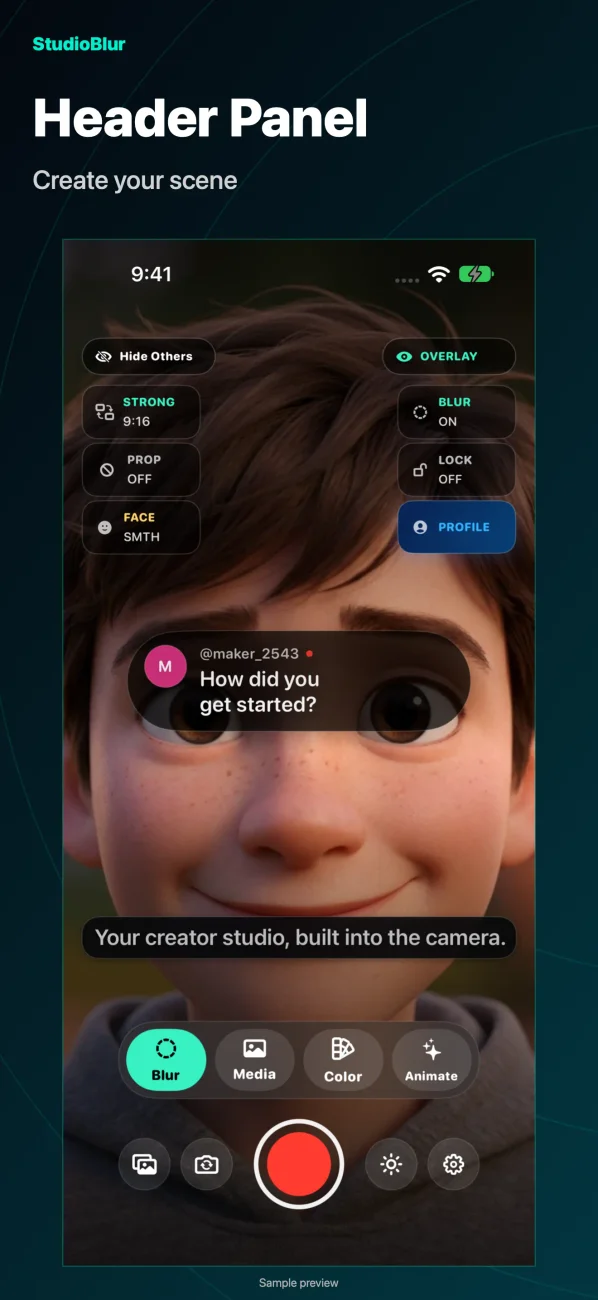
• Add Header Panels for questions, hooks and titles
• Create Info Panels for bios, announcements and calls to action
• Customize panel fonts, colors, backgrounds and animations
• Add your brand logo
• Present a photo set while recording
• Connect another device using Demo Sync
• Choose your preferred recording microphone
StudioBlur Pro + AI helps you go from idea to camera-ready:
• Generate personalized content ideas from your Creator Profile
• Create hooks and viewer questions
• Build short teleprompter notes
• Simplify or expand scripts
• Improve Header Panel and Info Panel text
• Save and reuse your best ideas
Flexible exports let you review your original recording, background version, enhanced result and silence-clipped version. You can also adjust playback speed and save the version that works best for your content.
StudioBlur is made for creators, educators, sellers, coaches, founders, professionals and anyone who wants better-looking videos with less setup.
Start with StudioBlur Basic or unlock StudioBlur Pro + AI through a lifetime purchase or flexible weekly access.
https://qnsub.com/studioblur/privacy
https://www.apple.com/legal/internet-services/itunes/dev/stdeula/
AI tools and face effects are unavailable in China mainland.
What’s new
Version 2.0.4 · Nov 18, 2026
Improved language support for camera controls and permission prompts.
AI tools and face effects are unavailable in China mainland.
App privacy
What Ona Pacholo Asis declares on the App Store about how this app handles data.
-
Data linked to you
May be collected and linked to your identity.
- Purchases
- User content
- Identifiers
- Usage data
- Diagnostics
Privacy practices may vary, for example with the features you use or your age.
Information
- Seller
- Ona Pacholo Asis
- Category
- Photo & Video
- Version
- 2.0.4
- Updated
- Nov 18, 2026
- Released
- Jun 26, 2026
- Size
- 194.4 MB
- Requires
- iOS 17.0 or later
- Age rating
- 4+
- Price
- $1.99
- In-app purchases
- Yes
- Languages
- English, Arabic, Bengali, Catalan, Croatian, Czech, Danish, Dutch, Finnish, French, German, Greek + 26 more
- Copyright
- © 2026 QnSub
You might also like
-
 RevoCamDual Camera Video Recorder
-
 ReflectionsCameraMirror and kaleidoscope camera
-
 DoubleIt CameraMulti exposure photo creator
-
 iVideo - Video Editor ToolboxTrim, Caption, Color, Compress
-
 SplitCam: Dual RecorderSplit Screen Video & Photo
-
 PhotoDateStamp: TimestampLive Photos, EXIF & Frames
-
 UnmountedRescue Photos From Old Albums
-
 Photo StatisticPhoto & Video
-
 FlipPhotos:3D Flip Photosnew way to browse photo albums
-
 Photo Editor Pro-Collage MakerRetouch, filters & collage