
Bolt SSH
Secure SSH & PowerShell client
Designed for iPhone, iPad, iPod touch
Free
- Age rating4+
- CategoryDeveloper Tools
- Developer文博 邱
- LanguagesEnglish
- Size24.0 MB
Links to the official App Store page
Download.org hosts no file of Bolt SSH. The button opens its official App Store page, published by 文博 邱. Listing last checked on Nov 23, 2026.
Screenshots
About
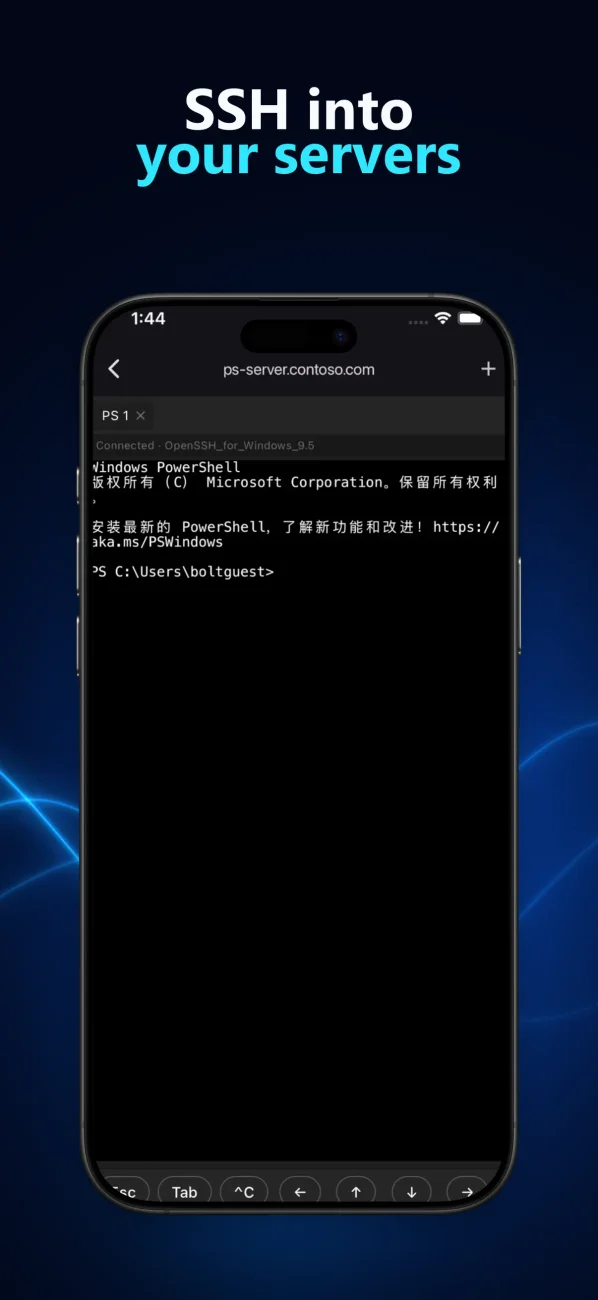
Bolt SSH — the SSH terminal made for your phone
Everything you need to manage servers from your phone, without the friction. Bolt SSH keeps your hosts and keys organized, locks tight behind biometrics, and gets you reconnected fast when mobile networks drop.
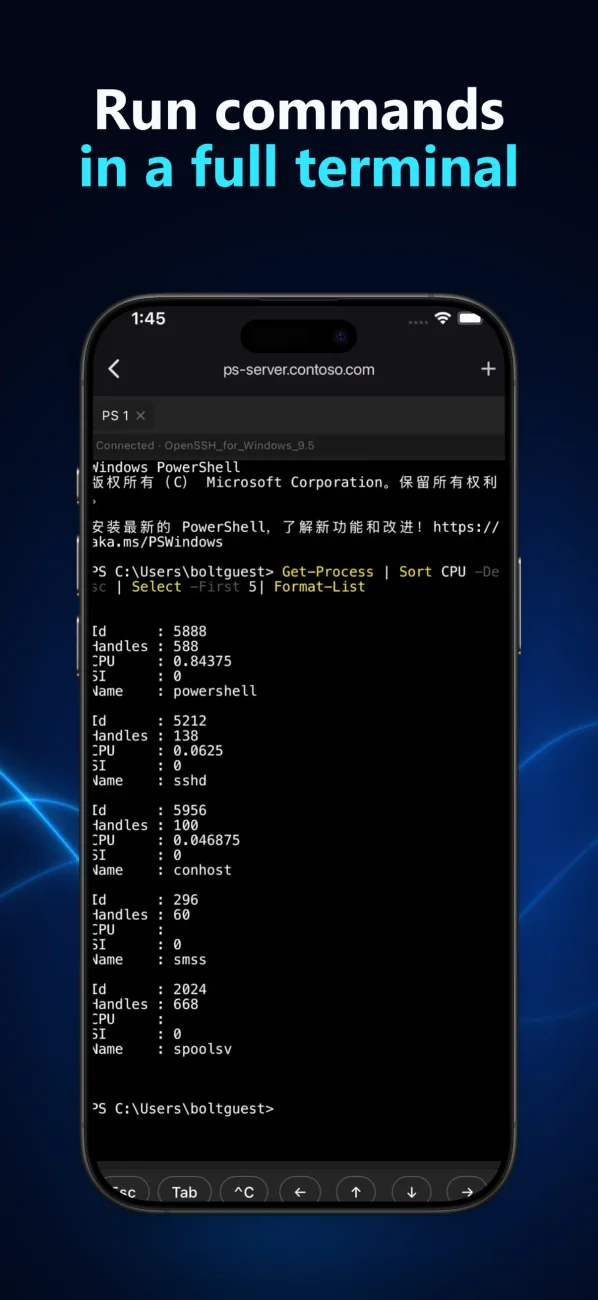
Works with Linux/Unix servers and Windows PowerShell (sshd) out of the box.
Reconnect without the hassle
• Automatic reconnect, plus one-tap manual reconnect from the status bar
• Returns you to your remote working directory after reconnecting — no re-cd-ing
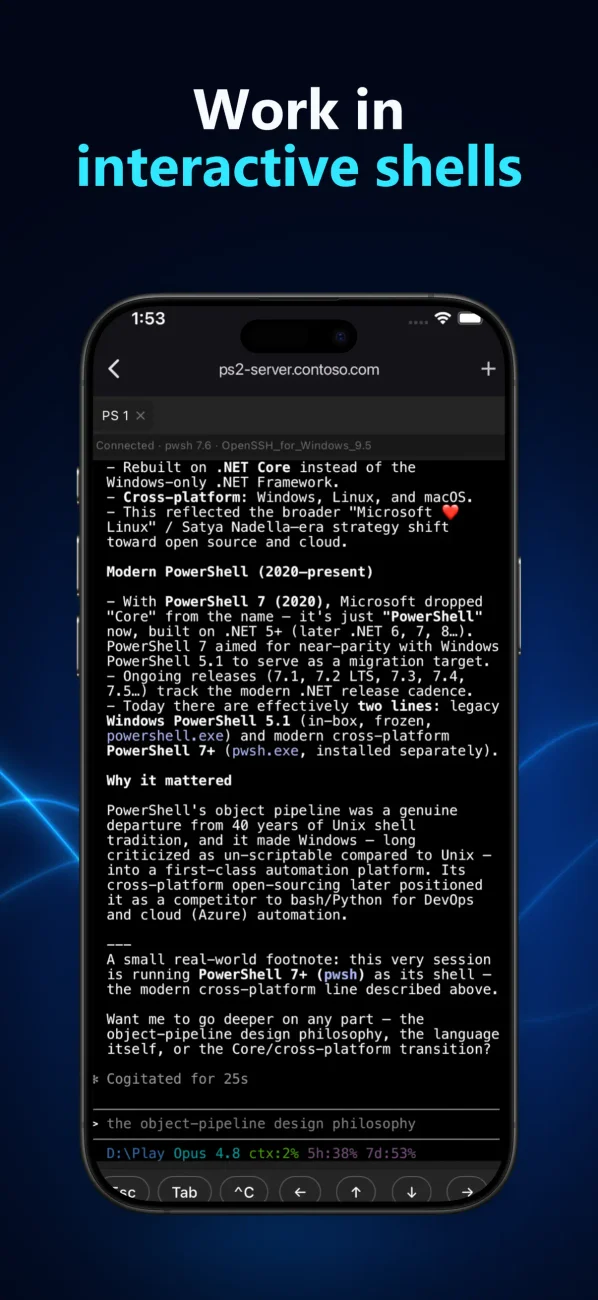
• Real terminal rendering (xterm.js) with an aux key bar (Esc / Tab / arrows / Ctrl)
Security first
• App Lock with Face ID / fingerprint — locks the instant you background the app
• Trust-on-first-use + known_hosts verification; instant alert on host key change to help stop man-in-the-middle attacks
• Private keys and passwords stored in the device secure enclave (Keychain / Keystore), never in plaintext
Effortless management
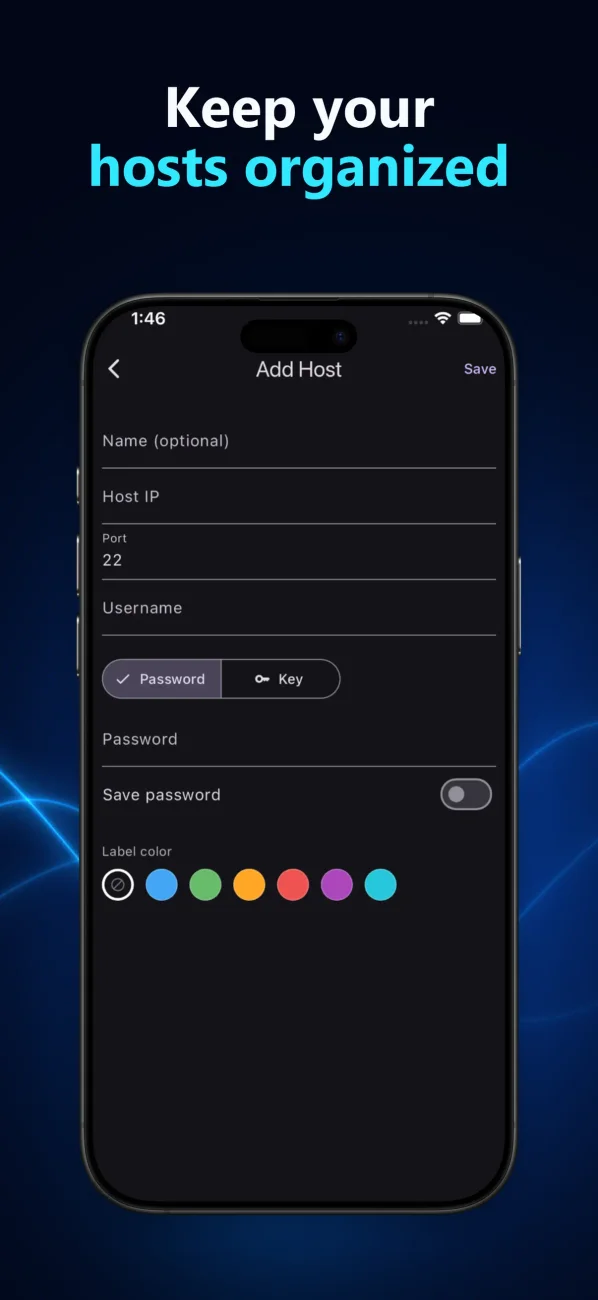
• Multi-host manager with color labels, recent-first ordering, and duplicate / edit / delete
• Multiple keys — import or paste private keys (OpenSSH / RSA PEM) with passphrase support
• English & Chinese
Free to download — core features work out of the box. Everything runs locally; nothing routes through our servers.
What’s new
Version 1.2 · Nov 18, 2026
What's New in Bolt 1.2.0
New: iPhone Duo split-screen terminal
When your iPhone Duo is unfolded, Bolt now runs in split view — the terminal on the top half and a dedicated on-screen keyboard on the bottom. No more squinting at a cramped keyboard across the fold.
New: Built-in terminal keyboard
A custom-designed keyboard optimized for terminal work: full key row with escape, control modifiers, arrows, and tab — tuned for one-handed typing on the lower panel of the Duo.
Improved: Smoother first tap
Fixed the laggy, grainy ripple effect on first tap. Button presses now use a cleaner ink-ripple animation that responds instantly.
Under the hood
Fold-state detection is wired directly into the iOS native layer for real-time layout switching, plus updated localization for English and Chinese.
App privacy
What 文博 邱 declares on the App Store about how this app handles data.
-
Data not linked to you
May be collected but is not linked to your identity.
- Identifiers
- Usage data
Privacy practices may vary, for example with the features you use or your age.
Information
- Seller
- 文博 邱
- Category
- Developer Tools
- Version
- 1.2
- Updated
- Nov 18, 2026
- Released
- Aug 4, 2026
- Size
- 24.0 MB
- Requires
- iOS 15.0 or later
- Age rating
- 4+
- Price
- Free
- Languages
- English
- Copyright
- © Wenbo Qiu, 2026
You might also like
-
 ShellConnectMobile SSH workspace
-
 AgentDesk: AI Agent InboxApprove coding tasks anywhere
-
 YuzuSSHFast & secure SSH access.
-
 ProxyDeck — Network LabNetwork diagnostics & proxy
-
 Sidecar MLLocal AI server on your phone
-
 RootDeckSecure SSH & SFTP Client
-
 NiHao - Vibe CodingSSH Terminal for Vibe Coders
-
 KnockKnock PingPortPort, ping & SPA knocking
-
 Neoo IDEAI coding from anywhere
-
 Shelify SSH Remote ConnectTerminal, Shell & Server Tool