
Bookmark Folder
Manage bookmark by folder
Designed for iPhone, iPad, iPod touch
Free · In-app purchases
- Age rating4+
- CategoryProductivity
- DeveloperToshiya Hondo
- LanguagesEnglish+ 13 more
- Size70.9 MB
Links to the official App Store page
Download.org hosts no file of Bookmark Folder. The button opens its official App Store page, published by Toshiya Hondo. Listing last checked on Nov 12, 2026.
Screenshots

About
Of course you can organize bookmarks with directory!
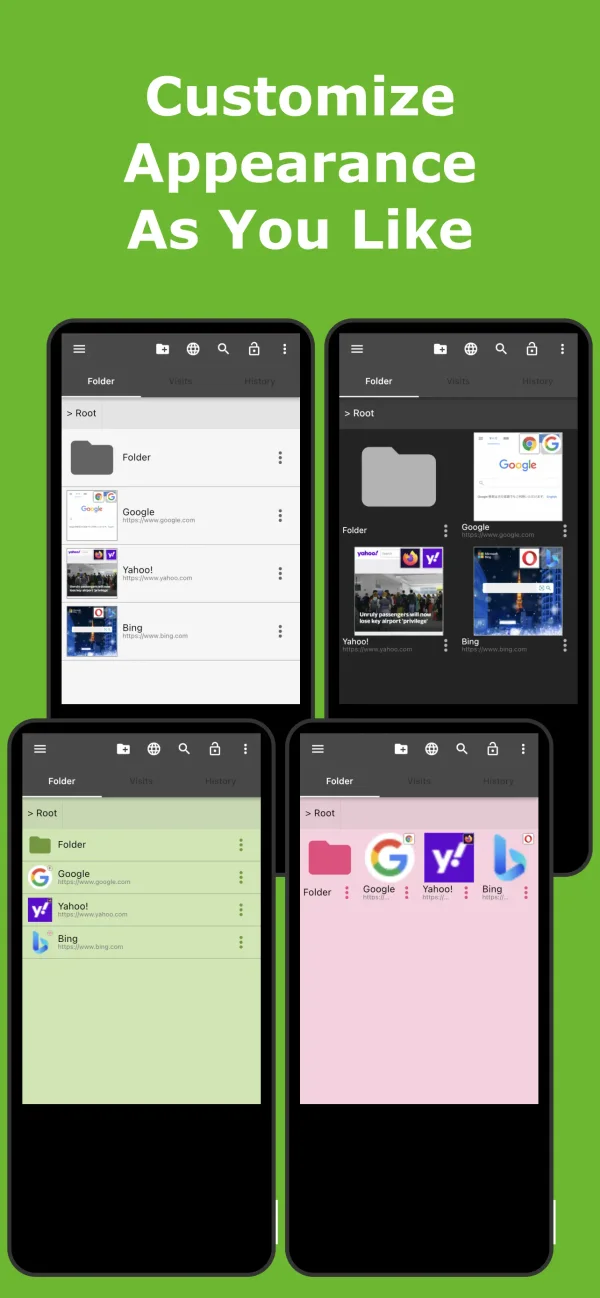
Customize to your liking!
** Introduction **
Have you ever wanted to switch a browser when browsing website?
For example, use Chrome for working time, use Firefox for private time, use Opera for study time...
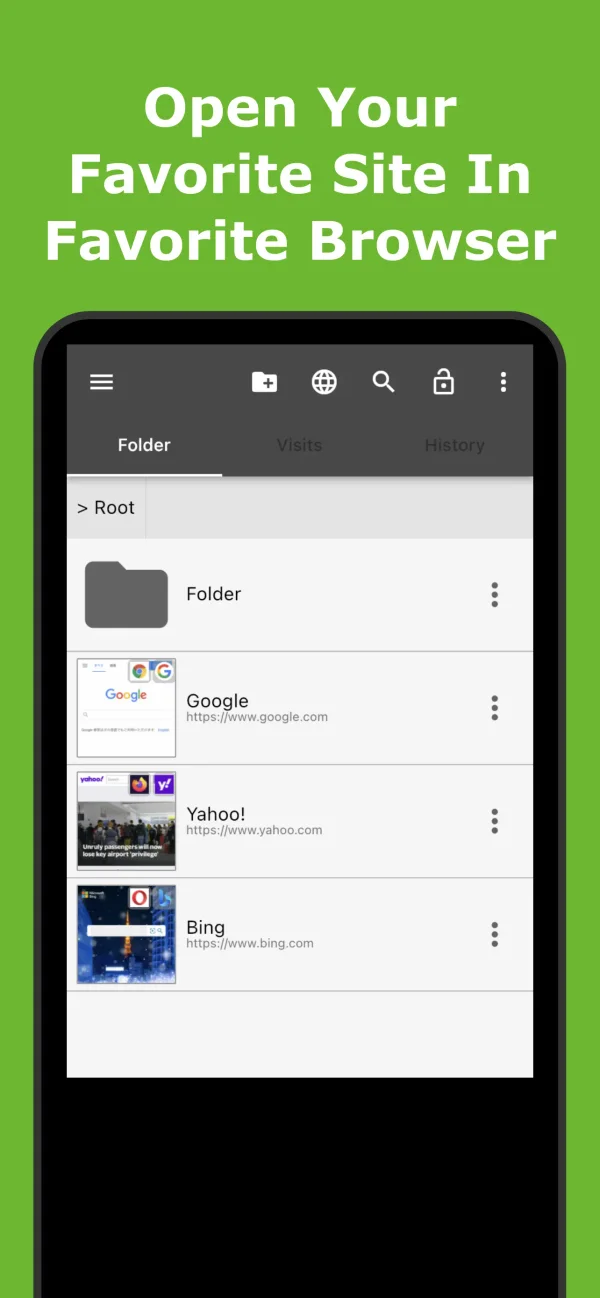
This app can organize all of your bookmarks in bulk, and you can select launching browser for each bookmarks.
Enjoy your website browsing time with customizing appearance to your liking.
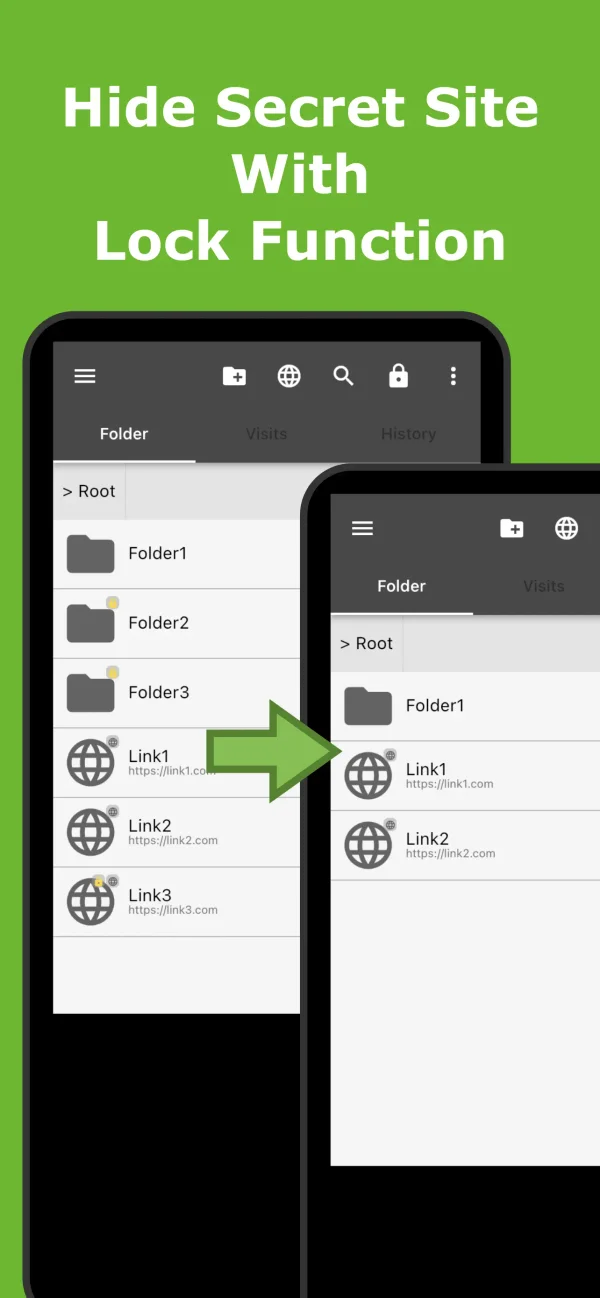
You can hide the bookmarks you don't want other person to see.
** Overview **
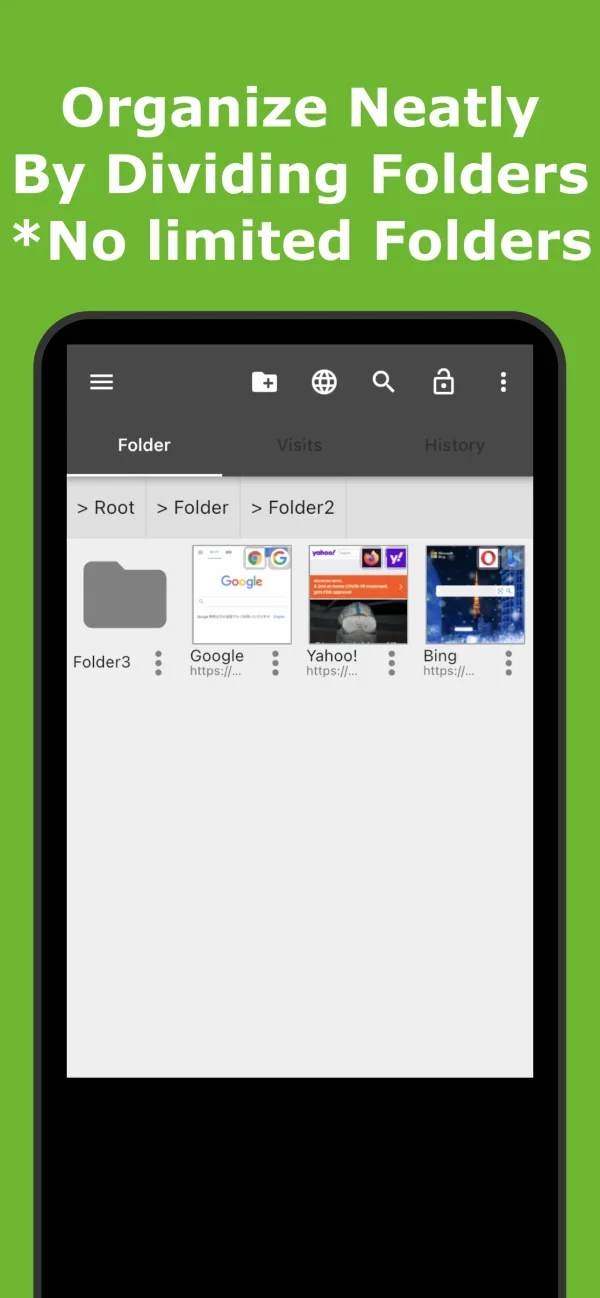
- Organize favorite web page with directory like a file manager app!
- No more need to re-register bookmarks even if you changed the browser to use.
- Recommended for the user using multiple browsers. This app can choose launching browser.
- Customize the appearance to your liking and make it easy to use.
** Characteristics **
>> Organize bookmarks simply
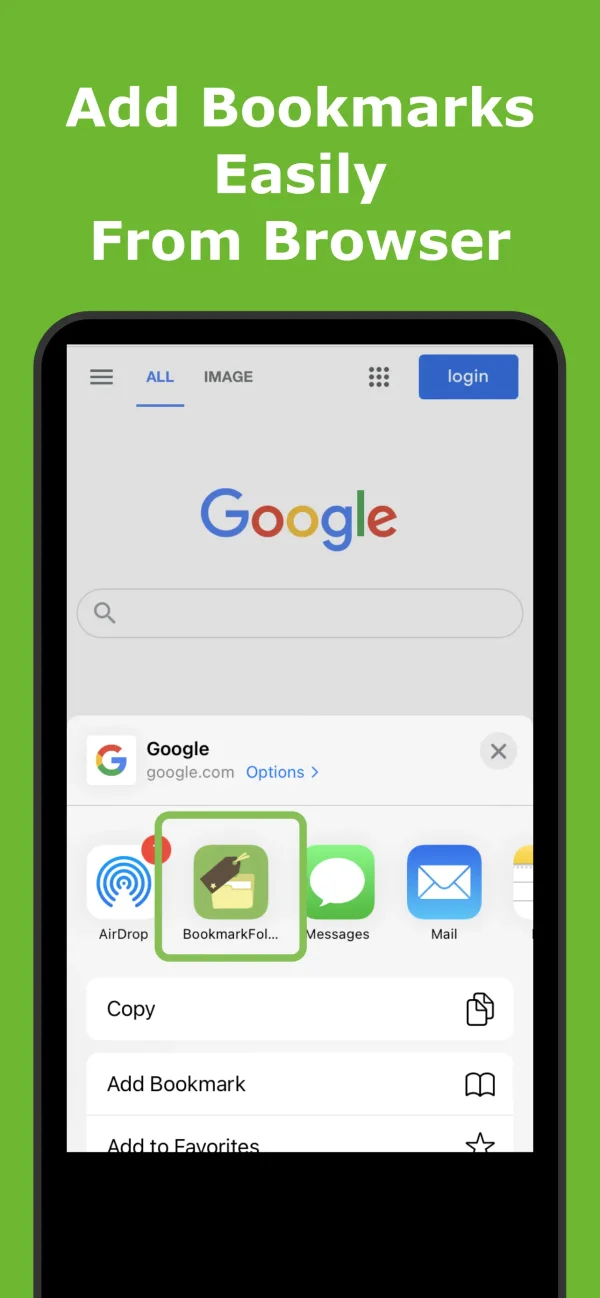
- Add bookmarks easily from "Share" menu on each browsers.
- Organize bookmarks with directory. No limited directory structure level!
- Hide bookmarks you don't want other person to see with lock function!
- Sort bookmarks manually as you like with dragging.
- Find the item you want to see easily with favicon and thumbnail of website.
>> Customize to your like
- Choosable launching browser for each bookmarks.
- Choosable item view, List or Grid.
- Customizable background color, text color, text size and etc adjust to your liking.
- Open bookmarks anytime from status bar.
>> Secure backup
- Export backup file of bookmarks.
- Support to save in cloud storage.
>> Transfer easily to other device
- Via HTML bookmark file, you can import bookmarks easily from your PC browser.
- Transfer bookmarks easily to other device via backup file saved in Cloud Storage.
>> Supported browsers
- Aloha Browser
- Brave
- Chrome
- Dolphin Browser
- DuckDuckGo
- Firefox
- Firefox Focus
- Lunascape
- Microsoft Edge
- Opera
- Puffin
- Safari
- Sleipnir
- Twitter
- Youtube
** Terms of Use **
https://coconutsdevelop.com/en/terms/terms_of_use.html
** Developer website **
https://coconutsdevelop.com/
What’s new
Version 5.5.2 · Dec 14, 2025
* Improve the stability.
App privacy
What Toshiya Hondo declares on the App Store about how this app handles data.
-
Data used to track you
May be used to track you across apps and websites owned by other companies.
- Location
- Identifiers
- Usage data
- Diagnostics
-
Data linked to you
May be collected and linked to your identity.
- Location
- Identifiers
- Usage data
- Diagnostics
Privacy practices may vary, for example with the features you use or your age.
Information
- Seller
- Toshiya Hondo
- Category
- Productivity
- Version
- 5.5.2
- Updated
- Dec 14, 2025
- Released
- Jun 13, 2021
- Size
- 70.9 MB
- Requires
- iOS 13.0 or later
- Age rating
- 4+
- Price
- Free
- In-app purchases
- Yes
- Languages
- English, Arabic, Czech, French, German, Japanese, Korean, Portuguese, Russian, Simplified Chinese, Spanish, Thai + 2 more
- Copyright
- © Coconuts Develop
You might also like
-
 Bookmark Safe - Url managerSecurely manage favorite sites
-
 Manage bookmark with imagesEliminate forgetting to read
-
 Bookmarks - Read LaterSave links, url manager
-
 Bookmarkers: Smart ManagerFor Safari,Chrome,Edge,Opera
-
 Bookmarks - URL ManagerManage and Organize Links
-
 links for latereffortless bookmark management
-
 Linkboard: Bookmarks & RSSOrganize, Tag & Read It Later
-
 Klinks: File, AI Meeting, NoteOrganize plan, files and share
-
 Marcit: Bookmark ManagerProductivity
-
 Bookmark WalletLinks, notes, todos together