
Boxmi - Password Manager
Private Vault·Diary·Countdown
Designed for iPhone, iPad, iPod touch
Free
- Age rating9+
- CategoryProductivity
- Developer景元 肖
- LanguagesEnglish+ 11 more
- Size13.4 MB
Links to the official App Store page
Download.org hosts no file of Boxmi - Password Manager. The button opens its official App Store page, published by 景元 肖. Listing last checked on Nov 23, 2026.
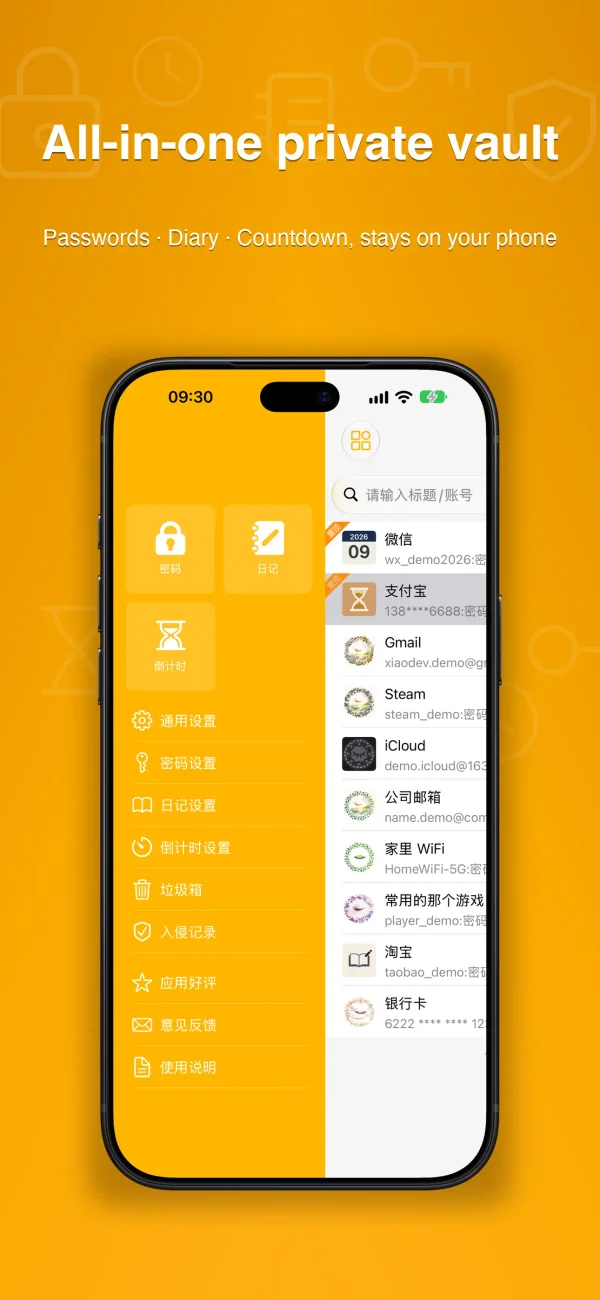
Screenshots
About
100% Free · No Ads · No In-App Purchases.
Passwords, diary and countdowns — three in one, in your own private vault. Your data never leaves your phone.
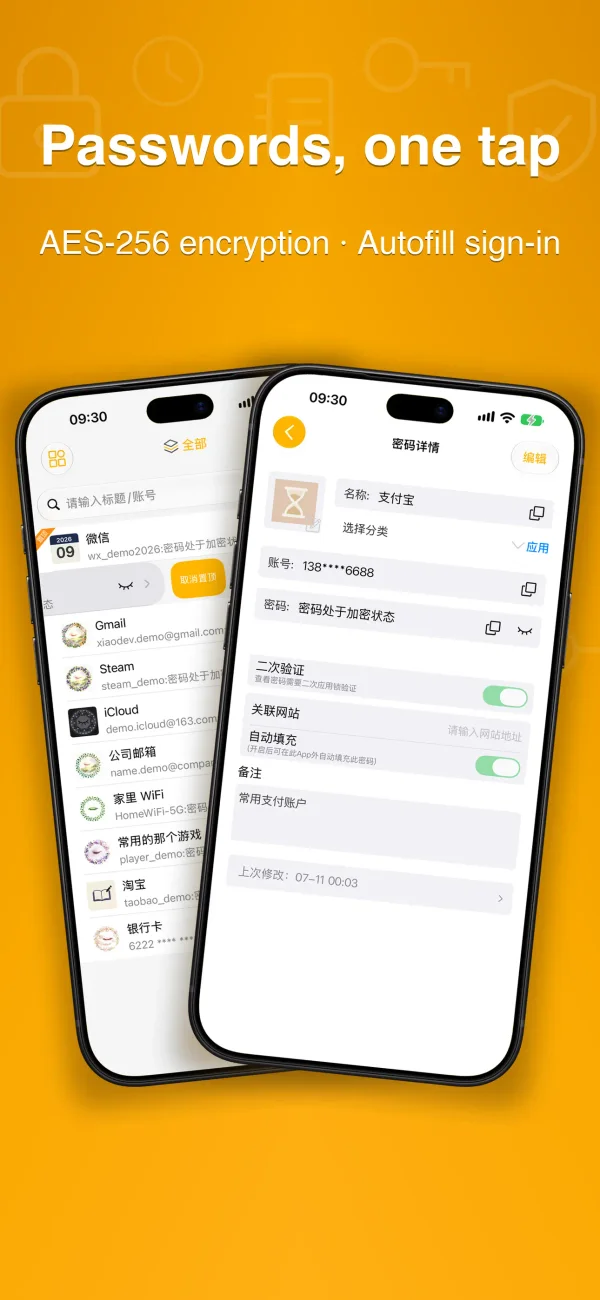
Boxmi uploads nothing to the internet: passwords are protected with double-layer AES-256 encryption and work with iOS AutoFill for one-tap sign-in; the app lock adds multiple layers of protection with Face ID / Touch ID; the diary feels like writing on real paper; big days turn into home screen widgets. Works fully offline, and iCloud backup keeps everything safe when you switch phones.
▶ App Lock & Privacy
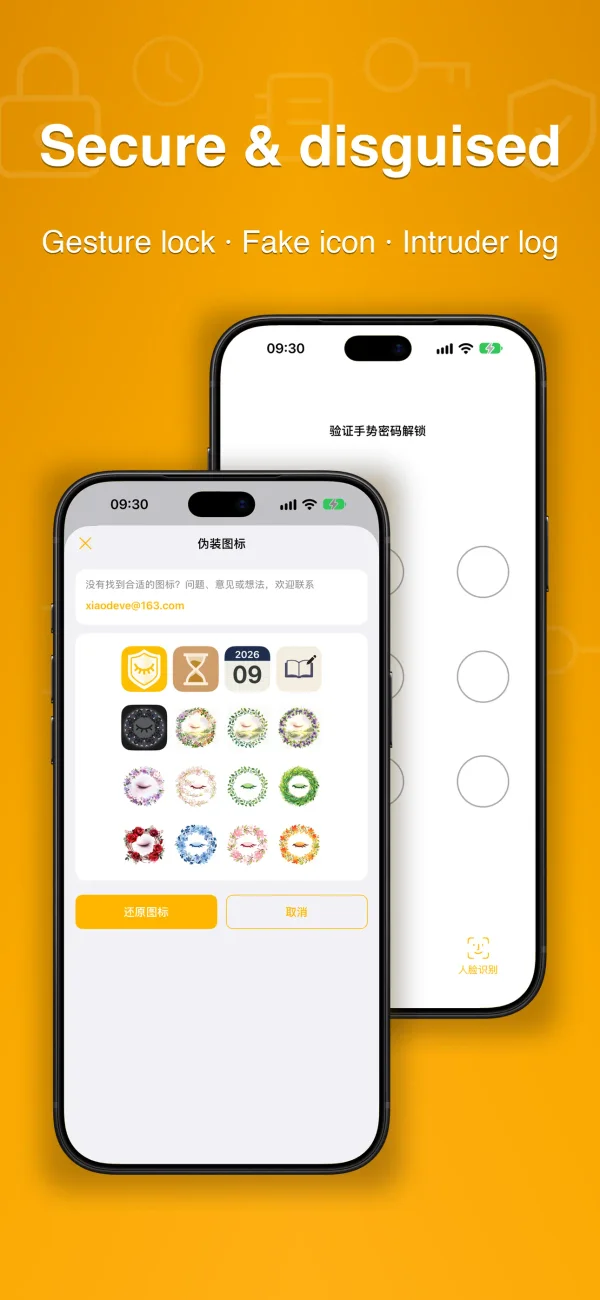
• Face ID / Touch ID / pattern — three ways to unlock, and the lock comes first every time
• Disguised icon: hide Boxmi behind a calculator or a weather app — no one will ever guess
• Intruder log: failed unlock attempts are recorded automatically, so you always know who touched your phone
▶ Password Manager
• Tap + to create in seconds, with a built-in random strong-password generator
• iOS AutoFill: logins fill themselves in apps and in the browser
• Show/hide passwords, one-tap copy, and extra verification for key accounts
• Swipe to delete without fear — the trash bin restores anything, anytime
▶ Private Diary
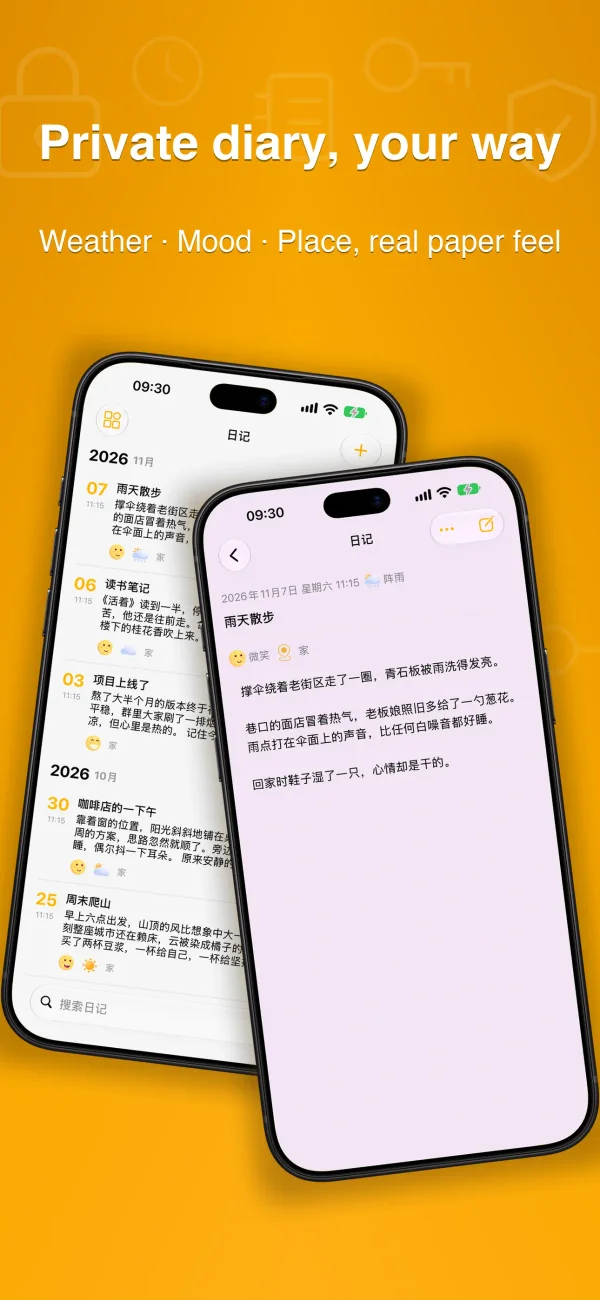
• Weather, mood and location on one screen, with photos and voice notes
• Lined, wavy, dotted or grid paper, with font size and line spacing to taste
• Export as PDF / image / TXT in one tap
▶ Countdown & Widgets
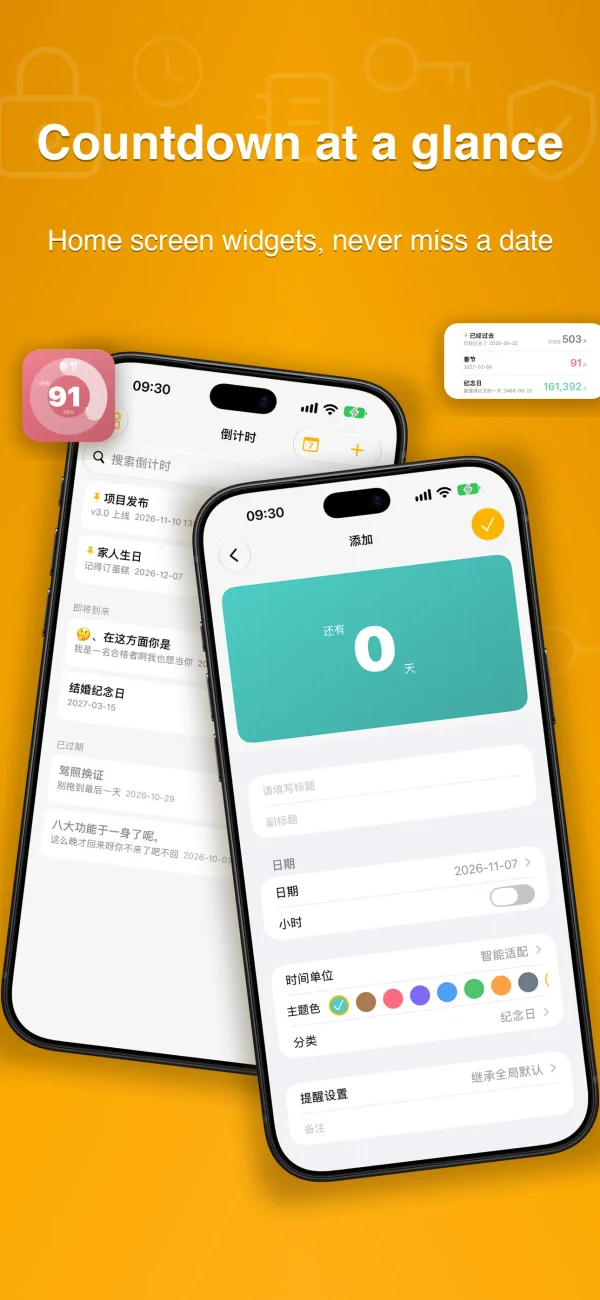
• Adjusts automatically between days / months / years, and recognizes holidays and lunar dates
• Home screen widget with a circular progress ring — days remaining at a glance
• Automatic reminders on the day itself, so no big date slips by
▶ Data Security
• Everything stays on your device — nothing uploaded, nothing collected; works fine even with network access off
• Encryption keys are protected by the iOS Keychain
• Dual backup channels: iCloud and encrypted text files — switch phones without losing a thing
Free to use, with zero ads and zero in-app purchases — security shouldn't come interrupted by ads.
Found an issue or have an idea? Reach us via "Feedback" in the app or at xiaodeve@163.com.
What’s new
Version 5.0.3 · Nov 17, 2026
Bug fixes and improvements.
App privacy
What 景元 肖 declares on the App Store about how this app handles data.
-
Data not linked to you
May be collected but is not linked to your identity.
- Diagnostics
Privacy practices may vary, for example with the features you use or your age.
Information
- Seller
- 景元 肖
- Category
- Productivity
- Version
- 5.0.3
- Updated
- Nov 17, 2026
- Released
- Oct 20, 2019
- Size
- 13.4 MB
- Requires
- iOS 15.0 or later
- Age rating
- 9+
- Price
- Free
- Languages
- English, French, German, Indonesian, Japanese, Korean, Portuguese, Russian, Simplified Chinese, Spanish, Traditional Chinese, Vietnamese
- Copyright
- © Xiao Jingyuan @2019
You might also like
-
 Password Manager-keep secretProductivity
-
 Password PRO- Privacy App LockSecure Passwords & App Locker
-
 极简密码本-账户安全中心Productivity
-
 Timer App Blocker - Lock AppsScreen Time Control Focus Me
-
 Password Manager'Lock Apps Keep Vault Safe
-
 SecretBox for securit passwordAlbum photo and record manage
-
 私密相册管家-电子相册图片云备份Productivity
-
 Password Manager - PassLockOpen source, Autofill Password
-
 Locker Pro - Password ManagerPassword Photo Drawing Voice
-
 码密 - 安全密码管理器 & 生成器Productivity