
Bramble: Password Manager
Private, local-first vault
Designed for iPhone, iPod touch
Free
- Age rating4+
- CategoryProductivity
- DeveloperWebvana Inc.
- LanguagesEnglish
- Size14.4 MB
Links to the official App Store page
Download.org hosts no file of Bramble: Password Manager. The button opens its official App Store page, published by Webvana Inc. Listing last checked on Nov 25, 2026.
Screenshots
About
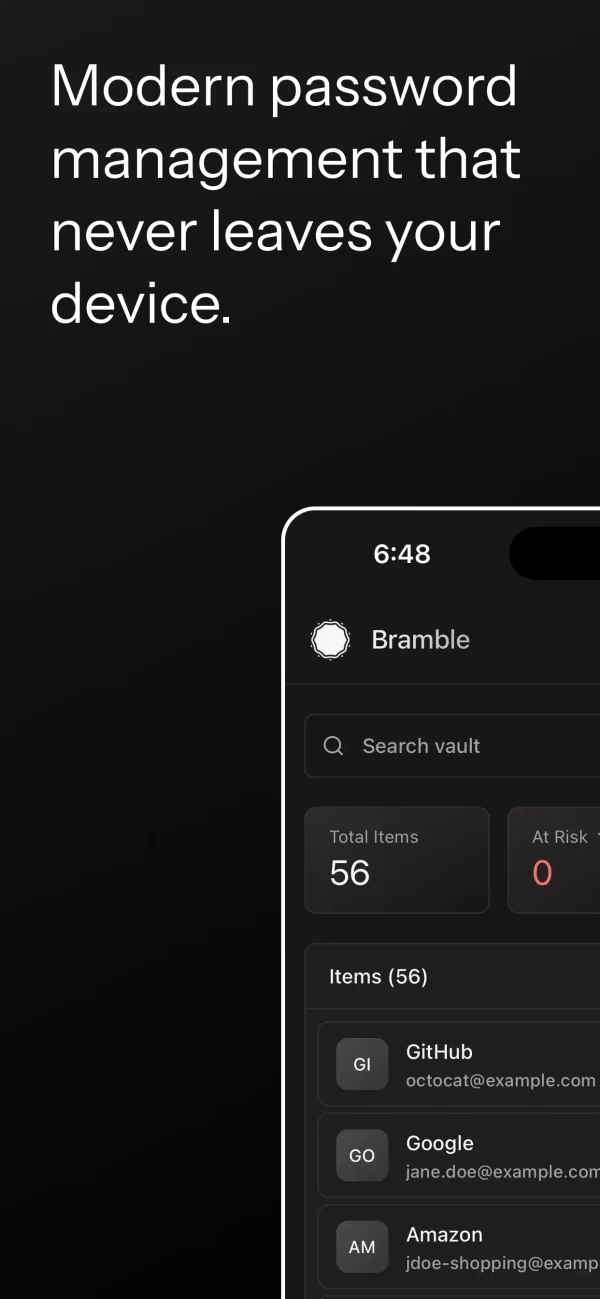
Bramble is a local-first password manager. Your passwords live in an encrypted vault on your device, not on someone else's server. There is no account to create and nothing phoning home.
Everything cryptographic runs in a Rust core: Argon2id derives your key, AES-256-GCM encrypts your data, and envelope encryption gives every entry its own key. Site names, usernames, and notes are all encrypted, and secrets are wiped from memory after use.
FEATURES
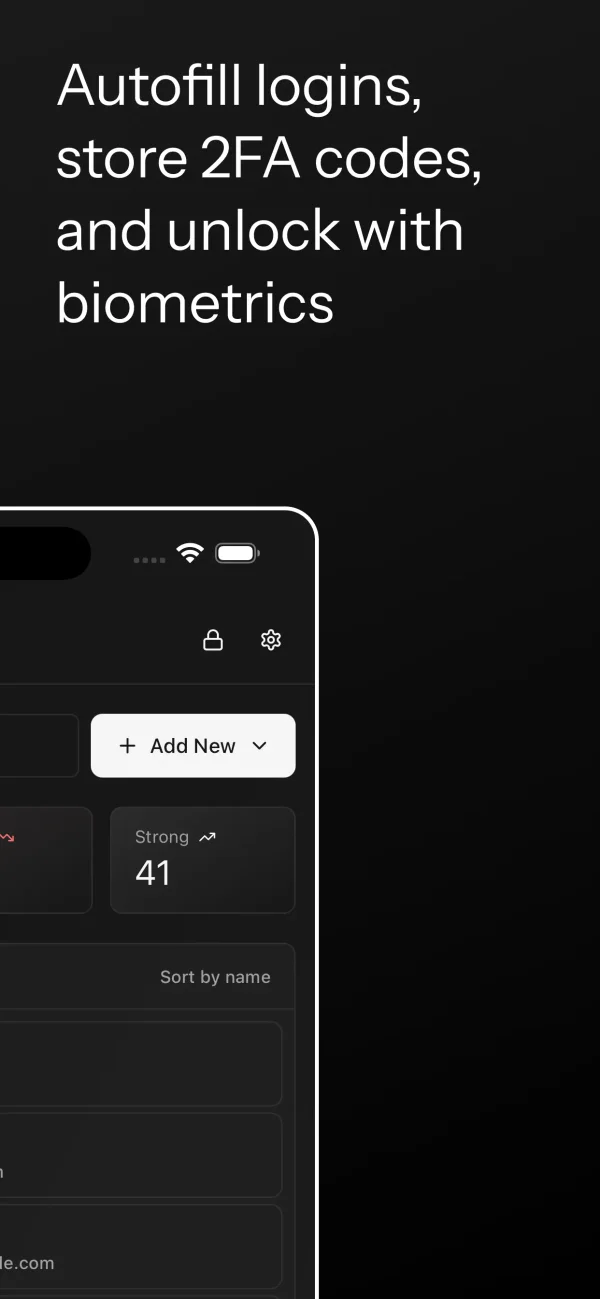
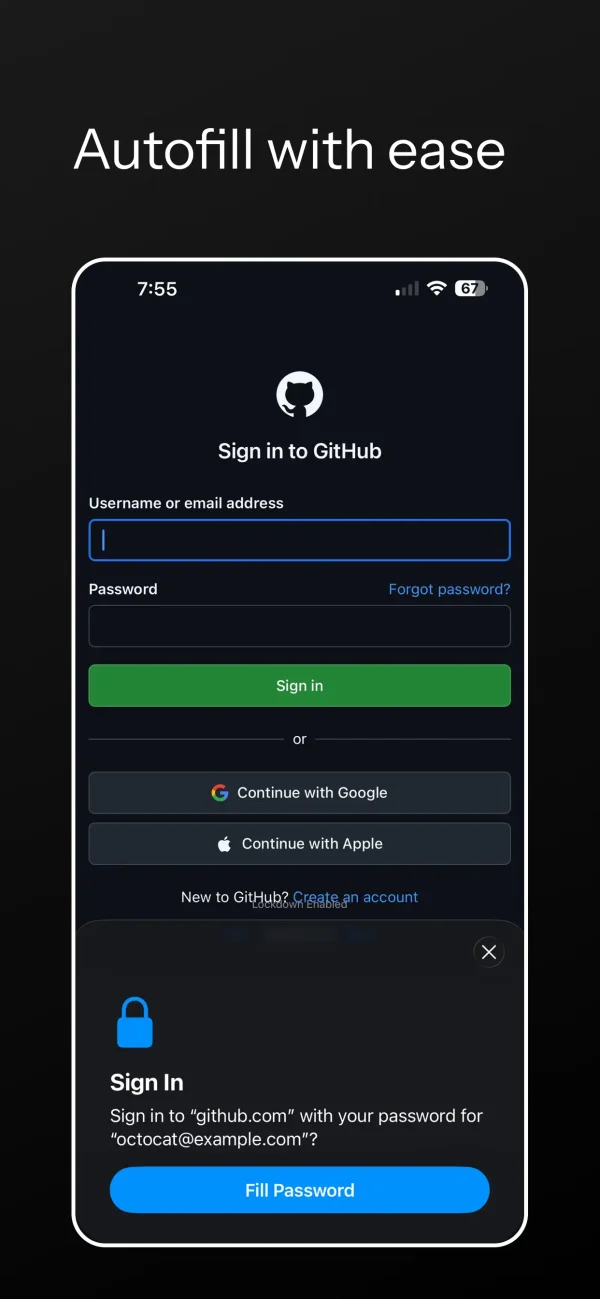
- AutoFill passwords and one-time codes into apps and Safari, right from the keyboard.
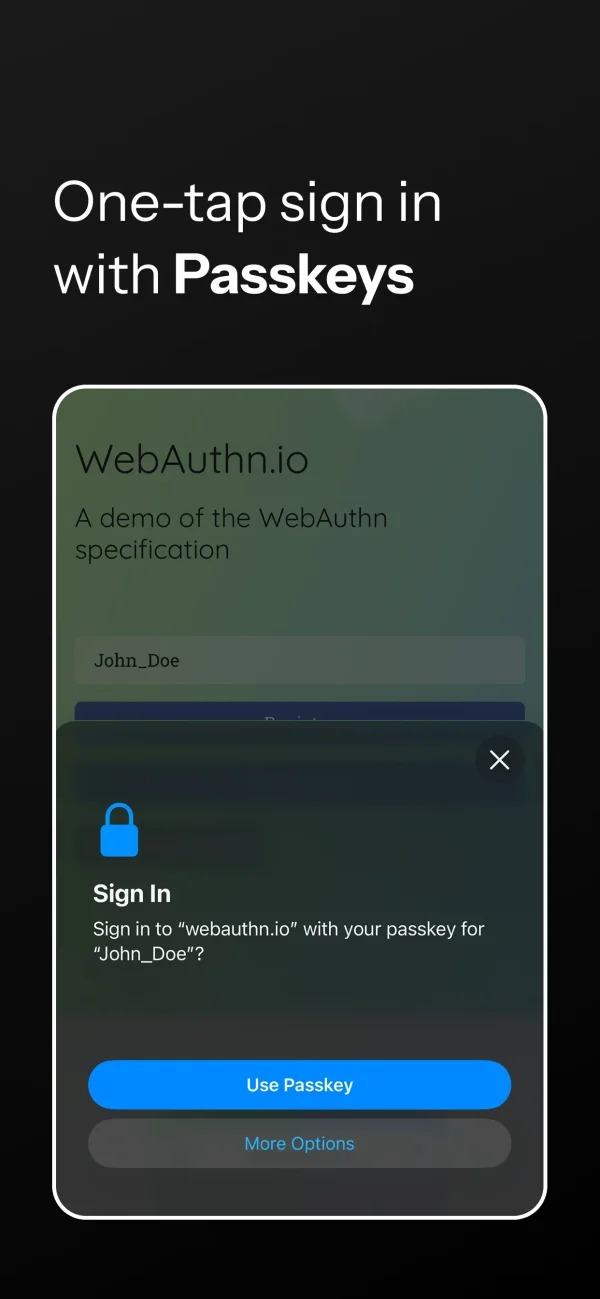
- Passkeys: create and sign in with passkeys, with Bramble as your own authenticator, for sites and apps that support them.
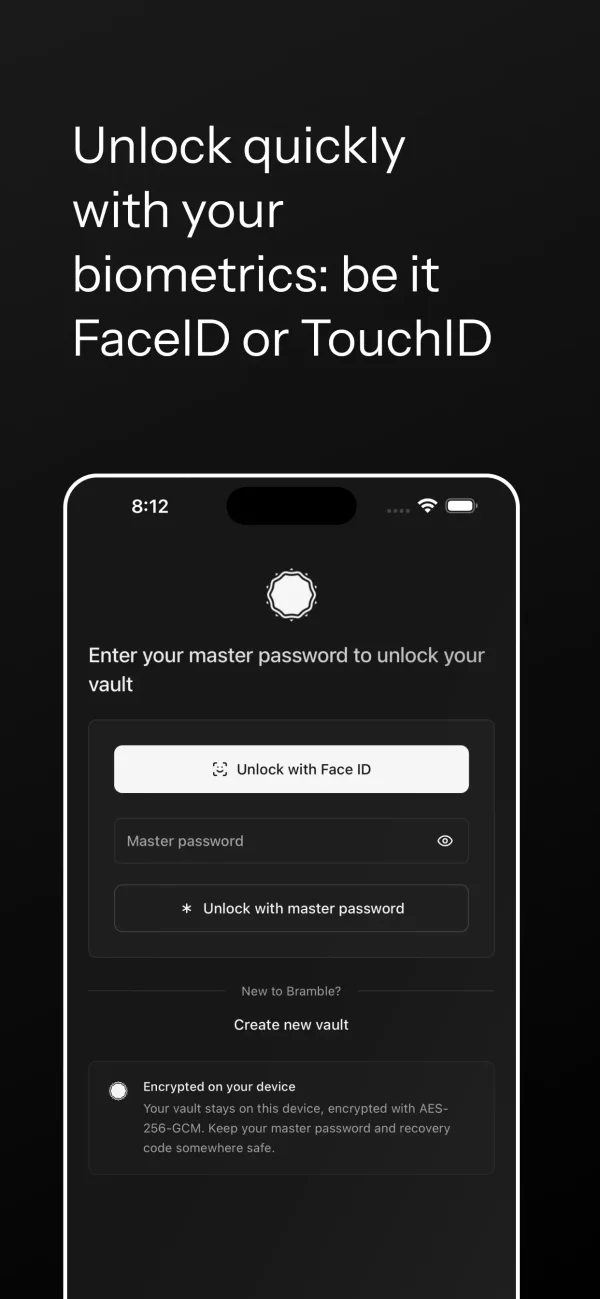
- Unlock with Face ID or Touch ID, your master password, or a recovery code.
- Store logins, payment cards, secure notes, and SSH keys, each with their own fields.
- Built-in strong password generator.
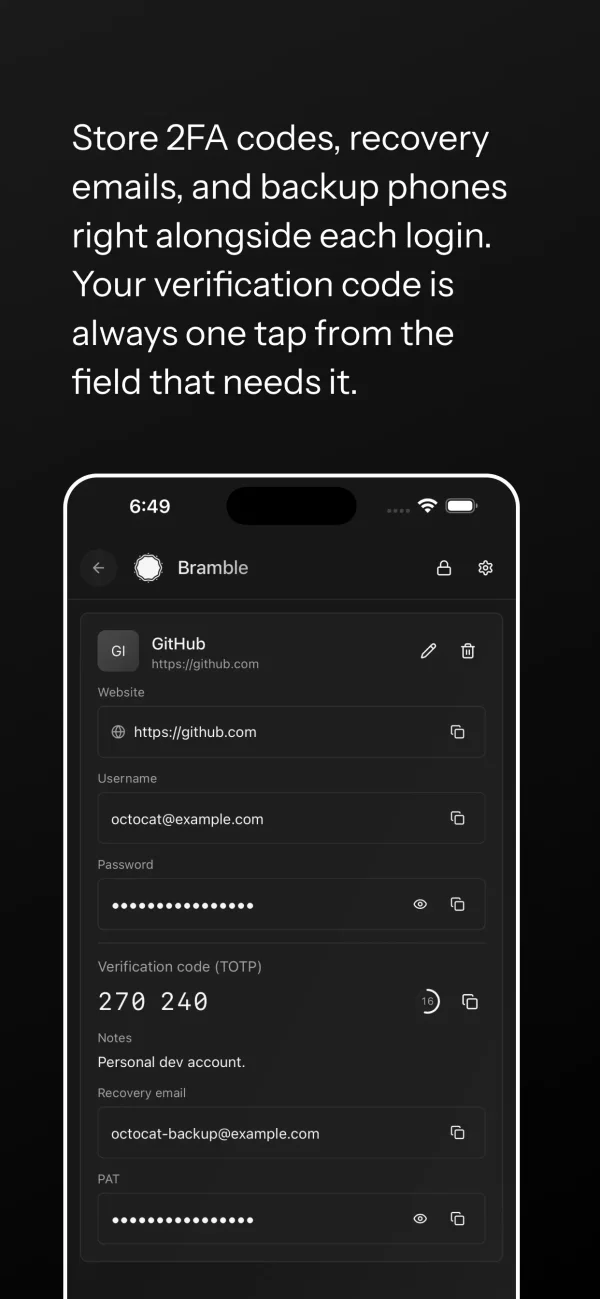
- TOTP / 2FA: add an otpauth URI or secret and Bramble generates the six-digit codes.
- Import from KeePass (KDBX4), key files included.
- Recovery code: a printable, high-entropy backup that unlocks your vault independently of your master password.
- Optional breach check using k-anonymity, so nothing about your password leaves your device.
- Auto-lock after inactivity.
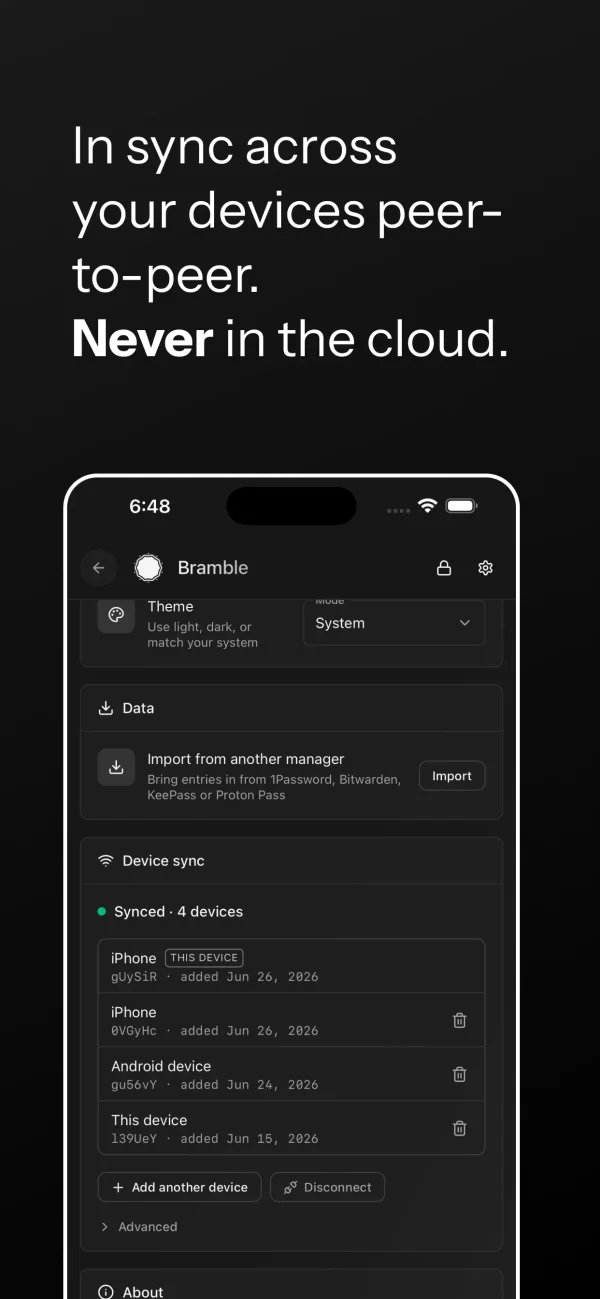
- Sync between your own devices peer-to-peer. No cloud, no relay holding your data.
PRIVACY
Bramble has no account, no subscription, and no telemetry. Your vault never leaves your control, and the code runs entirely on your device.
What’s new
Version 1.29.0 · Nov 24, 2026
What's new in this release:
- The app's auto-lock no longer locks autofill, which keeps its own timer and restarts it with every fill.
- With Check passwords for breaches on, Bramble now checks every login in the background, not just the ones you open, and each login shows when it was last checked.
- Duplicate an item or attach a file to it from its ⋮ menu in the list.
- A vault you can't open can now be deleted from the list of vaults, without its password: choose Delete a vault.
- Copies are now cleared after the time set in Settings → General → Clipboard auto-clear, instead of always after 30 seconds.
No account, no cloud. Everything stays on your devices.
App privacy
What Webvana Inc. declares on the App Store about how this app handles data.
-
Data not collected
The developer does not collect any data from this app.
Privacy practices may vary, for example with the features you use or your age.
Information
- Seller
- Webvana Inc.
- Category
- Productivity
- Version
- 1.29.0
- Updated
- Nov 24, 2026
- Released
- Jul 7, 2026
- Size
- 14.4 MB
- Requires
- iOS 15.0 or later
- Age rating
- 4+
- Price
- Free
- Languages
- English
- Copyright
- © 2026 Webvana Inc.
You might also like
-
 Edge Mind AiPrivate on-device AI assistant
-
 Markdown My WordsRead Markdown thoughtfully
-
 SU BrowserPrivate & Ad-Free Browsing
-
 Plotted: Planner & To Do ListVisual Day Planner & Tracker
-
 Wiki LLMYour own linked knowledge wiki
-
 NotePlus - Markdown EditorNative Markdown Notes
-
 Offprint: Web to PDF & EPUBSafari Clipper: Read Offline
-
 Wisen: AI Notes & KnowledgeNotes that think back at you
-
 MemNote: Context-Aware MemoryCapture notes, improve recall
-
 KeeForge: KeePass ManagerPasswords, 2FA Codes, Passkeys