
KeeForge: KeePass Manager
Passwords, 2FA Codes, Passkeys
Designed for iPhone, iPad, Mac
Free · In-app purchases
- Age rating4+
- CategoryProductivity
- DeveloperJia Tan
- LanguagesEnglish+ 8 more
- Size32.0 MB
Links to the official App Store page
Download.org hosts no file of KeeForge: KeePass Manager. The button opens its official App Store page, published by Jia Tan. Listing last checked on Nov 23, 2026.
Screenshots
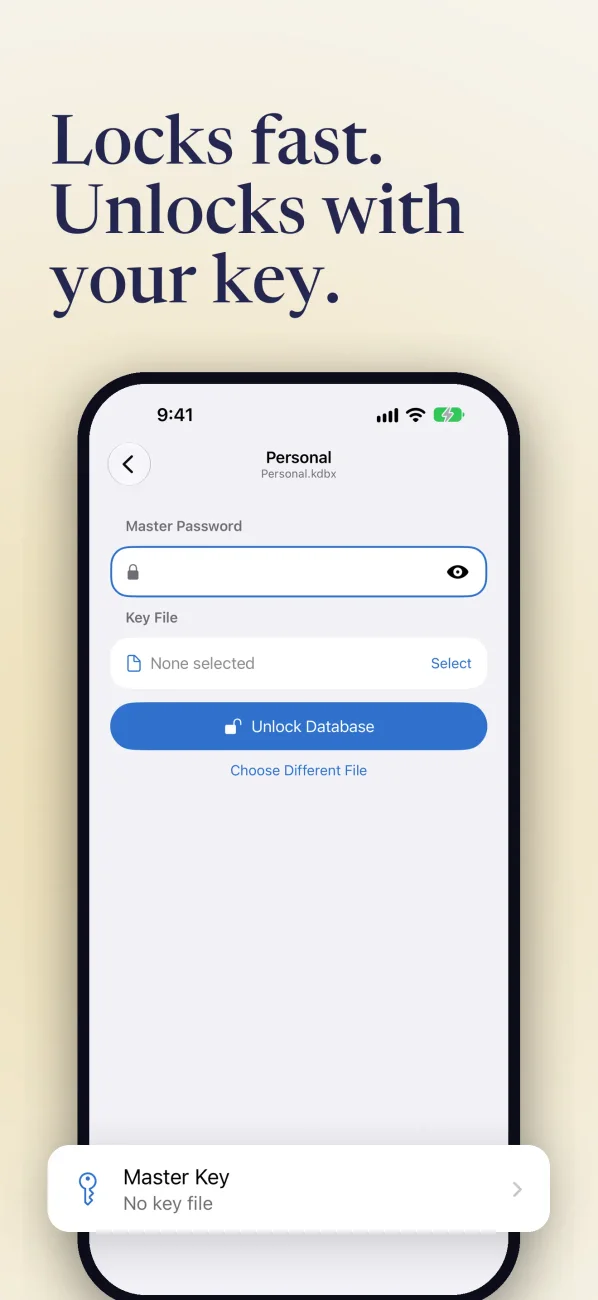

About
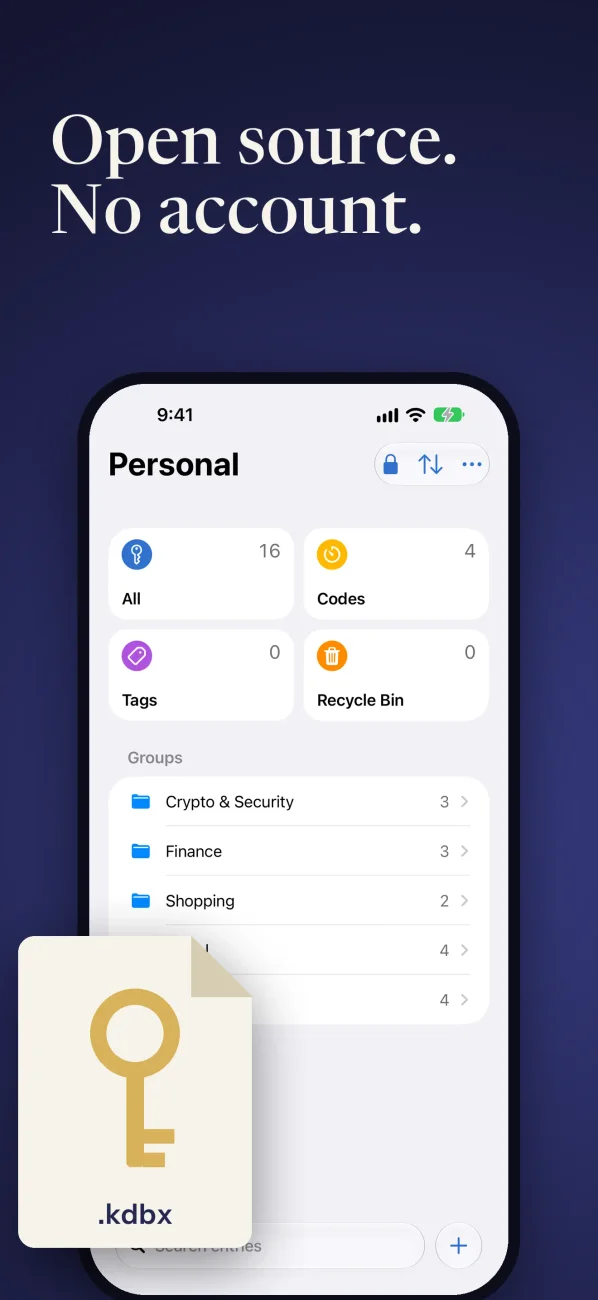
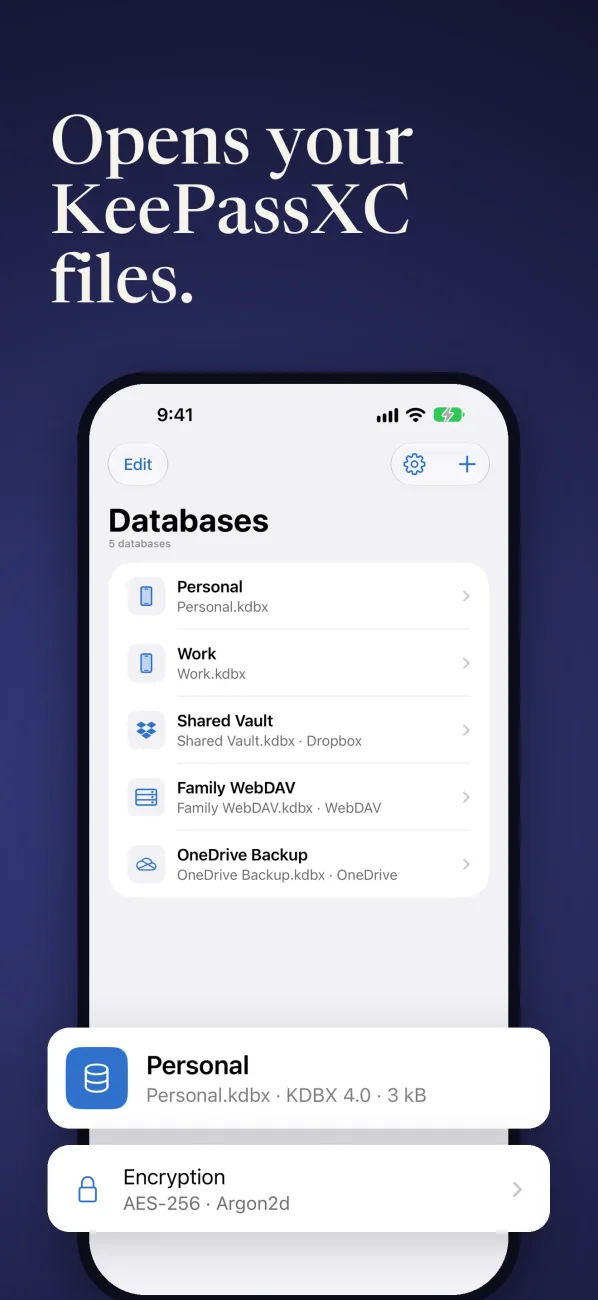
KeeForge is a native iOS password manager for KeePass (.kdbx) databases. Open vaults from iCloud, Dropbox, OneDrive, WebDAV, FTP, or local files. AutoFill passwords, passkeys, and TOTP codes with Face ID. No accounts, no tracking, no subscription. Fully open source under GPLv3.
Why KeeForge:
- Native iOS app built in Swift for iPhone, iPad, and Mac, not a port
- Your vault stays encrypted on your device; we never see it
- Zero accounts, zero telemetry, zero ads
- Compatible with KeePassXC, KeePass 2.x, KeePassium, and Strongbox
Vault Management
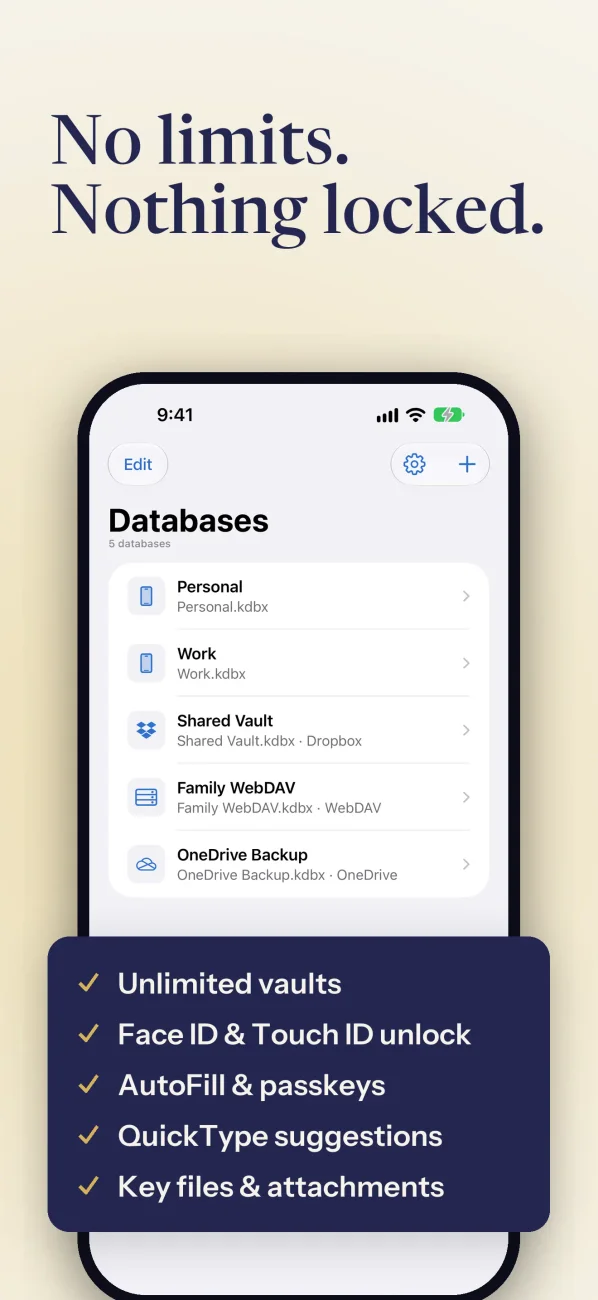
- Open .kdbx databases from local files, iCloud, Dropbox, OneDrive, WebDAV, FTP, or any Files app provider
- Manage multiple databases from a dedicated home screen
- Create new KDBX 4.x databases on-device or in Dropbox, OneDrive, WebDAV, FTP
- Browse groups and entries with instant search
Editing & Saving
- Create, edit, and delete entries with built-in password generation
- Autosave with timestamped backups and save-conflict detection
- Entry history, unknown fields, and third-party extensions preserved, so no data is lost when round-tripping with KeePassXC or other clients
- Read-only mode for shared databases
- Add, remove, and preview attachments on any entry
- Import passwords exported from Apple's Passwords app (CSV), with a preview before anything is added
- Restore entries and groups from the Recycle Bin to their original group
AutoFill
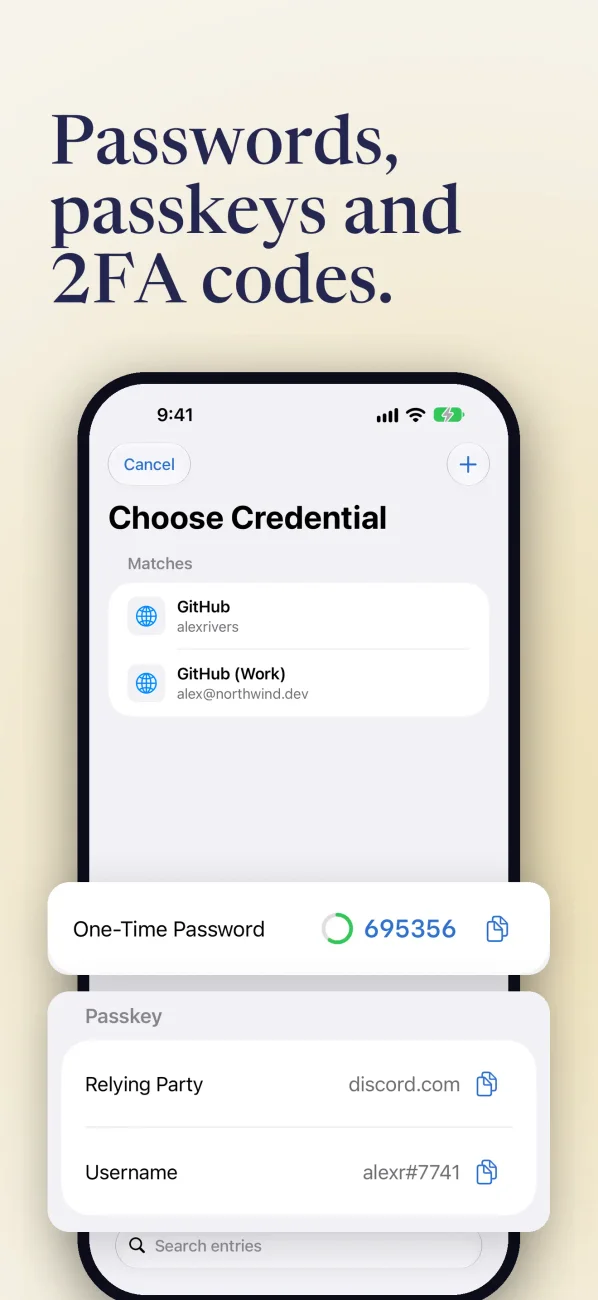
- AutoFill passwords, passkeys, and TOTP codes in Safari and apps
- QuickType bar suggestions: tap to fill with Face ID
- Save new credentials directly from AutoFill, even when offline
Security
- Face ID / Touch ID unlock with auto-lock inactivity timer
- Key file support for all KeePass formats (.key, .keyx, binary, hex)
- Screen recording detection blurs vault when capture is active
- Exponential lockout after failed unlock attempts
- Argon2 KDF, AES-GCM in-memory encryption of secrets
- Clipboard stays on-device, with no Universal Clipboard sync
Open Source
- Fully open source under GPLv3
- Source on GitHub: github.com/KeeForge/KeeForge
- No network calls except to your own cloud storage and the optional in-app feedback form
Tip jar available if you'd like to support development. No subscription, no accounts, no upsell.
What’s new
Version 1.23.0 · Nov 22, 2026
WHAT'S NEW
• Touch and hold an entry in any list to copy its verification code or change its icon.
• AutoFill unlocks in a sheet that names your database, with Face ID.
• The Recycle Bin shows where each item came from and when it was deleted. Restore to Group… puts an item back in a group you choose.
• In the entry editor, each custom field is one row you can protect, remove, or reorder.
• Change Master Key shows how strong the new password is.
• Clipboard Clear Timeout can be set to Never.
WHAT'S FIXED
• Website links open only for web addresses; other values show as text you can copy.
• Search finds entries by any of their URLs and follows your sort order.
• AutoFill matches websites more precisely and no longer fills an entry whose site has changed.
• Values that read a protected field stay hidden until you authenticate.
• Cloud databases no longer fail to save when two syncs overlap.
App privacy
What Jia Tan declares on the App Store about how this app handles data.
-
Data not collected
The developer does not collect any data from this app.
Privacy practices may vary, for example with the features you use or your age.
Information
- Seller
- Jia Tan
- Category
- Productivity
- Version
- 1.23.0
- Updated
- Nov 22, 2026
- Released
- Feb 19, 2026
- Size
- 32.0 MB
- Requires
- iOS 18.0 or later
- Age rating
- 4+
- Price
- Free
- In-app purchases
- Yes
- Languages
- English, French, German, Italian, Japanese, Russian, Simplified Chinese, Spanish, Traditional Chinese
- Copyright
- © 2026 Jia Tan
You might also like
-
 Bramble: Password ManagerPrivate, local-first vault
-
 OneKeePass - Password ManagerStore passwords safely
-
 WhatsPassKeePass Client
-
 AliasVaultPassword & Email Alias Manager
-
 Maho NotesBeautiful Markdown note-taking
-
 Papyrus: Research LibraryNative research workspace
-
 Mindwtr - GTD Task ManagerGet it all out of your head
-
 TypeWhisper AppPrivate Voice-to-Text
-
 Marklens: Markdown ReaderRead Markdown. Nothing else.
-
 PearPassPrivate password manager