
BridgeKit: Mac Remote Control
Mouse, Keyboard & Screen Share
Designed for iPhone, iPad
Free
- Age rating4+
- CategoryUtilities
- DeveloperTolga Emir Ergene
- LanguagesEnglish+ 1 more
- Size2.2 MB
Links to the official App Store page
Download.org hosts no file of BridgeKit: Mac Remote Control. The button opens its official App Store page, published by Tolga Emir Ergene. Listing last checked on Nov 16, 2026.
Screenshots

About
BridgeKit turns your iPhone into a free remote control for your Mac: a wireless mouse, trackpad and keyboard, plus a live view of your screen. Pair once with a six-digit code, then control everything from the couch, the bed or across the room. Works with the free BridgeKit app for Mac from beyondappstudios.com/bridgekit.
YOUR MAC AT A GLANCE
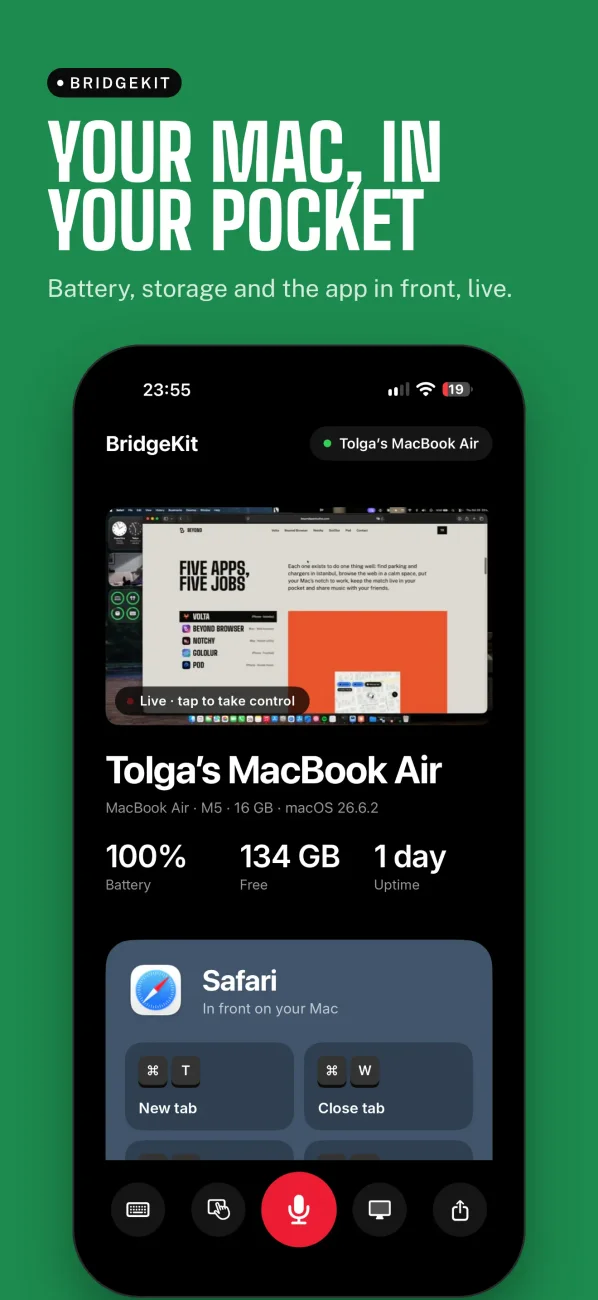
• Battery, storage, uptime and the app in front, live
• Context shortcuts for the app you're using right now
SEE AND CONTROL YOUR SCREEN
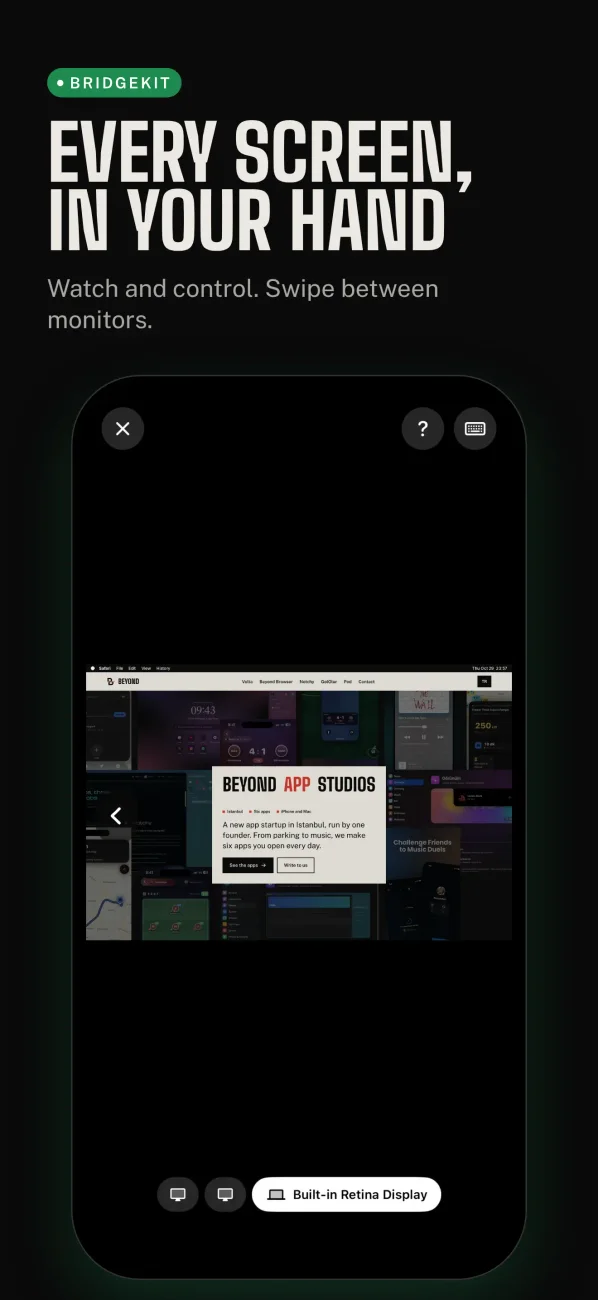
• A live view of your Mac's screen; taps and drags go straight back to the Mac
• More than one monitor? Switch between displays with the arrows or a swipe
A REAL TRACKPAD AND KEYBOARD
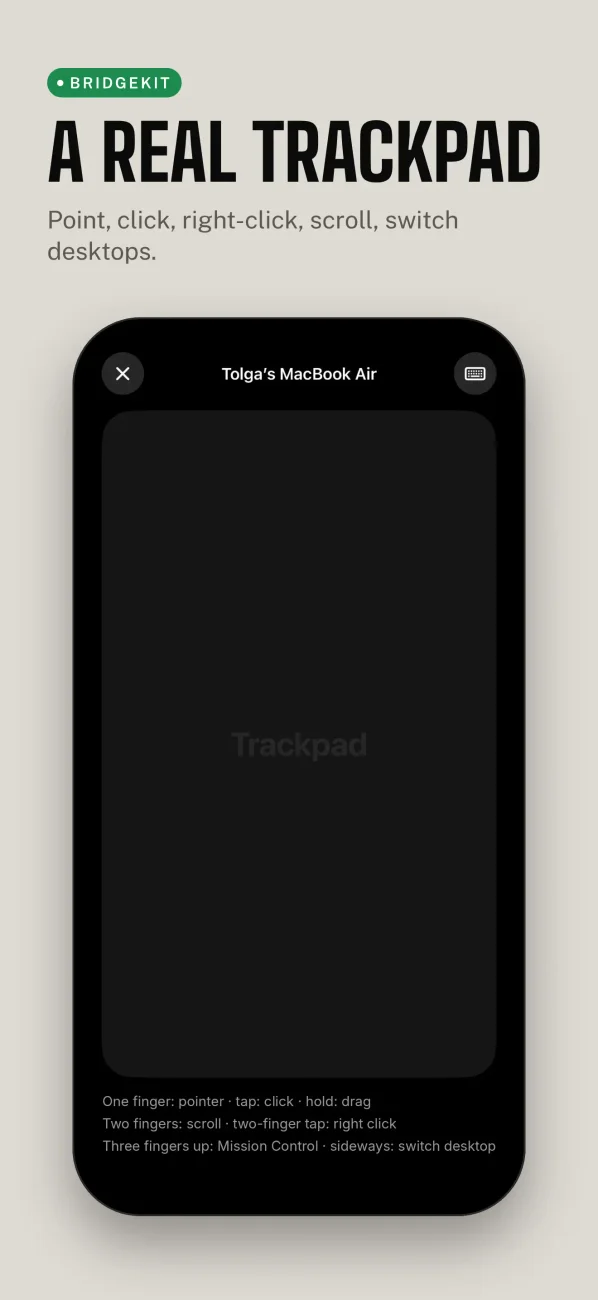
• One finger moves the pointer, a tap clicks, two fingers scroll, a two-finger tap right-clicks, three fingers open Mission Control and switch desktops
• A full keyboard with modifier keys and shortcuts
VOICE COMMANDS
• Say it and your Mac does it: "open Safari", "play some jazz", "show my screen", in English or Turkish
• Ask about battery or storage, and run commands with Siri and Shortcuts
WORKS FROM ANYWHERE
• On the same Wi-Fi it connects directly; away from home it reaches your Mac over mobile data or any network
• Remote connections stay end-to-end encrypted; the relay only passes along data it can't read
WINDOWS, ACTIVITY AND TV REMOTE
• Switch between open windows with live thumbnails, snap them left or right or make them full screen
• See CPU and memory use per app and quit what's slowing your Mac down
• A TV-style remote for YouTube, Netflix and other players, and keep your Mac awake with one tap
MUSIC AND MAC CONTROLS
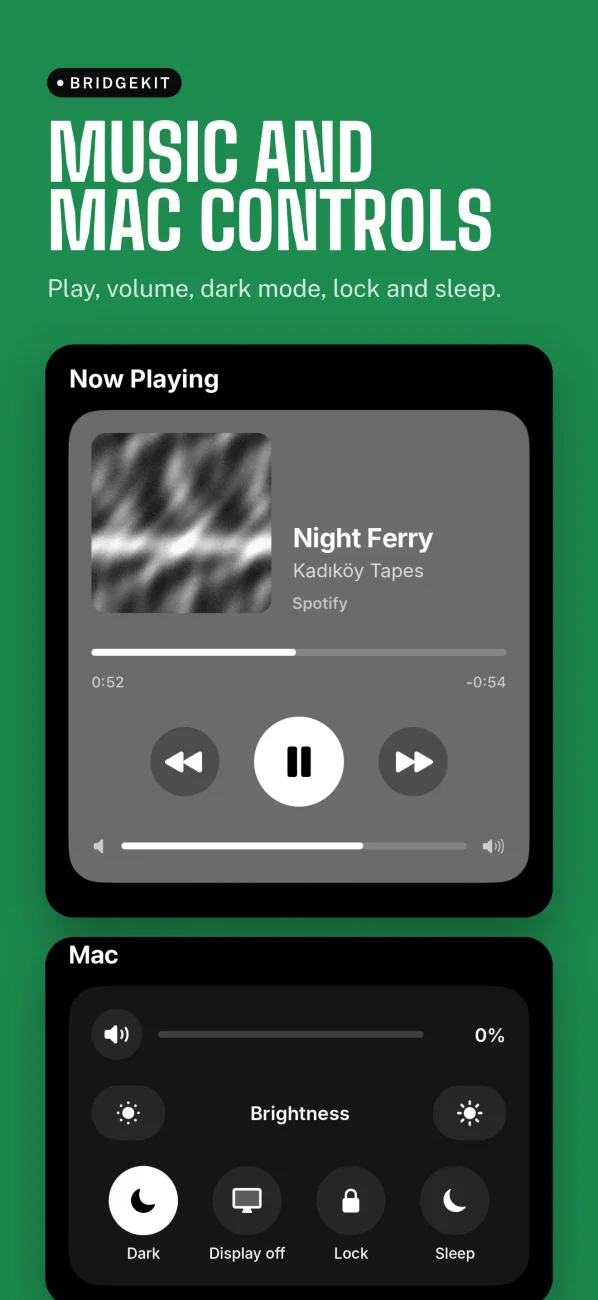
• Play, pause and skip in Spotify or Music, with the album art's colours on the card
• Volume, brightness, dark mode, display off, lock and sleep
SHORTCUTS AND APPS
• Screenshot, Spotlight, Mission Control, copy, paste and more in one tap
• Shortcuts that follow the app in front on your Mac
• Open the apps in your Dock, shown with their real icons
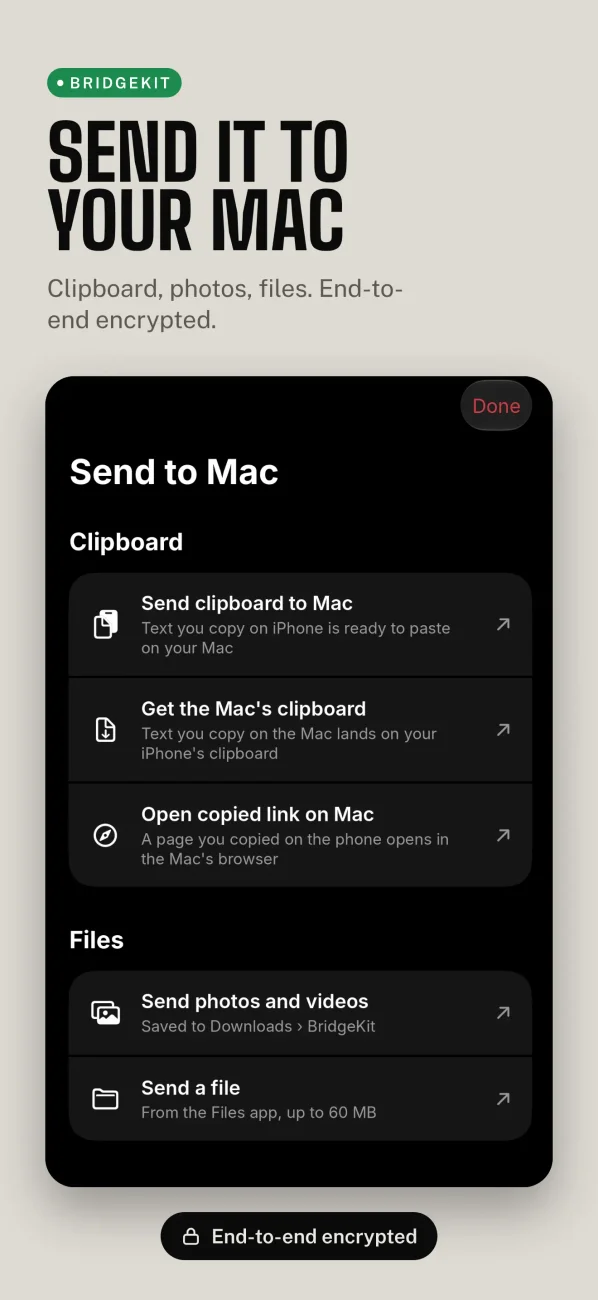
SEND TO MAC
• Send your clipboard, photos, videos and files; up to 60 MB each, landing in Downloads › BridgeKit
• Bring the Mac's clipboard to your iPhone, or open a copied link on the Mac
PRIVATE BY DESIGN
• No account, no sign-up and no ads
• Every connection is encrypted and the pairing code never leaves your devices
• BridgeKit collects no data
WHAT YOU NEED
The free BridgeKit app for Mac (macOS 26 or later), available at beyondappstudios.com/bridgekit. Pair once with your iPhone and Mac on the same Wi-Fi network; after that, connect from anywhere.
What’s new
Version 1.0.2 · Nov 1, 2026
Getting started is easier: the app now shows where to get the free BridgeKit for Mac and lets you send the link straight to your Mac. Plus fixes and improvements.
App privacy
What Tolga Emir Ergene declares on the App Store about how this app handles data.
-
Data not collected
The developer does not collect any data from this app.
Privacy practices may vary, for example with the features you use or your age.
Information
- Seller
- Tolga Emir Ergene
- Category
- Utilities
- Version
- 1.0.2
- Updated
- Nov 1, 2026
- Released
- Oct 31, 2026
- Size
- 2.2 MB
- Requires
- iOS 26.0 or later
- Age rating
- 4+
- Price
- Free
- Languages
- English, Turkish
- Copyright
- © Tolga Emir Ergene
You might also like
-
 FoldDeck: Macro Control DeckStream, record & PC shortcuts
-
 OctaMeetAll-in-One Communication
-
 HomeSpotFind your smart home devices
-
 UtiliViewMapping Utility
-
 JoyArk: Cloud GamingStream games from your Mac
-
 Relayo - Screen MirroringWireless Display & Cast to TV
-
 MultiLink: Remote KeyboardTurn Tablet into a Trackpad
-
 SwipeOrganizer: Swipe & DeleteLeft to Clean, Right to Keep
-
 VIN Identifier Decoder HistoryVIN History, Decode & Report
-
 My OWCYour OWC Product Companion