Bundle for iWork Templates
Creator for Pages, Keynote.
Designed for iPhone, iPad, Mac
Free · In-app purchases
- Age rating4+
- CategoryProductivity
- DeveloperGraphic Node
- LanguagesEnglish
- Size36.1 MB
Links to the official App Store page
Download.org hosts no file of Bundle for iWork Templates. The button opens its official App Store page, published by Graphic Node. Listing last checked on Nov 25, 2026.
Screenshots
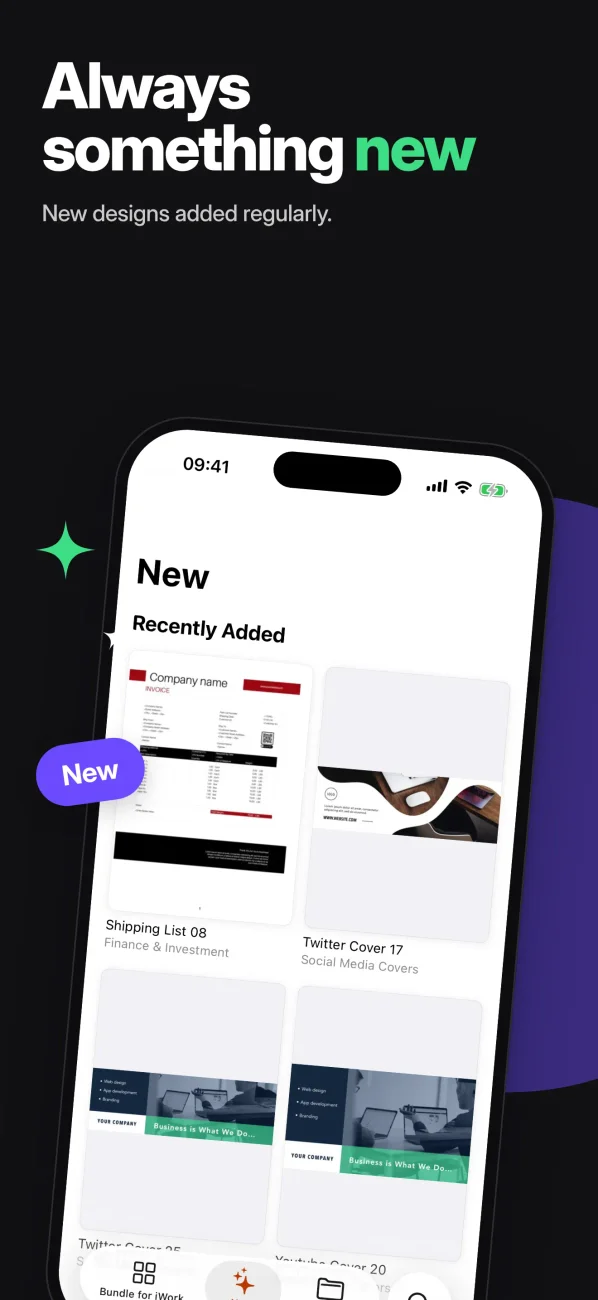
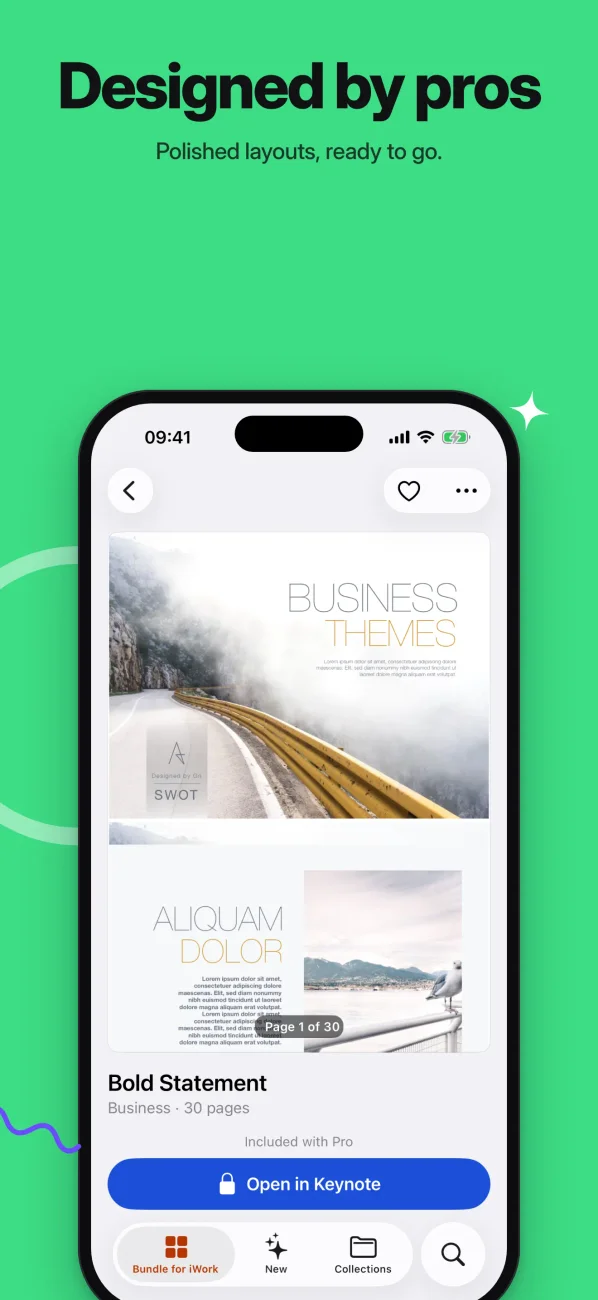
About
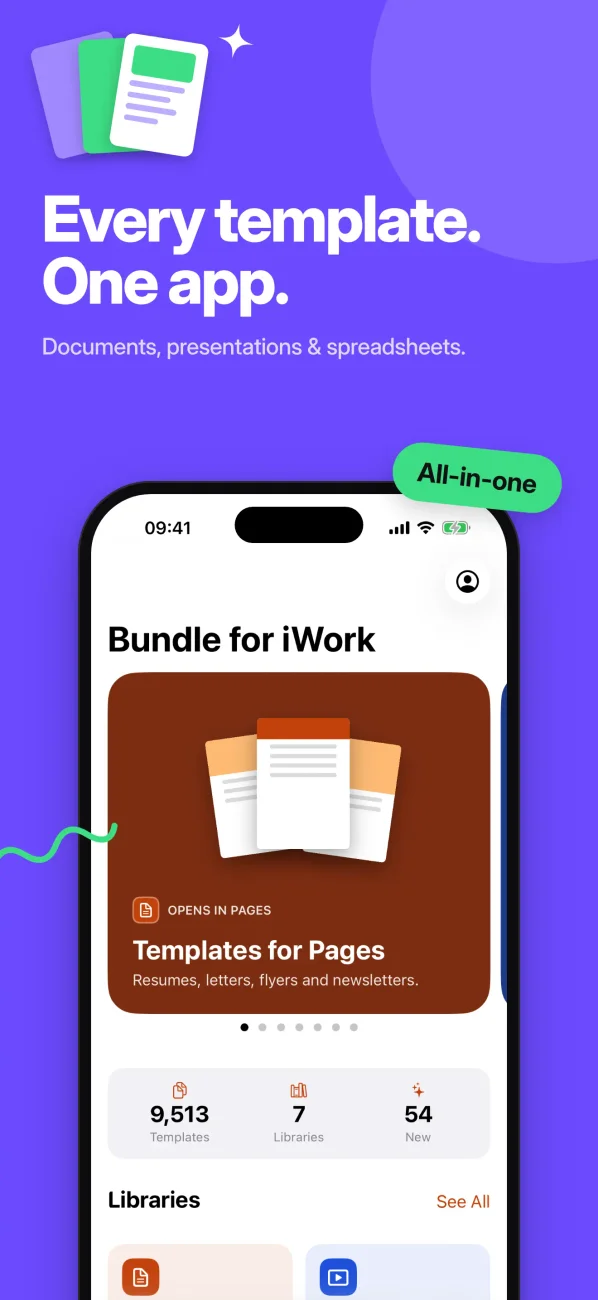
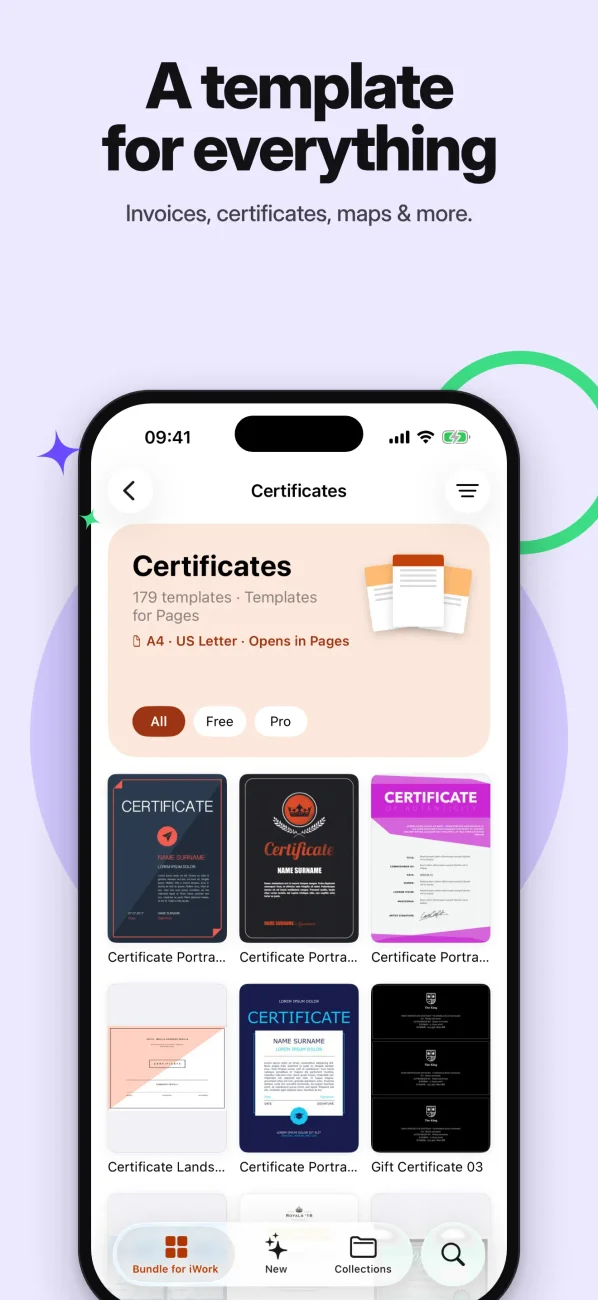
The ideal tool for users of Pages, Keynote, and Numbers, Bundle for iWork Templates provides you with over 35,000 unique designs for Pages documents, spreadsheet templates for Numbers, first-class slideshow themes for Keynote, over 2000 images, and graphics for illustrating your content. All templates are available in US and international paper sizes.
The Bundle for iWork Templates is free to download with free items in each category and in-app purchases for instant use. All items can be purchased individually or in packs. The bundle unlocks all the items within the Bundle for iWork Templates and enables free content updates. With Bundle for iWork Templates, your work will always be the most productive.
Royalty-free stock images, illustrations, and photographs in a fast-growing library. It can be used in both personal and commercial projects.
The app's library comes with regular content updates. The first 3 days are on the house and then you can get it in affordable monthly, semi-annual, annual, or lifetime plans!
Subscribe to take advantage of all the Premium features described above.
• Your payment will be charged to your iTunes Account as soon as you confirm your purchase.
• You can manage your subscriptions and turn off auto-renewal from your Account Settings after the purchase.
• Your subscription will renew automatically unless you turn off auto-renew at least 24 hours before the end of the current period.
• The cost of renewal will be charged to your account 24 hours prior to the end of the current period.
• When canceling a subscription, your subscription will stay active until the end of the period. Auto-renewal will be disabled, but the current subscription will not be refunded.
• Any unused portion of a free trial period, if offered, will be forfeited when purchasing a subscription.
Instructions to manage your auto-renewing subscriptions can be found here: https://support.apple.com/en-us/HT202039
Privacy Policy: http://graphicnode.com/privacypolicy/
Terms of Use: http://graphicnode.com/termsandconditions/
Help us develop the best app available in the store! If you have found a bug, got a suggestion, or want a new feature, email us
at: support@graphicnode.com
* Latest versions of Pages, Numbers, and Keynote are recommended.
What’s new
Version 7.0 · Nov 24, 2026
All-new design for iPhone and iPad
• Fresh look throughout, with a sidebar on iPad
• New Home with featured collections and the latest templates
• Smarter Search: recent searches, suggestions and categories at a glance
• Collections are now folders, with Favorites always first
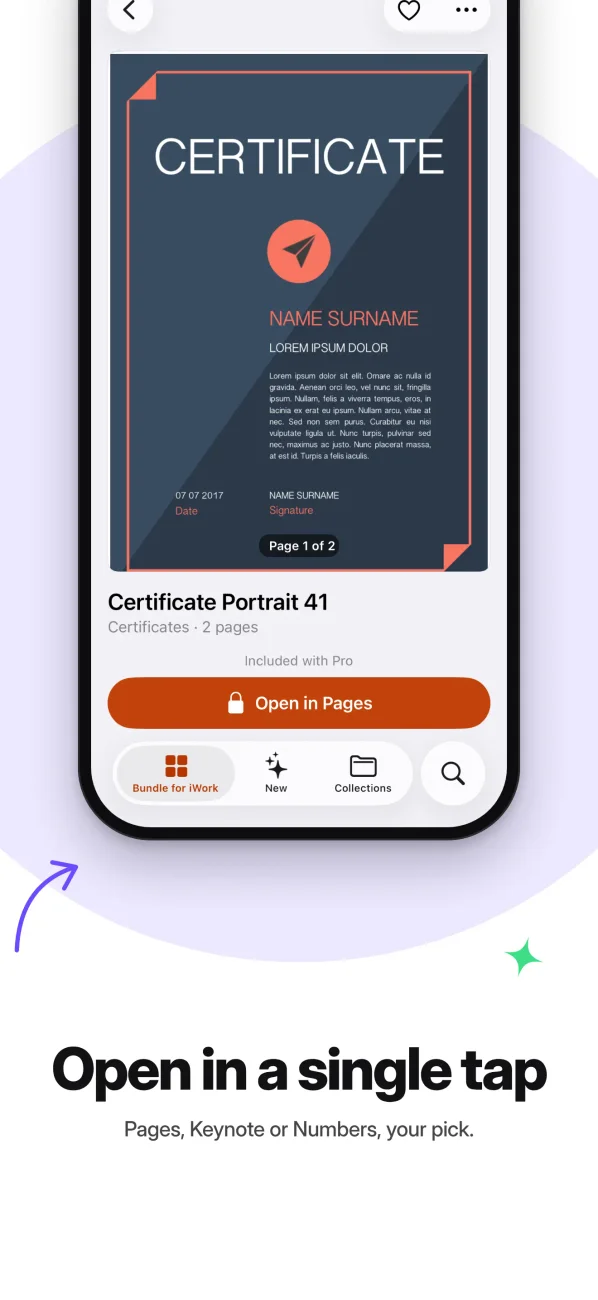
• Redesigned template preview: open, share or save to Files
• Clearer upgrade screen and easier restore of purchases
• Faster, more reliable downloads
App privacy
What Graphic Node declares on the App Store about how this app handles data.
-
Data not linked to you
May be collected but is not linked to your identity.
- Diagnostics
Privacy practices may vary, for example with the features you use or your age.
Information
- Seller
- UAB "Graphic Node"
- Category
- Productivity
- Version
- 7.0
- Updated
- Nov 24, 2026
- Released
- Mar 24, 2015
- Size
- 36.1 MB
- Requires
- iOS 17.0 or later
- Age rating
- 4+
- Price
- Free
- In-app purchases
- Yes
- Languages
- English
- Copyright
- © Graphic Node
You might also like
-
 Factory for iWorkKeynote, Pages & Numbers
-
 Templates for Pages (Nobody)Resumes, Invoices, Cards, etc.
-
 Construction forms & templatesforms templates and documents
-
 CatCarp PaperPaper for plans, notes & ideas
-
 Keep It MobileNotebook & Document Organizer
-
 Inclr: Mindmap Notes OrganizerIdeas and Notes mind mapping
-
 Planner Templates by Nobody75 Templates for Pages
-
 Newsletter CreatorProductivity
-
 Leia A.I.Create Your Digital Experience
-
 Al Chat Assistant : Ai ChatbotWriter & Powered by LLM