
- Age rating4+
- CategoryProductivity
- DeveloperRan Xia
- LanguagesEnglish
- Size2.2 MB
Links to the official App Store page
Download.org hosts no file of BurnTheList. The button opens its official App Store page, published by Ran Xia. Listing last checked on Nov 20, 2026.
Screenshots





About
Burn through your day.
BurnTheList is a daily task list with one job: get you to finish things. Add a task, tap it, watch it burn.
Start in seconds — no account, no login, no setup. Type your first task and go.
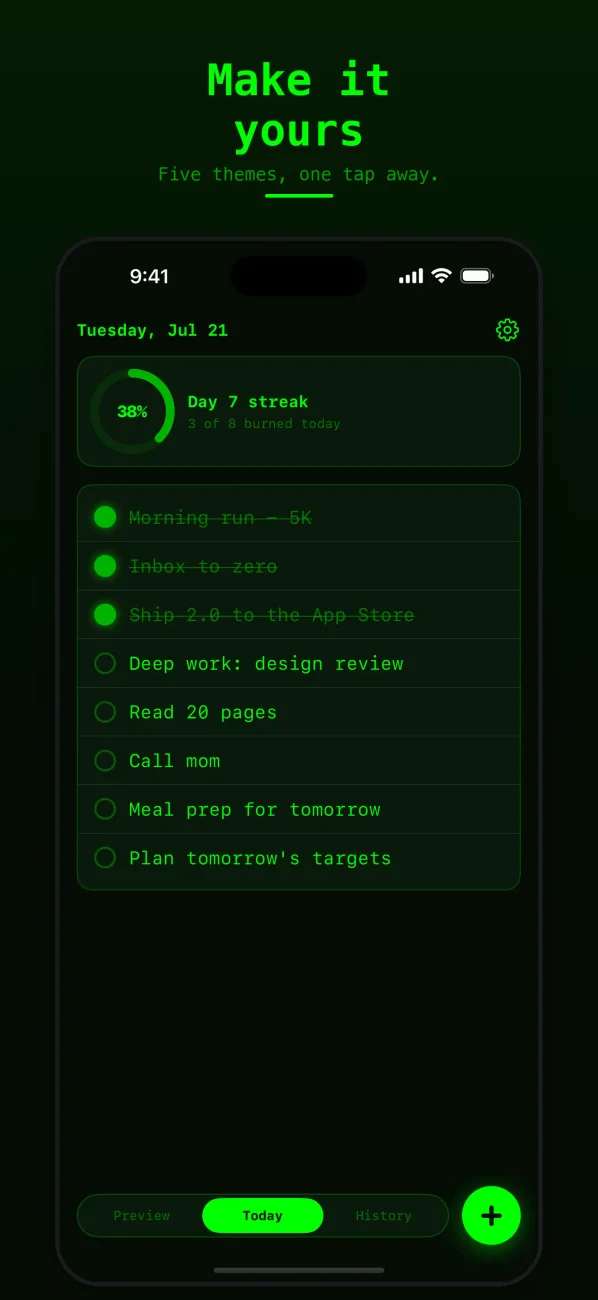
Build a streak — a streak ring tracks your daily burn, and a 7-day strip shows how the week went.
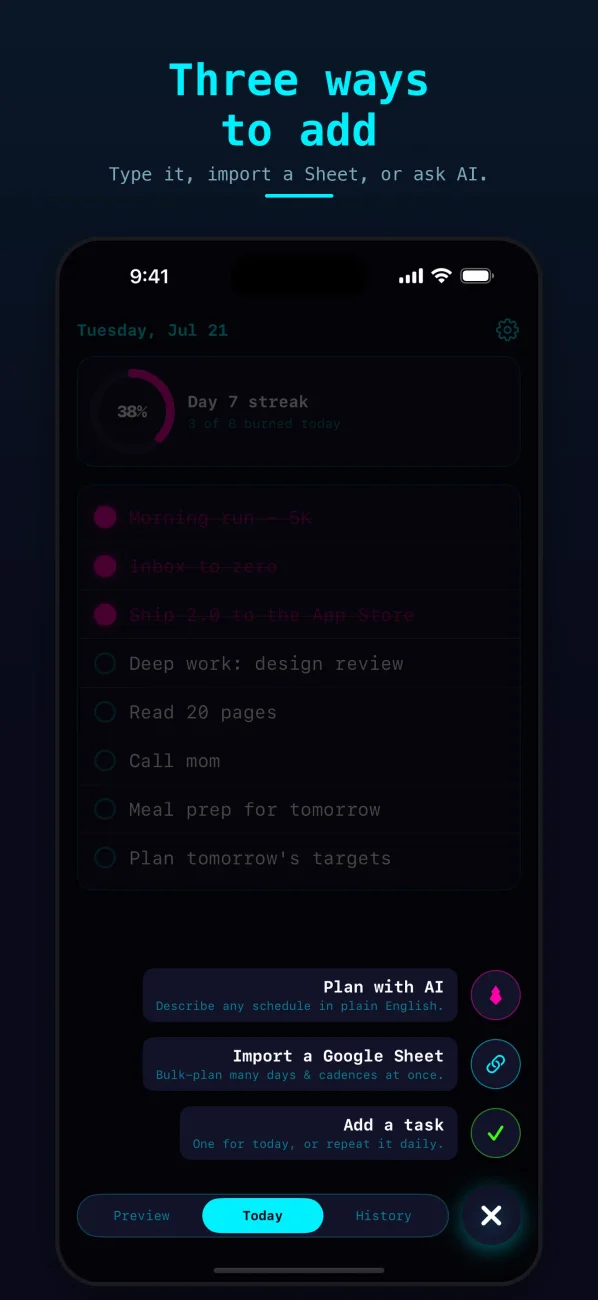
Three ways to add tasks — type them manually, describe your week in plain English and let the AI planner draft it, or sync a published Google Sheet and let the app pull your list every day.
Recurring tasks — repeat anything daily, on chosen weekdays, or every N days.
Home screen widget — see today's tasks and check them off without opening the app.
Five themes — Cyberpunk, Vaporwave, Terminal, Blood Red, and Minimal.
Your tasks and completion history stay on your device.
What’s new
Version 2.0.1 · Aug 10, 2026
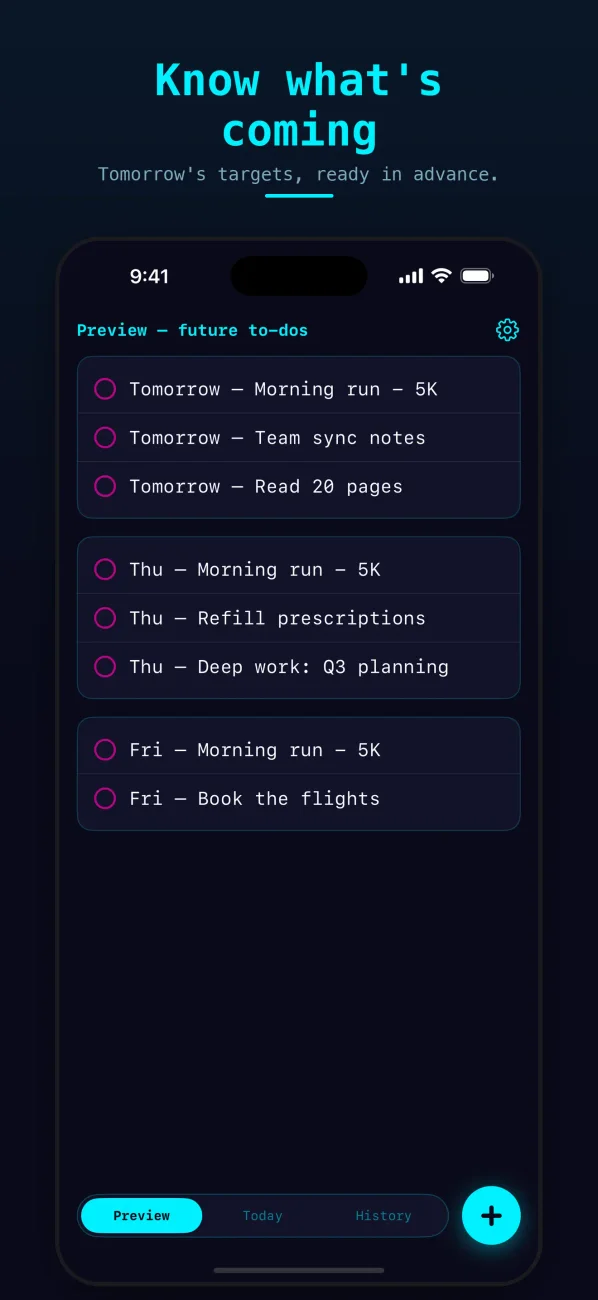
• Plan ahead: add a task to any day, not just today.
• Fix your record: tap any task in History to burn it, even days later — and History now shows everything you added, not only repeating tasks.
• A rebuilt AI planner: type your plan, tap Generate, review what it drafted, then add. The button no longer hides behind the keyboard.
• Edit any task the same three ways you add one — by hand, with AI, or from your worksheet.
• A day with nothing on it no longer breaks your streak.
• Clearer messages when the AI planner can't reach the service or can't read your request.
• Fixes: the widget now burns the right day after midnight, and the AI planner's buttons stay readable at large text sizes.
App privacy
What Ran Xia declares on the App Store about how this app handles data.
-
Data not linked to you
May be collected but is not linked to your identity.
- User content
- Identifiers
- Usage data
Privacy practices may vary, for example with the features you use or your age.
Information
- Seller
- Ran Xia
- Category
- Productivity
- Version
- 2.0.1
- Updated
- Aug 10, 2026
- Released
- Apr 17, 2026
- Size
- 2.2 MB
- Requires
- iOS 18.0 or later
- Age rating
- 4+
- Price
- Free
- Languages
- English
- Copyright
- © 2026 Ran Xia
You might also like
-
 Time2DoGamify your habits
-
 fillin - community that worksProductivity
-
 eDMRProductivity
-
 Toki: TimerYour drawings, your time
-
 GoalCubbyEvery Goal Feeds Your Cubby.
-
 Extreme LiveFast & Secure VPN
-
 CryptoboxProductivity
-
 FoliaAnnotate and capture ideas
-
 Readonly-Read It LaterYour Reading Corner
-
 Journal: Notes, PDF & PlannerDaily Diary & Digital Notebook