
- Age rating4+
- CategoryProductivity
- DeveloperBranchfire, Inc.
- LanguagesEnglish
- Size63.6 MB
Links to the official App Store page
Download.org hosts no file of Folia. The button opens its official App Store page, published by Branchfire, Inc. Listing last checked on Nov 17, 2026.
Screenshots

About
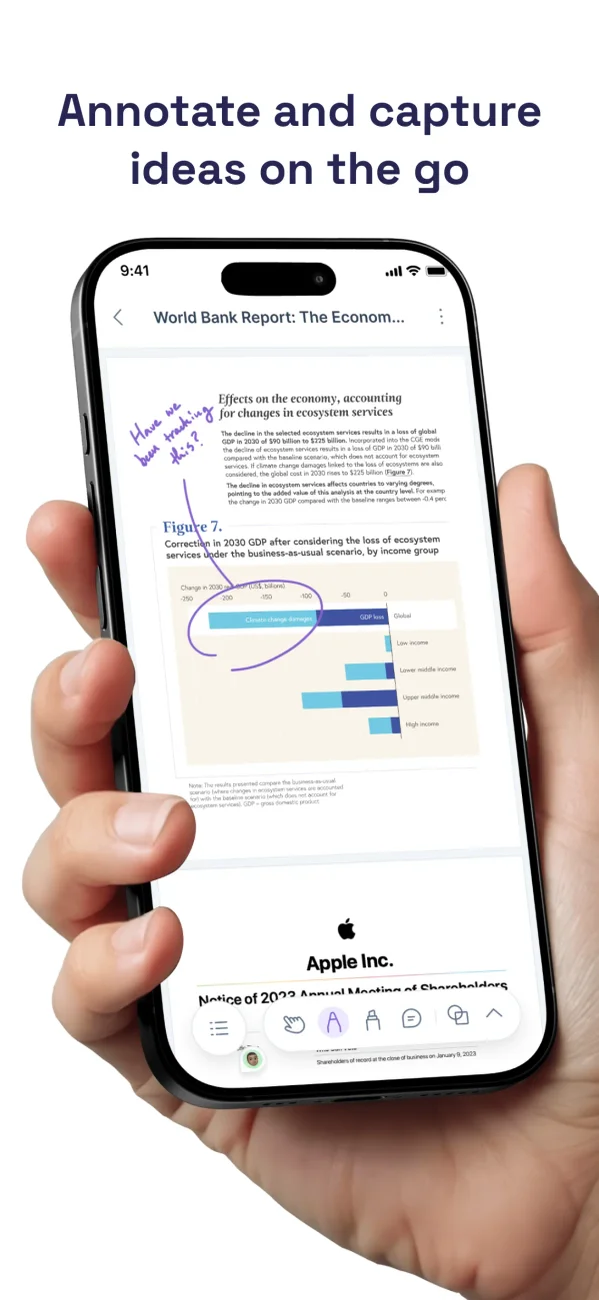
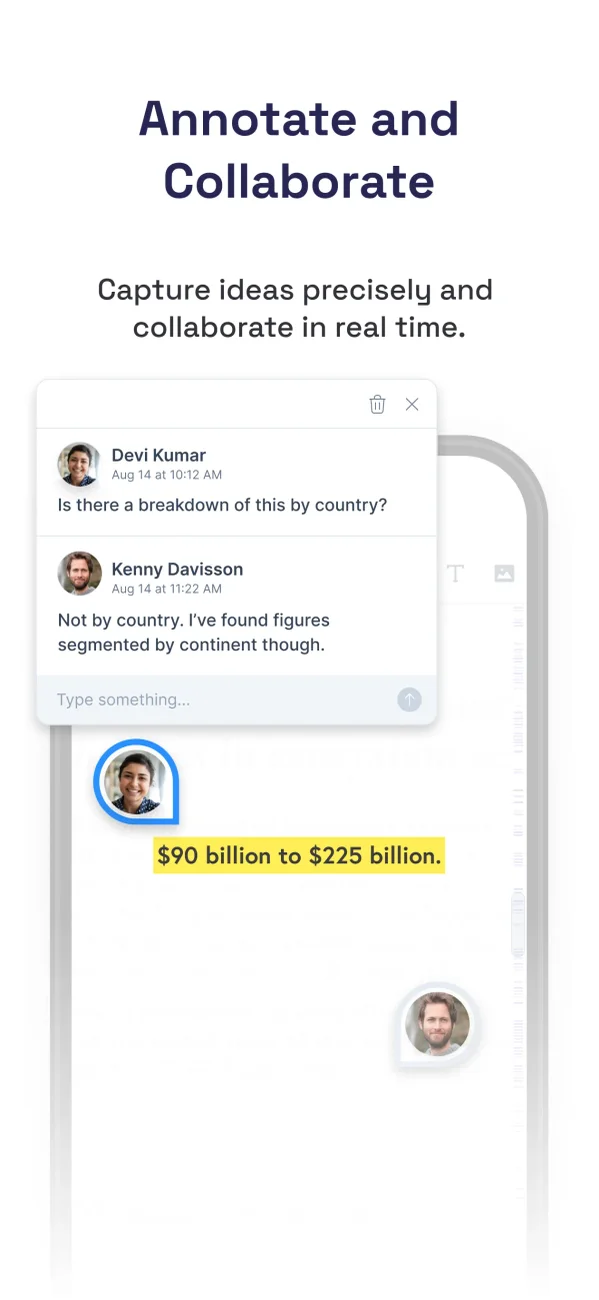
Folia is the all-in-one way to annotate any document, from any device. Open a single file and start marking it up, or organize your work into projects and share with collaborators in real time. Folia lets you record your ideas wherever you are, whether at your desk or on the go.
Use Folia to:
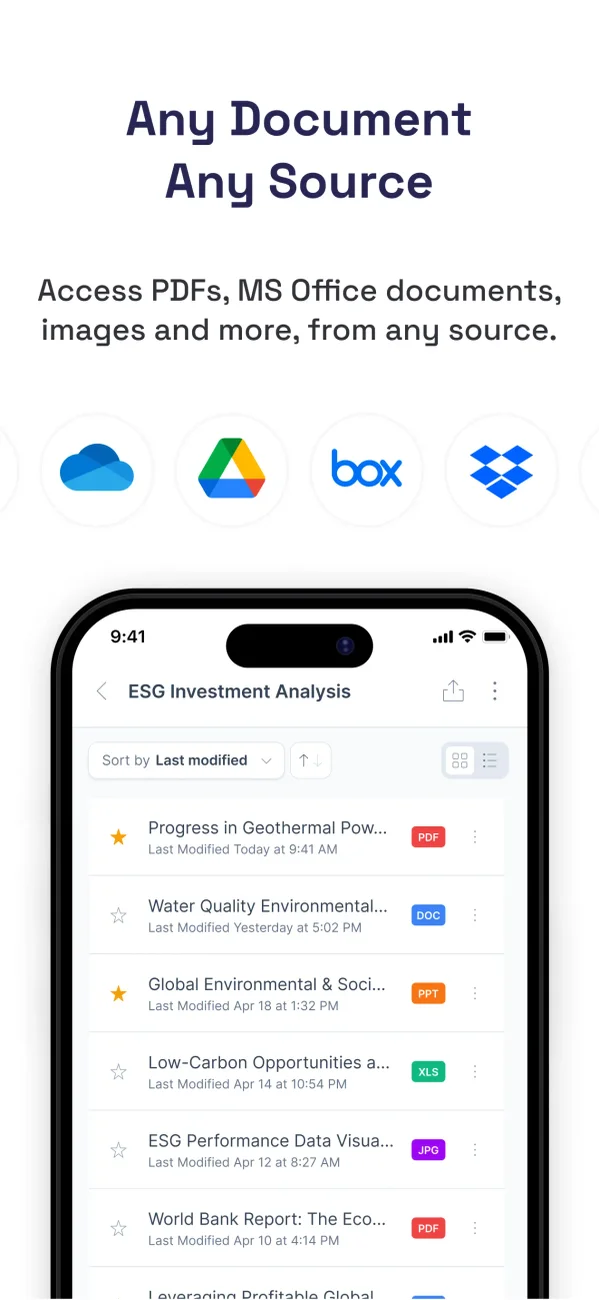
- Open recent and favorited documents right from Home.
- Work with individual documents on their own, or group them into projects.
- Pull in files from any storage connection like Google Drive, OneDrive, Dropbox and Box.
- Annotate files of any type — PDFs, MS Office documents, images, and more.
- Scan and OCR paper documents with your camera.
- Record audio annotations from your microphone.
- Share securely between colleagues.
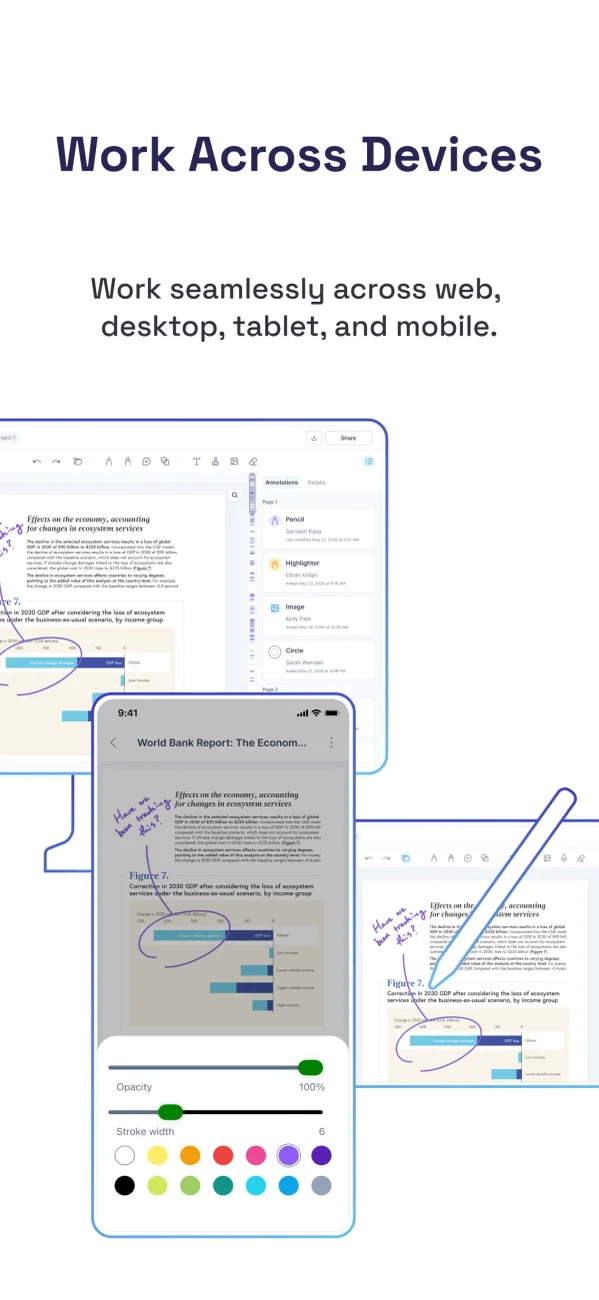
- Record ideas from desktop, phone or tablet.
Learn more at www.folia.com
Privacy Policy: https://www.folia.com/legal/privacy
Support: help@folia.com
What’s new
Version 1.22.0 · Oct 23, 2026
Page Thumbnail: Introduced thumbnail-based page navigation, rotation, and hide/unhide functionality across Web, iOS, and Android, with cross-platform synchronization and updated PDF export handling.
Added a magnifier for the markup tools, Added an actions menu to the document list in the secondary panel.
App privacy
What Branchfire, Inc. declares on the App Store about how this app handles data.
-
Data not collected
The developer does not collect any data from this app.
Privacy practices may vary, for example with the features you use or your age.
Information
- Seller
- Branchfire, Inc.
- Category
- Productivity
- Version
- 1.22.0
- Updated
- Oct 23, 2026
- Released
- Nov 25, 2024
- Size
- 63.6 MB
- Requires
- iOS 15.1 or later
- Age rating
- 4+
- Price
- Free
- Languages
- English
- Copyright
- © 2026 Folia
You might also like
-
 BoardNotes: Notes, PDF, DocsNote taking,Whiteboard,Mindmap
-
 PDF CabinetRead, Annotate, Collaborate
-
 Fullnotes: PDF Notes & CanvasPDF Reader, Annotate & Markup
-
 DEVONthink To Go 4Document & Information Manager
-
 MarginNote 5: AI Notes·MindMapRead & Flashcards All in One
-
 Drawboard PDF Annotate, MarkupWrite & Type on PDFs and Notes
-
 Notedrafts: Note TakingNotebook for study and work
-
 Defter Noteshandwritten spatial notes
-
 LiquidTextAnnotate & review documents
-
 Highlights: PDF Reader & NotesEdit Research Documents/Books