
- Age rating4+
- CategoryProductivity
- DeveloperEric POUSSE
- LanguagesEnglish+ 2 more
- Size9.3 MB
Links to the official App Store page
Download.org hosts no file of iPocket Draw Lite. The button opens its official App Store page, published by Eric POUSSE. Listing last checked on Nov 14, 2026.
Screenshots
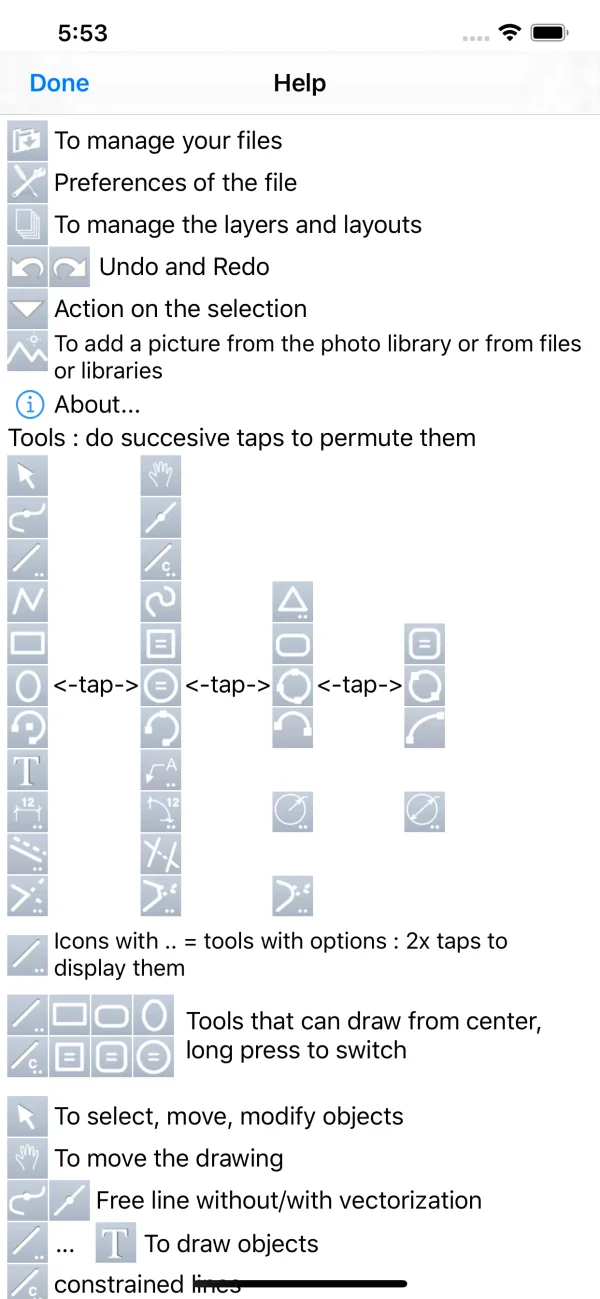
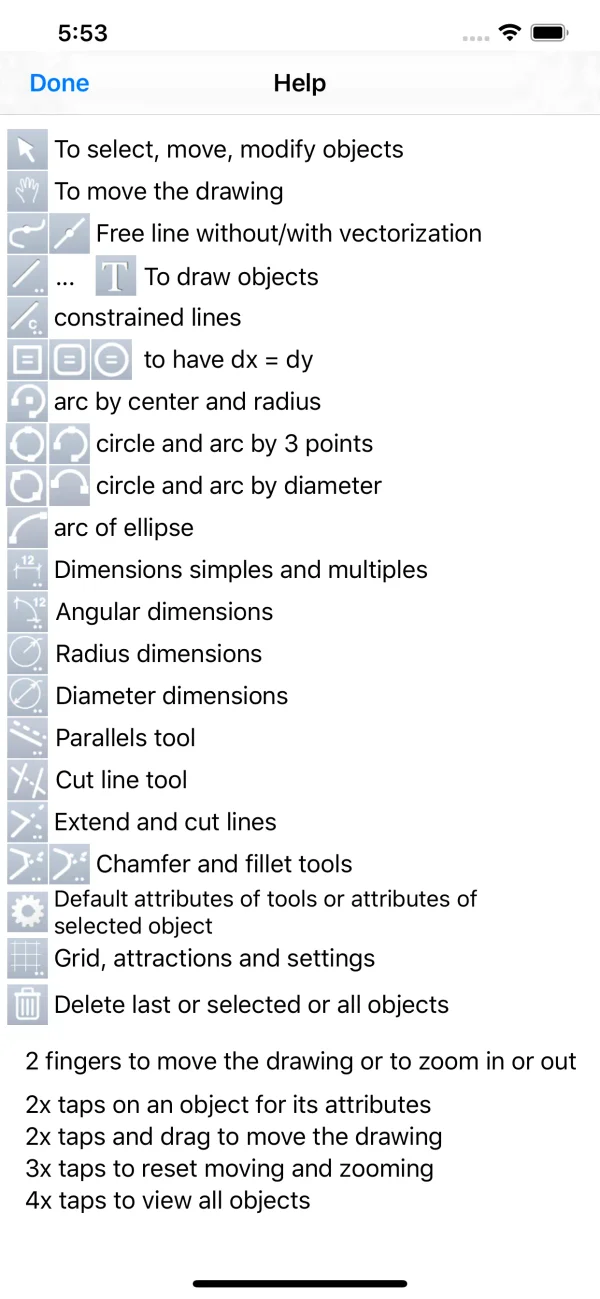
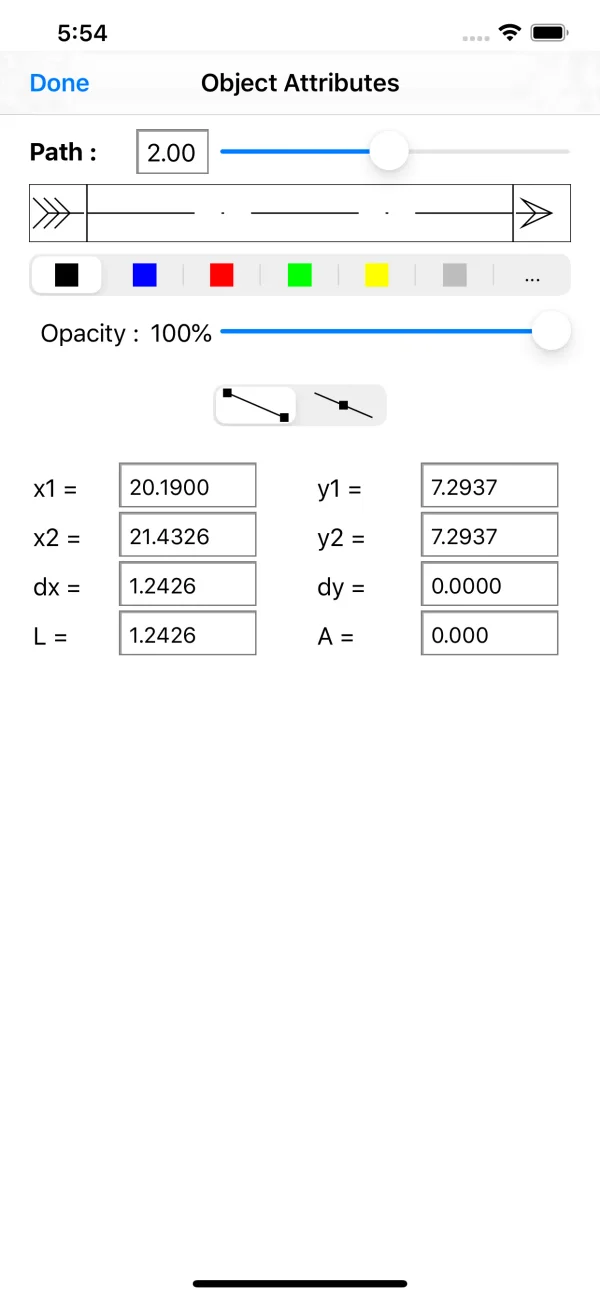
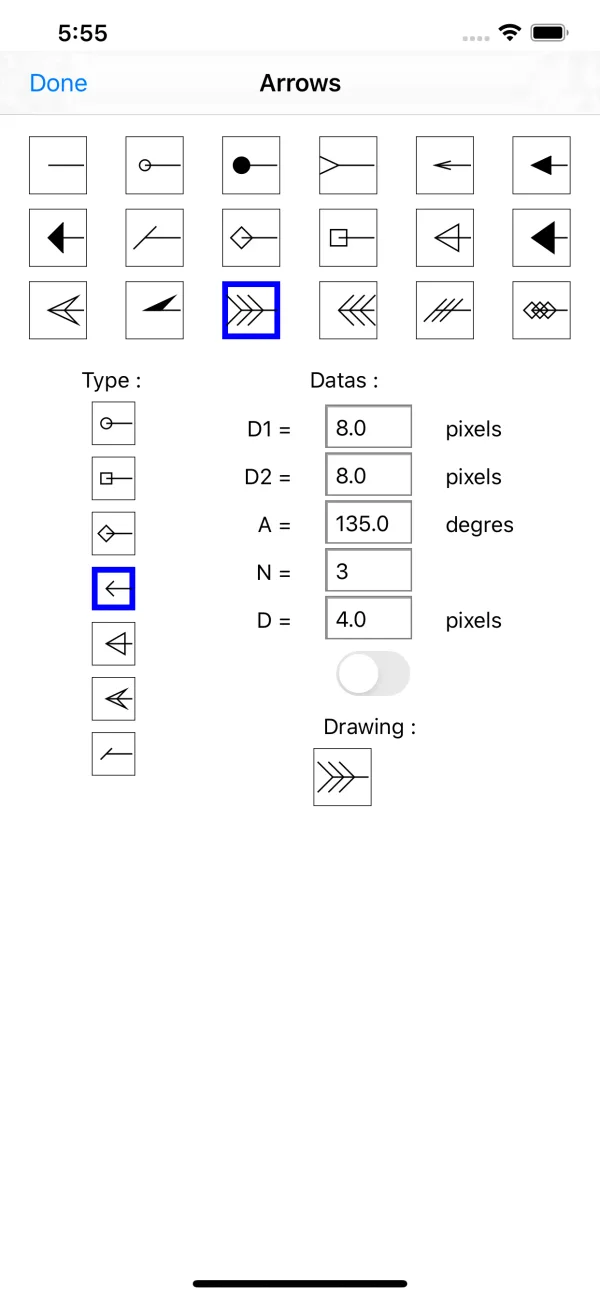

About
** look at the video tutorials put online on our site **
iPocket Draw is a vector drawing program comprehensive (CAD 2D), which offers to you total control over your drawing.
This Lite version includes a limitation on the number of objects (50) by drawing.
Of course all the simple drawing tools are available: line, rectangle, oval, arc, polygon, text.
But also tools of free line with vectorization option (recognition of simple shapes), spline, regular polygon.
All attributes of each object can be edited and changed: line color, line thickness, background color, dotted, arrow, font ...
But also the coordinates of each object because iPocket Draw lets you draw with a scale chosen and modified.
iPocket Draw also has a cotation tool simple and multiple.
And functions of attraction powerful and accurate on the ends of objects but also the centers and on the intersections between all object types.
The drawing area is not limited.
The number of objects either.
The zoom in and out either.
The number of undo either.
You can draw on several layers and create configurations of layers.
You have an object library that you can complete as you want.
A comprehensive menu command allows you to: select all, copy, cut, paste, group, ungroup, lock, unlock, duplicate, move, mirror horizontally or vertically, rotate, align, distribute, create parallel, divide, change the scale, converting in lines, polygon, send back, put in front of.
You can insert photos or images or pdf files in your drawings.
iPocket Draw has a file manager from which you can send your drawings by e-mail format iPocket Draw (RealCADD) or DXF or pdf or jpg image.
But also to export in a photo album.
And also print.
If you have problems, please contact us by mail (see information window of iPocket Draw: i button).
Thanks.
What’s new
Version 4.42 · Nov 4, 2026
Updated for iOS and iPadOS 27 and for the new iPhone Duo
App privacy
What Eric POUSSE declares on the App Store about how this app handles data.
-
Data not collected
The developer does not collect any data from this app.
Privacy practices may vary, for example with the features you use or your age.
Information
- Seller
- Eric POUSSE
- Category
- Productivity
- Version
- 4.42
- Updated
- Nov 4, 2026
- Released
- May 24, 2009
- Size
- 9.3 MB
- Requires
- iOS 16.6 or later
- Age rating
- 4+
- Price
- Free
- Languages
- English, French, German
- Copyright
- © Eric Pousse
You might also like
-
 iDesignProductivity
-
 EazyDrawDrawings that communicate.
-
 Arrette Sketch drafting toolsHand drawn designs at scale
-
 TouchDraw 2Vector Drawing and Diagramming
-
 CADrawCAD Drawing tools
-
 HomeCAD — Design your homeHouse plans, drawings & PDF
-
 QuikCadDraw Projects in Minutes
-
 Planit2d LiteFloor plan blueprint creator
-
 ArchiTouch 3D - Home DesignHouse plan + Architecture CAD
-
 Blue Sketch - Handwritten noteSketch your idea!