
CalendarDC 2026
Manage reminder, note, widget
Designed for iPhone, iPad, iPod touch
Free · In-app purchases
- Age rating4+
- CategoryProductivity
- DeveloperHung Duong
- LanguagesEnglish+ 7 more
- Size11.4 MB
Links to the official App Store page
Download.org hosts no file of CalendarDC 2026. The button opens its official App Store page, published by Hung Duong. Listing last checked on Nov 26, 2026.
Screenshots



About
CalendarDC is a software that helps you view event, task on calendars, set reminders, manage tasks in a scientific and effective way. You will not forget any work or event/task when you have this software because it has integrated features such as sending calendar reminders via email, calendar reminders via instant phone notifications, showing jobs and events on the lock screen of your phone, tablet. A remarkable feature is the events and tasks that are synchronized with the computer with the CalendarDC version for the desktop (the computer version has more than 800,000 downloads, which helps you manage time effectively in the office, the school as well as at home, or when traveling.
The main features of the software
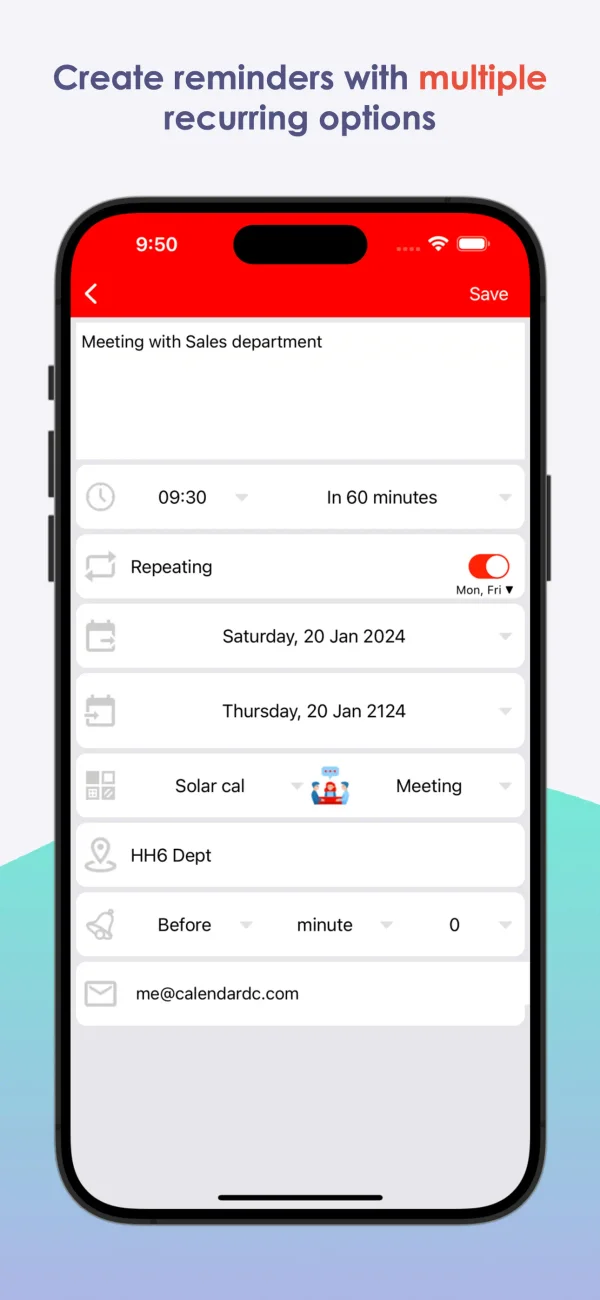
◉ Many modes of task scheduling are repeatable by day, week, month, and year
◉ Manage jobs over time according to both calendar days and lunar calendar
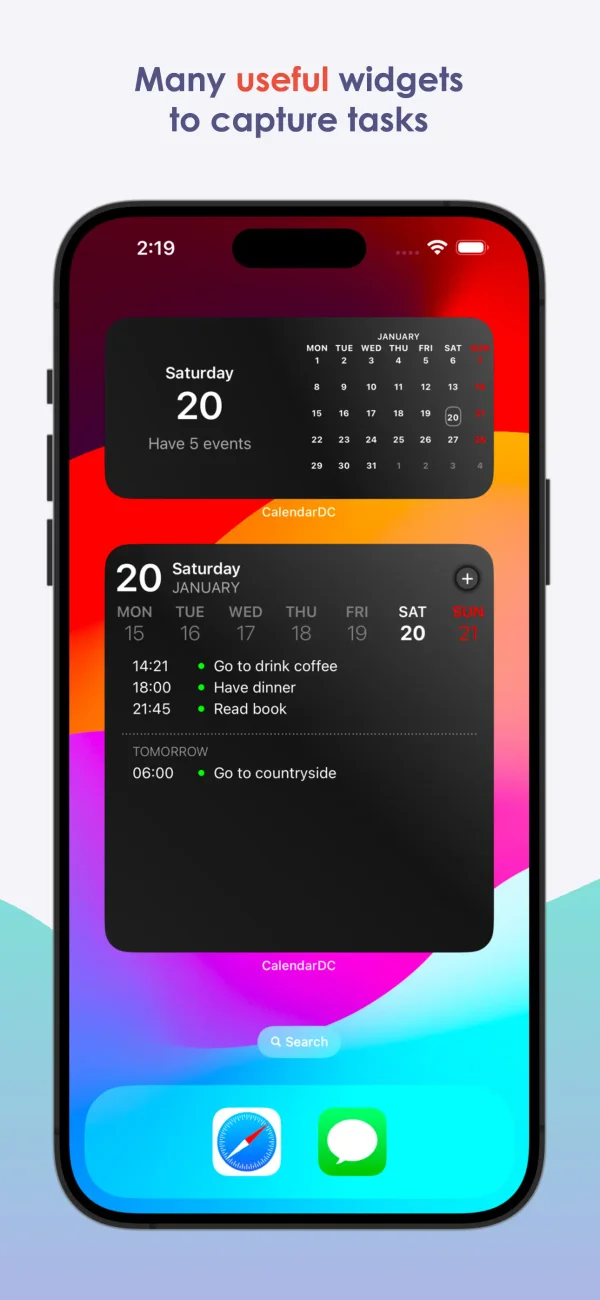
◉ View jobs, events of the day right on the lock screen of your device, ipad by placing the widget of the software
◉ Send email and alert for events by date, appointment time
◉ Share with friends, colleagues, relatives the events, jobs, and common interests that people share via email
◉ Many work topics such as working, meeting, vacation, coffee, birthday, death anniversary ... help you manage time effectively
◉ Search for events and jobs you have placed easily
◉ View the current and future dates, the past according to the calendar, the lunar calendar
◉ Easy access to past and future jobs
◉ Automatically syncs calendar data with computers and other mobile devices
◉ Manage notes and sync with the computer version.
◉ Many options to change the calendar interface
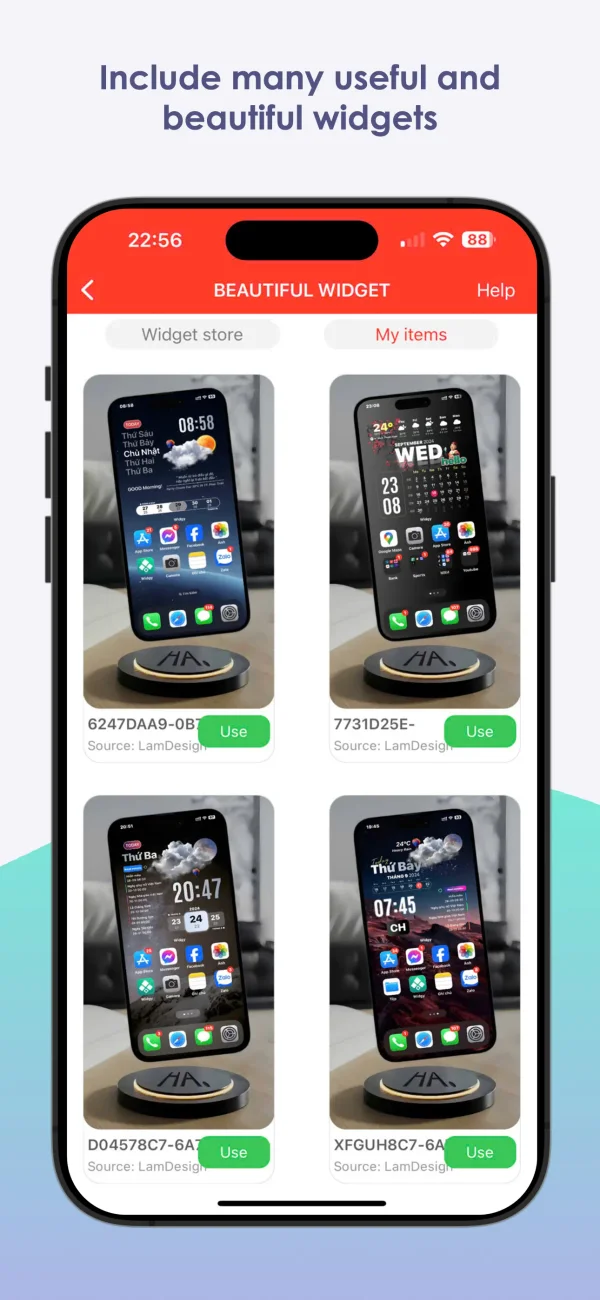
◉ Many useful widget for managing tasks
◉ Not be interrupted by advertisement
Please download and use this software immediately.
Look forward to your support and feedback.
- Website of software: https://lichvietpro.com
What’s new
Version 7.32 · Sep 29, 2026
Some updates in this version:
- Add more aesthetic widgets for home screen and lock screen
- Add more beautiful wallpapers
- Fix some errors and tuning app UI
App privacy
What Hung Duong declares on the App Store about how this app handles data.
-
Data not linked to you
May be collected but is not linked to your identity.
- Contact info
Privacy practices may vary, for example with the features you use or your age.
Information
- Seller
- Hung Duong
- Category
- Productivity
- Version
- 7.32
- Updated
- Sep 29, 2026
- Released
- Aug 19, 2018
- Size
- 11.4 MB
- Requires
- iOS 15.6 or later
- Age rating
- 4+
- Price
- Free
- In-app purchases
- Yes
- Languages
- English, French, German, Japanese, Korean, Polish, Thai, Vietnamese
- Copyright
- © HA.KK Studio
You might also like
-
 FPT LifeProductivity
-
 LockScreen Calendar: LockaSchedule Planner Wallpaper
-
 Lịch Vạn Niên 2026 + Lịch ÂmProductivity
-
 VNeIDProductivity
-
 Documents & PDF Scanner - FyleScan Receipts, OCR & Organize
-
 Quick VPN: Private Fast ProxySecure WiFi, Unlimited Access
-
 Email Writer : AI Email WriterAI email writer and assistant
-
 Tempus: Daily Planner & To-DoTime Blocking & Focus for ADHD
-
 Did I Do? - ADHD & OCD HelpDaily Task Tracker
-
 NoteSpeak AI Note TakerAI Meeting Notes & Recorder