
Camera Metadata Border
EXIF frame lab - no cloud
Designed for iPhone, iPad, iPod touch
Free · In-app purchases
- Age rating4+
- CategoryPhoto & Video
- DeveloperVictor Alfonso Martinez Alvarez
- LanguagesEnglish
- Size60.6 MB
Links to the official App Store page
Download.org hosts no file of Camera Metadata Border. The button opens its official App Store page, published by Victor Alfonso Martinez Alvarez. Listing last checked on Nov 12, 2026.
Screenshots



About
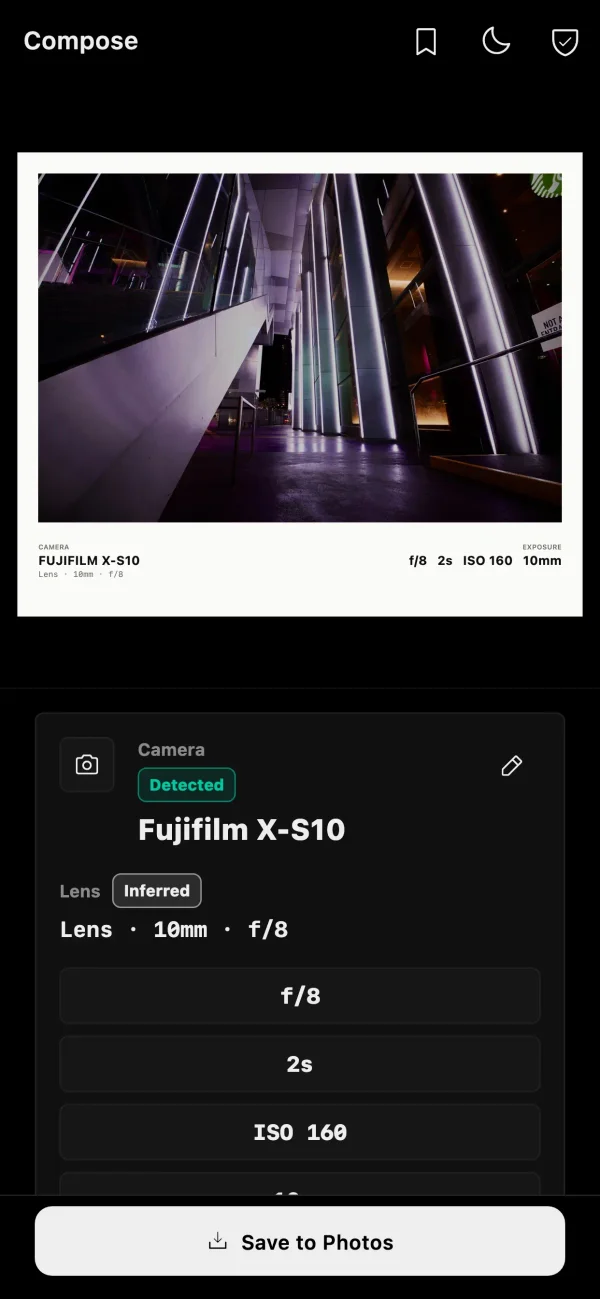
Camera Metadata Border turns hidden EXIF data into clean photo frames for photographers who want camera settings to stay visible in the final image.
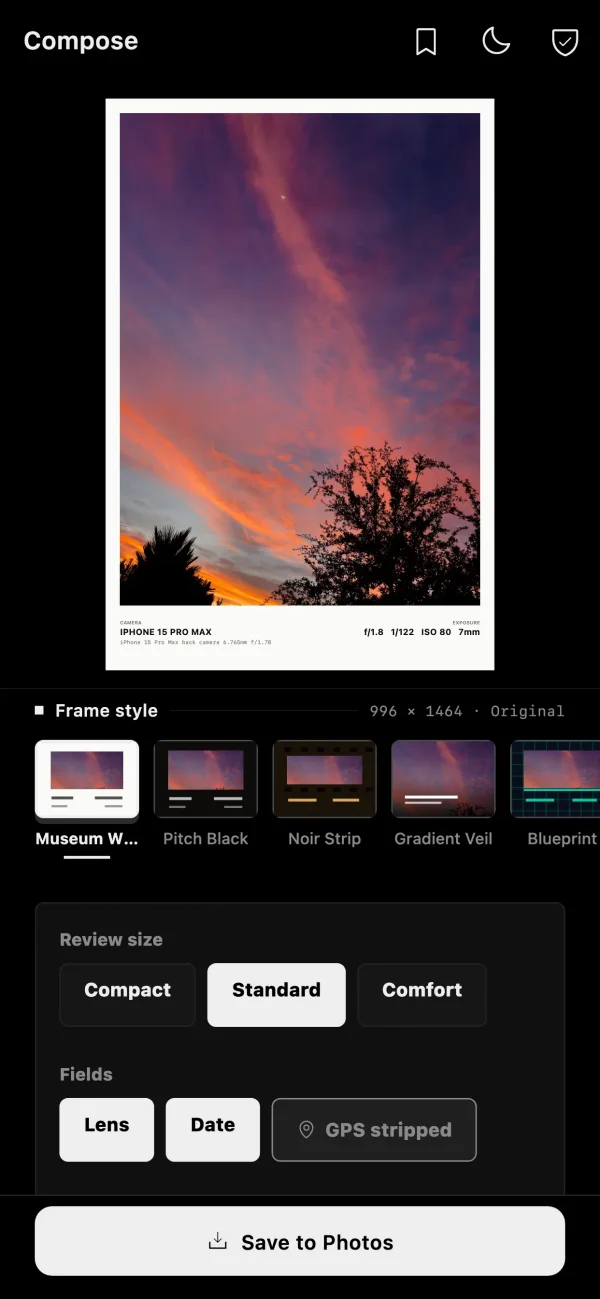
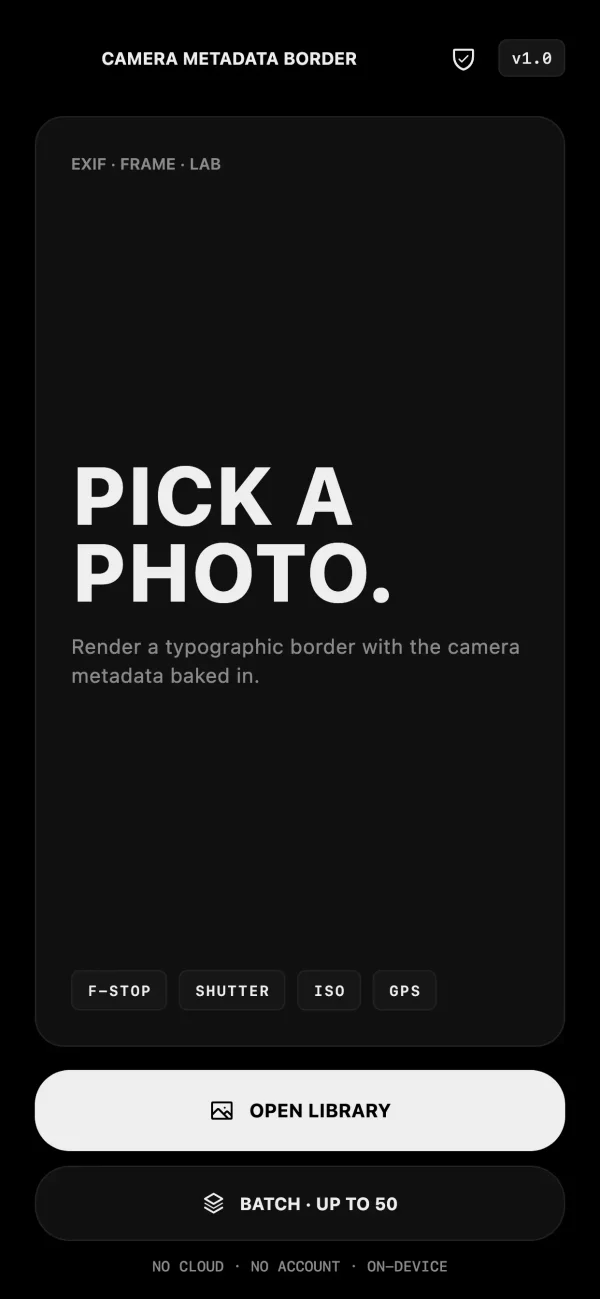
Pick a photo from your library, choose a frame style, and export a polished image with metadata such as camera model, lens, aperture, shutter speed, ISO, focal length, capture date, and optional location handling. Everything is rendered on your device, so your photos do not need to be uploaded to a server or tied to an account.
WHY PHOTOGRAPHERS USE IT
- Share the settings behind a favorite shot
- Create clean camera-setting borders for social posts, portfolios, prints, and photo challenges
- Keep lens, exposure, and date information attached to exported images
- Build a consistent look across a set of photos
- Preserve privacy by removing exact GPS data by default
EXIF AND CAMERA METADATA
The app reads common photo metadata and formats it into a readable border instead of leaving it buried in a file inspector. Use it as an EXIF viewer when you want to check the details, then turn those details into a finished frame.
FRAME STYLES
Start with Museum White for a classic gallery-style mat. Pro unlocks additional looks including Pitch Black, Minimal Center, Gradient Veil, Noir Strip, and Blueprint. Each style is designed to make camera information legible without overwhelming the photo.
BATCH EXPORT
Export up to 50 framed photos at once with a consistent metadata layout. Useful for shoots, travel sets, client selects, and social posts where every image should carry the same clean camera-notes style.
MANUAL METADATA EDITING
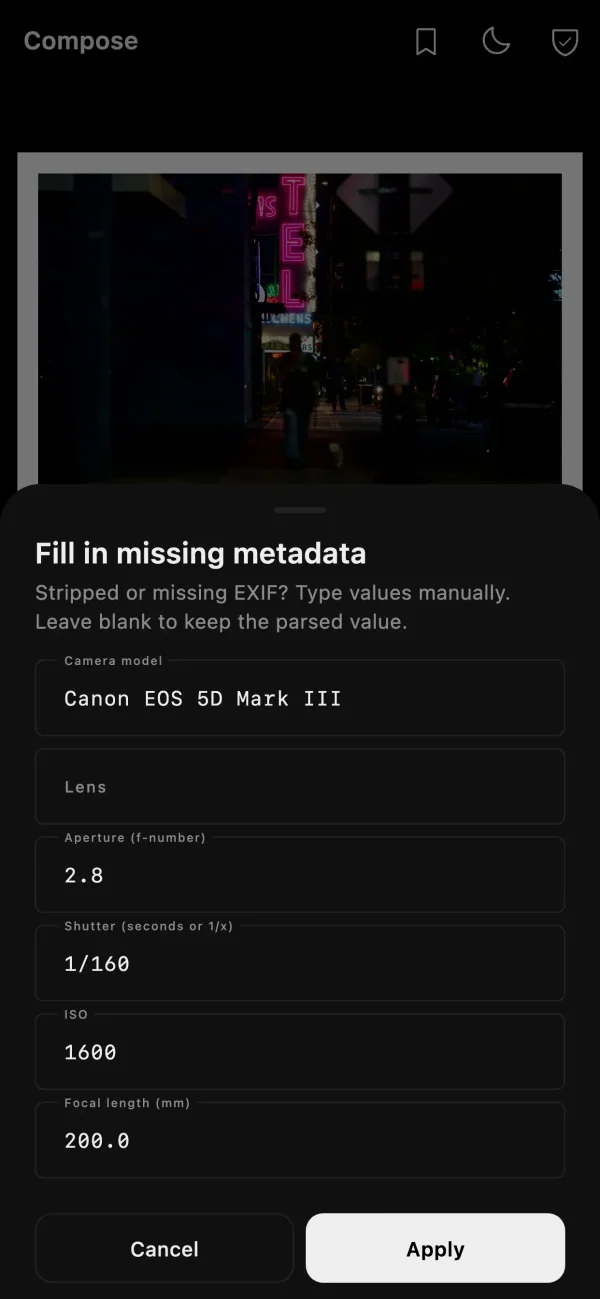
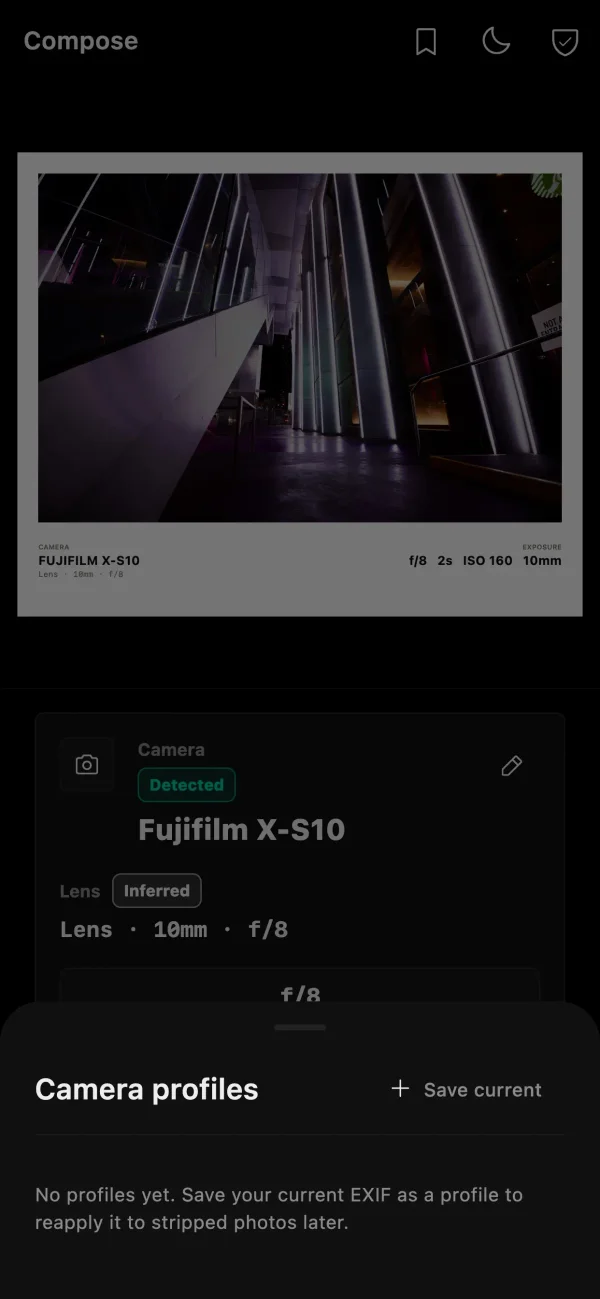
Some photos, scans, shared files, or edited exports have incomplete EXIF data. Fill in or correct missing fields before you export so the final frame still includes the right camera story.
CAMERA PROFILES
Save reusable camera metadata presets for manual lenses, vintage cameras, film scans, screenshots, or edited files. Profiles make it faster to apply consistent information across multiple exports.
PRIVACY FIRST
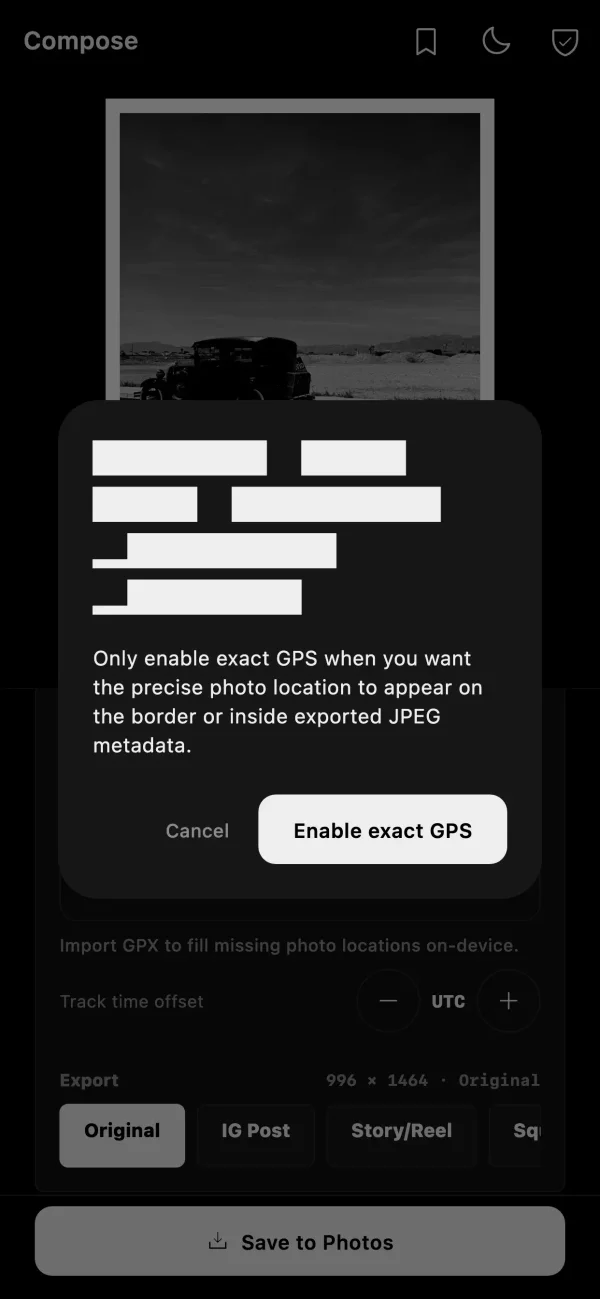
Your photo library stays on your device. The app does not require an account and does not upload your images to a cloud service. Exact GPS location is stripped from exports by default, with controls to remove, approximate, or keep location metadata when needed.
PRO FEATURES
Upgrade to Pro to remove ads, unlock five extra frame styles, and enable batch export.
Terms of Use: https://camerametadata.com/terms.html
Privacy Policy: https://camerametadata.com/privacy.html
What’s new
Version 1.0.2 · Jun 9, 2026
Fixes Pro purchase configuration so subscriptions load correctly and improves the upgrade experience.
App privacy
What Victor Alfonso Martinez Alvarez declares on the App Store about how this app handles data.
-
Data used to track you
May be used to track you across apps and websites owned by other companies.
- Location
- Identifiers
-
Data not linked to you
May be collected but is not linked to your identity.
- Purchases
- Location
- Identifiers
- Usage data
- Diagnostics
- Other data
Privacy practices may vary, for example with the features you use or your age.
Information
- Seller
- Victor Alfonso Martinez Alvarez
- Category
- Photo & Video
- Version
- 1.0.2
- Updated
- Jun 9, 2026
- Released
- May 13, 2026
- Size
- 60.6 MB
- Requires
- iOS 13.0 or later
- Age rating
- 4+
- Price
- Free
- In-app purchases
- Yes
- Languages
- English
- Copyright
- © 2026 Victor Martinez
You might also like
-
 Lumencam | Pocket CameraRetro & Film Filters
-
 Lentico: Profile Pic MakerCutout, Backgrounds & Effects
-
 Henshu — Photo EditorPhoto & Video
-
 Campera - Point & Shoot CameraFilm-quality photos, instantly
-
 Pucam - Photo & Video AlbumsSave & share your memories
-
 EXIFrame - Photo EXIF FrameMetadata Editor, Film Recipes
-
 Reframe – Photo Layout EditorWhite borders for social media
-
 F8 Frame: Photo BordersEXIF Watermark & Batch Export
-
 Razr - Street CameraStreet and Travel Photography
-
 Exifill - Add Exif FramePhoto frames with camera info