CameraStudio - Virtual Camera
Stream/meeting/video/Dual Cam
Designed for iPhone, iPad, Mac, iPod touch
Free · In-app purchases
- Age rating4+
- CategoryPhoto & Video
- Developer辉章 何
- LanguagesEnglish+ 9 more
- Size27.4 MB
Links to the official App Store page
Download.org hosts no file of CameraStudio - Virtual Camera. The button opens its official App Store page, published by 辉章 何. Listing last checked on Nov 13, 2026.
Screenshots

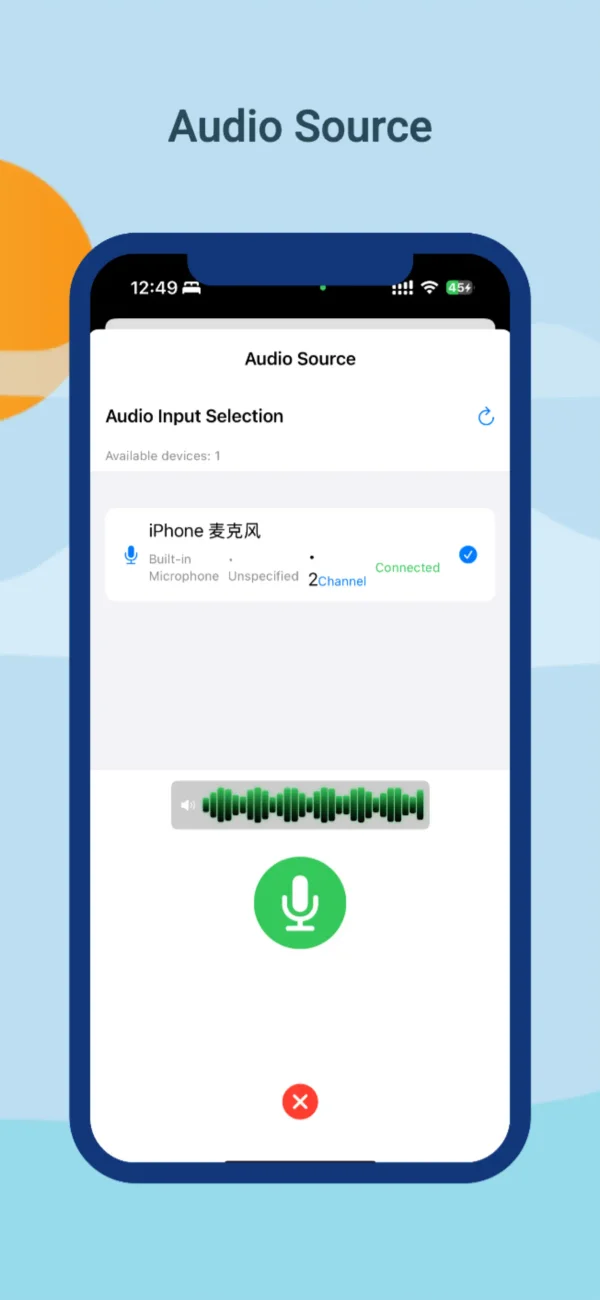
About
CameraStudio is the ultimate camera management and recording software for macOS and iPad that transforms how you control and create with your cameras. Whether you’re live streaming, recording, or joining a video conference, CameraStudio gives you total creative control over every angle.
What’s New
• Dual Camera Recording: Record with both front and rear cameras simultaneously in Speaker Mode — capture yourself and your audience at once.
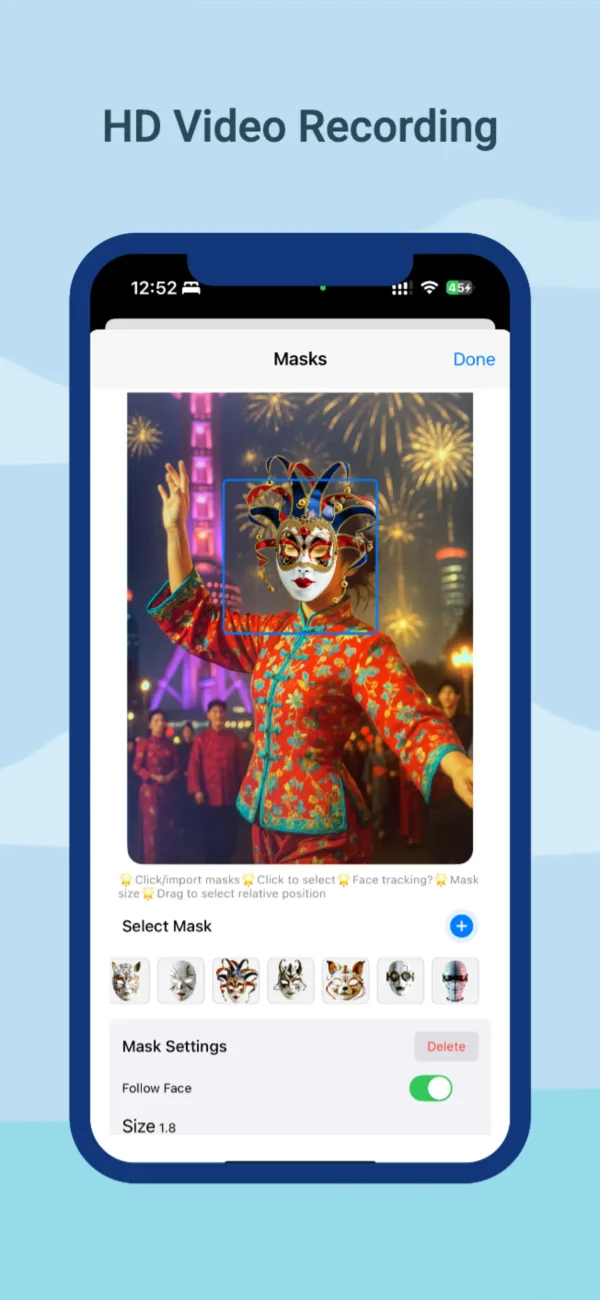
• Video Recording: Record high-quality videos directly within CameraStudio using all your filters, masks, and effects.
Why CameraStudio?
• Customizable Virtual Cameras: Create unique virtual cameras to enhance your video experience.
• Multi-Camera Switching: Seamlessly switch between multiple cameras or video sources without interruption.
• Advanced Video Filters: Adjust brightness, contrast, blur, and more to perfect your look.
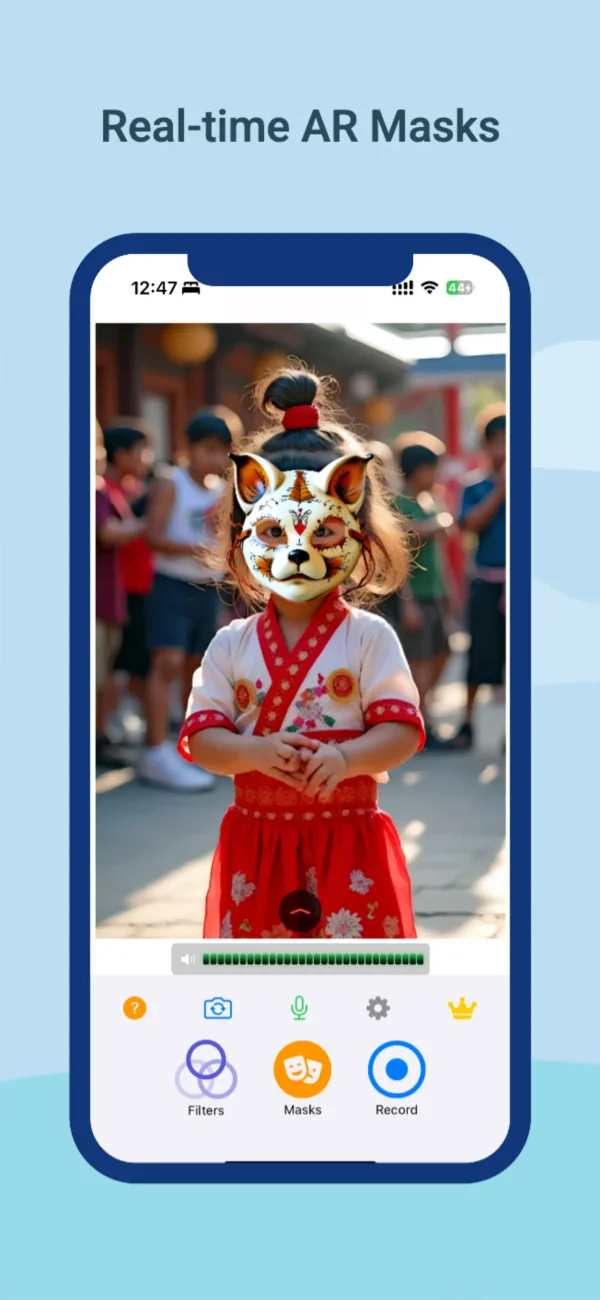
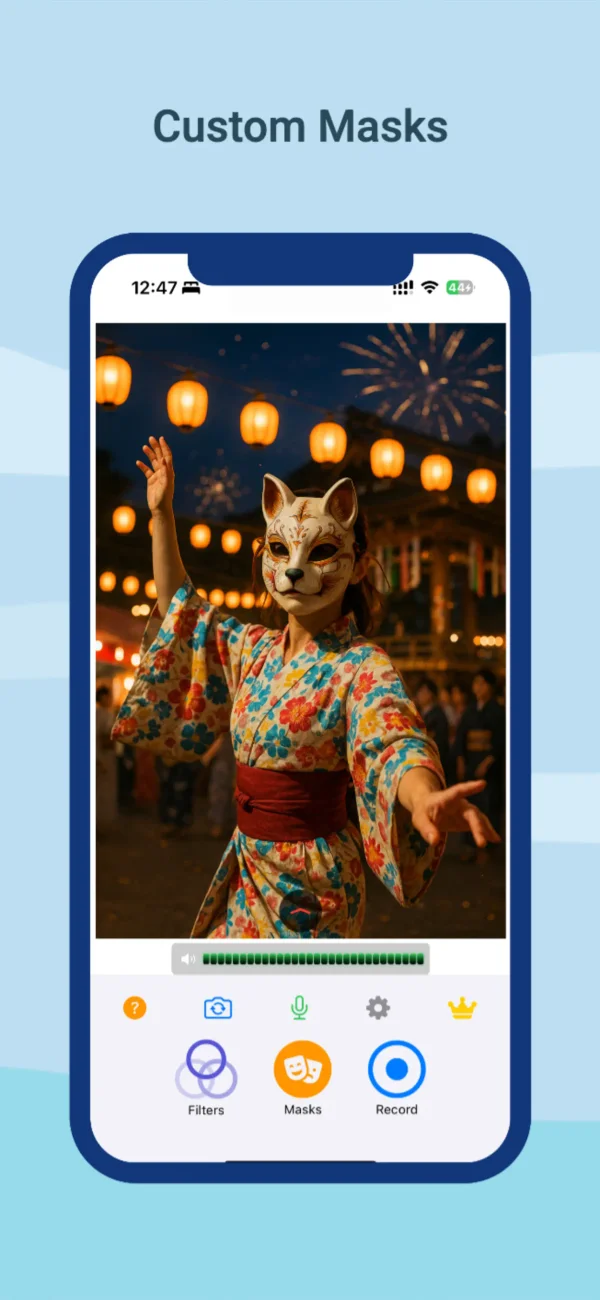
• Face Masks: Automatic face tracking and resizing with a variety of mask options.
• Dual Camera & Speaker Mode: Capture both you and your environment in one seamless recording.
• User-Friendly Interface: Intuitive design for effortless camera control.
• Optimized for macOS and iPad: Smooth performance with full Apple ecosystem integration.
Where to use CameraStudio?
• Live Streaming: Elevate your streams with professional-grade visuals and smooth transitions.
• Video Recording: Record vlogs, tutorials, and interviews using Dual Camera mode.
• Video Conferencing: Look professional with a customized virtual camera setup.
• Content Creation: Create high-quality video lessons, blogs, and product demos.
• Virtual Events: Perfect your setup for webinars, conferences, and presentations.
• Post-Production: Record and enhance footage with filters and effects.
Key Features
• Dual Camera Recording (Front + Rear)
• Video Recording Support
• Customizable Virtual Camera
• Multiple Video Source Switching
• Filter & Mask Effects
• Face Tracking and Auto Resize
• Speaker Mode for Engaging Presentations
• Plugin Management and Quick Activation
Whether you’re a content creator, educator, or business professional, CameraStudio helps you produce better videos — faster and easier than ever.
Download CameraStudio today and take full control of your video experience!
For any questions or feedback, our professional support team is always ready to help you.
Terms of Use: https://www.apple.com/legal/internet-services/itunes/dev/stdeula/
What’s new
Version 1.61 · Aug 13, 2026
1. Added OnBoarding experience to help new users understand the app's features and capabilities
2. Added Text overlay support
3. Performance optimization — faster processing, lower resource usage
4. Redesigned UI/UX for quicker operation
5. Fixed filter application bugs
App privacy
What 辉章 何 declares on the App Store about how this app handles data.
-
Data not linked to you
May be collected but is not linked to your identity.
- Usage data
Privacy practices may vary, for example with the features you use or your age.
Information
- Seller
- 辉章 何
- Category
- Photo & Video
- Version
- 1.61
- Updated
- Aug 13, 2026
- Released
- Dec 4, 2024
- Size
- 27.4 MB
- Requires
- iOS 15.6 or later
- Age rating
- 4+
- Price
- Free
- In-app purchases
- Yes
- Languages
- English, French, German, Italian, Japanese, Korean, Portuguese, Simplified Chinese, Spanish, Traditional Chinese
- Copyright
- © emperinter
You might also like
-
 Camera Studio*One-Take Camera
-
 Virtual Composite CameraVirtual Tour Camera
-
 Virtual Background CameraGreen Screen Free AI Camera
-
 SplitCam Live Streaming AppGo live instantly and easily
-
 Phonecam for OBS StudioWireless NDI webcam & camera
-
 ManyCam - Easy live streaming.Quick and easy live streaming.
-
 Camo Studio – Stream & RecordMulticam livestreams & scenes
-
 Switcher: Live Streaming AppMulticam Live Streaming
-
 Amigo AI - Face Swap CameraReal-time Face Swap
-
 CameraFi LiveRecording & Live Streaming